Nextcloud Flagged Itself as a Hacker? A Hilarious Brute-Force Alert Story

Nextcloud flagged its own localhost as a brute-force attacker due to a device retrying an expired App password.
A self-hosted Nextcloud user received a security alert warning of a brute-force attack originating from localhost — meaning the server reported itself. The culprit was a local device silently retrying a revoked App password in the background, triggering Nextcloud's brute-force protection. Since the mechanism tracks failed logins by IP without distinguishing local from external traffic, it flagged 127.0.0.1 as suspicious. The incident highlights practical self-hosting hygiene: audit and revoke stale App passwords, check security logs to identify misbehaving clients, and correctly configure trusted_proxies behind a reverse proxy to prevent false positives from cascading.
A Security Alert From Your Own Server
A Reddit user shared a delightfully absurd experience with their community: their self-hosted Nextcloud server sent them a security email warning of suspicious brute-force activity — and the source of the attack was the server's own localhost.
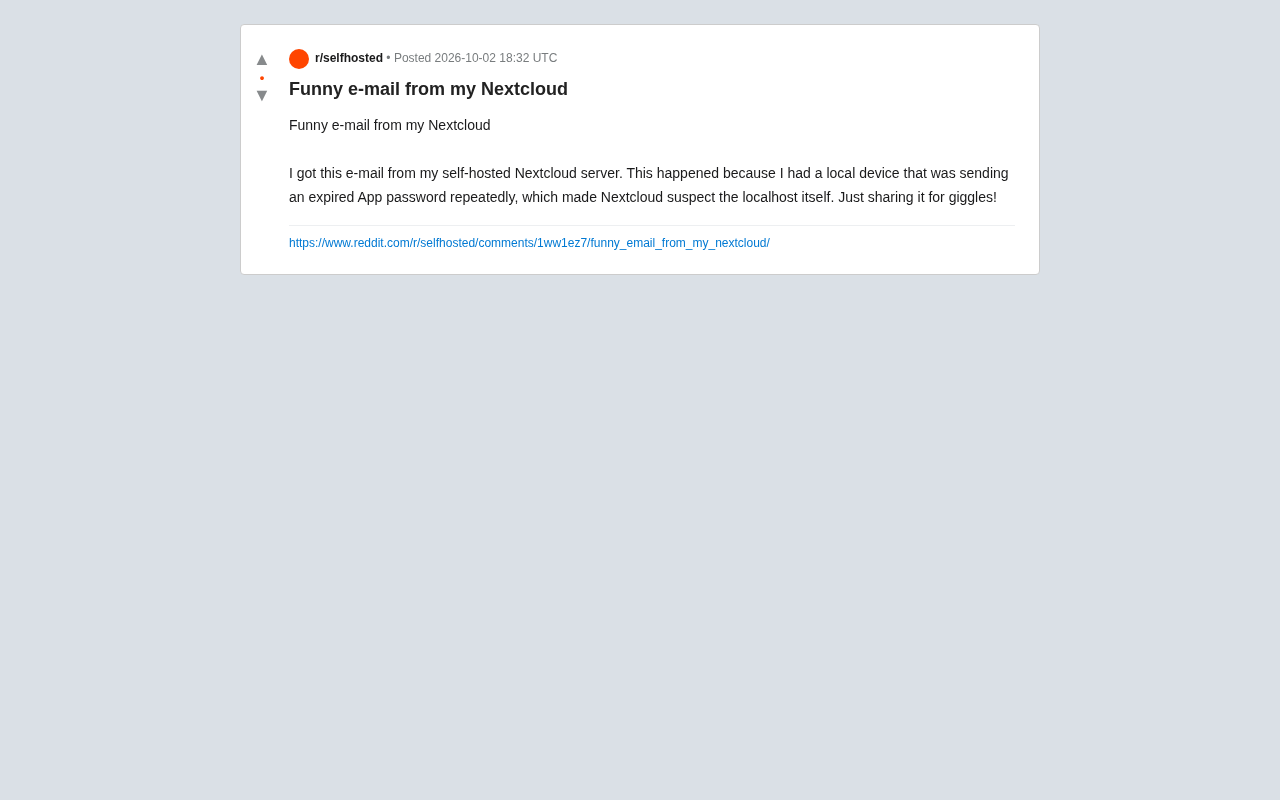
The cause was straightforward enough: a local device was repeatedly sending an expired App password. Nextcloud's security mechanism detected a continuous stream of failed authentication requests from the same source, triggered its brute-force protection, and flagged the "suspect" — which turned out to be the server itself. As the original poster put it, they shared it purely for a laugh.
Why Nextcloud "Reported Itself"
This is actually Nextcloud's Brute-force Protection working exactly as intended. The feature tracks failed login attempts from the same IP address, and when the failure count exceeds a threshold within a short window, it applies request throttling to that IP, logs the activity as suspicious, and can trigger a notification.
The catch is that when a local process or device continuously sends requests with invalid credentials, the source IP is often resolved as 127.0.0.1 or a LAN address. From Nextcloud's perspective, it only sees "an IP that keeps failing authentication" — it has no way of knowing that IP happens to be the very host it's running on. Hence the absurd situation of a server flagging itself as an attacker.
Expired App Passwords Are a Common Trigger
App passwords (application-specific passwords) are the dedicated credentials Nextcloud provides for third-party clients, sync tools, calendar/contacts apps, and similar integrations. If a user revokes an App password in settings, or a password expires due to a policy, but the corresponding client is still running background sync attempts at regular intervals, it will keep generating failed authentication requests. These "zombie clients" are one of the most common causes of false-positive alerts.
App passwords are essentially an OAuth-style "delegated credential" design — they let third-party clients gain limited access without exposing the main account password. Each App password can only access specific API scopes, and users can revoke any individual one from the web interface at any time without affecting the main account or other clients. The security advantage is clear: even if a sync client is compromised or its credentials leak, an attacker can only access the permissions tied to that specific password — they can't use it to log into the web interface or access other devices' sync data.
However, this "one-time issuance, manually managed" model also carries operational risk. After switching devices, reinstalling a system, or changing security policies, users often forget to revoke old credentials — leaving expired passwords silently retrying in the background. Nextcloud's admin interface lets you view all active App passwords and their last-used timestamps. Regularly auditing this list is the simplest way to avoid these kinds of "ghost client" issues.
How to Troubleshoot This Type of False Positive
While this was a harmless mix-up, it's a good reminder for self-hosters to keep a few practical things in mind:
Identify the Culprit
Check Nextcloud's log file (nextcloud.log) or the Security section in the admin panel to locate the source of the repeated failed requests. If it shows as localhost or an internal IP, you can almost certainly pin it on a local client rather than a genuine external attack.
Clean Up Stale Credentials
Log into the affected local device or client, remove the old account configuration, and reconnect using a valid App password or account credentials. Desktop sync clients, mobile apps, WebDAV mounts, and third-party scripts are all potential "silent retriers."
Configure Trusted Proxies and Whitelists Properly
If Nextcloud is deployed behind a reverse proxy (such as Nginx or Caddy), you'll need to configure trusted_proxies correctly — otherwise all requests may appear to originate from a single proxy IP, which can cause the protection mechanism to misfire on a much broader scale. For internal addresses you genuinely trust, you can add them to the brute-force protection whitelist in your configuration.
Reverse proxies are a common architecture in self-hosted setups: Nginx, Caddy, Traefik, and similar tools receive incoming requests externally and forward them to the Nextcloud instance on the internal network. In this setup, the source IP that Nextcloud directly sees is always the proxy server's address (typically 127.0.0.1 or an internal IP) — not the real client IP. The actual client IP is passed by the proxy via HTTP headers like X-Forwarded-For or X-Real-IP. If trusted_proxies isn't configured correctly, Nextcloud won't trust these headers, and all traffic will appear to come from the same proxy IP. If any one client triggers repeated authentication failures, the brute-force protection could throttle every user behind that proxy simultaneously — causing serious availability problems on multi-user instances.
The correct approach is to add your reverse proxy's IP to the trusted_proxies array in config.php, allowing Nextcloud to properly reconstruct the true source IP for each request.
The Security Lesson Behind the Humor
This "self-reporting" email is funny, but it also demonstrates that the protection mechanism is genuinely working — even a localhost source didn't slip past it. For self-hosters, it's a memorable little case study:
- Security alerts don't necessarily mean you've been breached — more often they point to a misconfiguration or an out-of-sync client;
- Background retries from stale credentials waste resources and pollute your logs — clean them up promptly;
- Understanding IP resolution and trusted proxy configuration will help you avoid a large class of these false positives.
The joy of self-hosting is half about controlling your own data — and maybe the other half is occasionally getting these delightfully petty little notes from your own infrastructure.
Related articles

Chain of Thought Isn't Just for AI: How Humans Can Use CoT to Improve Thinking Quality
Chain of Thought isn't just a prompt trick for large models. Starting from a Hacker News discussion, this article analyzes why CoT works for human thinking too, breaks down actionable ways to transfer it, and highlights the key differences between human CoT and machine CoT.
Cloudflare Teams Up with OpenAI: Closi…
Cloudflare Teams Up with OpenAI: Closing the Loop from Vulnerability Discovery to Defense with AI
Cloudflare uses OpenAI Daybreak to investigate security vulnerabilities and generate reviewable remediation plans, while developers use Codex to boost coding efficiency and quality.

Orca Multi-Agent Orchestration in Practice: A Guide to Parallel Collaboration with Claude and Codex
Orca is Stable AI's free open-source agent workbench supporting 34 agents like Claude Code and Codex in parallel. Learn its Git worktree isolation, multi-model orchestration, and mobile management.