Nutrient Data Extraction API: Schema-Driven JSON Output with Citations and Confidence Scores

Nutrient's data extraction API returns schema-matched JSON with citations and confidence scores, making PDF extraction traceable.
Nutrient's data extraction API changes how document parsing works: callers define the target schema and the API returns matching JSON, eliminating the mapping layer between vendor-fixed output and business models. Each field carries page, region, and match-tag citations for a verifiable result-location-evidence chain; field-level confidence scores expose uncertainty and enable triage between auto-loading and manual review. A bundled Studio environment lets teams validate extraction on samples before writing code, reducing integration rework. It suits document-intensive scenarios like contracts, invoices, and medical records, though performance, file-size limits, and pricing remain undisclosed.
From PDF to Structured JSON: Nutrient's New Approach
Turning unstructured content from PDFs, scans, and Office files into JSON that can be loaded into a database has always been grunt work in data engineering. Nutrient's data extraction API takes a different approach: instead of forcing you to accept a fixed output format, you define the target schema and the API returns JSON that matches it. According to MarkTechPost, the API supports parsing PDFs, scans, and Office files, and each field also carries three types of citation information: page number, region, and match tag.
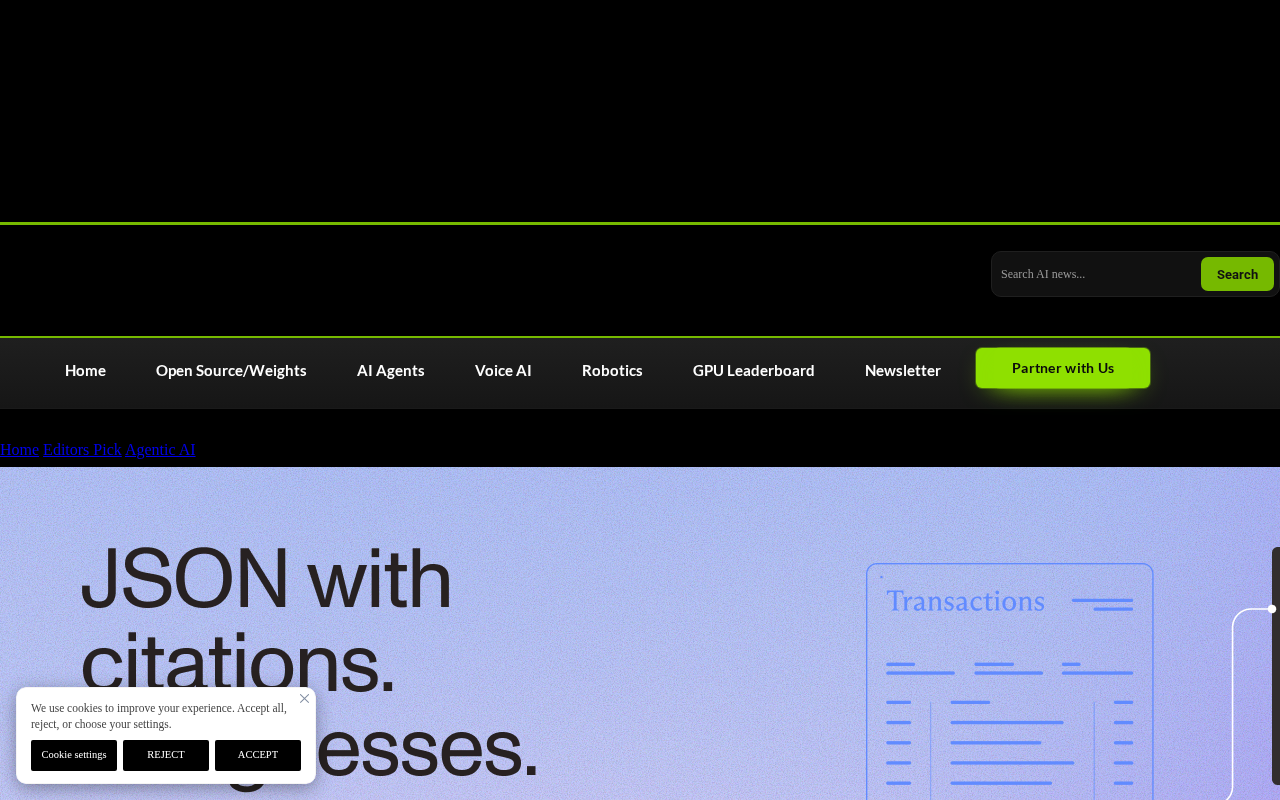
This design targets the core pain point of "untrustworthy extraction results." Traditional solutions give you results without evidence, and when a field value doesn't match the source text, troubleshooting becomes extremely costly. By returning citation metadata alongside each field, Nutrient effectively gives every extracted value its own traceability record.
JSON According to Your Schema, Not the Other Way Around
Schema-driven output logic
Most document parsing services define the output structure themselves, and developers have to write an additional mapping layer to convert the results into their business model. Nutrient flips this: the schema comes first. You declare the field structure you need, and the API organizes its output around that structure. This eliminates the intermediate conversion layer and keeps extraction logic closer to the business model.
This pattern is more convenient in scenarios that need to feed fixed database tables or downstream systems. Field naming and nesting levels stay under the caller's control rather than requiring passive adaptation.
Schema, in the context of data exchange, is a formal description of a data structure that specifies which fields exist, their types, whether they are required, and their nesting relationships. Common representations include JSON Schema and schema definitions in OpenAPI. When Nutrient says "JSON according to your schema," it essentially means the caller submits a target structure declaration and the server organizes extraction results accordingly, so the output aligns directly with downstream database tables or business objects. Compared with the traditional approach of vendor-fixed output plus manual mapping, schema-driven design puts the initiative for structure definition in the caller's hands, but it also means the quality of schema design directly affects extraction quality: overly coarse field definitions lose information, while overly fine or semantically ambiguous ones may make it hard for the model to decide what to fill in.
The value of three types of citation information
Each field carries three types of citations: page number, region, and match tag. The page number locates the specific page in the document, the region points to a position within the page, and the match tag indicates how the value was matched. Together they form a verifiable chain: result—location—evidence.
For businesses that require traceability—auditing, contract comparison, financial document processing—this layer of information is more convincing than a bare accuracy number. When disputes arise, you can go back to the original location and verify directly instead of trusting a black-box confidence score.
Match tag here refers to a label indicating how a field value was matched to the source text—for example, exact string match, fuzzy match, regex hit, or approximate alignment after optical character recognition (OCR). For scanned documents, the match method is especially critical: OCR itself may introduce character-level errors, and if the tag shows the value came from a fuzzy match, the caller should treat it with extra caution. Match tags, together with page number and region, form three layers of traceability: page number answers "which page," region answers "where on the page," and tag answers "on what basis was this value determined to correspond to this field." Combined, they turn extraction results from unverifiable output into an auditable evidence chain.
Confidence score in document information extraction usually refers to the model's internal estimate of the correctness of a field value, typically between 0 and 1. Its typical use is not to judge individual fields as right or wrong, but to enable batch triage: fields above a threshold go straight into the database, while those below it enter manual review. However, confidence is not a calibrated probability, and its distribution can vary greatly across document types and fields, so thresholds need to be calibrated on real samples rather than using default values directly. Nutrient's original text does not disclose how its confidence scores are calculated or their value range, which means that during vendor evaluation, the actual discriminative power of the confidence score should be a key test item.
Confidence Scores: Making Uncertain Fields Visible
The hard part of document extraction is often not "failing to extract" but "extracting something without knowing whether it's right." Nutrient attaches confidence information to fields, exposing uncertainty to the caller.
The point of this design is triage: high-confidence fields can go straight into the database, while low-confidence fields enter a manual review queue. Compared with full manual verification or full automatic acceptance, this tiered strategy balances cost and accuracy. The specific threshold depends on the business's tolerance for errors.
It should be noted that the original report does not disclose how confidence scores are calculated or their value range, so actual performance still needs to be validated on specific document types.
Studio: Validate First, Then Write Code
Nutrient provides a Studio environment that lets teams test extraction results before writing code. A common failure mode in document extraction projects is: you finish the code and go live with the integration, only to discover that extraction performance on a certain layout falls short of expectations.
Running samples in a visual environment first—examining citations and confidence behavior—before deciding whether to integrate can significantly reduce rework costs. For non-technical business stakeholders, this also provides an entry point for participating in evaluation—they can judge whether extraction results are usable without reading code.
Who Is This Kind of Tool For
Document-intensive businesses are the main beneficiaries: contract and legal document processing, invoices and expense documents, medical records, metadata extraction from scientific literature, and more. What these scenarios share is that document layouts vary widely, field requirements are explicit, and errors are costly.
For teams already using general-purpose OCR or rule-based extraction, the combination of schema-driven output and field-level citations is worth evaluating. However, the source material provides limited information—the API's specific performance, maximum supported file size, and pricing model are not mentioned—so further confirmation via official documentation is needed before selection.
Related articles

Abnormal Error Rate Spike in Claude Mythos 5.2 and Fable 5.2
Claude Mythos 5.2 and Claude Fable 5.2 show an abnormal spike in request error rates, marked as investigating on the official status page. This article covers the incident overview, practical impact on developers, and recommended responses.

ReAct Runtime Context Trimming: Why Claude Code Acts at 70%
A deep dive into ReAct runtime context trimming: why Claude Code compresses at ~70% usage, why tool calls dominate, why messages must be dropped in pairs, and why codebases don't need RAG.

AI Agent vs LLM: How Cursor and Claude Code Actually Work
An in-depth analysis of the essential difference between AI Agents and LLMs: LLMs generate code suggestions, while Agents modify files and run tests via tool calls. Using a Spring Boot bug fix as an example, it breaks down the workflows, permission control, and verification mechanisms of Cursor and Claude Code.