OCR It: A Practical Tool for Turning Uncopyable Documents into LLM-Ready Text

OCR is evolving from an archiving tool into a critical data entry point for LLM workflows.
Using the Hacker News project OCR It as a starting point, this article explores the new role OCR technology plays in the age of large language models. Scanned documents, screenshots, and permission-restricted PDFs form the first barrier in any AI workflow, and OCR tools exist to convert them into model-readable text. The article examines design trade-offs around accuracy, format preservation, and privacy, and addresses whether multimodal LLMs will replace dedicated OCR — concluding that the two are complementary: OCR serves as a stable, low-cost preprocessing pipeline, while multimodal models handle understanding and generation.
When Documents Can't Be Copied: The First Barrier for AI
Anyone who has used a large language model (LLM) to process documents has likely run into the same frustrating wall: a scanned PDF, a screenshot, or a copy-restricted file — the content is right there in front of you, yet you can't select, copy, and paste it into ChatGPT, Claude, or any other chat interface. This gap between "visible to the human eye, but unreadable by machines" is exactly why OCR (Optical Character Recognition) technology exists.
A small project called OCR It recently appeared on Hacker News, and it targets this pain point with a refreshingly direct pitch: extract text from uncopyable documents so you can feed it to your LLM. The project didn't make a big splash (5 upvotes, 3 comments), but it speaks to a genuinely widespread need in the AI era.

The Core Problem OCR It Is Solving
From "Uncopyable" to "Model-Ready"
OCR It's core value proposition is right there in its tagline: pull text out of un-copyable documents for your LLM.
The operative word here is "un-copyable." In practice, documents become uncopyable for a variety of reasons:
- Scanned documents and image-based PDFs: The file is essentially a raster image with no text layer, so no text can be selected.
- Encrypted or permission-restricted PDFs: Copy functionality is disabled for copyright or security reasons.
- Screenshots and photos: Contracts photographed on a phone, whiteboard notes, book pages, and so on.
- Complex tables and formatted documents: Even when copying is technically possible, the pasted result is a mangled mess.
OCR It's approach is to convert all of these into plain or structured text, clearing the very first hurdle on the input side of any LLM workflow.
It's worth noting that "image-based PDFs" and "copyable PDFs" are fundamentally different at the technical level. A copyable PDF contains an embedded text layer that PDF readers can index directly. A scanned document, by contrast, is essentially a raster image wrapped inside a PDF container — no character encoding information exists whatsoever. OCR bridges this gap through image processing and machine learning: it maps pixel patterns in the image back to corresponding Unicode characters. Modern OCR engines like Tesseract and PaddleOCR typically combine convolutional neural networks (CNNs) for character feature extraction with recurrent neural networks (RNNs) or Transformers to model contextual relationships between character sequences — significantly improving accuracy on continuous text and complex typefaces.
Why OCR Matters More Than Ever in the LLM Era
Historically, OCR was primarily a tool for digital archiving and document retrieval. Today, it has become a data entry point for AI workflows. Whether a user wants to summarize a report, translate a foreign-language document, or extract key clauses from a contract, the prerequisite is always the same: the text has to get in. Tools like OCR It serve as the conversion layer between "human documents" and "AI models."
Design Trade-offs for LLM-Oriented OCR Tools
Accuracy Is Everything
The biggest challenge in OCR has always been recognition accuracy. In a standard search or retrieval context, a few misread characters are a minor annoyance. But when the output is fed directly into an LLM, errors are amplified and propagated — the model reasons on top of flawed text and produces conclusions that sound plausible but are factually wrong. This raises the bar considerably, especially for numbers, proper nouns, and code snippets.
OCR accuracy is typically measured using two metrics: Character Error Rate (CER) and Word Error Rate (WER), which capture the proportion of substitution, insertion, and deletion errors at the character and word level respectively. Leading commercial OCR systems can achieve CER below 1% on standard printed text, but accuracy drops sharply with handwriting, low-resolution images, or skewed and distorted layouts. For LLM workflows, even a single misread character can trigger model "hallucination" — for example, if a contract figure of "1,000,000" is read as "1,00O,000" (the letter O substituted for the digit 0), the model may produce a completely incorrect interpretation of the clause. This makes LLM pipeline OCR especially sensitive to low-frequency but high-impact recognition errors.
Format Preservation vs. Plain Text Output
Another key trade-off is whether to preserve the original document structure. If tables, multi-column layouts, and heading hierarchies are flattened into undifferentiated lines of text, the LLM's ability to understand the content degrades significantly. There is a growing trend toward outputting Markdown or other structured text formats so that models can correctly parse hierarchical relationships — a direction shared by many similar tools, including the broader family of PDF-to-Markdown projects.
Privacy and Local Processing
Documents often contain sensitive information — contracts, ID documents, financial data. When evaluating an OCR tool, users naturally want to know whether processing happens locally or requires uploading files to the cloud. For privacy-sensitive use cases, support for local inference or a clear data handling commitment often matters more than a few extra percentage points of accuracy.
Will Multimodal LLMs Replace Dedicated OCR?
A natural question arises: given that multimodal models like GPT-4o, Claude, and Gemini can already "read" text directly from images, why do we still need dedicated OCR tools?
The answer lies in specialization and reliability. Multimodal models can certainly understand text in images, but dedicated OCR tools remain indispensable in the following scenarios:
- Long document processing: Running dozens or hundreds of scanned pages through a multimodal model page by page is both slow and expensive.
- Dense table recognition: Dedicated OCR tools reconstruct table structures more precisely.
- High-volume automation: OCR as a pipeline component is more stable and controllable, and easier to audit and correct.
In other words, OCR is best thought of as a reliable "preprocessing pipeline," while multimodal models handle the downstream understanding and generation. The two are complementary, not competitive — at least for now.
Multimodal LLMs like GPT-4o and Gemini 1.5 Pro process image text through a fundamentally different mechanism than traditional OCR. They use a vision encoder to convert images into vector representations, then have the language model interpret the text content within a joint semantic space — enabling simultaneous understanding of both text and visual context. However, this "comprehension-first" design also introduces limitations: models tend to semantically smooth their recognition outputs, potentially "hallucinating" ambiguous characters without realizing it. In scenarios requiring word-for-word fidelity — such as legal text or numeric tables — this can make them less reliable than dedicated OCR. Additionally, multimodal models typically have token limits per image, forcing long documents to be sliced into chunks, while the latency and cost of each API call far exceed those of a local OCR engine.
Conclusion
OCR It itself is just a fledgling side project on Hacker News, but it reflects a pattern that keeps proving itself as AI moves into the real world: no matter how powerful the model, it still needs clean, readable input data. As more and more work is delegated to LLMs, the seemingly humble task of "turning a document into text the model can read" becomes an indispensable link in the entire workflow chain.
For users who regularly deal with scanned documents, screenshots, and restricted PDFs, the practical value of tools like this is often much higher than their upvote count would suggest.
Related articles
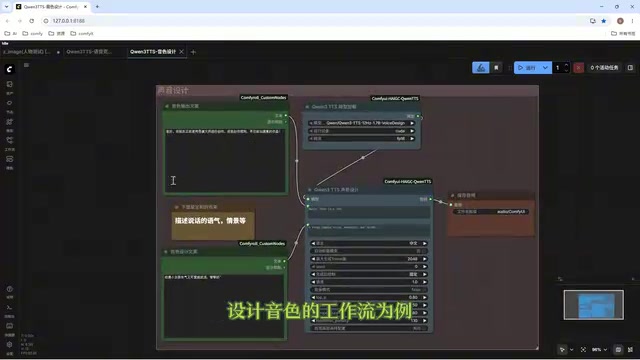
Director Master Tutorial: Full Workflow for AI Character Voice Design and Binding
Based on a Bilibili tutorial, this guide details how to design and bind AI character voices in Director Master: uploading voices, generating them via ComfyUI workflows, producing voice profiles alongside character design, and automatically inheriting voices in storyboard prompts.
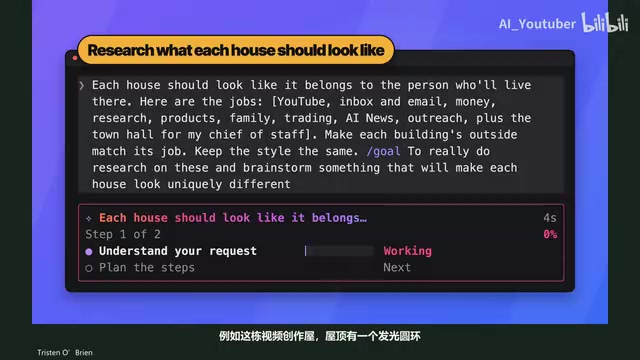
3.5 Hours and $47: Building an AI Agent Village Step by Step
A Bilibili creator built an AI Agent village in 3.5 hours for about $47: Claude Code handles logic and behavior, Higgs Field generates art. Seven steps cover maps and buildings, chief of staff and director roles, walkable areas and behavior rules, connecting to real tools like email and calendars, proving ground meetings, and retaining final human approval—including a cost ledger and prompt design thinking.
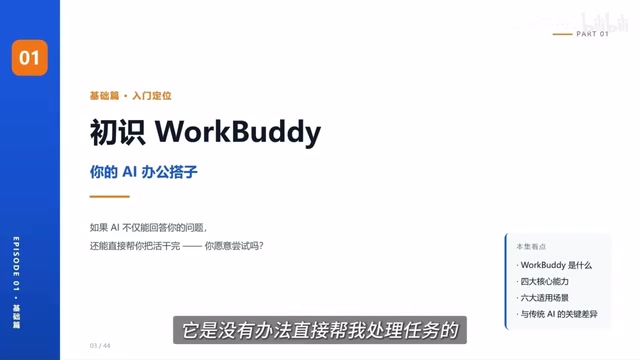
WorkBuddy Complete Beginner's Guide: Master Your AI Digital Employee in 7 Days
A detailed breakdown of the WorkBuddy beginner's guide: how this domestic Codex alternative works, its four advantages over traditional AI, and a learning path for newcomers.