Omi CLI: An AI Coding Agent in Your Terminal with 13 Model Support
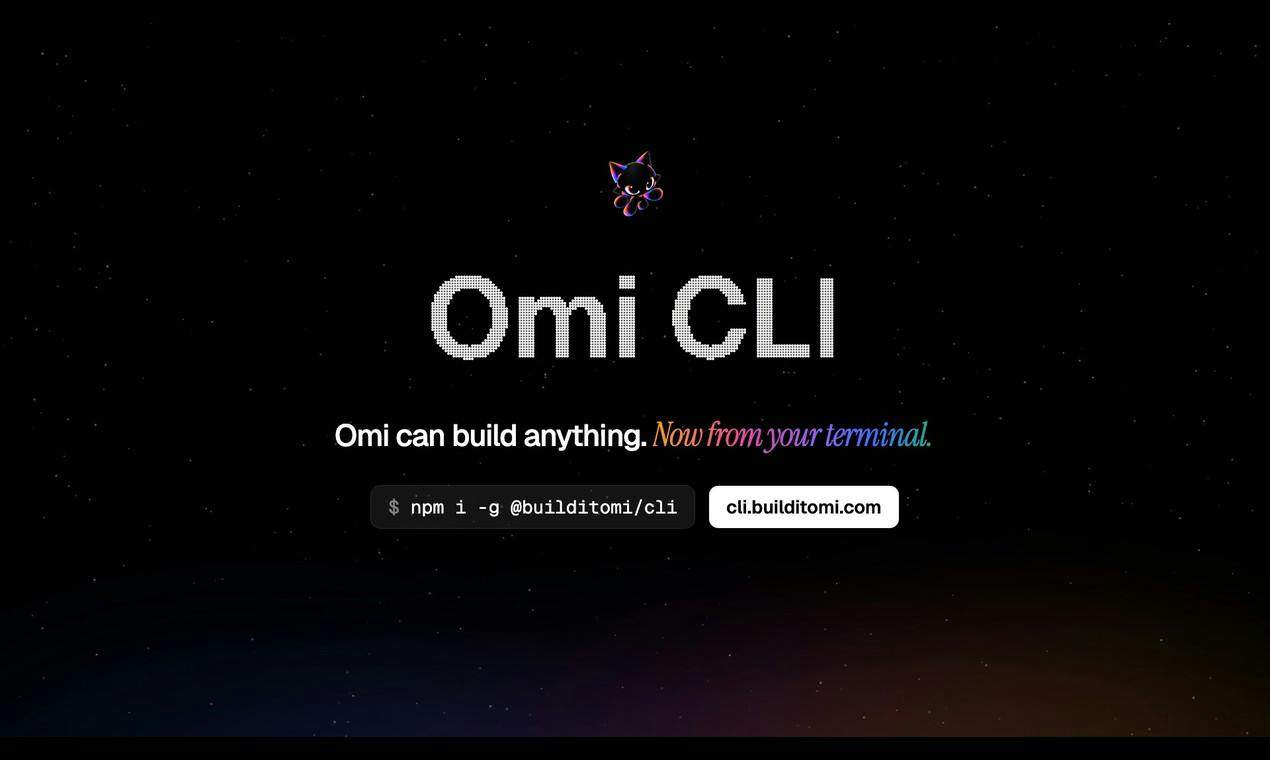
Omi CLI puts an AI coding agent in the terminal, aggregates 13 models, and supports automatic test running.
Omi CLI is an AI coding agent that runs in the terminal. With a global npm install, it can read code, understand context, and execute modifications in your project directory. Its three core features are: terminal-native operation without leaving the command line; aggregation of 13 models automatically orchestrated via Auto mode under a single subscription; and all modifications presented as diffs requiring developer approval before being written, while the agent automatically runs tests and iterates until they pass. It received 74 upvotes and ranked 8th on Product Hunt, adopting a free-to-start strategy. Key details such as the model list, orchestration strategy, and supported testing frameworks are not yet public, so it is recommended to verify in a small repository before relying on it deeply.
The developer tools market has a new player. Omi CLI quickly gained attention after launching on Product Hunt, and its core proposition is straightforward and compelling: put an AI coding agent directly in your terminal and aggregate 13 models for you to orchestrate.
Terminal-Native: Complete the Coding Loop Without Leaving the Command Line
Omi CLI's positioning is very clear—it is not a standalone IDE, nor a web chat window, but a coding agent that runs directly in your terminal. You can install it globally with a single command, npm i -g @builditomi/cli, after which it can read your code repository, understand context, and start working.
This terminal-native design is quite friendly to developers who are comfortable with the command line. You don't need to switch back and forth between the editor and the browser; the agent operates directly in your project directory. According to the official description, Omi CLI presents every change as a diff, which is only written to files after you confirm each item. This "human-in-the-loop" approval mechanism reduces the risk of AI mistakenly modifying code and keeps developers in full control of changes.
Human-in-the-loop approval is a common safety mechanism in AI coding agents: the agent can autonomously generate modification plans, but before changes actually land, a human must confirm each item. Compared with fully automated "one-click modification," human-in-the-loop keeps the final decision-making power with the developer, leveraging the model's high-speed generation capabilities while avoiding irreversible losses caused by hallucinated code or mistakenly deleted files. In terminal scenarios, this mechanism is usually presented as a diff view, where developers can accept or reject each block with shortcuts—an experience close to a lightweight version of code review.
13 Models, One Subscription: The Orchestration Logic Behind Auto Mode
Another compelling feature of Omi CLI is model aggregation. The official claim is support for 13 models, all under a single plan. For developers, this means they don't need to manage API keys separately for each model or subscribe to multiple services, lowering the barrier to use and reducing cost complexity.
More importantly, there is the "Auto" mode: the system automatically selects a suitable model from the 13 to complete the task. Although the official documentation does not disclose the specific orchestration strategy, based on product logic, this automatic selection may dynamically decide based on task type, code context, or differences in model capabilities. For developers who don't want to agonize over "which model should I use," this is a practical abstraction layer.
Model Routing refers to automatically dispatching requests to different large language models within a system based on task characteristics. Common strategies include: tiering by task difficulty (small models for simple completions, large models for complex refactoring), matching by capability specialization (code generation, long-context understanding, and reasoning capabilities each have different strengths), and making trade-offs based on cost and latency constraints. The industry already has routing solutions such as RouteLLM and NotDiamond, all aimed at balancing quality and cost. Omi CLI's Auto mode essentially encapsulates this layer of decision-making so developers don't need to manually switch between multiple models.
Automatically Running Tests: From Generating Code to Verifying It Passes
The third core capability of Omi CLI is the testing loop. It not only generates code but also runs your test suite and continuously iterates until tests pass. This changes the traditional AI coding assistant model of "generate and done," bringing the verification step into the agent's scope of work.
From an engineering perspective, this design directly addresses a pain point: AI-generated code often needs to be verified for correctness through actual execution, and the loop of manually running tests, reading failure messages, and feeding them back to the AI is quite time-consuming. Omi CLI automates this loop, which in theory can significantly improve efficiency from requirements to runnable code. Of course, the quality of the tests themselves determines the upper limit of this loop—if a project lacks reliable test coverage, the agent's self-verification capability will also be limited.
The agentic testing loop relies on the iterative paradigm of "generate—execute—observe—correct," often referred to in academia as ReAct (Reasoning and Acting) or a self-refinement loop. After invoking test commands, the agent reads standard output and exit codes, using failure information as context for the next round of prompting to make targeted fixes. The effectiveness of this mechanism depends heavily on the test suite itself: when unit test coverage is sufficient, the agent receives clear pass/fail signals; when tests are lacking or flawed, the agent may get stuck in a loop of repeated modifications without convergence, or even modify test assertions "to make tests pass"—a risk to watch out for in actual use.
Free to Start and Market Feedback
Omi CLI adopts a free-to-start strategy, allowing developers to install and try it directly. On Product Hunt, the product received 74 upvotes, ranking 8th for the day, categorized under Software Engineering, Developer Tools, and Artificial Intelligence. For a CLI tool aimed at developers, this initial attention indicates that there is indeed demand for the terminal-based AI agent direction.
However, it should be viewed objectively: public information is still limited. Key questions such as the specific list of 13 models, the orchestration details of Auto mode, and the scope of test-running support (for example, whether it supports multi-language testing frameworks) are not elaborated in the official description. These details will directly affect the tool's usability in real projects.
The Competitive Logic of the Terminal AI Agent Track
The emergence of Omi CLI reflects a broader trend: AI coding assistants are evolving from "chat windows" to "executable agents" and are increasingly embedded in developers' native working environments. The terminal, as an interface developers use frequently every day, naturally becomes an ideal scenario for agent deployment.
Compared with IDE plugin forms, the advantage of terminal agents lies in being lightweight and composable—they can integrate into existing scripts, CI processes, and automated workflows. But the challenges are equally obvious: terminal environments lack visual feedback, and the presentation of diff approvals and test results needs careful design; otherwise, it may increase cognitive load. Whether Omi CLI can polish these details will determine whether it can stand out from the many similar tools.
For developers who want to give it a try, the cost of one npm install command is not high. But before introducing it into formal projects, it is advisable to first verify the actual performance of its diff approval process and testing loop in small-scale repositories, and then decide whether to rely on it deeply.
Terminal AI agents are a category of tools that have emerged in the past two years, with representative products including Aider, Claude Code, Cursor CLI, and OpenHands. Their common characteristics are using the command line as the interaction interface, directly reading and writing local repositories, and presenting changes through git diff and similar means. Compared with IDE plugins, terminal agents are naturally suitable for embedding into scripts and CI/CD pipelines, and are also convenient for running in remote servers or container environments. Their technical foundation usually includes: repository context indexing (such as slicing relevant files into prompts), tool invocation protocols (executing shell commands, reading and writing files), and change approval and rollback mechanisms. The competitive focus of this track is shifting from "can it modify code" to "does it modify accurately, review clearly, and run stably."
One-line Summary
Omi CLI puts an AI coding agent in your terminal, aggregates 13 models, and supports automatic test running.
Paragraph Summary
Omi CLI is an AI coding agent that runs in the terminal. After a global npm install, it can read code, understand context, and execute modifications in your project directory. It has three core features: first, it is terminal-native, with no need to leave the command line; second, it aggregates 13 models and automatically orchestrates them under a single subscription via Auto mode; third, all modifications are presented as diffs and require developer approval before being written, while the agent automatically runs tests and iterates until they pass, forming a loop from coding to verification. The product received 74 upvotes and ranked 8th after launching on Product Hunt, and it adopts a free-to-start strategy. The article also points out that key details such as the list of 13 models, orchestration strategy, and supported testing frameworks have not yet been disclosed, and recommends verifying in a small repository before deciding whether to rely on it deeply.
Related articles

Prompt Engineering for Beginners: From Writing Prompts to Engineering Thinking
Starting from the essence and four functions of prompts, this article systematically explains the six-step process, four success criteria, learning value, and practical limitations of prompt engineering to help you build a complete understanding.

Anthropic Launches Nasdaq IPO: AI Giant's Listing and Risk Disclosures
Anthropic officially launches its Nasdaq IPO under ticker ANT, with market valuation expected to potentially exceed SpaceX's record. The prospectus devotes nearly 100 pages to AI risks, while first-half revenue grew over 14x but net losses widened sharply, reigniting the AI bubble debate.

Rust cURL Clone Uses 4,832 unsafe Blocks—Is the Memory Safety Myth Broken?
A Rust cURL clone uses 4,832 unsafe keywords, challenging Rust's memory safety narrative. We analyze what unsafe really means, compare Fil-C, and examine rewrite motives.