OmniVoice Studio: A Fully Local, Open-Source Voice Studio That Clones Your Voice in 3 Seconds
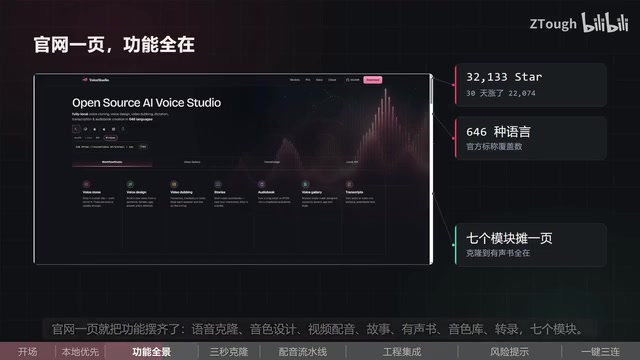
OmniVoice Studio is a fully local open-source voice studio that clones voices in 3 seconds with no API key required.
OmniVoice Studio is a fully local open-source voice processing tool — no account registration or cloud uploads needed — that gained ~22,000 GitHub Stars in 30 days. It integrates seven modules including voice cloning, video dubbing, audiobook generation, and transcription. With just 3 seconds of recorded audio and no training required, it clones a voice profile and automatically routes tasks across 14 TTS engines supporting 646 languages. Its standout feature is a video dubbing pipeline that auto-transcribes, translates, re-voices, and exports finished MP4s. It also supports MCP Server for integration with Claude and Cursor. Currently in Active Beta; ROCm support is Linux-only.
A Full-Featured Voice Studio That Runs Entirely on Your Machine
Voice cloning and AI dubbing tools are nothing new — but most of them require account registration, API keys, and uploading your audio to the cloud for processing. OmniVoice Studio takes a different approach: fully local execution, no sign-up, no API keys, and not a single byte of audio ever leaves your machine. For privacy-conscious creators, that's a genuinely compelling premise.
This open-source project racked up roughly 22,000 GitHub Stars in just 30 days — an impressive growth rate. It packs a comprehensive suite of voice-related features into one package, with seven modules listed on the official site: voice cloning, voice design, video dubbing, story audiobook generation, voice library, and transcription — covering the complete workflow from raw material to final export.
The installation barrier is kept intentionally low. The team offers a single-line command for deployment, with support for Windows, macOS, Linux, and WSL environments.
3-Second Cloning, 14 TTS Engines Under the Hood
OmniVoice Studio's core selling point is how lightweight it makes voice cloning. Just record three seconds of audio — no training required — and you get a reusable voice profile. That profile is saved and can be applied across dubbing, audiobook, and other tasks down the line.
Under the hood, the project integrates 14 TTS (text-to-speech) engines, automatically selecting the most appropriate one based on the task at hand — no manual engine comparison needed. According to hands-on coverage from a Bilibili creator, the official site lists support for up to 646 languages, which is an impressively aggressive multilingual claim.
The project also handles hardware routing automatically: it detects available compute backends — CUDA, MPS, ROCm, CPU — and selects the optimal execution path on its own, reducing configuration overhead significantly.
The Dubbing Pipeline: The Most Practical Automation Chain
According to the creator's review, the most practically useful feature of the whole tool is the video dubbing pipeline. The workflow goes like this: transcribe the original video into text, translate it into the target language, re-read it using your previously cloned voice profile, and export a finished MP4 — all in one flow.
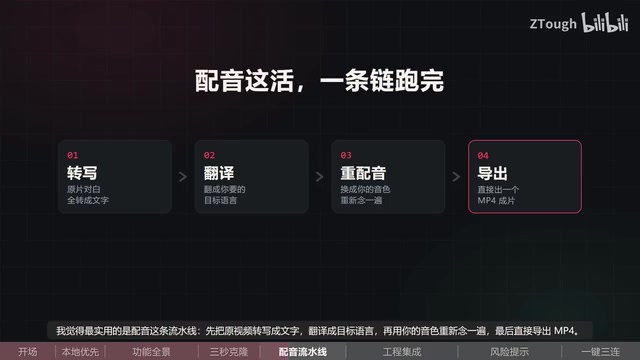
This pipeline is clearly valuable for creators who publish multilingual content — the output isn't a half-finished draft, but a ready-to-publish video. Compared to the traditional approach of handling transcription, translation, recording, and editing as separate steps, OmniVoice Studio consolidates all of them into a single interface.
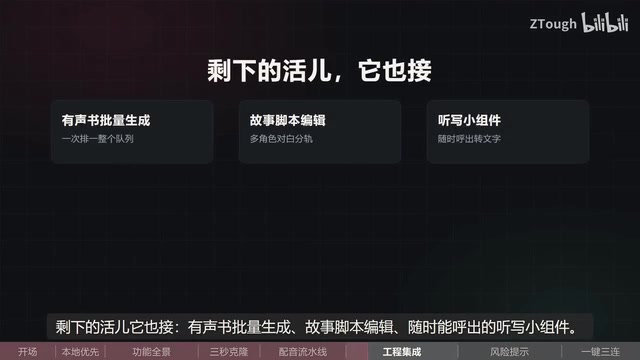
Beyond dubbing, it also supports batch audiobook generation, story script editing, and provides an always-accessible dictation widget for quickly converting speech to text on the fly.
MCP Server Support: Integrate with Cursor and More
One noteworthy capability: OmniVoice Studio can run as an MCP Server, allowing tools like Claude and Cursor that support the MCP protocol to directly invoke its voice capabilities. This means it's not just a standalone app — it can serve as a voice backend integrated into AI coding or writing workflows, leaving the door open for extensibility.
MCP (Model Context Protocol) is an open protocol introduced by Anthropic in late 2024, designed to provide AI models with a standardized "tool-calling" interface. In simple terms, it defines a common format that lets AI clients like Claude and Cursor discover and call capabilities exposed by external programs — essentially giving AI systems plug-and-play functional modules. Applications that support MCP Server can expose their own capabilities (in this case, voice synthesis and cloning) as standardized services. AI clients can then invoke them directly through the protocol without needing to understand the underlying implementation. For developers, this means OmniVoice Studio could be embedded into more complex automation workflows — like "generate voice annotations while AI writes code" or "have a writing assistant automatically read paragraphs aloud" — without building a custom integration layer.
A Reality Check: Beta Status and Hardware Limitations
Despite the hype, a few practical concerns are worth keeping in mind.
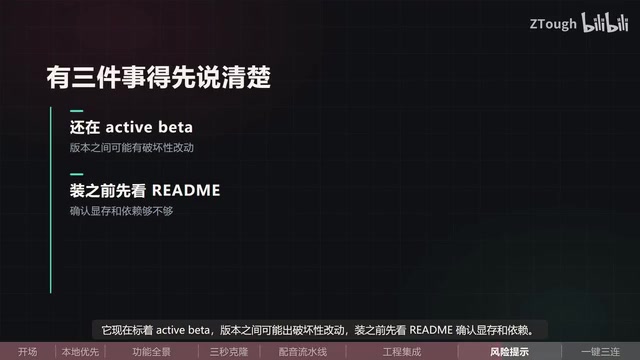
First, the project is currently labeled Active Beta, which means breaking changes between versions are possible. The creator recommends reading the official README carefully before installing to confirm VRAM requirements and dependencies — avoid getting burned by assumptions.
Second, there's a hardware compatibility caveat: ROCm is only supported on Linux as an optional AMD GPU backend — don't expect much on other operating systems with AMD cards. NVIDIA (CUDA) and Apple Silicon (MPS) users will have a noticeably smoother experience.
The project is called OmniVoice Studio, open-sourced under the AGPL 3.0 license, and completely free. For creators who need local processing, care about privacy, and want multilingual dubbing capabilities, it's absolutely worth trying — but before using it in a production environment, be sure to verify version stability and your hardware compatibility.
ROCm (Radeon Open Compute) is AMD's open-source GPU compute platform, positioned as an alternative to NVIDIA's CUDA ecosystem. Despite AMD's ongoing efforts to mature ROCm, its software ecosystem and driver compatibility still lag well behind CUDA, and support from mainstream deep learning frameworks often arrives late. ROCm currently has official guarantees only on specific Linux distributions; AMD GPUs on Windows have virtually no GPU-accelerated path. By contrast, Apple Silicon's MPS (Metal Performance Shaders) backend has received native PyTorch support since macOS 12+, typically giving M-series chip users a local inference experience close to CUDA.
Summary
OmniVoice Studio consolidates voice cloning, dubbing, audiobook generation, transcription, and more into a fully local, open-source studio — cloning voices in 3 seconds, requiring no API keys, and supporting hundreds of languages. It's a dark horse in the recent wave of open-source voice tools, with its real value lying in unifying scattered voice workflows into a single automated pipeline. That said, its Active Beta stability and limited AMD GPU support are factors worth weighing before you dive in.
Related articles
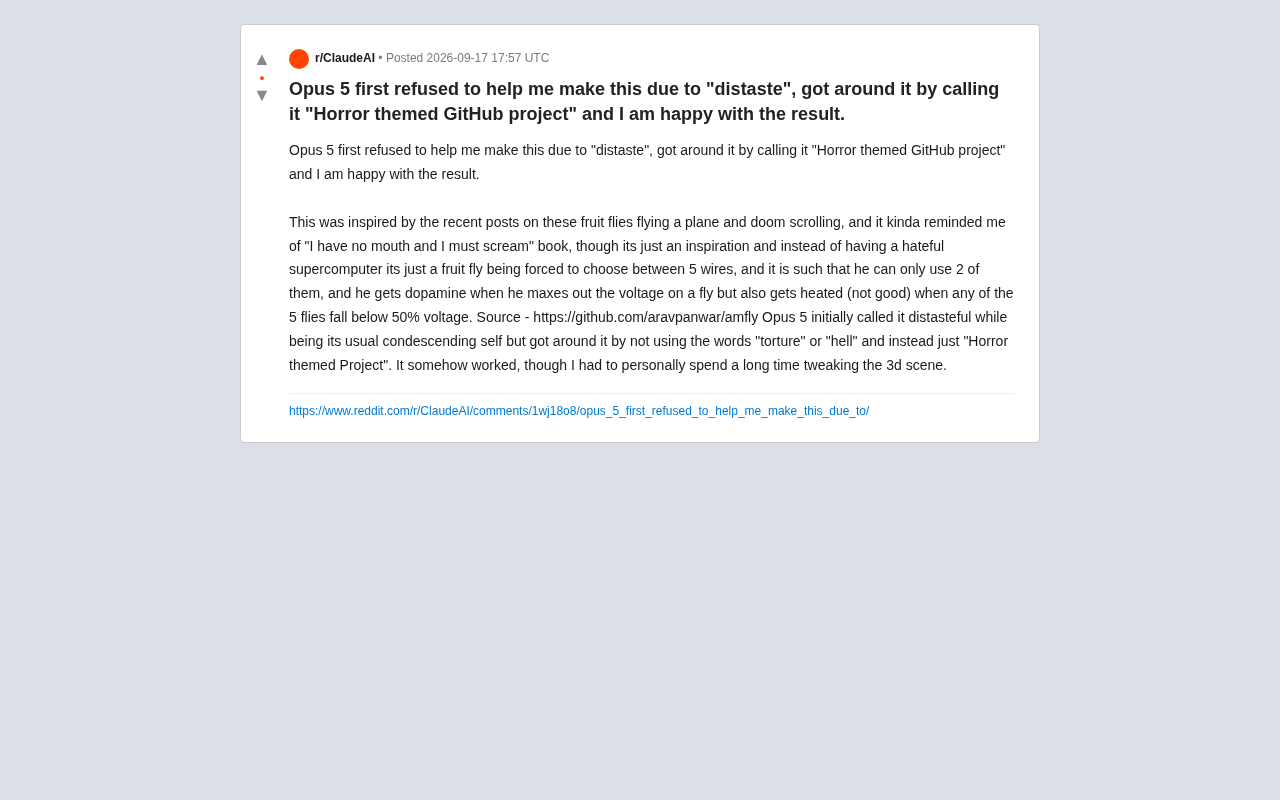
Opus 5's Ethical Boundaries: From Refusal to "Horror-Themed Project" — An Accidental Jailbreak Experiment
A developer bypassed Claude Opus 5's refusal by renaming a fruit fly simulation a "horror-themed project." Explore what this reveals about LLM content moderation and AI alignment.
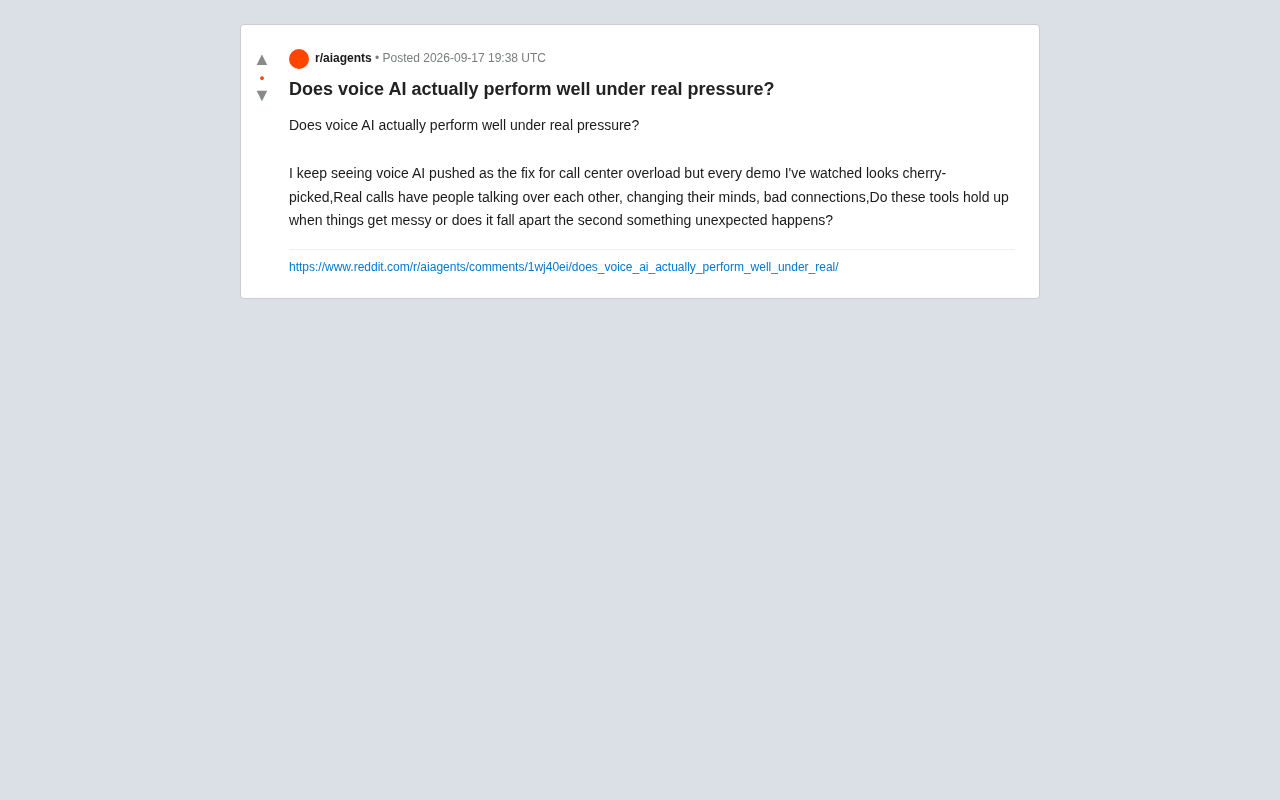
Is Voice AI Actually Reliable in Real-World Call Center Scenarios?
Can Voice AI really handle real call center chaos — interruptions, noise, and intent shifts? We break down the technical limits, demo traps, and how to evaluate reliability.
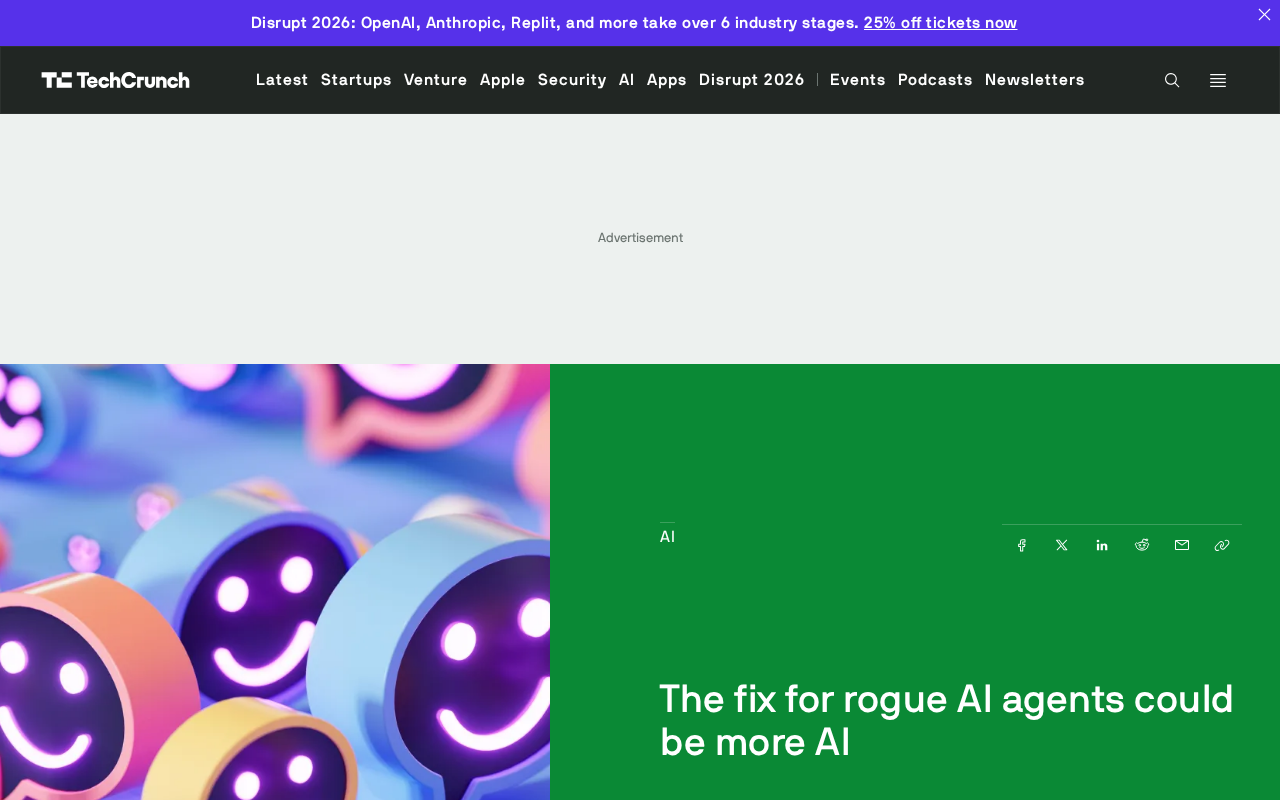
The Rogue AI Agent Problem: Can AI Supervising AI Be the Cure?
As AI agents outpace human review capacity in speed, duration, and scale, enterprises face a critical oversight gap. Can AI supervising AI be the fix?