One Prompt, One Job: When to Split a Saved Prompt

Prompt splitting: recognize overload signals, reorganize by output unit, and let one prompt do one job.
Saved prompts drift as they grow, often because new tasks keep getting stuffed in until they do multiple things poorly. Four overload signals: outputs going to different downstream systems, frequent need to delete part of the response, "if..." conditional branches, and conflicting format requirements. Once you decide to split: list all outputs, create an independent prompt for each, duplicate shared context into both, and use chaining when needed. The principle: what's shared stays, what's specific goes home. But don't over-split — when two outputs share most instructions, splitting's cost outweighs its benefit.
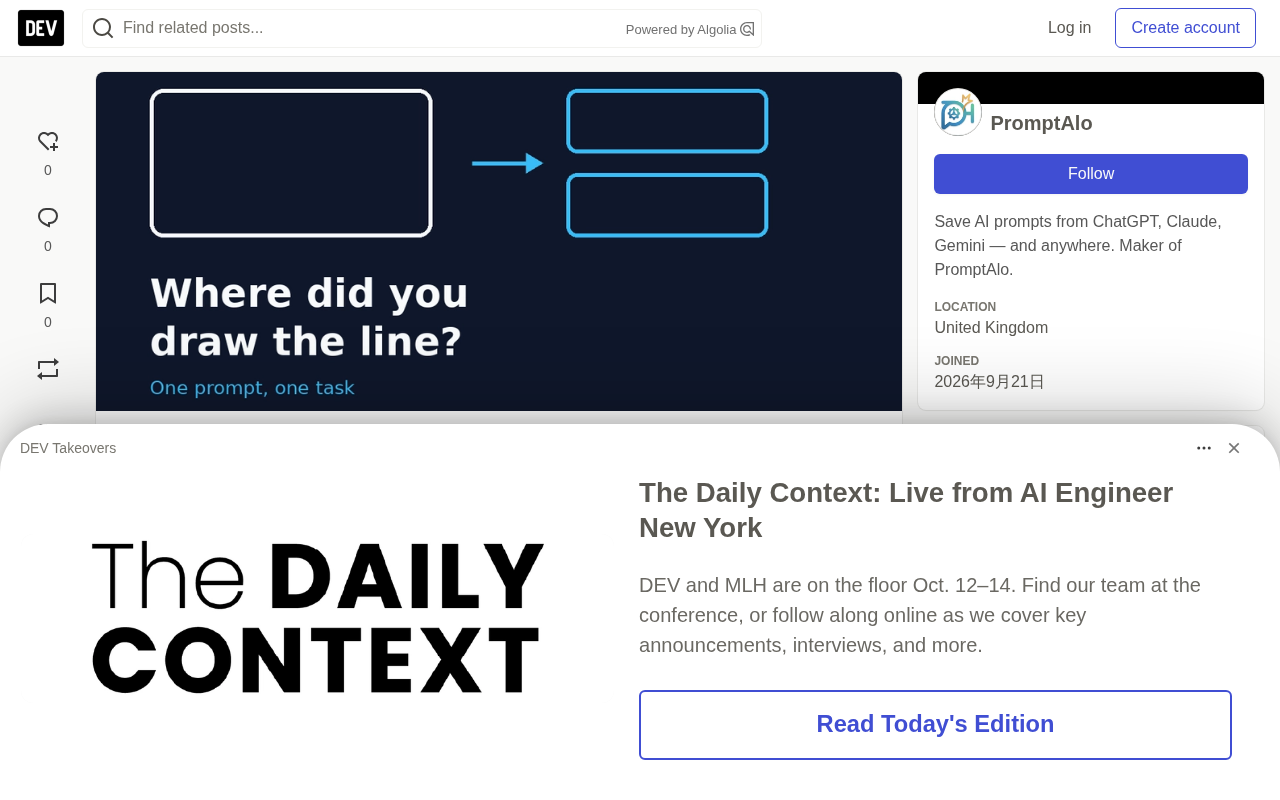
Saved prompts have a common problem — the longer they get, the more they drift. A prompt originally designed to draft customer support replies gradually gets stuffed with a requirement to "assess email urgency," then an instruction to "recommend a help center article." Each addition seemed reasonable at the time, but the result is: one prompt doing three things, each of them worse than before.
The usual solution is to split. The real challenge is judging when to split, and how to split without losing context.
Four Signals That a Prompt Is Being Overloaded
You don't need intuition to tell whether a prompt has become "overloaded" — just look at the output. If any two of the following four signals appear, it's almost certain the prompt contains more than one task:
- The output goes to different places. Customer replies go to the ticketing system; urgency scores go to a data dashboard. When two pieces of information have different destinations, they should have been produced by two separate prompts.
- You frequently delete part of the response. If today you only need the reply body, the model's extra scores and article recommendations are pure noise. Having to manually "filter" output is direct evidence of task coupling.
- The prompt contains "if..." instructions. Conditional branches like "if it's a refund request, also..." are usually a second prompt hiding inside the main one.
- Format requirements conflict with each other. "Warm and conversational" and "return a score from 1 to 3" can hardly coexist in a single response. When one prompt demands both natural language and structured scoring, both ends of the output typically suffer.
Behind these four signals is the same logic: different output goals carry different constraints, and those constraints consume each other. Tone requirements squeeze out structured output; format rules interfere with natural expression. Cram conflicting constraints into one prompt, and the model can only compromise — and the compromise leaves both sides unsatisfied.
Four Steps to Split a Prompt
Splitting isn't simply "cutting a long prompt in two" — it's reorganizing by output unit. Here's how:
- List everything the prompt actually produces, one output per line. For example: reply body, urgency score, recommended article link.
- Create a separate prompt for each output, keeping only the instructions that shape that output. The reply prompt only cares about tone and information completeness; the scoring prompt only cares about judgment criteria.
- Duplicate the shared context into both. Background information like customer identity, product features, and writing tone should be written in both prompts. A little duplication is far cheaper than a tangled prompt — the cost of duplication is a few lines of text; the cost of entanglement is a persistent decline in output quality.
- Use chaining when results need to be passed along. If the second task depends on the first's output, run the first, paste the result into the second — rather than forcing them into the same prompt.
Prompt Chaining refers to breaking a complex task into multiple prompts executed in sequence, where the output of one prompt becomes the input of the next, passed along level by level like an assembly line. Its core difference from "one prompt does it all" is that each step faces only one set of constraints, so the model doesn't have to satisfy potentially conflicting requirements — tone, format, scoring criteria — in a single generation. There are two common implementations: one is manual copy-paste, pasting the first step's result into the second step's prompt; the other is using scripts or workflow tools at the orchestration layer to automatically chain them, injecting the previous return value directly into the next template variable. When designing chains, pay special attention to error propagation — deviations in the first step get inherited and even amplified by subsequent steps, so it's best to keep human checkpoints at critical nodes, or set independent validation criteria for each step.
After Splitting, What Does Each Half Keep and Discard?
The principle of splitting can be summed up in one sentence: what's shared stays, what's specific goes home.
Each split prompt keeps three things: context needed by both, format rules belonging to itself, and boundary constraints belonging to itself. At the same time, it discards all instructions that only matter to the other half.
Here's a practical test: if an instruction makes sense in both prompts, it probably belongs in both. Context information usually falls into this category; format rules, output length limits, and conditional branches usually belong to only one.
Shared Context refers to background information that needs to appear in multiple split prompts — such as customer identity, product feature descriptions, writing tone guidelines, glossaries, output language, etc. Its key difference from "specific instructions" is that context describes the environment the task lives in and constrains multiple outputs, while specific instructions describe the concrete requirements of one particular output and apply only to it. To judge whether something is shared context, ask: if I remove it from a prompt, would that output become unusable or noticeably off-track? If yes, it's shared context, and it needs to be written in both. Duplicating shared context is a manageable cost — a few lines of text; but treating it as a specific instruction and putting it on only one side leaves the other side's output inaccurate from lack of background.
Prompt Splitting from a Tooling Perspective
The developers of the prompt management tool PromptAlo offer an interesting heuristic: if the AI-generated metadata tags on your saved prompt don't capture its essence, the prompt's own wording probably doesn't either.
This turns "the decision to split" from a purely experiential problem into an observable signal problem. When you tag a prompt and find you need three or four unrelated tags to describe its function, that itself is a strong hint that it should be split. The value of a tagging system is that it makes a prompt's functional boundaries visible — a prompt with clear function should be accurately summarized with one or two tags.
Where the Boundary of Splitting Lies
Splitting isn't better the finer it gets. Over-splitting creates two new problems: accumulating context duplication costs, and error amplification through chain execution.
A practical dividing line: when two outputs share most instructions and differ only slightly in final format, don't split. Only when constraints start conflicting with each other, or outputs flow to different downstream systems, does the benefit of splitting truly exceed the cost.
Back to the original question — when should you split a saved prompt into two? The answer is: when you find it's serving different purposes whose output requirements contradict each other. A prompt isn't better the more versatile it is; one task per prompt is often more reliable than one prompt doing it all.
One-line Summary
Prompt splitting: recognize overload signals, reorganize by output unit, and let one prompt do one job.
Paragraph Summary
Saved prompts drift as they grow longer, often because new tasks keep getting stuffed in until they do multiple things at once — none of them well. The article gives four overload signals: outputs going to different downstream systems, frequent need to delete part of the response, "if..." conditional branches appearing, and format requirements conflicting. Once you've determined a split is needed, follow four steps: list all actual outputs, create an independent prompt for each output, duplicate shared context into both, and use chaining when results need to be passed along. The splitting principle is: what's shared stays, what's specific goes home — instructions that apply to both prompts should appear in both. But splitting isn't better the finer it gets; when two outputs share most instructions, there's no need to split. Only when constraints conflict or downstream systems differ does the benefit of splitting exceed the cost.
Related articles

JobRunner MCP Server: AI Agents Can Now Fix Failed Java Jobs
JobRunner launches an open-source MCP server enabling AI agents to view cluster status, diagnose failures, and recover Java jobs—incident response from any cloud coding environment or existing agent.

MLAI Digital Launches 9 Security Agents: MCP Server Safeguards the Full Lifecycle of Agentic AI
MLAI Digital launches Security MCP Server with nine built-in specialized security agents covering vulnerability discovery, attack simulation, prompt injection detection, API and infrastructure assessment, and accelerated remediation—embedding security validation across the full Agentic AI lifecycle from development to production.

Running Isaac Lab on H100 GPUs: Exploring Better Approaches
Exploring optimization methods for running Isaac Lab on NVIDIA H100 GPUs, including MIG configuration, mixed precision, TensorRT acceleration, and community experience to improve robotics simulation and reinforcement learning efficiency.