Open Archiver v0.5.2 Deep Dive: A Comprehensive Look at the New Features of This Open-Source Email Archiving Tool
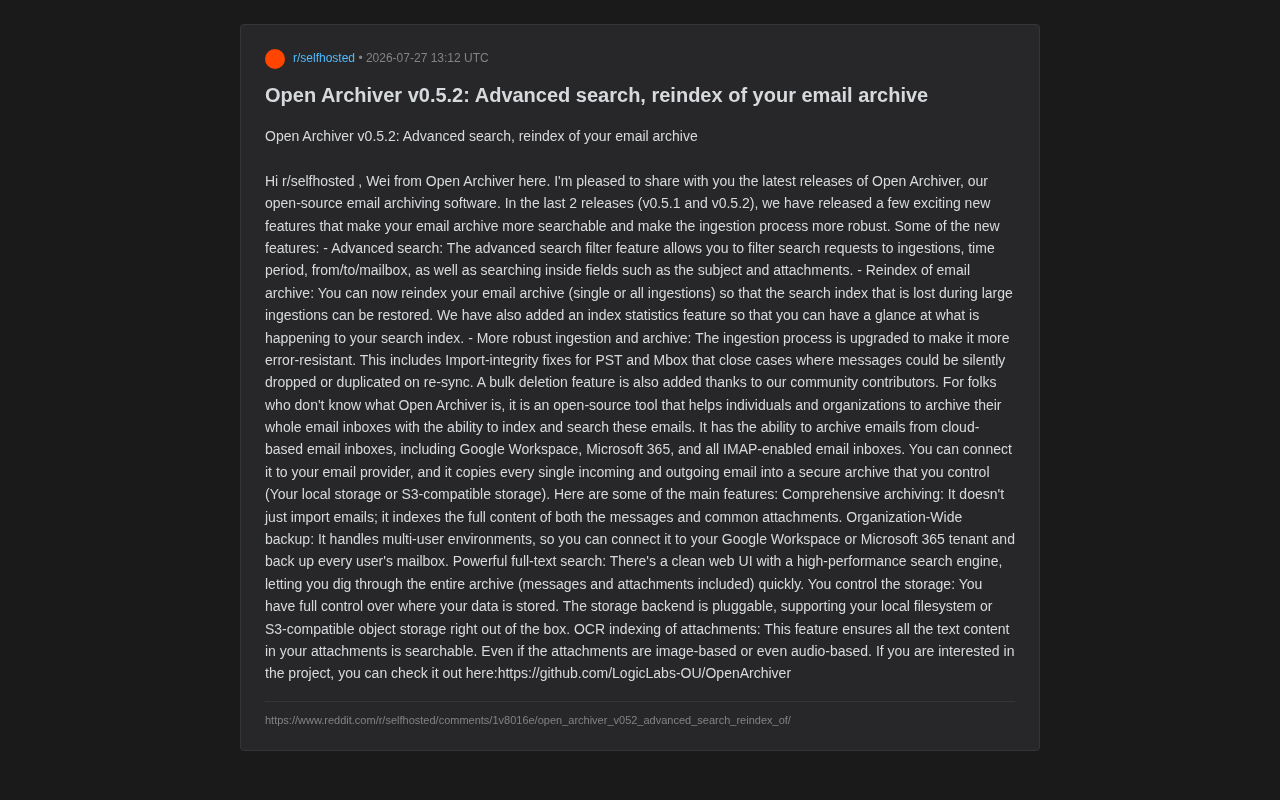
Open Archiver v0.5.2 adds advanced search, index rebuild, and improved PST/Mbox ingestion for self-hosted email archiving.
Open Archiver v0.5.2 introduces advanced multi-dimensional search, index rebuilding capabilities, and improved PST/Mbox import integrity for its open-source email archiving platform. The update strengthens data reliability with index statistics, bulk deletion, and silent-loss prevention, making it increasingly viable for compliance, eDiscovery, and data sovereignty use cases.
In an era of growing data sovereignty awareness, how to preserve enterprise and personal email assets completely and controllably has become a focal point for the self-hosting community. Data Sovereignty refers to the principle that data is subject to the laws of the jurisdiction where it resides—with regulations like the EU's GDPR and China's Data Security Law taking effect, enterprises are paying significantly more attention to where their data is stored and who controls it. Email, as one of the most critical unstructured data assets in any organization, often carries key information including business decisions, contractual communications, and legal evidence. The traditional approach relies on cloud storage from email service providers, but this effectively hands over data lifecycle management to a third party. The self-hosting community has emerged precisely against this backdrop, advocating for users to regain data control by deploying open-source software on their own infrastructure.
Recently, the open-source email archiving tool Open Archiver released versions v0.5.1 and v0.5.2, delivering a series of practical updates focused on search capabilities, index rebuilding, and data ingestion robustness. This article will walk through these new features and analyze the tool's value in enterprise email archiving scenarios.
What Is Open Archiver: A New Open-Source Choice for Email Archiving
For readers unfamiliar with this project, here's a basic introduction. Open Archiver is an open-source email archiving software designed to help individuals and organizations archive their entire mailboxes completely, while providing indexing and full-text search capabilities.
Its core philosophy is: after connecting to your email service provider, it copies every received and sent email into a secure archive under your own control. It supports a wide range of email sources, including:
- Google Workspace
- Microsoft 365
- All mailboxes with IMAP protocol enabled
IMAP (Internet Message Access Protocol) differs from the earlier POP3 in that it allows clients to manage emails directly on the server, supporting folder synchronization, message flagging, and other operations while keeping emails stored on the server. This makes IMAP an ideal access protocol for email archiving tools—archiving tools can connect via IMAP to virtually all major mail servers (including Dovecot, Zimbra, Exchange, etc.) and pull email content and metadata following the folder structure. While Google Workspace and Microsoft 365 also support IMAP, they prefer OAuth 2.0 authenticated proprietary APIs for bulk data access, which is why Open Archiver provides native integration for these two platforms to ensure more efficient and reliable data retrieval.
Unlike simple email backups, Open Archiver doesn't just import emails—it performs full-text indexing on email bodies and common attachments, making the massive archive truly "searchable." The core technology behind full-text indexing is the inverted index: the system tokenizes each email's content and builds a list for each term pointing to all emails containing that term. When querying, users can input keywords and locate all matching emails in milliseconds. Common open-source full-text search engines include Apache Lucene, Elasticsearch, and MeiliSearch. For email archiving scenarios, full-text indexing transforms "dead data" into "living assets"—millions of emails are no longer an impenetrable pile but a knowledge base that can be queried at any time.
This is particularly critical for compliance auditing, legal forensics, and knowledge preservation. In regulated industries such as finance, healthcare, and law, email archiving isn't optional—it's a compliance requirement. For example, the U.S. SEC Rule 17a-4 requires broker-dealers to retain all business communication records for at least 6 years; the EU's GDPR requires enterprises to retrieve and provide all communication data related to a specific individual within prescribed time limits (i.e., Data Subject Access Requests, DSAR). In legal proceedings, emails often serve as core evidence in electronic discovery (eDiscovery), and courts may require parties to produce all correspondence between specific individuals during specific time periods on short notice. All these scenarios require archiving systems to have precise multi-dimensional search capabilities and verifiable data integrity.
v0.5.2 Core Updates: Comprehensive Upgrades to Search, Indexing, and Data Integrity
Advanced Search: More Precise and Efficient Email Retrieval
The most noteworthy update is the Advanced Search feature. While the previous full-text search was powerful, it lacked refined filtering capabilities when dealing with massive email volumes. The new version introduces multi-dimensional filtering criteria, allowing users to combine queries across the following dimensions:
- Filter by specific ingestion task
- Filter by time period
- Filter by sender / recipient / mailbox
- Search within specific fields like subject, attachments
This means users no longer have to perform "needle in a haystack" searches across the entire archive. Instead, they can quickly locate emails from a specific colleague, within a certain time period, containing specific attachments—much like using a professional retrieval system. For compliance or legal teams that frequently need to retrieve historical emails, this is an extremely practical upgrade. Especially in eDiscovery scenarios, legal teams often need to filter relevant communications from millions of emails within days or even hours. Multi-dimensional combined query capabilities can compress what would otherwise take weeks of manual screening into a matter of hours.
Index Rebuilding: Fixing Pitfalls from Large-Scale Ingestion
The second important feature is Reindex for email archives. During large-scale email ingestion, search indexes can sometimes become lost or incomplete—a known challenge in inverted index-based systems: when data write speeds exceed index construction speeds, or when abnormal interruptions occur during ingestion, some emails may have been stored but not yet indexed, causing them to become "invisible" in search results. The new version allows users to reindex a single ingestion task or the entire archive, recovering lost index data.
Alongside this is the Index Statistics feature, which gives users an at-a-glance view of the current search index status, including a comparison between the number of indexed emails and the number of actually stored emails. This type of observability feature may seem unremarkable, but it's key to ensuring the long-term reliable operation of an archiving system—it allows administrators to detect index anomalies promptly rather than finding out after search results go wrong. In enterprise system operations, "you can't manage what you can't measure" is a fundamental principle, and index statistics exist precisely for this purpose.
More Robust Data Ingestion and Archiving Workflows
Data integrity is the lifeline of any archiving tool. v0.5.2 strengthens the ingestion workflow with a focus on improved fault tolerance:
- Import integrity fixes for PST and Mbox formats: PST (Personal Storage Table) is the proprietary email storage format used by Microsoft Outlook, storing emails, calendars, contacts, and other data in a single file, widely used in enterprise email migration and backup scenarios. Mbox (Mailbox) is a long-established open email storage format on Unix systems that concatenates all emails in a mailbox sequentially in a single text file, using
Fromlines as delimiters. Both formats present technical challenges: PST files may fail to parse due to corruption or encryption; Mbox can encounter boundary recognition errors when handling nested emails or binary attachments. v0.5.2 resolves issues where messages could be silently dropped or duplicated during resynchronization. Such "silent losses" are often difficult to detect but can seriously undermine archive credibility—in compliance audits or legal forensics, any unexplained data gaps can lead to penalties or litigation disadvantages. - Bulk delete functionality: Contributed by community members, this makes it convenient for administrators to perform batch cleanup of archived data. This is particularly important in GDPR's "Right to Erasure" scenarios—when employees leave or data subjects request deletion of personal data, administrators need to efficiently remove relevant emails from the archive.
These updates show that the project team is shifting from "feature accumulation" to "polishing reliability"—the right direction for an archiving tool whose core value proposition is data trustworthiness.
Open Archiver's Competitive Differentiators
Beyond this update, Open Archiver itself has several core design advantages worth noting.
Organization-Wide Email Backup Capability
It supports multi-user environments and can connect directly to Google Workspace or Microsoft 365 tenants to batch-backup every member's mailbox. This makes it suitable not just for individual users but also for meeting the comprehensive archiving needs of small and medium organizations. In comparison, many open-source email backup solutions (such as imapsync, offlineimap) are primarily designed for single-user use and lack multi-tenant management and unified search capabilities.
Fully Self-Controlled Data Storage
The storage backend uses a pluggable design, supporting local file systems and S3-compatible object storage out of the box. S3 was originally Amazon AWS's object storage service, but its API has become the de facto industry standard. "S3-compatible" means that third-party storage systems implement the same API interface as AWS S3, allowing applications to switch storage backends without code changes. Common S3-compatible storage options include MinIO (high-performance object storage deployable on-premises), Cloudflare R2, Backblaze B2, and others.
For email archiving scenarios, object storage has clear advantages over traditional file systems: native support for massive small-file storage, built-in data redundancy and version control, and easy cross-region replication. Users can choose flexibly based on cost, performance, and compliance requirements—deploy MinIO on-premises for fully offline archiving to meet the strictest data sovereignty requirements, or use cloud object storage for offsite disaster recovery. This pluggable architecture design truly achieves data sovereignty—one of the features most valued by the self-hosting community.
Attachment OCR Indexing: Making Images and Scanned Documents Searchable
An easily overlooked but extremely valuable feature is attachment OCR indexing. OCR (Optical Character Recognition) is the technology that converts text in images into machine-editable text. Modern OCR engines (such as the open-source Tesseract OCR) support hundreds of languages and have significantly improved recognition accuracy for complex layouts and handwritten text through deep learning models.
In enterprise email scenarios, OCR's value is severely underestimated: a large portion of attachments are image-format documents such as scanned contracts, invoice screenshots, and meeting whiteboard photos. Traditional full-text indexing is completely helpless with such content. Open Archiver integrates OCR into its indexing pipeline, so even if attachments are in image form—or even audio form (potentially using ASR speech recognition technology for text extraction)—text content can be extracted and included in the search scope. This means text information in scanned documents and screenshots becomes searchable, dramatically improving the usability of archived data and extending search coverage from plain-text emails to multimedia content.
Conclusion: An Open-Source Email Archiving Solution Worth Watching
Open Archiver's positioning is crystal clear: an open-source archiving tool that lets individuals and organizations fully control their own email data. The iteration path from v0.5.1 to v0.5.2 also shows that the project is steadily building out the critical capabilities needed for enterprise-grade archiving—precise search, index maintainability, and data integrity assurance.
For users who value data sovereignty, have compliance audit requirements, or simply want to preserve email assets long-term, this is an open-source option worth following. The project is hosted on GitHub (LogicLabs-OU/OpenArchiver), and interested readers can deploy and try it themselves. Of course, as a project still in the 0.x stage, thorough testing and validation is recommended before large-scale deployment in production environments.
Related articles
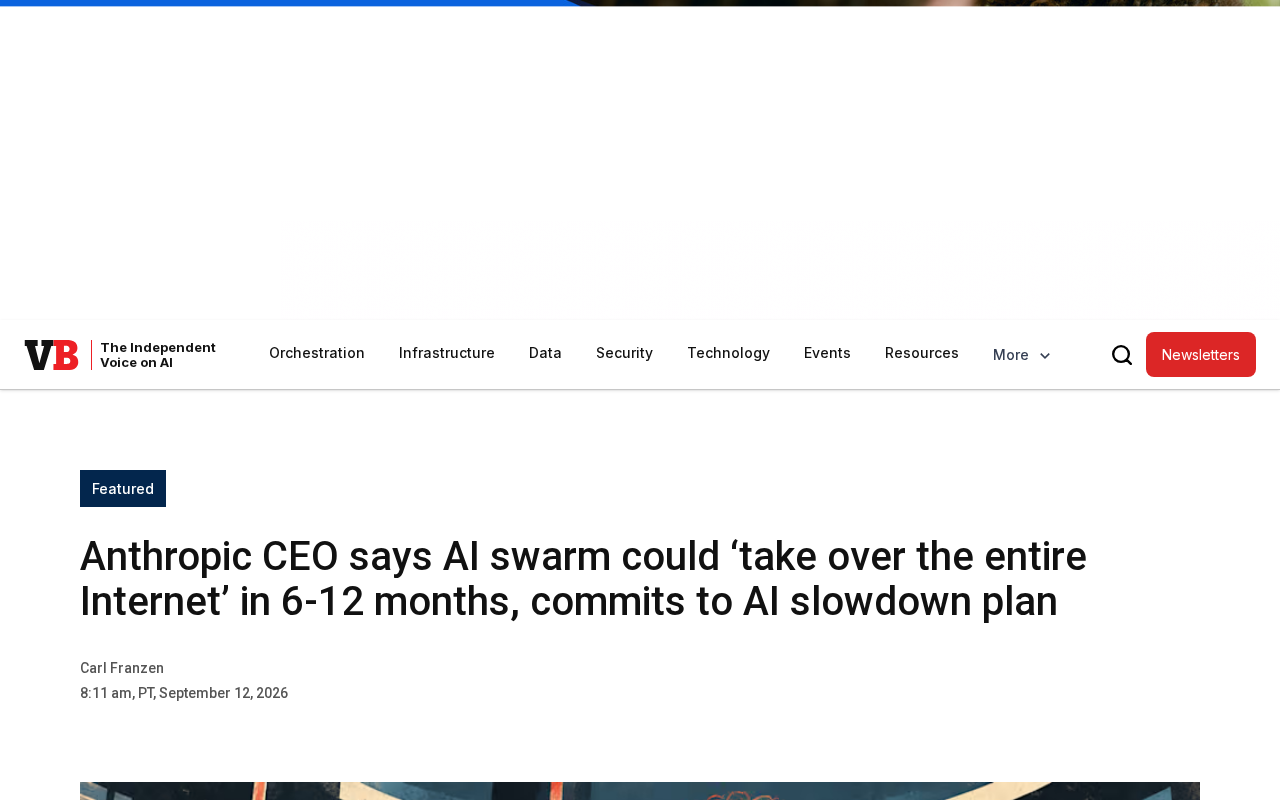
Anthropic CEO Warns: AI Agent Swarms Could 'Take Over the Internet' Within Six Months
Anthropic CEO Dario Amodei predicts AI agent swarms could 'take over the Internet' within 6–12 months. We break down what this really means and why frontier lab forecasts deserve careful scrutiny.
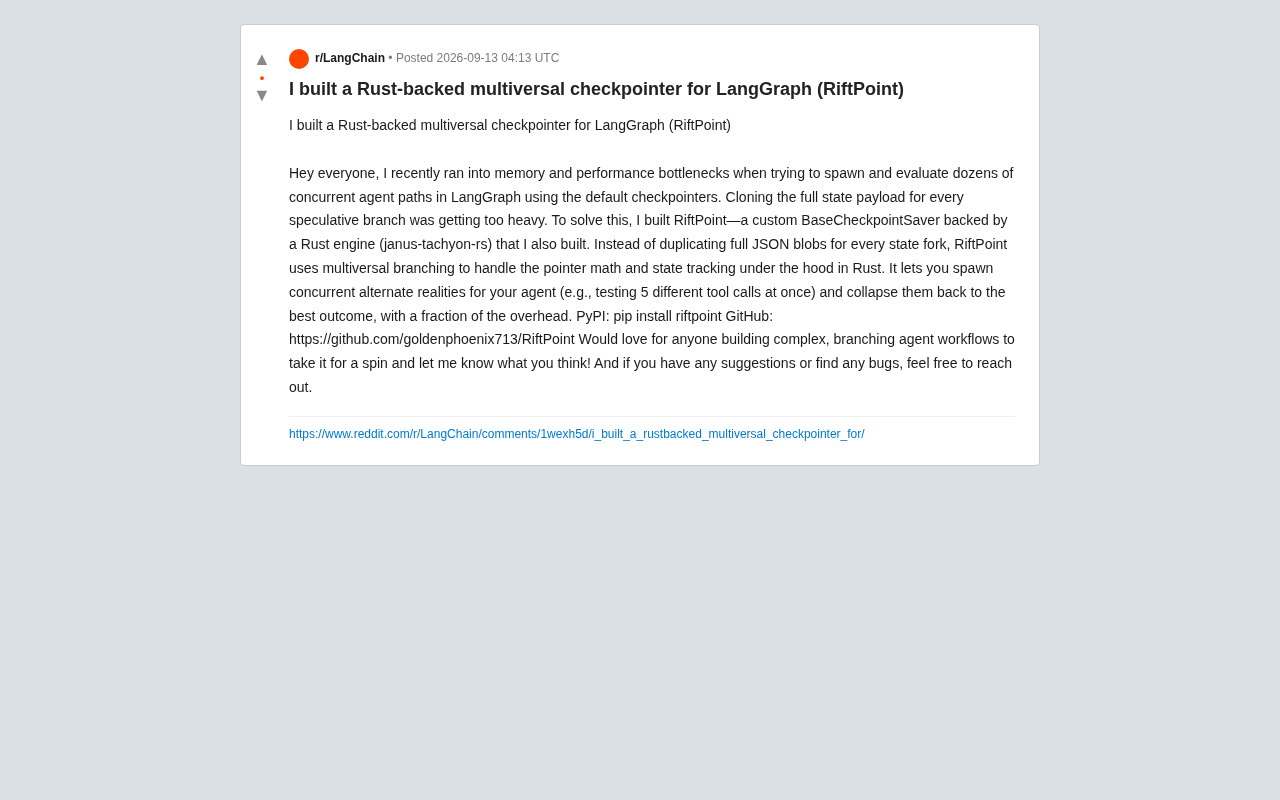
RiftPoint: A Rust-Powered Multiverse Checkpointing Solution for LangGraph
RiftPoint is an open-source LangGraph checkpointer backed by a Rust engine that uses multiversal branching to avoid full state copies, cutting memory and performance costs for concurrent agent paths.
Spotit: Turn Every Mac App into a Real-Time Interactive Tutorial
Spotit is an AI-powered interactive tutorial tool for Mac. Press a shortcut, ask in plain language, and it highlights exactly where to click next — guiding you through any Mac app as you learn by doing.