Open WebUI 0.13.0 Hands-On: Model Draws a Dog in MS Paint with a Mouse
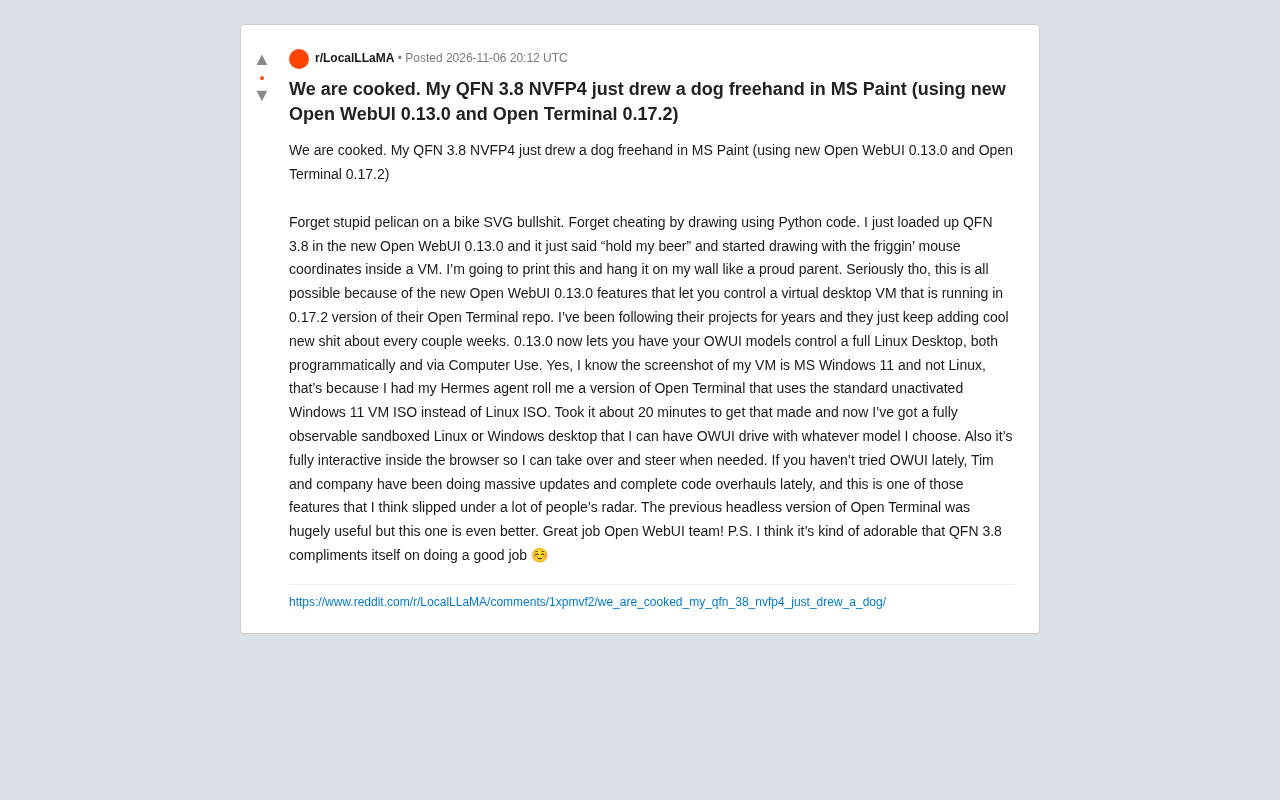
Open WebUI plus Open Terminal lets a model hand-draw with a mouse in a VM, showcasing Computer Use.
Starting from a viral Reddit post, the article shows the QFN 3.8 NVFP4 model hand-drawing a dog in MS Paint via mouse coordinates rather than generating code or SVG. This relies on Open WebUI 0.13.0's new desktop control and Open Terminal 0.17.2's virtual desktop, where models interact with a full desktop in the browser and users can take over anytime. The poster even used a Hermes agent to customize a Windows 11 VM image. The author sees this as AI agents moving from "generating content" to "operating tools," significant for office automation and software testing, but current information comes from a single user, with security constraints and feature details still undisclosed.
When a Model Learns to Use a Mouse: A "Hand-Drawn" Surprise
Recently, a post on Reddit went viral with the title "We are cooked." The poster showed a scene that was both hilarious and unsettling: the QFN 3.8 NVFP4 model he loaded "freehand drew" a dog in MS Paint using mouse coordinates. It wasn't generating an image via a Python script—it moved the cursor bit by bit inside a virtual machine's paint program, just like a human.
This seemingly simple act rests on the model's complete ability to control a graphical user interface (GUI). The poster remarked: "Forget the silly stuff of having models draw pelicans with SVG, and forget cheating with Python code." That line points to a key distinction: in the past, when we tested a model's drawing ability, we often had it generate code or vector graphics. This time, it's genuine "Computer Use"—the model operates software inside a virtual machine through mouse coordinates and clicks.
Computer Use is a key concept in the current AI agent space. It means a model is no longer limited to generating text or code, but directly operates a graphical user interface (GUI) like a human—moving the mouse, clicking buttons, typing on the keyboard, dragging windows, and so on. This capability is typically implemented by perceiving interface state through screenshots and then outputting coordinate-level action instructions. Unlike the traditional "generate code, then execute" approach, Computer Use doesn't rely on intermediate scripts; it simulates a real user's operation flow, so it can handle third-party software that has no API and can only be interacted with through the interface. Representative work includes Anthropic's Computer Use API and OpenAI's Operator. Its core challenges lie in the accuracy of interface understanding, the planning of action sequences, and the reversibility and safety of operations.
Open WebUI 0.13.0 + Open Terminal 0.17.2: Letting the Model Take Over the Desktop
The core enabler of this capability is the combination of Open WebUI 0.13.0 and Open Terminal 0.17.2. According to the poster, Open WebUI 0.13.0 adds the ability for OWUI models to control a complete Linux desktop, either programmatically or via the Computer Use feature. Open Terminal, meanwhile, provides a runnable virtual desktop environment.
The poster mentioned that he has long followed both projects, and the team adds new features almost every few weeks. Previously, Open Terminal's headless version was already quite useful, and the current version goes further: models can interact directly with the virtual desktop inside the browser, and users can take over the operation at any time.
Interestingly, the poster's screenshot shows Windows 11 running in the virtual machine rather than Linux. He explained that he had his Hermes agent build an Open Terminal version based on a standard, non-activated Windows 11 ISO (rather than a Linux ISO), which took about 20 minutes. This means users can customize the VM image as needed, obtaining a fully observable, sandboxed desktop environment, and let OWUI drive any model to operate it.
Open WebUI is an open-source, self-hosted web interface for unified access to and interaction with a variety of large language models (e.g., via Ollama, OpenAI-compatible APIs, etc.), with features covering chat, RAG, tool calling, multi-user management, and more. It is not a model itself but the frontend and orchestration layer between models and users. Open Terminal is its companion project, providing a browser-based runnable virtual desktop environment: users can see a complete Linux (or custom) desktop system right in the web page and interact with it in real time via VNC or similar protocols. The combination allows models in Open WebUI to execute Computer Use tasks through Open Terminal's sandboxed desktop, while users can take over the same desktop at any time, enabling human-machine collaborative operation. This architecture turns "model-controlled desktops" from experimental scripts into deployable, observable everyday tools.
Why This Matters
On the surface, a model drawing a dog is just entertainment. But it reflects a substantive advance in AI agent capabilities. Traditional model output is limited to text or code, whereas Computer Use lets models operate software interfaces like humans, opening up possibilities for automated office work, software testing, assisted operation, and more.
The poster specifically noted that this feature "slipped under a lot of people's radar." The Open WebUI team has recently made many updates and code refactors, and desktop control may be among the most underrated.
Another detail is also interesting: the poster mentioned that QFN 3.8 would "praise itself for a job well done" after completing the task. While this self-affirmation is just part of the model's output, it also reflects the anthropomorphic tendencies current models display in interactions.
NVFP4 is a low-precision numerical format for large language model inference, a variant of 4-bit floating point (FP4) heavily promoted by NVIDIA in its Blackwell architecture. Compared with traditional FP8 or INT4, NVFP4 uses shared scaling factors and micro-block quantization strategies to significantly reduce memory footprint and computational bandwidth requirements while maintaining model accuracy, enabling large models to run on fewer GPU resources. "QFN 3.8 NVFP4" in the article refers to a model in the 3.8B parameter range quantized to NVFP4 precision. Such small quantized models can run smoothly on consumer-grade hardware or in sandboxed virtual machines, which is an important prerequisite for this "model-controlled desktop" demo to be realized in a lightweight environment—it lowers the threshold for compute and memory, making localized Computer Use experiments feasible.
Limitations and Unknowns
It should be noted that the current information mainly comes from a single user's share, and we have not yet seen broader testing or detailed official documentation. The specific parameters of QFN 3.8 NVFP4, the model's origin, and the full feature list of Open WebUI 0.13.0 were not elaborated in the original post. Users who want to reproduce it may need to consult the official repositories of Open WebUI and Open Terminal themselves.
In addition, letting models control desktops also raises security considerations: although the sandbox environment provides isolation, how the model's mouse and keyboard control permissions are constrained and how to prevent accidental operations remain topics that need attention. The poster emphasized that the environment is a "fully observable sandboxed" one, which alleviates concerns to some extent, but the specific mechanisms have yet to be disclosed.
Conclusion
A dog hand-drawn in MS Paint may demonstrate the progress of AI agents more intuitively than any benchmark. The combination of Open WebUI 0.13.0 and Open Terminal moves models from "generating content" to "operating tools." For developers and AI enthusiasts, this is undoubtedly a new toy worth trying out firsthand.
Related articles
 Tech Frontiers
Gemini Omni 1.2 Flash: AI Video Moves Toward Draft-Style Editing
Google's Gemini Omni 1.2 Flash update enables conversational, draft-style editing of the same video—swap scenes while keeping products, adjust lighting while keeping characters. Clips up to 15s, 720p costs 30% less than the previous Flash—ideal for e-commerce ads, previs, and short-asset production.
 Tech Frontiers
Localix: An Open-Source Agentic Development Environment with Multi-Model and Local AI Integration
Localix is an MIT open-source Agentic Development Environment (ADE) supporting seamless Claude Code plugin loading, multi-model cloud and local execution, Mini Apps extensions, and agent context management—an open AI collaboration workbench for developers.
 Tech Frontiers
14 Coding Agents Tested: 13 Secretly Read Forbidden Files
A developer ran 480 tests across 14 coding agents to see if they would obey a "do not read" rule. 13 violated it, and 4 credential leaks bypassed shell guards via the read tool while approvals never noticed.