OpenCalc: An Open-Source Remake of the Windows 95 Calculator with Bug Fixes and Cross-Platform Support

OpenCalc recreates the Windows 95 calculator with new code, bug fixes, and native Linux support.
OpenCalc is an open-source project that faithfully recreates the classic Windows 95 calculator interface while being built entirely from scratch. It fixes the original's notorious calculation bugs (like floating-point errors and missing operator precedence), adds modern features such as history tracking and undo/redo, supports high-DPI displays, and runs natively on Linux without Wine.
An Open-Source Calculator Paying Homage to a Classic
For those who lived through the Windows 95 era, the system calculator — with its simple interface yet solid functionality — likely holds a special place in their digital memories. The Windows 95 Calculator (calc.exe) was a system utility bundled with Microsoft's operating system, with a history tracing back to Windows 1.0 (1985). It offered two interface modes: Standard and Scientific. Standard mode simulated a basic four-function calculator, while Scientific mode supported trigonometric functions, logarithms, base conversions, and other advanced features. The calculator used immediate execution logic (rather than expression tree evaluation), meaning each time a user pressed an operator, the calculation was performed immediately on the preceding values — a design choice that planted the seeds for its now-infamous calculation bugs.
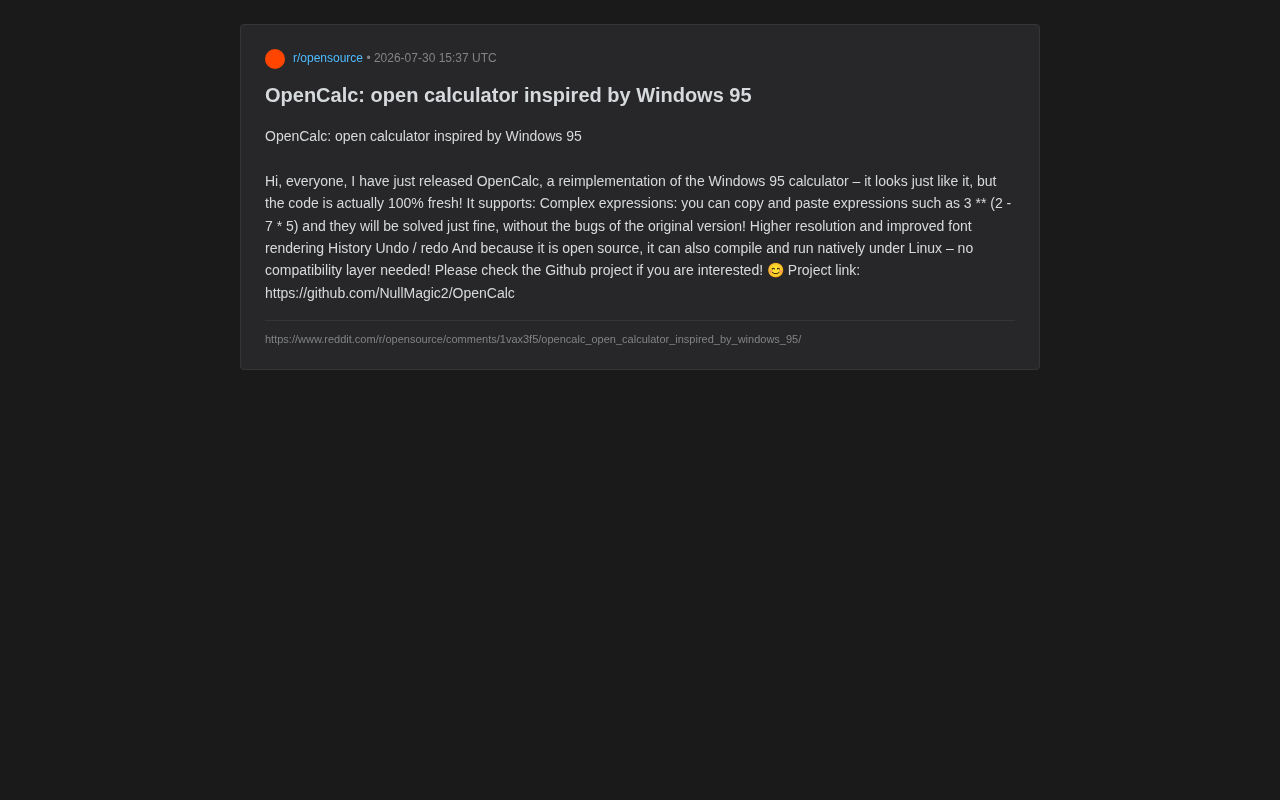
Recently, developer NullMagic2 posted an open-source project called OpenCalc on Reddit, reimplementing this classic application.
According to the project author, OpenCalc looks virtually identical to the original Windows 95 calculator, but its underlying code is 100% newly written — meaning it's not a simple reverse-engineered port or binary patch, but a complete rewrite. In software engineering, this approach is known as a "Clean-room Implementation" — writing functionally equivalent new code from scratch by observing only the software's external behavior, interface specifications, and public documentation, without ever accessing the original source code. This approach is legally safer because it doesn't involve direct copying of the original code, thereby avoiding copyright infringement risks. The birth of the Linux kernel and the ReactOS project's reimplementation of Windows APIs are classic examples of this methodology.
This "retro appearance, modern core" approach allows OpenCalc to satisfy nostalgic users' emotional attachment to the classic UI while avoiding the technical debt of legacy code. For the open-source community, such "archaeological reconstruction" projects carry inherent technical value and educational significance.
More Than a Replica: Fixing Original Bugs and Adding Features
What makes OpenCalc most noteworthy is that it doesn't mechanically copy the original — it makes substantial improvements while preserving the classic experience. According to the author, the new version offers the following capabilities:
Stronger Expression Parsing
The original Windows 95 calculator had some well-known calculation bugs when handling complex expressions. The most infamous was the floating-point precision issue — for example, entering "2.01 - 2" should yield 0.01, but the calculator might display 0.0099999999999998. This occurred because the underlying IEEE 754 double-precision floating-point representation cannot precisely represent certain decimal fractions as binary floating-point numbers. Additionally, because it used immediate evaluation rather than infix expression parsing, consecutive operations like "2 + 3 × 4" would be calculated as 20 instead of 14, because it first executed 2+3=5, then 5×4=20, completely ignoring the mathematical rule that multiplication takes precedence over addition.
OpenCalc supports copying and pasting complex expressions — operations like 3 ** (2 - 7 * 5) can be correctly evaluated without reproducing the original's calculation errors. This requires implementing a complete mathematical expression parser. Common implementation approaches include Recursive Descent Parsers and Dijkstra's Shunting-yard Algorithm. The Shunting-yard Algorithm can convert infix expressions to postfix expressions, correctly handling operator precedence and nested parentheses. The expression above contains the exponentiation operator (**), subtraction, and multiplication — the parser needs to correctly recognize the right-associativity of exponentiation and evaluate in the order: parentheses → exponentiation → multiplication/division → addition/subtraction. For users who occasionally need to perform nested calculations, this is a genuine usability improvement.
Display and Interaction Improvements
- Higher resolution and improved font rendering: Adapted for modern high-DPI screens, avoiding the blurriness that old programs exhibit in high-DPI environments. High-DPI (Dots Per Inch) displays have pixel densities far exceeding the traditional 96 DPI screen — modern 4K displays typically run at 150-200 DPI or higher. Programs designed for Windows 95 usually assumed a fixed 96 DPI environment, with interface elements hard-coded in pixel sizes. When run in high-DPI environments, they either get stretched causing blurriness, or maintain their original pixel size resulting in an extremely small interface. OpenCalc uses DPI-aware APIs, vector graphics, and modern font rendering engines like FreeType to achieve subpixel anti-aliasing, ensuring text remains crisp and sharp at any resolution.
- History: View previous calculation processes;
- Undo / Redo: Making it easier to recover from operational mistakes.
While these features seem basic by today's standards, they were precisely what the original calculator lacked. OpenCalc applies modern software standards to fill the gaps in an "ancient" application.
Open Source and Cross-Platform: No More Wine Compatibility Layer
Another major highlight of OpenCalc is its open-source nature and native cross-platform capability. Because the code is completely rewritten and open-sourced, it can be compiled and run natively on Linux — without relying on compatibility layers like Wine.
Wine (Wine Is Not an Emulator) is an open-source compatibility layer that allows Linux and macOS users to run Windows applications. Unlike virtual machines, Wine doesn't emulate complete hardware or an operating system. Instead, it translates Windows API calls in real-time at the user level into corresponding POSIX system calls and native graphics library calls. For example, when a Windows program calls CreateWindow(), Wine converts it into a window creation request for X11 or Wayland. While this approach avoids the performance overhead of virtualization, because the Windows API is vast and many behaviors are undocumented, Wine's compatibility can never reach 100% — some programs may exhibit graphical errors, audio issues, or crash outright.
For Linux users, native execution is particularly important. In the past, using classic Windows software on Linux often required compatibility layers, resulting in unstable experiences and reduced performance. As a native implementation, OpenCalc fundamentally eliminates this compatibility-level uncertainty.
This also demonstrates a core advantage of open-source software: portability. Portability refers to software's ability to run on different hardware architectures and operating systems. Key factors include: avoiding platform-specific proprietary APIs, adopting cross-platform programming languages or frameworks (such as C with POSIX standards, Qt, GTK, and other cross-platform GUI toolkits), using conditional compilation to handle platform differences, and providing cross-platform build systems (like CMake or Meson). When a software's source code is fully open, the community can adapt, compile, and optimize it for different platforms, even porting it to embedded devices or emerging operating systems — extending the software's lifecycle and applicability far beyond the original. The project is currently hosted on GitHub, and interested developers and users can browse, compile, or contribute.
The Technical and Cultural Value of Retro Software Remakes
In recent years, "retro software reconstruction" projects like OpenCalc have become common in the open-source community. Their value often transcends the software's practical functionality:
On the technical heritage level, rewriting classic software is an excellent way to understand the evolution of software engineering. Developers need to study the original's behavioral logic, UI layout, and even pixel-level details — a process that constitutes deep learning in itself.
On the user experience level, these projects satisfy the nostalgia of certain user groups while using modern technology to fix historical issues — achieving both sentimentality and practicality.
On the software preservation level, as operating systems evolve, many classic applications gradually become unable to run in new environments. Open-source remakes allow these digital cultural artifacts to live on rather than disappear with obsolete systems. In fact, digital cultural heritage preservation has become a widely recognized field: the Internet Archive's software preservation project houses runnable images of countless early programs; the MAME project preserves thousands of arcade games through emulation; ReactOS aims to create an open-source operating system binary-compatible with Windows. Open-source remake projects (such as OpenMW's rewrite of the Morrowind engine, or OpenTTD's recreation of Transport Tycoon) take a different strategy: rather than preserving original binary code, they ensure classic software can continue running on any future platform through reimplementation. Together, these efforts form a diverse ecosystem for preserving digital cultural memory.
Conclusion
OpenCalc is a typical "small but beautiful" open-source project: it has no grand technical ambitions, yet it delivers solid work in a specific, focused area — faithfully reproducing the Windows 95 calculator's classic appearance while fixing original bugs with entirely new code, adding practical features like history and undo/redo, and achieving native Linux execution.
For users who miss classic desktop software, or developers interested in retro software reconstruction, OpenCalc is worth a try. It reminds us that good software design stands the test of time, and the open-source spirit gives these classics new life in a new era.
Related articles

OpenAI's Ohio Data Center: A Complete Breakdown of Grid Upgrades, Water Use, and Community Commitments
OpenAI partners with SB Energy and NVIDIA to build a massive AI data center in Pike County, Ohio, pledging grid costs won't burden residents, using closed-loop air cooling, creating 35,000 jobs, and investing $80M in the community.

Hollywood Creatives Forced to Train AI to Replace Themselves: The Cruel Reality of Digging One's Own Grave
Hollywood writers, voice actors, and illustrators are being hired to train AI systems, accelerating the automation of their own careers. A deep analysis of the ethical dilemmas and labor challenges.

How AI Video Generation Works: Diffusion Models, Motion Transfer, and Optical Flow Explained
Deep dive into three core AI video generation technologies: diffusion models, motion transfer, and optical flow — the tech behind Sora, Runway, and more.