OpenClaw Open-Source AI Assistant: A Deep Dive into the 380K-Star Cross-Platform Self-Hosted Solution
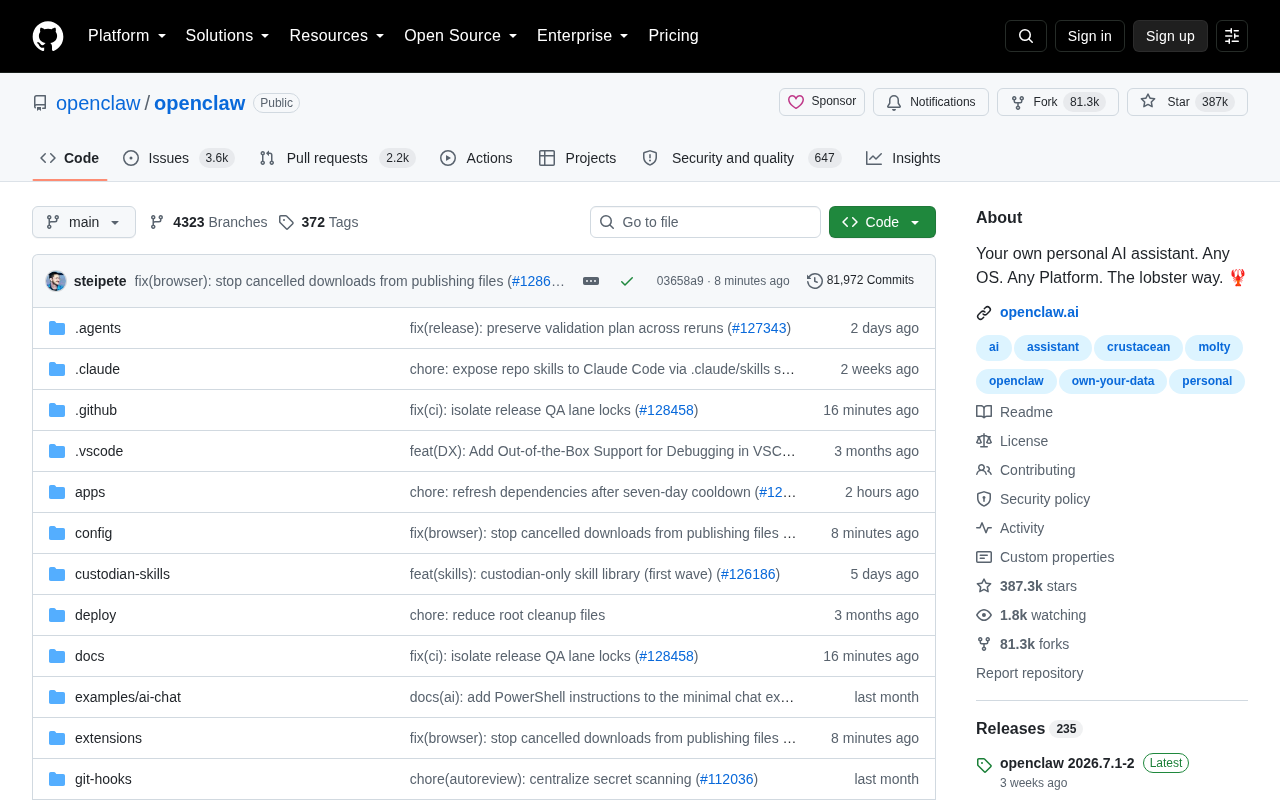
OpenClaw is a 380K-star open-source, cross-platform, self-hosted personal AI assistant built with TypeScript.
OpenClaw is a rapidly rising open-source project on GitHub with over 387K Stars, offering a cross-platform, self-hostable personal AI assistant built with TypeScript. It addresses growing demand for data privacy and user autonomy by letting users deploy and customize their own AI assistant across any OS. While its massive community signals strong interest, potential adopters should evaluate documentation, LLM integration, and long-term maintenance before committing.
OpenClaw: A Phenomenal Open-Source AI Assistant
Recently, an open-source project called OpenClawAd has been rapidly gaining traction on GitHub. Its positioning is refreshingly direct — "Your own personal AI assistant. Any OS. Any Platform. The lobster way. 🦞" Behind this slightly humorous tagline lies an ambitious goal: building a truly cross-platform, self-hostable, general-purpose AI assistant.
The numbers speak for themselves. OpenClaw has amassed over 387,000 Stars and 81,000 Forks, with 160 new Stars added daily. This scale places it firmly among the top-tier projects in the open-source community, reflecting developers' intense demand for a private, controllable AI assistant.
Technical Architecture and Core Design Philosophy
Cross-Platform-First Technology Choices
OpenClaw uses TypeScript as its primary development language — a choice that reveals much about the project's design philosophy. TypeScript's ecosystem compatibility makes it a natural fit for building cross-platform applications. Whether targeting desktop (via Electron or similar frameworks), web, or command-line environments, a unified codebase can cover them all.
The "Any OS. Any Platform" slogan isn't just marketing — it's the project's core promise. Unlike many AI assistants that are tied to specific operating systems or rely on cloud services, OpenClaw emphasizes universal cross-platform availability, delivering a consistent experience across Windows, macOS, Linux, and beyond.
The Value Proposition of Self-Hosted Deployment
The phrase "Your own personal" in the project name is key to understanding its positioning. In an era where most mainstream AI assistants depend on vendor clouds with opaque data flows, OpenClaw champions the user-controlled approach. Users can deploy, configure, and even customize their AI assistant's behavior independently, without surrendering their data and autonomy to third-party platforms.
Why OpenClaw Has Attracted So Much Attention
Aligning with the AI Self-Hosting and Data Privacy Trend
OpenClaw's explosive growth is no accident. As AI applications become more widespread, users and developers are increasingly demanding data privacy, cost control, and behavioral customization. Handing over vast amounts of personal information to closed-source commercial assistants has always raised privacy and compliance concerns. Open-source, self-hostable solutions fill this gap perfectly.
Over the past year, from local LLM runtime frameworks to self-hosted AI workflow tools, the open-source community has been steadily moving toward "decentralized AI." OpenClaw is one of the flagship products of this wave, returning the "personal AI assistant" scenario — once heavily dependent on commercial products — back into users' hands.
Community-Driven Open-Source Collaboration
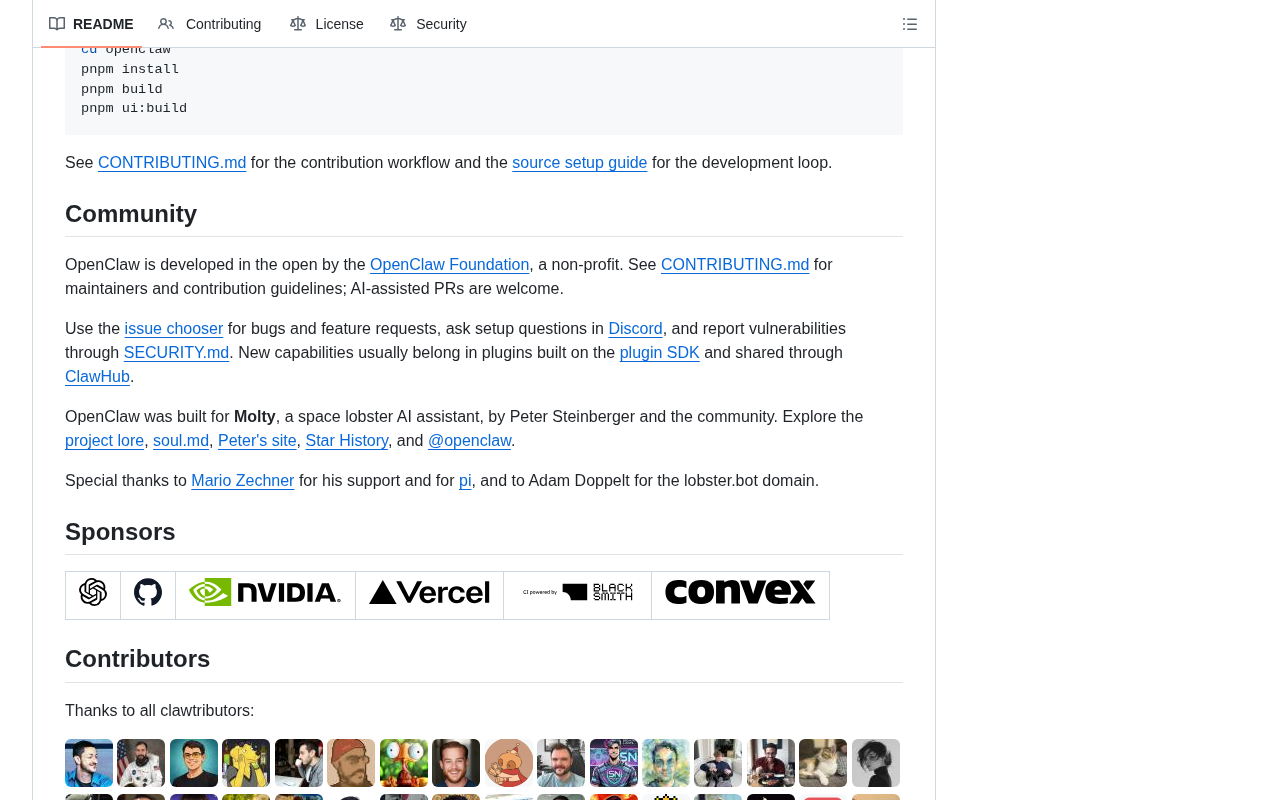
With over 80,000 Forks, OpenClaw has clearly developed a thriving contributor ecosystem. An open-source project's vitality often hinges on community engagement, and such a massive Fork count indicates that a large number of developers aren't just using it — they're actively participating in secondary development and feature extensions. This community-driven model typically enables faster iteration and broader platform support.
Key Considerations Before Adoption
It's worth noting objectively that while an exceptionally high Star count reflects interest, it doesn't necessarily equate to project maturity or practical utility. The "star hype" of open-source projects can sometimes inflate rapidly due to trending topics and viral effects. For users and teams considering actual adoption of OpenClaw, we recommend evaluating the following dimensions:
- Documentation completeness: Deploying cross-platform projects often involves complex environment configurations, and clear documentation is critical for successful implementation.
- LLM integration capabilities: As an AI assistant, which large language models it supports, whether it can run local models, and its API compatibility directly determine its practical value.
- Long-term maintenance and roadmap: Whether the project maintains a stable release cadence and has a clear iteration plan determines whether it can be reliably used in production environments and long-term scenarios.
Conclusion: What OpenClaw Tells Us About the AI Assistant Ecosystem
OpenClaw's rise represents the open-source community's concentrated response to the demand for private, cross-platform AI assistants. Built with TypeScript, emphasizing universal platform availability, and championing user autonomy, it precisely addresses the core pain points of data sovereignty and platform freedom in today's AI application landscape.
For developers and tech enthusiasts seeking data autonomy and independence from single commercial AI vendors, OpenClaw is undoubtedly worth adding to your technology evaluation shortlist. Of course, whether this surge of community enthusiasm can translate into lasting product strength remains to be proven through real-world usage and long-term evolution. Regardless, its emergence once again confirms a clear trend — the future of AI won't belong to just a handful of cloud giants.
Related articles

Remote Compose: A New Document-Driven Paradigm for Cross-Platform UI on Android
Remote Compose transmits compact binary documents instead of screen pixels, enabling efficient UI rendering on remote surfaces like Wear OS and widgets. This article covers its document creation API, expression animations, size optimization techniques, and Wear OS progress.

How Crashlytics Eliminates Android Memory and Responsiveness Issues
Through the Chroma Clip case study, this article explains how Firebase Crashlytics uses Application Exit Info, Profiling Manager, GWP ASAN, and ARM MTE to pinpoint ANRs, OOMs, memory limit terminations, and native memory corruption—solving the challenge of stack traces that don't point to the real culprit.

Googlebook's First Developer Case Studies: How Notability and Logitech Built Desktop-Class Android Experiences
Notability and Logitech share first-hand experience building for Googlebook: using Jetpack Compose, Navigation 3, and Jetpack Ink for desktop-class Android, plus how the peripheral customization API bridges hardware and OS.