Paw-Paw: The Mac Desktop Pet That Types and Naps Alongside You

Paw-Paw is a free native Mac desktop pet that reacts to your typing and turns daily work into a casual nurturing game.
Paw-Paw, developed by Vanja Ivancevic, is a native macOS desktop pet app where a hand-drawn creature sits in your screen corner, reacting to keystrokes and mouse clicks in real time, then dozing off when you stop. A seasonal XP system lets focused work unlock dozens of characters and 100+ accessories, lightly gamifying everyday computer use. The app is completely free with a single optional $2.99 purchase, targeting the emotional companionship needs of remote workers and solo creators rather than productivity gains. It debuted on Product Hunt at #10 with 75 upvotes.
Desktop Pets Are Back: Paw-Paw Brings Your Screen Corner to Life
As productivity tools grow increasingly cold and utilitarian, a Mac app called Paw-Paw is taking a different path — using a tiny creature that types and naps alongside you to rekindle an emotional connection with your desktop. It landed at #10 on Product Hunt with 75 upvotes, tagged under Mac, Productivity, and Games, developed by Vanja Ivancevic.
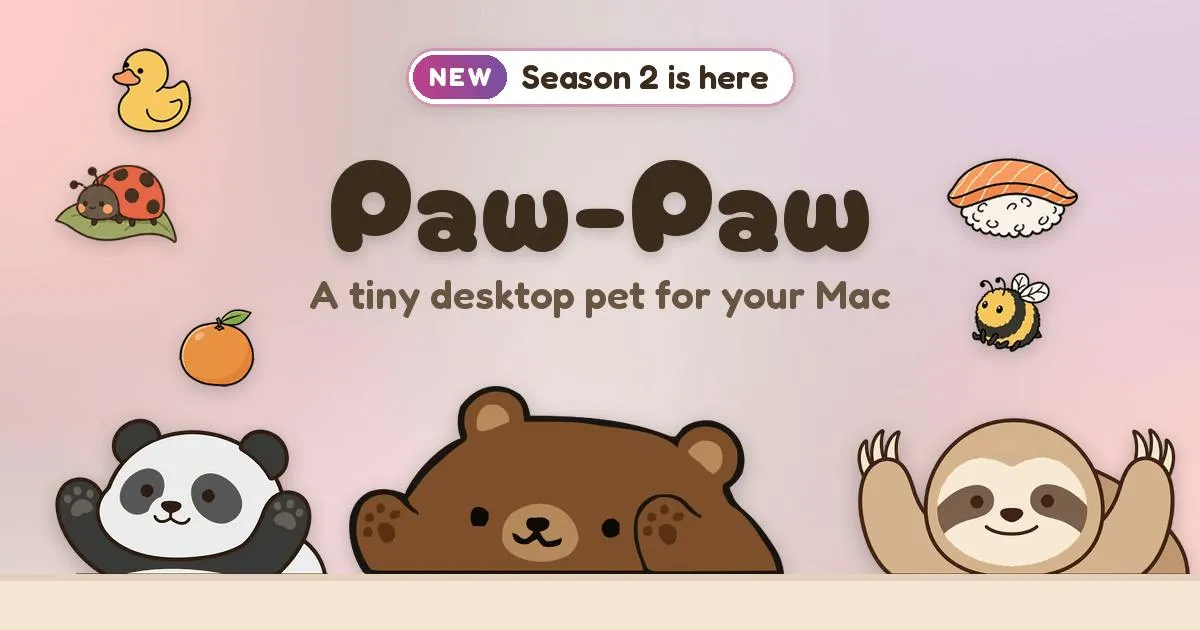
The concept is straightforward: a hand-drawn little animal sits in the corner of your screen, reacting in real time to your keystrokes and mouse clicks, then dozing off when you stop. It evokes the desktop mascots of early Windows days, but Paw-Paw delivers that experience within a modern, native macOS environment.
Turning Your Work Rhythm into a Casual Nurturing Game
What makes Paw-Paw genuinely interesting is how it transforms mundane daily interactions into a lightweight game loop. The app introduces a season system — you choose which season to accumulate XP in, and as you level up, you gradually unlock dozens of different Paw-Paw characters along with 100+ accessories.
At its core, this design gamifies the act of simply using your computer. The more you focus and type away at work, the more animated your pet becomes — and your progress bar quietly grows in the background. Unlike a Pomodoro timer that forces breaks, Paw-Paw ties productivity to emotional reward through companionship and collection. For creators and developers who spend long hours staring at screens, the feeling of "having someone working alongside you" may do more to ease fatigue than any stern efficiency tool.
Native and Free: Zero Barrier to Entry
Worth highlighting is its positioning — completely free and native. Native means it's built specifically for macOS rather than wrapped in a cross-platform shell, giving it a theoretical edge in performance footprint and system integration. The free pricing dramatically lowers the cost of trying it out, giving users almost no reason not to download and give it a spin.
The entire app has just one optional $2.99 in-app purchase. This minimal business model — free core experience plus a single small unlock — ensures the product's sustainability without pressuring users to pay. For a small tool centered on emotional companionship, this is a remarkably restrained and sensible pricing approach.
Gamification refers to applying game design elements — points, levels, achievement badges — to non-game contexts. It already has plenty of precedents in productivity tools: Duolingo's streak flames, Forest's focus timer trees. Paw-Paw's season and XP system falls into the "progress visualization" branch — letting users see the traces of their accumulated effort, reinforcing motivation to keep coming back. The underlying psychology relies on variable rewards: gradually unlocking characters and accessories creates uncertainty that triggers dopamine release, making repetitive behavior feel fresh. Unlike Pomodoro-style tools that aim to change user behavior, gamified companion tools aim to reduce the psychological friction of existing behavior (working) — which also explains why they tend to be more readily accepted and sustained.
Native apps on macOS typically refer to programs built with Swift/SwiftUI or Objective-C that call Apple's system frameworks directly, as opposed to applications that wrap web technologies via cross-platform frameworks like Electron or Tauri. For a desktop pet that needs to track keyboard and mouse input in real time while rendering animations on the topmost screen layer, native development matters considerably. Electron apps are notorious for high memory usage (often 200MB+) and occasional animation stutters — both of which would directly undermine the "light and breezy companion" experience. A native approach also enables smoother integration with macOS Accessibility APIs for monitoring input events, and can leverage the Metal rendering pipeline to maintain stable animation frame rates. For a small tool that lives permanently on your screen, the lower the resource footprint, the more long-term trust it earns from users.
It Serves Emotions, Not Efficiency
From a product analysis perspective, Paw-Paw makes no attempt to boost your actual work output. It's aimed at an entirely different dimension: companionship and emotional value. As remote work and solo creative endeavors become increasingly common, a tiny creature in your screen corner that reacts to what you're doing provides a low-cost form of psychological comfort.
The success of products like this rarely depends on feature depth — it hinges on whether the details are delightful enough: smooth animations, natural reactions, an endearing character design. Its 75-vote launch shows it resonated with a segment of users, but only 2 comments suggest it's still in early days, with long-term retention yet to be proven.
Who Will Love Paw-Paw?
If you're the type who likes to "make your desktop feel lived-in," or you spend long stretches working alone in front of a computer and crave a small lighthearted diversion, Paw-Paw is a near-zero-barrier choice. It won't disrupt your workflow, yet it'll bring an unexpected smile when you least expect it.
If you're after hardcore efficiency gains, task management, or time tracking, Paw-Paw probably isn't what you're looking for — and it never set out to be.
Wrap-Up
Paw-Paw represents a back-to-basics philosophy for desktop tools: no feature bloat, just a little creature that types and naps alongside you, breathing warmth into the monotony of screen time. Its free, native positioning, restrained in-app purchase design, and gamified nurturing mechanics make it a charmingly small app with low barriers and high emotional value. It doesn't solve efficiency problems — but it might make the time you spend in front of your screen feel a little less lonely.
Related articles

Workbuddy for Absolute Beginners: How a Desktop AI Agent Fits Into Real Workflows
A beginner's guide to the Workbuddy desktop AI agent: installation, claiming credits, file management, and building automated workflows—compared with CodeX for fit and cost, helping professionals shift from AI question-askers to AI managers.

OpenAI's New Agent Stack: Computer Use, Decisions API, and Ultra-Fast Workflows
OpenAI Dev Day unveiled a new agent stack: Computer Use outperforms humans, Decisions API delivers ultra-low-latency classification via Luna, Agents API opens the same Computer Use capabilities, and GPT-6.1 Sol costs only one-seventh of Astra. Core updates, benchmark data, and developer insights.

Liang Wenfeng Open-Sources DeepInfo Inference Framework, Takes On U.S. Ban
DeepSeek open-sources its DeepInfo inference framework after its models, featuring GPU/CPU cross-pipelining, small-model prediction with large-model verification, and full Huawei Ascend and NVIDIA chip support—facing the U.S. federal ban head-on. This article analyzes its significance for AI deployment and open-source strategy.