PhotoSuite: A Free, Open-Source Photoshop Alternative Built Around PSD Compatibility

PhotoSuite bets on deep PSD compatibility to lure users away from Photoshop subscriptions, but remains pre-1.0.
PhotoSuite is an open-source image editor positioning itself as a Photoshop alternative, with its core strategy centered on high-fidelity PSD round-trip compatibility — preserving editable text, smart objects, and masks. The author claims extensive real-world testing, but acknowledges an unsolved cutout feature and known bugs, keeping the version below 1.0. Community discussion has also flagged licensing gaps and raised AI-generated code suspicions triggered by the project's single-commit history, reflecting broader open-source anxieties about AI-produced projects.
The open-source community has a new ambitious image editor on the scene — PhotoSuite. Billing itself as "free, open-source, and visually and functionally comparable to Photoshop," it's sparked lively debate on Reddit. Unlike the many Photoshop alternatives that have come before, PhotoSuite is making one big bet: deep compatibility with the PSD file format.
Core Value Proposition: Not Just a Look-alike — A Workflow Bridge
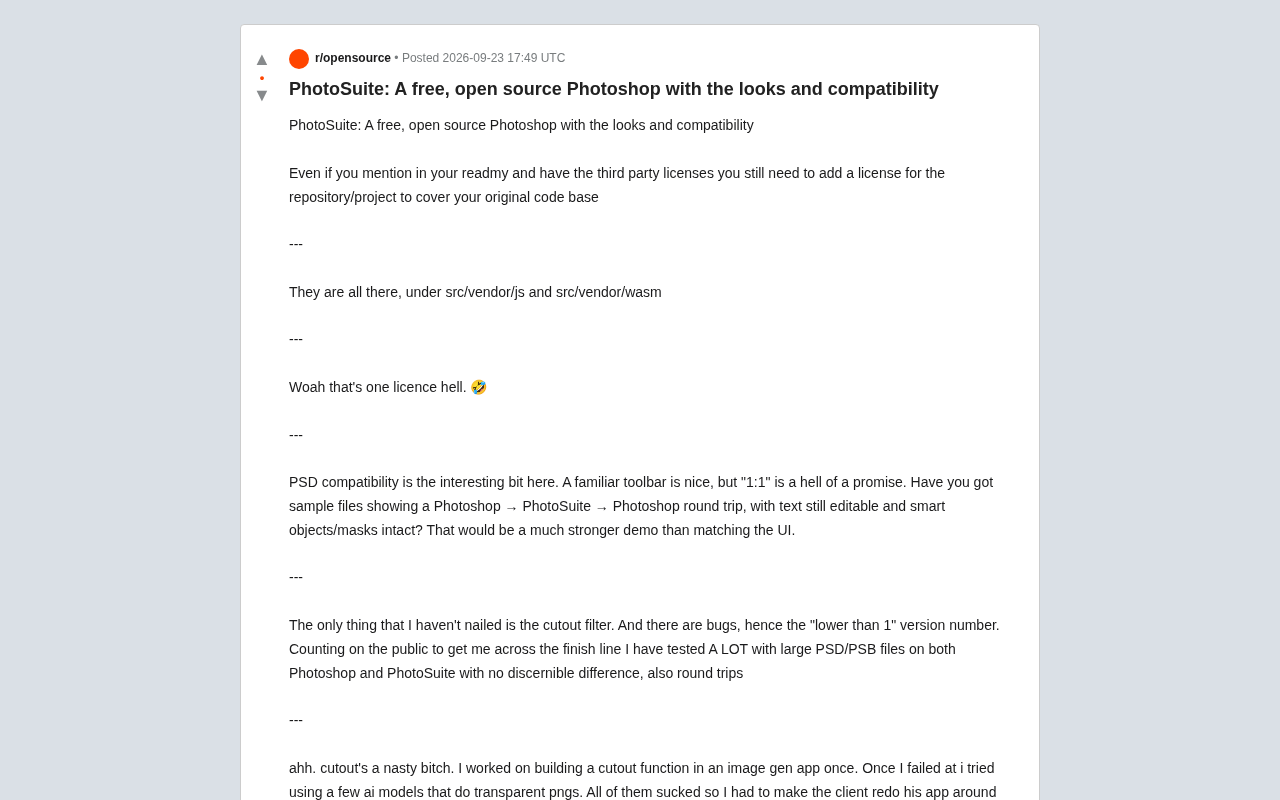
There's no shortage of image editors that mimic Photoshop's interface. The real pain point has never been toolbar layout — it's file format interoperability. PhotoSuite's author has a clear strategy: a familiar UI is a nice bonus, but PSD compatibility is the decisive factor.
One community member cut straight to the heart of this, while also raising a sharp challenge: "'1:1 compatibility' is a pretty big claim. Do you have any sample files showing a Photoshop → PhotoSuite → Photoshop round-trip where text is still editable and smart objects and masks remain intact? That would be far more convincing than just mimicking the UI."
This comment hits on the core difficulty of PSD compatibility. PSD isn't a simple bitmap container — it carries a wealth of structured information including layers, editable text, smart objects, masks, adjustment layers, and more. Achieving lossless round-trip editing is an engineering challenge far greater than it appears on the surface.
The PSD (Photoshop Document) format is proprietary to Adobe and has never been fully documented publicly. Its structure is extraordinarily complex: beyond pixel data, it contains layer trees, vector masks, adjustment layers (such as curves and hue/saturation), smart objects (nested self-contained documents), layer effects (drop shadows, glows, etc.), text engine metadata, color profiles, and numerous other data blocks. The open-source world has long relied on reverse-engineered implementations to parse this format — notable examples include psd.js and libpsd — but these implementations vary widely in their support for complex features. This is precisely why mature open-source editors like GIMP and Krita still lose or incorrectly render certain layer effects when reading and writing PSD files. PSD compatibility isn't a matter of parsing a few fields; it's a years-long engineering battle.
The Author's Testing and Candor
Facing the skepticism head-on, the author gave a reasonably grounded response: he says he's tested extensively with large PSD/PSB files in both Photoshop and PhotoSuite, finding "no perceptible differences" between the two, with round-trips also verified.
What deserves credit is the author's honesty. Rather than overselling the project as a finished product, he openly acknowledged remaining gaps and known bugs — which is why the version number sits below 1.0. He's explicitly looking to the community to help push the project to completion.
Cutout (Image Masking): The Acknowledged Hard Part
The one feature the author admits hasn't been cracked is the cutout (background removal) filter. This resonated with fellow developers. One who had built an image generation app shared a familiar story: he'd tried building his own cutout feature, failed, then turned to multiple AI models that output transparent PNGs — and found they "all sucked," ultimately forcing his clients to restructure their entire workflow around gpt-image-1, which supports native transparency.
Cutout is hard because it requires precisely separating a subject's edges from complex backgrounds — especially fine details like hair strands or semi-transparent objects. It's a longstanding challenge for traditional algorithms, and an area where current AI models are still straining.
Traditional cutout algorithms (such as GrabCut and Alpha Matting) rely on color differences and edge gradients, and tend to fail when foreground and background tones are similar. In recent years, deep learning approaches like the Segment Anything Model (SAM) have dramatically improved general segmentation, but handling semi-transparent details like hair or wedding veils still requires dedicated matting models (such as ViTMatte) to achieve commercially viable accuracy. Running these models locally in a browser or desktop app also involves difficult tradeoffs between model size (typically hundreds of MB or more) and inference speed. This is the fundamental reason many image editing tools opt for cloud-based AI APIs rather than building local cutout engines — and it explains why this feature remains a common weak point across open-source desktop image editors.
Controversy Over the Open-Source License
After the project went public, the licensing question became a focus of technical discussion. Community members pointed out that even if third-party licenses are mentioned and linked in the README, the repository still needs its own license declaration to cover the author's original code.
The author responded that third-party dependency licenses are stored in the src/vendor/js and src/vendor/wasm directories — which prompted one wry comment: "Wow, this is real license hell."
For any open-source project, proper licensing isn't a formality — it directly determines whether others can legally use, modify, and distribute your code, and whether the project can attract serious contributors.
Open-source licenses generally fall into two categories: permissive and copyleft. Permissive licenses like MIT and Apache 2.0 allow others to use the code in closed-source commercial products; copyleft licenses like GPL and AGPL require derivative works to be released under the same terms. When a project mixes dependencies under multiple licenses, license compatibility must be carefully checked — for instance, GPL and Apache 2.0 are incompatible under certain version combinations, which can make a project legally undistributable. For enterprise users looking to integrate PhotoSuite into workflows or commercial products, this is a non-trivial legal risk — and a core reason the community is urging the author to explicitly declare a license for his own original code.
The Single-Commit Controversy and AI Code Suspicions
Another very-of-the-moment debate arose around the project having only a single commit. The author explained that he'd been developing privately for about a year, and iterating locally before going public is a perfectly normal practice.
One community member articulated the deeper concern behind this skepticism — it triggered what he called an "AI slop" alarm. He pointed to communities like osdev, where "a flood of OS developers have appeared, claiming to have built full graphical operating systems 'from scratch' in a single 60,000-line commit, with comments stuffed full of em-dashes."
This observation reflects a broader anxiety in the open-source community: as AI-assisted programming and code generation become more prevalent, distinguishing between genuine long-term effort and AI-generated "shell projects" is becoming increasingly difficult. A single massive commit, unusual code style, and overuse of certain punctuation have all become heuristic signals — even if they're not always accurate, as the commenter himself was careful to note: he was "absolutely not saying PhotoSuite is one of those cases."
Conclusion
PhotoSuite represents a kind of approach worth paying attention to: rather than trying to out-feature Photoshop across the board, it focuses specifically on PSD compatibility — the thing most likely to lower the migration barrier. If it can truly deliver lossless round-trip editing, it will have real appeal for users looking to escape subscription pricing and move to open-source tools.
But the project is still pre-1.0 and early-stage, with cutout functionality missing, known bugs, and licensing questions that need to be addressed. Its ultimate value depends largely on whether the community is willing to step up and contribute that "last mile" — which is both the promise and the challenge of the open-source model.
Related articles

How Big Can Stars Really Get? The Physical Limits of the Largest Stars
Red supergiants are the largest stars by volume, with radii up to 2,000 times the Sun, engulfing the inner solar system. But there is no precise upper limit on stellar size—models predict up to 15,000 solar radii. The most massive blue stars are far smaller than red supergiants—biggest and heaviest are two different things.

Apple HomeView Smart Display Full Feature Breakdown: Wall-Mount or Desktop, $299
Apple launches HomeView, a $299 smart display with wall-mount and desktop options, 12MP camera for facial recognition, smart home control, music playback, and recipe step-by-step cooking. Full breakdown of watch faces, apps, privacy, and cooking integration.

Where Did the Promised New Studio Go? Craft Computing Answers After Five Years
Craft Computing's host responds to viewer questions: the new studio promised five years ago was shelved as construction costs soared from $30,000 to $75,000, and was replaced by a 168-square-foot garage conversion.