QR Code Quiet Zone Cropped: All Tests Green but Nothing Scans

A QR code API silently fails AI agent decoding due to a missing 4-module quiet zone; the fix requires default margins and cross-decoder CI validation.
A developer's QR code generation API returns base64 PNGs or SVGs, but the first bug report came from a consuming AI agent: its OpenCV QRCodeDetector returned empty results for every image, while the developer's own test suite decoded 100%. The root cause was a missing quiet zone — ISO/IEC 18004 requires a four-module blank margin on each side, but the developer had cropped the PNG flush against the finder patterns. Their test decoder tolerated the missing margin, but the real pipeline failed silently. Two failure modes in the wild: cropping flush to the edge and caller dark backgrounds swallowing padding. The fix: the API now includes a 4-module margin by default, and CI validates decoding on dark synthetic backgrounds using two independent libraries before release. The same debugging session also revealed the importance of error correction levels: L/M barely survive ~10% coverage, H recovers from ~30%, and Q is now the default for print use. The core lesson: "decorative" requirements in specs are often functional, and silent failures are especially dangerous for AI-facing APIs.
A developer built a QR code/barcode generation API that returns a base64-encoded PNG or SVG in a single call, supporting everything from QR codes to EAN-13 and other symbologies. But the first bug report didn't come from a human — it came from a consuming AI agent: its OpenCV QRCodeDetector returned empty results for every single image the API generated, while the developer's own test suite decoded 100% of all outputs.
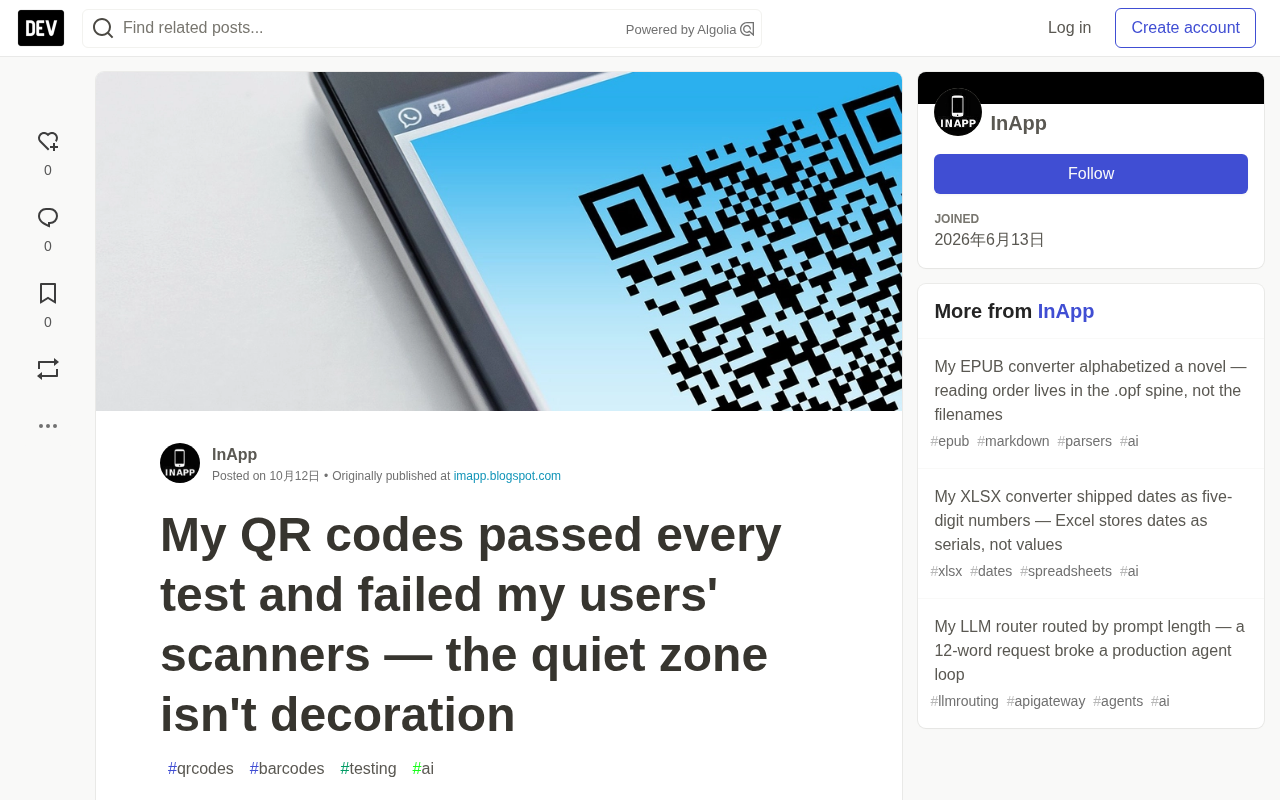
Missing Quiet Zone: Tests Pass, Real Scans Fail
The problem was the quiet zone. According to the ISO/IEC 18004 specification, QR code symbols require a blank margin four modules wide on each side. The developer had been cropping the PNG tight against the outer finder patterns, reasoning that padding was the caller's layout responsibility. The decoder they chose tolerated the missing margin, so round-trip tests stayed green while the real pipeline failed silently.
This discrepancy reveals a common trap: the gap between the developer's test environment and the user's actual environment. When tests validate against only a single decoder, it's easy to overlook requirements in the spec that seem merely "decorative."
Quiet Zone is the blank area surrounding a QR code symbol. The ISO/IEC 18004 specification requires at least four modules' worth of pattern-free space on each side. Its purpose isn't decorative: decoders rely on this whitespace to locate the symbol's boundaries, separate the QR code from its surrounding background, and calculate module size and grid coordinates. When the quiet zone is cropped away, swallowed by a dark background, or encroached upon by patterns, the detection algorithm lacks a reliable frame of reference — the scanner may fail to lock onto the symbol or compute incorrect module sampling positions.
It's worth noting that different decoders vary widely in their tolerance. Some implementations perform internal edge detection and adaptive thresholding, effectively "guessing" boundaries even when the quiet zone is insufficient; others using fixed threshold segmentation simply fail outright. This inconsistency is precisely why round-trip tests pass while real-world environments break.
Two Failure Modes in the Wild
Cropping flush to the edge. When dark border modules sit flush against the image edge, some fixed-threshold segmentation algorithms can't separate the finder patterns from the border and simply give up.
Caller context interference. Even if the developer adds no margin, the caller may add padding via CSS — but on a dark page background, that padding blends into the adjacent dark UI, effectively "deleting" the quiet zone.
The trickiest part: the API returned 200 and a perfect-looking image every time. For an AI agent, silent failure is the worst kind — you get a usable file and a broken result, then spend hours debugging your vision library before you ever suspect the generator.
The Fix and CI Validation
The fix: the API now includes a 4-module margin by default (configurable), and CI renders on synthetic backgrounds with dark adjacent areas, decoding with two independent libraries before releasing.
This approach ensures the generator can be reliably detected across environments, rather than merely passing tests under the developer's ideal conditions.
Error Correction Level: The Other Overlooked Critical Parameter
The same debugging session yielded a secondary lesson: once someone overlays a logo on a QR code, the error correction level becomes critical. L and M levels barely survive at ~10% coverage; H level can recover from ~30% coverage. For any print use case, the developer now defaults to Q level.
Developers often overlook error correction level selection, but it directly determines QR code readability under partial occlusion, smudging, or uneven lighting.
Error Correction Level is a redundancy parameter in the QR code specification, divided into four levels — L, M, Q, and H — which can recover approximately 7%, 15%, 25%, and 30% of damaged or occluded data respectively. The mechanism uses Reed-Solomon error correction codes to add redundant information to data codewords, allowing decoders to reconstruct the original content even when some modules are unreadable.
Higher levels mean more redundancy, which reduces the effective data capacity for the same version and may increase module density. Therefore, in scenarios involving overlaid logos, print wear, uneven lighting, or lens distortion, level selection directly determines readability. L and M suit clean digital screens; Q and H are better for print, outdoor, or logo-embedded use cases. If a developer defaults to a low level in a generation API, callers who overlay logos may find real-world scanning fails — while ideal images in the test environment look perfectly fine.
Takeaways
The entire project was ultimately packaged as the QR Code Generator API, with the default margin setting cementing this lesson so users can skip the archaeology of decode failures and get straight to the part where links actually scan.
The core insight: "decorative" requirements in specifications are often functional; cross-decoder, cross-environment validation matters more than a single test suite's green light. For APIs targeting AI agents, silent failures are especially dangerous — agents won't try multiple scanning methods or report "it won't scan" like humans would. They just return empty results, making root cause identification difficult for upstream consumers.
One-line Summary
A QR code generation API silently fails AI agent decoding due to a missing 4-module quiet zone; the fix requires default margins and cross-decoder CI validation.
Paragraph Summary
A developer's QR code generation API returns base64 PNGs or SVGs, but the first bug report came from a consuming AI agent: its OpenCV QRCodeDetector returned empty results for every image, while the developer's own test suite decoded 100%. The root cause was a missing quiet zone — ISO/IEC 18004 requires a four-module blank margin on each side, but the developer had cropped the PNG flush against the finder patterns. Their test decoder tolerated the missing margin, but the real pipeline failed silently. Two failure modes in the wild: cropping flush to the edge and caller dark backgrounds swallowing padding. The fix: the API now includes a 4-module margin by default, and CI validates decoding on dark synthetic backgrounds using two independent libraries before release. The same debugging session also revealed the importance of error correction levels: L/M barely survive ~10% coverage, H recovers from ~30%, and Q is now the default for print use. The core lesson: "decorative" requirements in specs are often functional, and silent failures are especially dangerous for AI-facing APIs.
Related articles

Felix Rieseberg Personal Homepage
Felix Rieseberg's personal homepage sparks attention on Hacker News. This article covers the Slack engineer's technical background, the rise and fall of nativefier, and the value of a developer homepage as a tech calling card.

@ai-sdk/vue 3.0.306 Patch Release Syncs with [email protected] Update
@ai-sdk/vue 3.0.306 released, synced with [email protected]. A routine patch release for the Vercel AI SDK ecosystem with no public API changes; the Vue adapter layer stays version-aligned with the core package.

Gemini 4 Argon API Launches: The Era of Million-Token Output Begins
Google launches Gemini 4 Argon with sparse MoE architecture, up to 1M output tokens, and a 68.90% Vals Index score, available across API, AI Studio, and the Gemini app.