Running AI Coding Agents Directly on Android: No Termux or Root Required

A Reddit user ran Claude Code and DeepSeek agent loops on Android with no root or Termux required.
A Reddit user shared an experiment running AI coding agents on Android: using an open-source harness, they bypassed PRoot/chroot permission issues and got Claude Code and DeepSeek's agent loop working on a phone — no root or Termux needed — completing simple scripts and shell commands. The main bottleneck was battery drain after ~20 minutes. The post also explores two mobile AI coding approaches: local small models (offline but limited) vs. remote agent loops (more capable but network-dependent).
Running an AI Coding Agent on a Phone
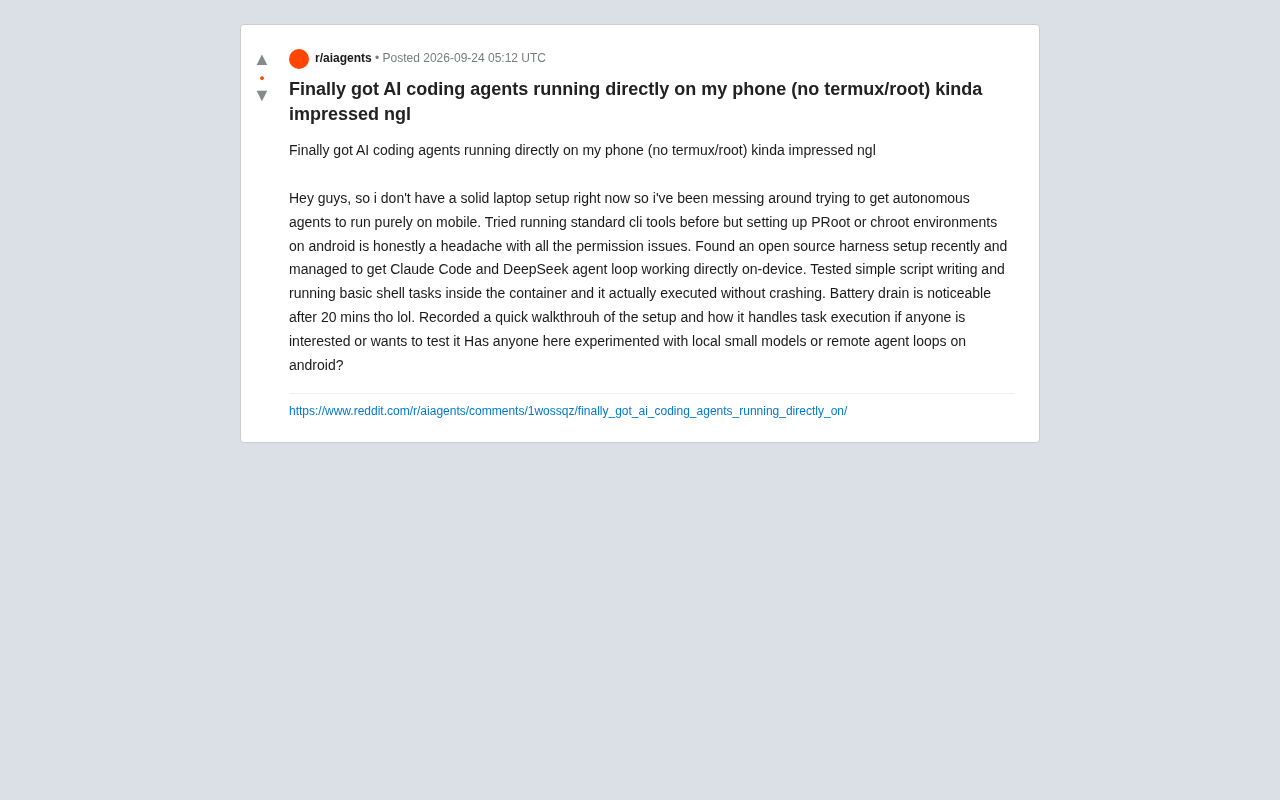
What if you don't have a laptop handy — can you handle automated coding tasks with just your phone? One Reddit user shared their experiment, successfully running Claude Code and DeepSeekAd's agent loop directly on an Android device, without relying on Termux or requiring root access.
For anyone who's followed mobile AI applications closely, this experiment is worth documenting. Traditionally, running standard CLI tools on Android meant wrestling with PRoot or chroot environment setups — a process notorious for permission headaches. File access, process management, container isolation — any one of these could derail the entire environment.
Bypassing the Pain Points of Traditional Approaches
The author mentioned having previously tried setting up PRoot or chroot environments on Android, but found that "permissions were a real hassle." This is a shared frustration among many mobile developers: Android's restrictions on low-level access make it difficult to run a smooth Linux-like command-line environment, especially on non-rooted devices.
The breakthrough came through an open-source harness configuration. Using it, the author bypassed the tedious environment setup and got Claude Code and DeepSeek's agent loop running directly on the device. An agent loop refers to the AI agent's automatic "think → act → observe" cycle, enabling the model to autonomously complete multi-step tasks rather than just responding to single queries.
Real-World Performance
The author tested two types of tasks inside the container: simple script writing and basic shell command execution. The result was "no crashes during actual execution" — for an automated agent running on a phone, that's already a decent starting point. A demo video of the setup and task execution was also recorded for interested users to reference and test.
PRoot is a user-space chroot implementation that allows simulating a Linux filesystem structure and running standard Linux programs on Android without root privileges. chroot is the traditional Unix/Linux mechanism for switching a process's root directory, which typically requires root. Termux is Android's most popular terminal emulator and Linux environment, bundling many pre-compiled packages — but programs it runs must be recompiled against Android's Bionic libc and cannot directly run standard x86/ARM Linux binaries. The common limitation across all three is that Android's kernel restrictions on system calls (such as
ptrace,clone, etc.) and SELinux policies make it difficult to achieve a full Linux container experience on non-rooted devices — file permissions, process namespaces, and dynamic library paths can all become blockers.
The Battery Problem Is Unavoidable
Of course, the cost of running compute-intensive tasks on a phone is hard to ignore. The author admitted that after roughly 20 minutes, "battery drain was quite noticeable." This points to a core tension in mobile AI agents: the fundamental mismatch between a phone's compute capacity and battery life versus the continuous resource demands of an autonomous agent loop.
Whether running a small local model or invoking a remote agent loop, battery drain and heat are unavoidable real-world constraints. For short, lightweight scripting tasks, this setup might be viable — but expecting it to replace a desktop development environment for extended, complex engineering work is clearly not realistic yet.
Local Small Models vs. Remote Agent Loops
At the end of the post, the author raised an open question: has anyone tried local small models on Android, or remote agent loops? This neatly captures the two technical approaches to mobile AI coding.
Local small models offer the advantages of privacy and offline availability, but are constrained by phone hardware — the scale of models that can run is limited, and so is their capability ceiling. Remote agent loops offload the heavy lifting to the cloud, with the phone handling only interaction and orchestration. This is more capable but requires network connectivity and raises questions about data transfer and cost. The author's current setup leans toward the latter — both Claude Code and DeepSeek rely on remote capabilities.
This space is still in early exploration within the developer community, with no mature standard solutions. What sparked discussion about the author's experiment is precisely that it demonstrates a low-barrier possibility: no root, no Termux dependency — even everyday users can experience autonomous coding agents on their phones.
Current mainstream tools for running local small models on Android include MLC LLM, Android ports of llama.cpp, and GPU inference backends based on Vulkan/OpenCL. Flagship mobile SoCs (such as Snapdragon 8 series, Dimensity 9 series) feature dedicated NPUs that can accelerate INT4/INT8 quantized models, theoretically running 1B to 7B parameter models at acceptable speeds. However, phone memory is typically 8–16GB and shared with the OS — loading a 7B quantized model already pushes up against memory limits, and generation speeds are far below those of desktop GPUs. By contrast, a remote agent loop transfers all inference load to cloud servers; the phone only sends instructions and receives results, placing almost no demands on local compute — though every tool call introduces network round-trip latency, which can significantly impact overall efficiency across the multiple steps of an agent loop.
A Signal Worth Watching
Setting aside practical shortcomings like battery life, the significance of this experiment lies in lowering the barrier to running AI agents on mobile. As open-source harness tools mature and both on-device models and cloud agent capabilities continue to evolve, "carrying a coding assistant in your pocket" may gradually shift from a tinkerer's experiment to a genuinely usable workflow.
For users with limited device resources who want AI-assisted coding anywhere and anytime, this kind of experiment offers a useful reference point. Worth noting: the post comes from a single user's personal experience, and the specific setup process and stability still need broader community verification.
Related articles

Is the Agent Harness Dead? Cursor's Early Engineer Breaks Down the Real Architecture of AI Coding Agents
Cursor early engineer Jediah breaks down the real architecture of the agent harness: why "the harness is dead" is only half right, how the data flywheel lets the harness obsolete itself, and how Grokbot, software factories, and primitive design open new frontiers for agents.
Python Visitor Pattern and Better Alternatives Explained
A deep dive into Python's visitor pattern and four alternatives: method pattern, pattern matching, dictionary mapping, and functools.singledispatch. Choose the best decoupling design by change frequency.

357 Days of Deep Experience: Why Omarchy Made Me Stop Distro-Hopping
A 357-day deep dive into Omarchy: 59-second install, out-of-the-box audio and GPU support, the Quattro QuickShell rewrite migration pains, and why Arch users should try it.