Slop Coding Experiment: Reinventing the Flash Drawing Experience with AI Studio

A developer uses Google AI Studio to build the minimalist drawing app After Flash, paying tribute to the Flash era and exploring a new paradigm of AI-assisted programming.
A developer calling himself a "Vibe Archeologist" built the minimalist drawing app After Flash with Google AI Studio, trying to recapture the creative feel of the Flash era. The app has only one drawing tool, three brush sizes, and two layers, supports frame-by-frame animation and AI palette generation, and uses React, TypeScript, and SVG. The developer proposes the concept of "Slop Coding," arguing that AI makes it easier to cobble together an app than to find an existing one, while maintaining a contradictory attitude toward it. In terms of business model, the standalone app is free, and the paid offering lies in integration services embedded in other websites, though this remains unvalidated. The project hit daily development limits and currently uses Gemini, a non-open-weight model, so it does not meet Hacktoberfest's open AI requirements. One accidental discovery is that hand-drawn works can serve as visual references for AI image generation, reproducing styles far better than text descriptions.
From Flash to After Flash: A Developer's "Vibe Archeology"
"Sometimes it's assembly language, sometimes it's a mud-brick house. And this time, it's Flash."
As AI-assisted programming becomes increasingly widespread, "Slop Coding" is emerging as a phenomenon worth noting. A developer who calls himself a "Vibe Archeologist" has built a drawing app called After Flash through Google AI Studio, attempting to recapture the feeling of creating with Flash years ago.
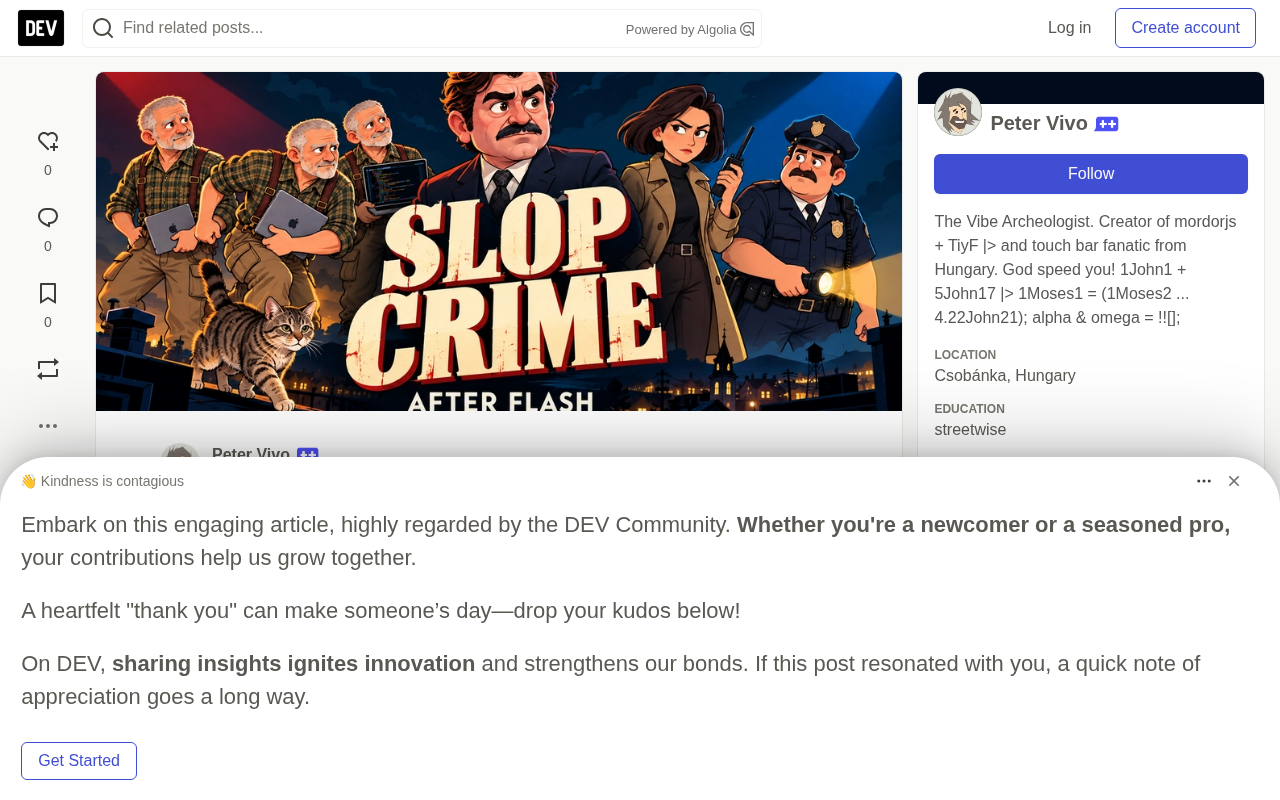
The core logic behind this project is quite interesting: the developer found that nowadays "cobbling together an app" can be easier than "finding the right app in the app store." As someone who makes a living writing software, his attitude toward this trend is contradictory—he doesn't fully embrace it, yet can't resist trying it himself.
What Is After Flash? A Return to Minimalism
After Flash's feature design is extremely restrained:
- One drawing tool, three brush sizes, one eraser
- Two layers: a drawing layer and a background color layer
- No fill tool, no vector merge functionality
- Supports frame-by-frame drawing, animation playback, and exporting individual works as SVG
- Built-in AI palette generator: enter a theme, mood, or a few keywords to generate an 8-color or 64-color scheme
The developer says the design philosophy is simple: "I wanted to draw, so I made the distance between opening the app and starting to draw as short as possible."
The app is built with React, TypeScript, and SVG, and the palette generation feature calls the Gemini 2.5 Flash model. The developer had an unintentional humorous discovery about this: "I used Flash to help bring back Flash. That joke wasn't designed by me."
Flash (Adobe Flash, originally developed by Macromedia and later acquired by Adobe) was the dominant platform for web animation and interactive content creation from the late 1990s to the early 2010s. It allowed designers to draw animations frame by frame using vector graphics and embed them directly into web pages for playback. Flash's drawing tools were known for being "what you see is what you get" and low-barrier, and a generation of creators used it to make countless web animations, mini-games, and interactive ads. With the rise of HTML5, CSS3, and JavaScript, as well as the lack of Flash support on mobile, Adobe officially ended support for Flash Player in 2020. The developer named the project "After Flash" precisely as a tribute and backward glance at a bygone creative era.
SVG (Scalable Vector Graphics) is an XML-based vector image format standardized by the W3C. Unlike bitmap formats such as JPEG and PNG, SVG describes graphics with mathematical paths, so it does not lose quality no matter how much it is enlarged. In After Flash, using SVG means every stroke the user makes is a vector path that can be exported and scaled losslessly. In addition, SVG is essentially DOM nodes that can be directly manipulated and animated by JavaScript, which naturally fits React's declarative rendering model. For drawing apps, SVG's limitation is that performance degrades when the number of paths becomes extremely large, which is also why many professional drawing tools still choose Canvas.
Thoughts on the Business Model: Free + Integration Services
The monetization idea for this project is not to sell the app directly, but rather integration services.
The standalone app (including the app store version) is planned to remain free. The paid part lies in embedding the drawing tool into other people's websites—for example, a blogging platform could let authors draw illustrations directly in the editor and insert them into articles. The developer believes that some diagrams or small characters are much easier to draw than to explain in three paragraphs of text.
"I haven't sold any integration services yet." He admits this is a business idea still to be validated. He then also joked about the logical contradiction himself: "I just said making an app may be easier than finding one, and now I'm suggesting others pay me to integrate my app."
Technical Implementation: AI Studio and Daily Limits
The development process was surprisingly straightforward: after reading an article about Google's AI app-building tool, the developer opened AI Studio and began describing the drawing experience he wanted.
One detail worth mentioning is that the developer's personal experience played a central role in AI-assisted development. He mentioned that a large part of the contribution came from "remembering what I liked when drawing years ago"—which tools needed to be within easy reach and which features could be decisively cut. He summed it up half-jokingly: "Apparently, being old enough to remember the workflow is now part of the development stack too."
During development, he also ran into AI Studio's daily development limit—hitting the ceiling while trying to improve the 64-color palette. By that point, however, the app was already usable.
Google AI Studio is an AI application prototyping platform provided by Google for developers, allowing users to quickly generate apps based on Gemini models through natural language prompts, with features such as API key management, prompt debugging, and code export. AI Studio uses a freemium model: free users can use Gemini series models, but there are limits on requests per minute and total daily calls. When developers hit the "daily development limit," they must wait for the next day's reset or upgrade to the paid Vertex AI service. This quota mechanism is usually sufficient during the prototyping stage, but it becomes a bottleneck in scenarios involving intensive debugging or high-frequency calls.
An Accidental Discovery: Hand-Drawing as AI Visual Reference
During the demo, the developer shared a branch experiment. He drew a character in the browser using his MacBook trackpad, then fed the drawing to an AI image generator and asked it to generate a small-town scene in a similar style. The result "reproduced the style astonishingly well."
"It would be much harder to describe the same style in words."
This experiment revealed another potential use for After Flash: quickly drawing your own visual references for AI use. This is not a built-in feature, but it opens new imaginative possibilities for the tool's positioning.
The Contradiction Between Open Source and Open AI
The developer clearly stated that for an embeddable tool, having code that can be reviewed and adapted to different websites is very important. He also wants the AI component to be replaceable, so that the drawing tool does not depend forever on a single vendor.
But there is an unresolved contradiction here: the current palette generator uses Gemini, which is not an open-weight model. Releasing only the app's source code does not satisfy the open AI requirements of the Hacktoberfest challenge. The developer admits "this part still needs to be resolved."
This actually touches on a common dilemma in the AI-assisted development community: proprietary models often have advantages in usability and performance, but there is an inherent tension between open source requirements and commercial tools.
Open-weight models refer to models whose parameter weights are publicly released after training, allowing anyone to download, run, fine-tune, or redistribute them. This overlaps with the concept of "open source software" but is not entirely equivalent—open weights do not necessarily mean the training data and training code are public. Typical examples include Meta's Llama series, Mistral's models, and Stable Diffusion. By contrast, models such as Gemini, GPT-4, and Claude are provided only through APIs and their weights are not public, so they are called proprietary or closed-source models. Hacktoberfest is an annual open source contribution event initiated by DigitalOcean, and in recent years some tracks require projects to use open AI components. This requirement directly conflicts with the developer's desire to use the more effective Gemini, and it is also an issue repeatedly discussed in the current open source AI community.
Conclusion: AI Helps You Write Code, but Bad Drawing Is Still Your Own Problem
The significance of the After Flash project may not lie in technical breakthroughs, but in the way it demonstrates a new paradigm of individual development: describe requirements in natural language, use AI Studio to quickly generate a usable prototype, and let the developer focus on aesthetic judgment and polishing the experience.
As the developer said: "AI helped build the app and can also suggest color schemes. But bad drawing skills are entirely my own."
The project is open source on GitHub: github.com/Pengeszikra/after-flash, and can be tried online: after-flash.ai.studio.
Related articles

Chain of Thought Isn't Just for AI: How Humans Can Use CoT to Improve Thinking Quality
Chain of Thought isn't just a prompt trick for large models. Starting from a Hacker News discussion, this article analyzes why CoT works for human thinking too, breaks down actionable ways to transfer it, and highlights the key differences between human CoT and machine CoT.
Cloudflare Teams Up with OpenAI: Closi…
Cloudflare Teams Up with OpenAI: Closing the Loop from Vulnerability Discovery to Defense with AI
Cloudflare uses OpenAI Daybreak to investigate security vulnerabilities and generate reviewable remediation plans, while developers use Codex to boost coding efficiency and quality.

Orca Multi-Agent Orchestration in Practice: A Guide to Parallel Collaboration with Claude and Codex
Orca is Stable AI's free open-source agent workbench supporting 34 agents like Claude Code and Codex in parallel. Learn its Git worktree isolation, multi-model orchestration, and mobile management.