Snapset: The Menu Bar App That Saves and Restores Your Entire Mac Workspace in One Click

Snapset saves your entire Mac workspace as a snapshot and restores it instantly, with automatic multi-display layout support.
Snapset is a Mac productivity tool featured on Product Hunt that saves your entire workspace — running apps, window positions, browser tabs, and Finder folders — as a snapshot you can restore at any time. Its standout feature is automatic window rearrangement when switching between monitor configurations, directly solving a common pain point for multi-display users. Built as a lightweight menu bar app, it stays out of your way until you need it. With 63 upvotes and a #17 ranking on Product Hunt, it targets knowledge workers and multi-monitor users who need to switch between task contexts quickly. Real-world compatibility and restore accuracy are still to be verified.
An Underrated Productivity Pain Point
Every day when you sit down to work on your Mac, there's a good chance you go through the same ritual: open your email client, launch your code editor, pull up the browser and restore dozens of tabs from yesterday, then drag your Finder windows back into their usual spots. These repetitive steps might seem minor, but they add up to real time lost and attention burned.
Snapset, a Mac tool that recently made its debut on Product Hunt, targets exactly this pain point. Its core idea is straightforward — treat your entire workspace as a "snapshot" that can be saved and restored, bringing everything back to where you left it with a single click. The product currently has 63 upvotes and ranks #17, listed under the Mac, Productivity, and Menu Bar Apps categories.
What Snapset Actually Remembers
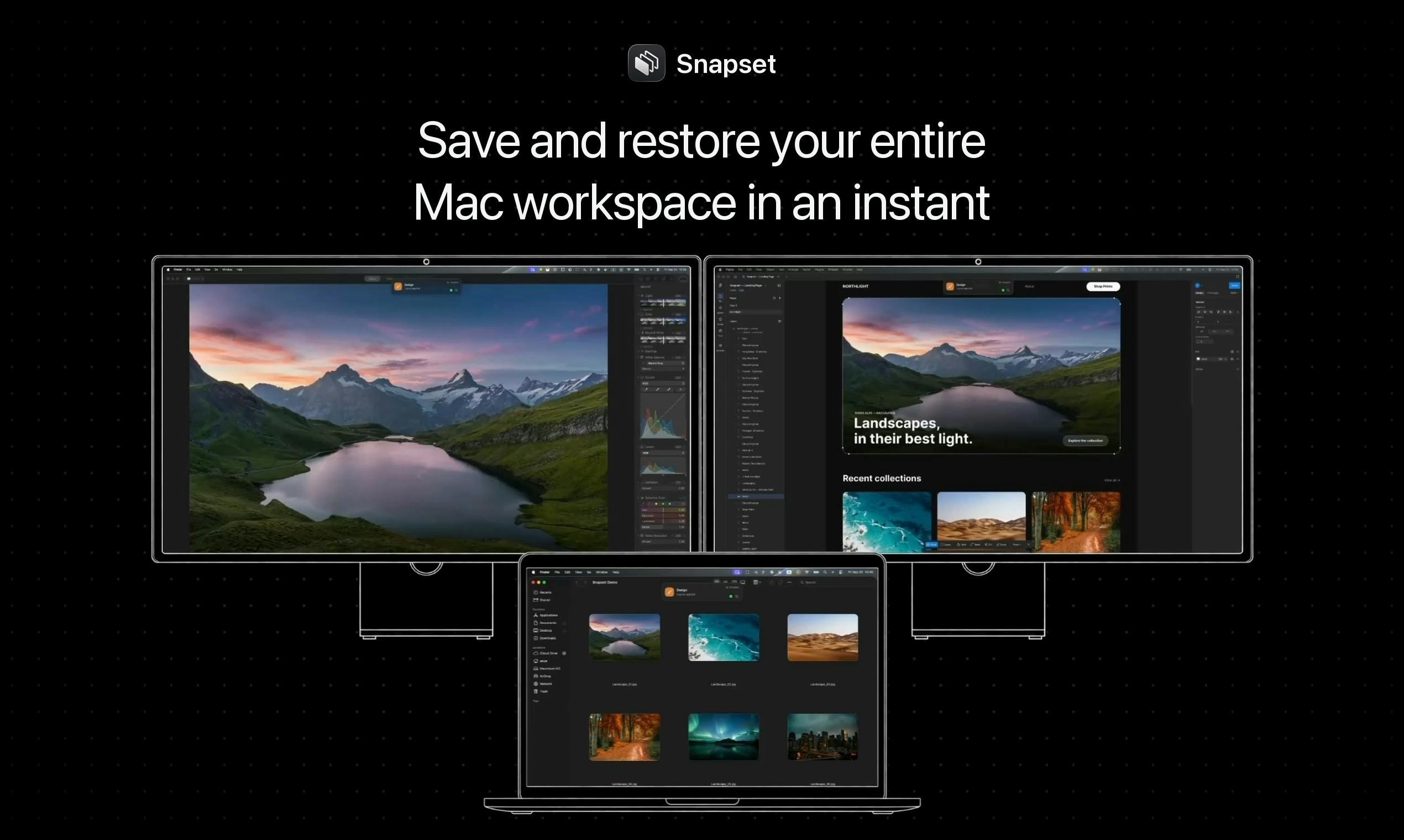
Unlike basic launchers that only remember which apps to open, Snapset's ambition is to restore the complete context of your workspace. According to the official description, it captures and restores the following:
- Applications: Every app you had running at the time;
- Window positions: The exact placement of each window on screen;
- Browser tabs: All the web pages you had open;
- Folder windows: Even the folders you had open in Finder.
In other words, it doesn't just "start your apps" — it attempts to recreate your desktop exactly as you left it. For users who rely on specific window layouts to manage different workflows, this kind of "scene memory" is far more valuable than a simple app launcher.
Automatic Multi-Display Adaptation
Snapset's most differentiating feature is its ability to automatically rearrange windows when you connect to a different display. This detail directly addresses a daily frustration for multi-device users: many people use dual monitors at the office, a single laptop screen at home, and yet another external display when traveling. Every time you switch monitor configurations, macOS handles window positions poorly — windows end up crammed together or drift off-screen entirely.
By detecting the currently connected displays and adjusting layouts automatically, Snapset theoretically lets you "plug in and pick up right where you left off," eliminating the need to manually drag everything back into place.
A Lightweight Menu Bar App
Snapset is designed as a Mac Menu Bar App, and this positioning is worth noting. A menu bar app lives in the background, uses minimal resources, and can be invoked at any moment from the top status bar — no need to open a full application window.
This lightweight interaction model aligns perfectly with Snapset's promise of instant save and instant restore. Efficiency tools should never become a burden themselves. Tucking snapshot save and restore actions into the menu bar fits naturally with how Mac users expect this kind of utility to behave.
Menu Bar Apps are a well-established application format in the macOS ecosystem — their icons live in the top-right status bar, running persistently in the background without occupying Dock space. Compared to full window apps, menu bar apps typically have extremely low memory footprints (often under 20–50MB) and respond faster, expanding a control panel the moment you click their icon. Well-known efficiency tools in this category include Bartender, Magnet, and Alfred, all of which have won large Mac user followings with this format. This design philosophy is known in the Mac productivity community as "always-on but out of the way" — perpetually available, but never interrupting your main workflow. For a tool like Snapset that needs to trigger a "save snapshot" action at any moment, the menu bar format is genuinely the most sensible home.
Who Is Snapset For?
Based on its feature set, Snapset's target user profile is pretty clear:
- Multitasking knowledge workers: People who need to switch quickly between different projects or work contexts, each with its own set of apps and window arrangements;
- Multi-monitor users: Those who frequently move between different screen configurations and are tired of windows ending up in the wrong place;
- People who want workflow consistency: Anyone who wants to start each day with the same desktop state and reduce friction during the startup phase.
For light users with a single screen and only a handful of apps, tools like this offer diminishing returns. But for power users plagued by a lengthy startup ritual, Snapset offers a way to reclaim that time for creative work.
A Fresh Take on an Old Need
Workspace saving and restoration isn't a brand-new concept — macOS itself has some "restore last opened windows" capability, and various window management tools already exist. What makes Snapset interesting is that it bundles apps, window positions, browser tabs, and folders into a single unified snapshot, and layers on multi-display auto-adaptation as a practical use case, forming a relatively complete product loop.
It's worth noting that most of the available information comes from the Product Hunt listing. Details about real-world restoration accuracy, compatibility with third-party apps, and supported browsers still need to be verified through hands-on use. For Mac users with these needs, it's worth adding to your watchlist and seeing whether it can genuinely eliminate your daily startup routine.
macOS's native window restoration relies primarily on the "Resume" mechanism (introduced in OS X Lion), which allows apps to restore their state on next launch — but this depends on each app implementing it individually, and is limited to per-app state rather than an overall desktop layout. macOS's "Spaces" virtual desktops can assign different apps to different desktops, but they don't support automatic rearrangement across display configurations, nor do they offer named snapshots that can be switched on demand. Existing window management tools (such as Moom, Magnet, and BetterSnapTool) primarily solve the problem of quickly positioning and splitting windows, not "saving and restoring an entire workspace scene." Snapset consolidates these scattered capabilities into a snapshot-centered workflow, representing an attempt to fill a genuine gap in the current tool landscape.
Related articles

Workbuddy for Absolute Beginners: How a Desktop AI Agent Fits Into Real Workflows
A beginner's guide to the Workbuddy desktop AI agent: installation, claiming credits, file management, and building automated workflows—compared with CodeX for fit and cost, helping professionals shift from AI question-askers to AI managers.

OpenAI's New Agent Stack: Computer Use, Decisions API, and Ultra-Fast Workflows
OpenAI Dev Day unveiled a new agent stack: Computer Use outperforms humans, Decisions API delivers ultra-low-latency classification via Luna, Agents API opens the same Computer Use capabilities, and GPT-6.1 Sol costs only one-seventh of Astra. Core updates, benchmark data, and developer insights.

Liang Wenfeng Open-Sources DeepInfo Inference Framework, Takes On U.S. Ban
DeepSeek open-sources its DeepInfo inference framework after its models, featuring GPU/CPU cross-pipelining, small-model prediction with large-model verification, and full Huawei Ascend and NVIDIA chip support—facing the U.S. federal ban head-on. This article analyzes its significance for AI deployment and open-source strategy.