SSO Troubleshooting: The Session Log Holds All the Answers

WorkOS proposes using three fields in the session log—status, origin, and IdP response—to pinpoint SSO fault responsibility in five minutes.
In a technical blog post, WorkOS argues that when enterprise SSO fails, you shouldn't first suspect the whole authentication system has crashed—you should read the session log first. Every SSO attempt leaves three types of information: status code, request origin, and IdP response, enough to pinpoint the problem to a specific stage. The article summarizes three conclusions you can draw from the log: the request never reached the IdP (application-side problem), the IdP explicitly rejected it (customer-side configuration problem), or the status is ambiguous but the origin is clear (use origin to distinguish tenants and entry points). The troubleshooting process takes just three steps: check the status, check the origin, check the IdP response—five minutes to a conclusion. The core argument: log field design should be part of the SSO integration product capability, turning cross-organizational blame games into verifiable data questions.
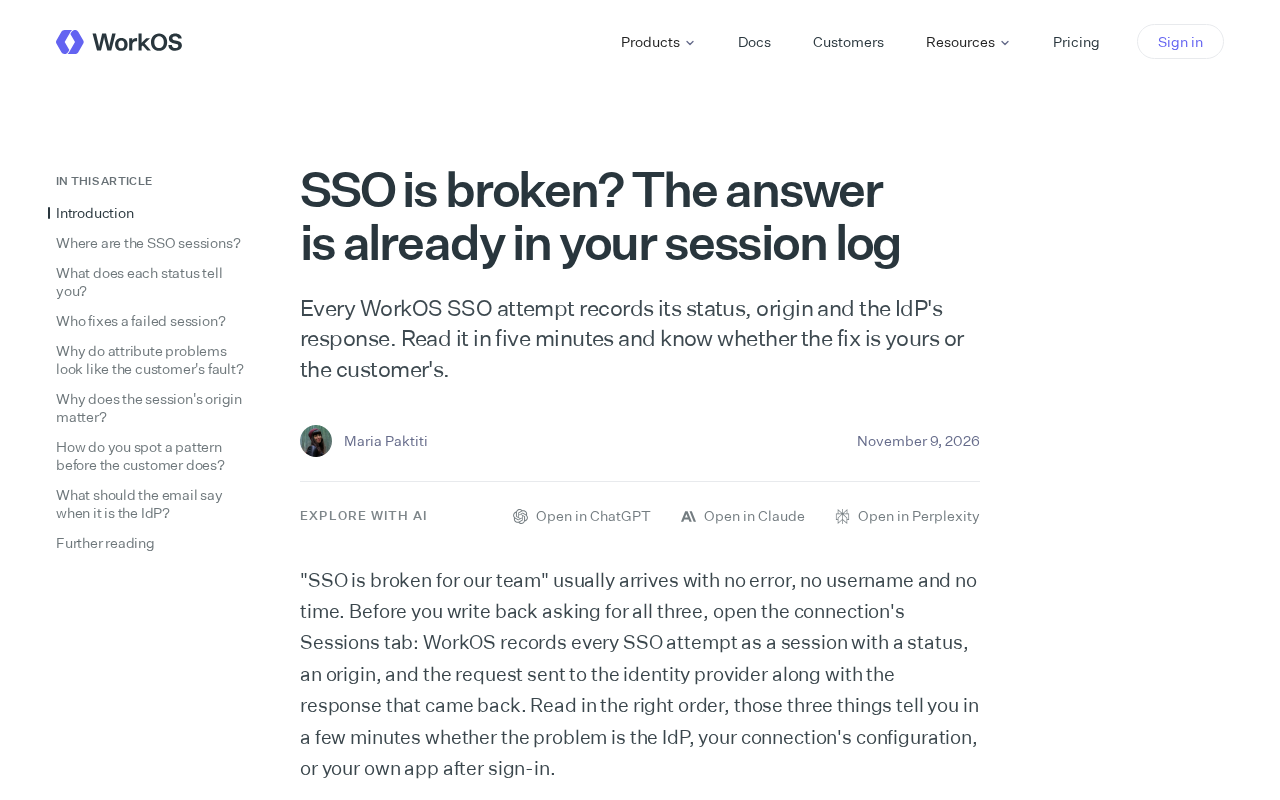
When enterprise SSO breaks, the first reaction is often "the auth system is down." But in a technical blog post, WorkOS offers a more pragmatic view: every SSO attempt leaves behind a status code, request origin, and IdP response in the session log. Spend five minutes reading it and you can determine whether the problem is on your side or the customer's.
Why the Session Log Is the First Stop for SSO Troubleshooting
SSO involves three parties: the user, your application, and the customer's IdP (identity provider). Failures can occur at any stage, and the traditional approach requires back-and-forth confirmation among all three parties—time-consuming and prone to finger-pointing.
WorkOS's approach is to record the full context of every SSO attempt—what state the attempt was in, where it originated, and what the IdP returned. These fields seem simple, but they're enough to pinpoint the problem to a specific stage. Logs aren't just an accessory for post-hoc auditing; they're the first-hand evidence when troubleshooting.
The value of this approach is that it turns the "whose fault is it" blame game into a verifiable data question. When a customer says "your system has a problem," you can look directly at the logs instead of guessing and going back and forth.
IdP (identity provider) is the party in the SSO architecture responsible for verifying user identity and issuing assertions—typically the customer's own identity system, such as Okta, Azure AD, Google Workspace, or a self-hosted Keycloak. In the standard SSO flow, a user accesses your application and is redirected to the IdP to complete authentication; the IdP then returns the identity result to your application via a SAML assertion or OIDC token. Precisely because the authentication decision happens on the customer-controlled IdP, fault responsibility is naturally distributed across multiple parties. Understanding this is key to understanding why the log specifically records an "IdP response" field—it's the only evidence of whether the request actually reached the other side and what reply they gave.
Three Conclusions You Can Draw from the Log
The Request Never Reached the IdP
If the log shows the SSO attempt failed before reaching the customer's IdP, the problem is usually on your application side—perhaps a misconfiguration, a routing issue, or a malformed request. In this case, the fix is your responsibility.
The IdP Explicitly Rejected It
The log records the IdP's response. If the IdP returned a rejection or error status, the request reached the other side but failed validation. This could be a configuration issue on the customer's side—an expired certificate, an unauthorized user, or a mismatched SAML assertion. You'll need to feed the specific response from the log back to the customer.
A SAML assertion is the XML document through which the IdP passes user identity and attributes to the service provider (your application) in the SAML protocol, typically digitally signed to ensure it can't be tampered with. The assertion contains fields such as the user identifier, issue time, validity period, and audience. A common "IdP explicit rejection" often stems from a mismatch at the assertion level: the audience field doesn't match the actual application, the assertion has expired, the signing certificate was rotated without synchronization, or a user attribute is missing and causes mapping failure. Keeping the specific error codes and assertion status returned by the IdP in the log lets troubleshooters directly identify whether the issue is the certificate, the audience, or attribute mapping—without making the customer retry repeatedly.
Status Ambiguous but Origin Clear
Sometimes the status code alone isn't enough to judge, but the request origin and context fill in the key information. WorkOS emphasizes recording the origin precisely so that troubleshooters can distinguish which tenant and which entry point initiated the attempt.
In a multi-tenant SaaS environment, a tenant refers to a customer organization that shares the same application but has its own independent configuration and user system. Each tenant may configure a different IdP, different connection parameters, and different entry domains. When SSO fails, it's hard to tell from the status code alone whether it's a global configuration error or an individual tenant's problem. The value of recording the origin field is that it precisely attributes an attempt to a specific tenant and entry point, quickly narrowing the scope: if only tenant A fails while tenant B works, the problem is most likely in A's IdP configuration rather than the application as a whole.
How to Read the Log in Five Minutes
WorkOS's time estimate is "five minutes"—and that number itself sends a signal: troubleshooting doesn't require complex tools or processes; what matters is whether the log fields are sufficient.
In practice, check the status first: was the attempt successful, failed, or anomalous. Then check the origin: which customer and which entry point. Finally, check the IdP response: what the other side said. Three steps and the conclusion is basically clear.
The prerequisite for this lightweight troubleshooting method is well-designed logs. If the log only records the word "failed," this whole process falls apart. So for teams integrating SSO, log field design is itself part of the product capability.
What This Means for Developers
Although WorkOS's post is about its own product's logging capabilities, the underlying idea has universal relevance: for cross-organizational authentication like SSO, the difficulty in troubleshooting often isn't technical depth but information asymmetry. Record the key information of every authentication attempt, and you can turn "mutual suspicion" into "looking at the data together."
For teams building their own SSO or integrating third-party authentication services, the takeaway is the choice of log fields—status, origin, and IdP response should be the minimum set of SSO logs.
(This article is based on publicly available content from the WorkOS technical blog; the original provided no specific performance data or customer case studies.)
Related articles

Anker SOLIX X1 Three-Month Test: Seamless Outage Switching and How Home Energy Storage Cuts Electricity Bills
Three-month real-world test of Anker SOLIX X1 and PowerDock Pro: millisecond seamless outage switching, September usage of 735 kWh with only 16 kWh bought from the grid, solar plus battery covering about 98% of demand, 358 kWh battery discharge, and 495 kWh surplus exported to the grid.

Ollama Beginner's Guide: Zero-Basics Local Deployment of AI Large Models
Zero-basics Ollama installation and deployment tutorial: three installation methods with software and models stored separately, how to change the model directory, how to run models with commands after installation, plus VRAM-based model selection advice and tips for turning off thinking mode.
Nvidia's Governance Crisis: Why Corporate Governance Experts Are Watching en Masse
Nvidia faces a crisis that corporate governance experts call unprecedented, with many saying they've never seen anything like it. This analysis explores why the governance crisis has drawn professional attention and its potential impact on the AI chip industry.