Stop Re-typing Prompts: Package Your Agent Workflows as Installable Skills

Package repetitive AI workflows into a SKILL.md file and replace manual prompt iteration with a single slash command.
The article proposes replacing scattered prompt management with "Skills": write a multi-step workflow into a SKILL.md file, install it in your Agent's skills directory, and invoke it with one slash command. The author tested this by creating a product launch video — compressing 45 minutes of prompt iteration down to roughly 10 minutes of passive waiting at comparable quality. The onboarding path is minimal: pick a high-frequency task, write it as a SKILL.md, drop it in the directory. The central argument is that the real bottleneck in agent workflows is never model capability — it's whether the workflow has been structurally packaged. A great Skill with a mediocre model will often outperform a top model facing a blank prompt box.
From a Notion "Prompt Library" to an Installable Skill
Many heavy Claude Code users have been through the same thing: maintaining a Notion page dedicated to collecting "useful prompts." But this approach almost never actually works — you either forget it exists, paste the wrong version, or end up back to typing everything manually.
The original author proposes a more sustainable alternative: Skills. A Skill is essentially a Markdown file (SKILL.md) that teaches an Agent how to complete an entire workflow. Install it once, and you can invoke the whole thing with a single slash command. Unlike scattered prompt snippets, a Skill packages a multi-step process into a reusable, shareable unit.
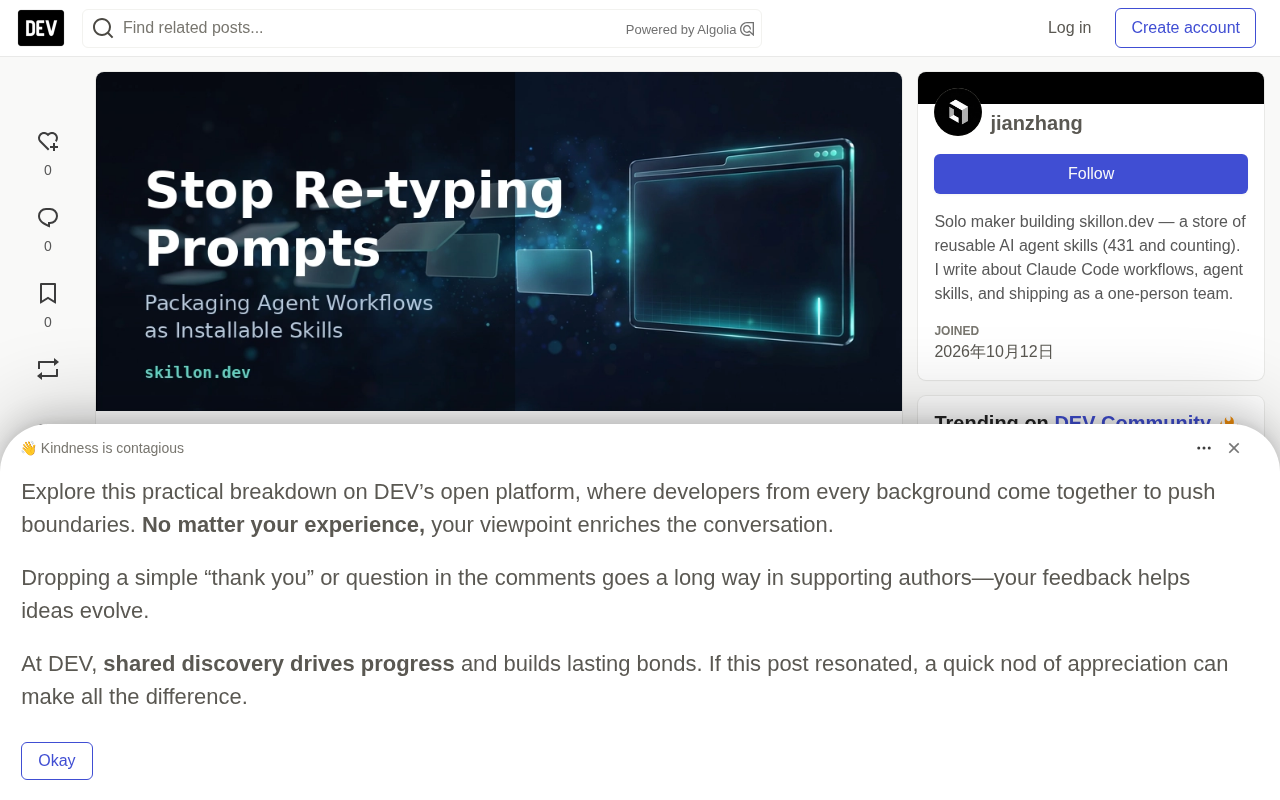
The core shift here is this: a prompt is a one-off instruction, while a Skill is a process asset that compounds over time. You no longer need to remember where "that version that worked great last time" lives — and you won't fumble the invocation either.
In Claude Code's technical implementation, slash commands are a built-in shortcut mechanism that lets users trigger predefined operations or files via /command-name. Once a Skill file is placed in the correct directory, Claude Code automatically recognizes it and registers it as a callable command. This mirrors the design philosophy behind VS Code's Command Palette or Vim's custom commands — both abstract high-frequency operations into low-friction entry points. The SKILL.md file itself follows standard Markdown syntax, so there's no programming barrier to writing one. However, its content structure is parsed by the Agent as execution steps, making it closer to an "operations manual for AI" than a typical document.
A Real-World Example: A Product Launch Video in 10 Minutes
The author shared an actual scenario from this past week: creating a product launch video for a landing page.
Old workflow: Switching back and forth between two tools, spending roughly 45 minutes iterating on prompts.
New workflow: Inside Claude Code with the relevant Skill installed, a single command:
# In Claude Code, with the corresponding skill installed
/ui-morph-loop
This Skill guides the Agent through the full sequence: capture the page → plan the morph sequence → generate the loop animation → export the final output. The result quality was comparable, but the author personally spent about 10 minutes on it — and most of that was just waiting for generation to finish.
The efficiency gain wasn't because the model got smarter. It's because the multi-step process that previously required human coordination was handed off to a structured Skill file. The person steps back from "operator" to "initiator," leaving the Agent to execute the rest along a predefined path.
Getting Started for Free: A Three-Step Approach
The original post outlines a three-step onboarding path that anyone can follow:
Step 1: Pick a multi-step task you repeat every week
Don't start with something complex. Choose something you do weekly with a relatively fixed process — generating a weekly report, batch processing assets, or a particular type of code refactoring. High-frequency, predictable tasks like these are the best candidates for packaging as Skills.
Step 2: Write the steps into a SKILL.md
If you don't want to start from scratch, you can use a free skill-creator skill to automatically scaffold the structure (available at: https://skillon.dev/en/skills/skill-creator). It scaffolds your workflow for you, lowering the barrier to getting started.
Step 3: Drop it in the skills folder and invoke it
Put the finished file into your Agent's skills directory, then call it with /your-skill-name.
For those who'd rather not write their own, the author also maintains a small repository of pre-built Skills covering Claude Code, Codex, Cursor, and Copilot — over 400 in total (https://skillon.dev). Worth noting: this involves the author's own commercial project, so take it as a reference based on your needs.
The Real Bottleneck Is Packaging, Not Model Capability
The most valuable insight in the article is a meta-lesson the author distills:
The bottleneck of agent workflows is never the model's capability — it's how well the workflow is packaged. A mediocre model with an excellent Skill beats a top-tier model staring at a blank prompt box.
This is worth taking seriously for anyone who uses AI tools in their daily work. Over the past year, the industry's attention has been almost entirely focused on model leaderboards, parameter counts, and reasoning benchmarks — but for real day-to-day productivity, what actually determines output quality is often whether the workflow has been structurally locked down.
Looked at another way, a Skill is fundamentally about making implicit workflows explicit and turning them into assets. It solves the pain point of "chaotic prompt management" while also making experience reusable, shareable, and even transferable. For developers who rely on AI coding tools, building your own Skill library may deliver more sustained returns than chasing every new model release.
This perspective has grounding in cognitive science. "Tacit-to-explicit knowledge" is a classic problem in knowledge management: experts can execute tasks efficiently but struggle to transfer that experience to others or to systems, precisely because the process has never been structurally articulated. A Skill file forces the user to convert "I know how to do this in my head" into "a sequence of instructions an Agent can execute step by step." That conversion is itself an act of knowledge capitalization. For team collaboration, it means one team member's accumulated workflow can be directly reused as a file — no word-of-mouth or repeated demonstrations required.
Takeaway
This article is short, but it points to an often-overlooked direction: instead of constantly optimizing individual prompts, invest in sedimenting mature workflows into installable, callable Skills. The barrier to entry is low — one Markdown file, one slash command to get started. The payoff is tangible — compressing 45 minutes of iterative prompt debugging into 10 minutes of passive waiting. For anyone serious about AI-powered productivity, this is a pattern worth experimenting with right now.
Related articles

Chain of Thought Isn't Just for AI: How Humans Can Use CoT to Improve Thinking Quality
Chain of Thought isn't just a prompt trick for large models. Starting from a Hacker News discussion, this article analyzes why CoT works for human thinking too, breaks down actionable ways to transfer it, and highlights the key differences between human CoT and machine CoT.
Cloudflare Teams Up with OpenAI: Closi…
Cloudflare Teams Up with OpenAI: Closing the Loop from Vulnerability Discovery to Defense with AI
Cloudflare uses OpenAI Daybreak to investigate security vulnerabilities and generate reviewable remediation plans, while developers use Codex to boost coding efficiency and quality.

Orca Multi-Agent Orchestration in Practice: A Guide to Parallel Collaboration with Claude and Codex
Orca is Stable AI's free open-source agent workbench supporting 34 agents like Claude Code and Codex in parallel. Learn its Git worktree isolation, multi-model orchestration, and mobile management.