StreamEmbed: Incremental Visual Embedding Enables Real-Time Screenshot Retrieval

StreamEmbed leverages screen change increments via spatial pruning and temporal KV reuse for real-time visual indexing.
Screen history can be searchable visual memory, but real-time indexing is tricky: OCR is fast but loses visuals, while visual encoding takes over 2s per screenshot. StreamEmbed exploits incremental screen changes—most pixels repeat—using pixel-guided spatial token pruning and temporal KV reuse with a small adapter for fidelity. On ScreenMemEval (184 hours), it encodes 3.7x faster than full encoding on M2 Pro GPU without accuracy loss, beats OCR by 6.3 Recall@10 points at matched latency, and stores a year of screenshots in 0.13 GB RAM, enabling fully local visual assistants.
Title
StreamEmbed: Incremental Visual Embedding Enables Real-Time Screenshot Retrieval
Meta Description
StreamEmbed introduces an incremental visual embedding system that leverages pixel differences for spatial token pruning and temporal KV reuse, achieving 3.7x faster encoding than full-screenshot encoding on M2 Pro GPU without sacrificing accuracy, and improving Recall@10 by up to 6.3 points over OCR-based indexing, enabling real-time screenshot retrieval.
Article Content
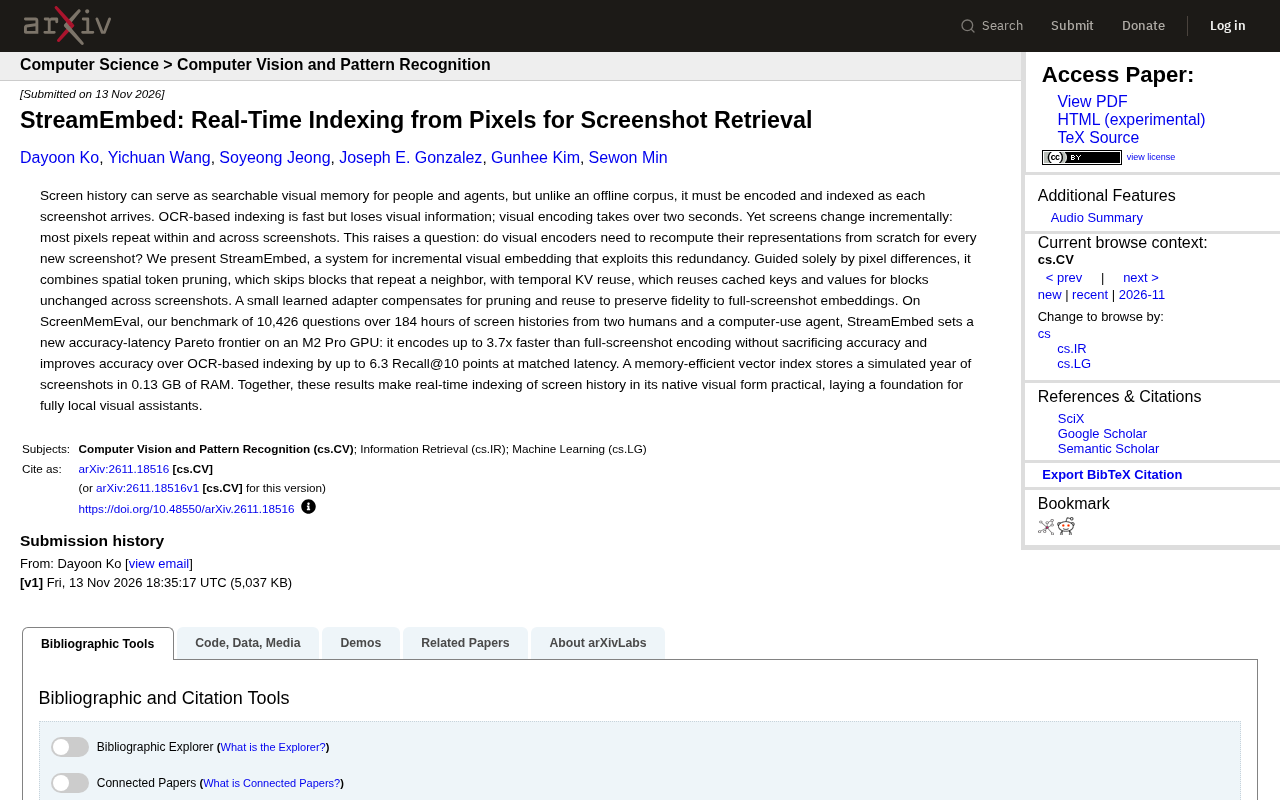
Screen history can serve as searchable visual memory for humans and agents, but unlike offline corpora, it must be encoded and indexed on the fly as each screenshot arrives. OCR-based indexing is fast but loses visual information; visual encoding takes over two seconds. However, screen changes are incremental: most pixels repeat within and across screenshots. This raises a question: does a visual encoder need to recompute representations from scratch for each new screenshot? We propose StreamEmbed, an incremental visual embedding system that exploits redundancy. Guided solely by pixel differences, it combines spatial token pruning (skipping blocks of repeated neighbors) with temporal KV reuse (reusing cached keys and values for blocks unchanged across screenshots). A small learned adapter compensates for pruning and reuse to maintain fidelity to full-screenshot embeddings. On ScreenMemEval (our benchmark containing 10,426 questions from 184 hours of screen history from two humans and one computer-use agent), StreamEmbed sets a new accuracy-latency Pareto frontier on M2 Pro GPU: 3.7x faster encoding than full-screenshot encoding without sacrificing accuracy, and up to 6.3 Recall@10 points higher accuracy than OCR-based indexing at matched latency. A memory-efficient vector index stores a simulated year of screenshots in 0.13 GB RAM. Together, these results make real-time indexing of screen history in its native visual form practical, laying the foundation for fully local visual assistants.
Challenges of Screen Retrieval and StreamEmbed's Breakthrough
Screen history records the trajectory of user and agent interactions. If indexed and retrieved in real time, it becomes powerful visual memory. Traditional methods face a dilemma: OCR indexing is fast but loses visual information like layout and icons; visual encoding is accurate but over two seconds per screenshot, failing real-time needs. StreamEmbed starts from the incremental nature of screen changes—most pixels repeat within and across screenshots—and proposes incremental visual embedding guided solely by pixel differences, avoiding recomputation from scratch.
Core Technology: Spatial Pruning and Temporal KV Reuse
StreamEmbed exploits redundancy through two mechanisms: spatial token pruning skips blocks of repeated neighbors, reducing computation; temporal KV reuse reuses cached keys and values for blocks unchanged across screenshots. A small learned adapter compensates for pruning and reuse, maintaining fidelity to full-screenshot embeddings. This design makes encoding 3.7x faster than full-screenshot encoding without sacrificing accuracy.
KV cache is a key optimization in Transformer model inference: in self-attention, once the key (Key) and value (Value) vectors for each token are computed, they can be reused in subsequent generation or encoding, avoiding repeated forward computation. StreamEmbed extends this mechanism from the sequence dimension to the temporal dimension—retaining the KV cache from the previous screenshot and directly reusing cache entries for blocks in the current screenshot with no pixel changes. Since screen content is highly repetitive across adjacent screenshots, this temporal KV reuse skips computation for many blocks and is a major source of encoding acceleration.
Spatial token pruning draws on the idea of token pruning in vision Transformers: divide the screenshot into non-overlapping patches, each corresponding to a visual token. If a patch is highly similar in pixels to its neighbors (e.g., solid background, repeated UI textures), its token carries redundant information and can be skipped or merged, reducing the number of tokens entering the encoder. Unlike static pruning that relies only on intra-screenshot redundancy, StreamEmbed's pruning is guided by pixel differences and coordinated with temporal KV reuse, so the pruned representation can still be aligned to full-screenshot embeddings via the adapter.
Benchmark and Performance
On the ScreenMemEval benchmark (containing 10,426 questions from 184 hours of screen history from two humans and one computer-use agent), StreamEmbed sets a new accuracy-latency Pareto frontier on M2 Pro GPU. Compared to OCR-based indexing, accuracy improves by up to 6.3 Recall@10 points at matched latency. A memory-efficient vector index stores a simulated year of screenshots in 0.13 GB RAM, laying the foundation for fully local visual assistants.
Recall@10 is a common evaluation metric in retrieval tasks: for each query, take the top 10 results returned by the system; if the correct target (i.e., the annotated relevant screenshot) is among them, it counts as a hit; the proportion of hits across all queries is Recall@10. It measures whether the correct answer appears in the top 10, insensitive to ranking position, making it suitable for screen history retrieval where the candidate pool is large and users only need to locate the target from a few results. The accompanying accuracy-latency Pareto frontier characterizes the highest accuracy achievable under different latency budgets, used to compare methods' trade-offs between speed and quality.
Significance for Local Visual Assistants
StreamEmbed makes real-time indexing of screen history in its native visual form practical without relying on the cloud. This is particularly important for privacy-sensitive scenarios and offline agents, enabling the construction of fully local visual assistants.
Vector index refers to storing each screenshot's embedding vector in a specialized data structure (e.g., graph-based HNSW or quantized index) to support approximate nearest neighbor search over high-dimensional vectors, retrieving relevant frames from massive historical screenshots in milliseconds. Its memory overhead mainly comes from the vectors themselves and the index structure, so "0.13 GB to store a year of screenshots" implies compression or dimensionality reduction of embeddings. For local deployment, keeping the vector index in memory avoids disk I/O bottlenecks and is a key component for running real-time visual assistants on-device.
One-line Summary
StreamEmbed leverages the incremental nature of screen changes to enable real-time visual indexing through spatial pruning and temporal KV reuse.
Paragraph Summary
Screen history can serve as searchable visual memory for agents, but real-time indexing faces a dilemma: OCR is fast but loses visual information, while visual encoding takes over two seconds per screenshot. StreamEmbed exploits the incremental nature of screen changes—most pixels repeat within and across screenshots—guided solely by pixel differences, combining spatial token pruning with temporal KV reuse, and using a small learned adapter to maintain embedding fidelity. On the ScreenMemEval benchmark with 184 hours of screen history, it achieves 3.7x faster encoding than full-screenshot encoding on M2 Pro GPU without sacrificing accuracy, improves Recall@10 by 6.3 points over OCR indexing at matched latency, and requires only 0.13 GB memory for a vector index storing a year of screenshots, laying the foundation for fully local visual assistants.
Related articles

Prompt Engineering for Beginners: From Writing Prompts to Engineering Thinking
Starting from the essence and four functions of prompts, this article systematically explains the six-step process, four success criteria, learning value, and practical limitations of prompt engineering to help you build a complete understanding.

Anthropic Launches Nasdaq IPO: AI Giant's Listing and Risk Disclosures
Anthropic officially launches its Nasdaq IPO under ticker ANT, with market valuation expected to potentially exceed SpaceX's record. The prospectus devotes nearly 100 pages to AI risks, while first-half revenue grew over 14x but net losses widened sharply, reigniting the AI bubble debate.

Rust cURL Clone Uses 4,832 unsafe Blocks—Is the Memory Safety Myth Broken?
A Rust cURL clone uses 4,832 unsafe keywords, challenging Rust's memory safety narrative. We analyze what unsafe really means, compare Fil-C, and examine rewrite motives.