Surface Laptop Ultra Firmware Update: Fixes for Restarts and Screen Flickering

Microsoft releases a firmware update for Surface Laptop Ultra, fixing screen flickering, unexpected restarts, and slow startup.
Microsoft has released a new firmware update for the Surface Laptop Ultra to address stability issues that appeared shortly after launch. The update fixes three high-frequency defects—screen flickering, unexpected restarts, and excessively long restart times—and includes unspecified additional bug fixes and general performance improvements. The article notes that firmware updates can reach deeper into low-level hardware logic than OS patches, making them essential for such issues. Users can install via Windows Update or Surface official support channels, saving work and maintaining power beforehand. The update signals Microsoft's continued commitment to the product line, though broader user verification is still needed.
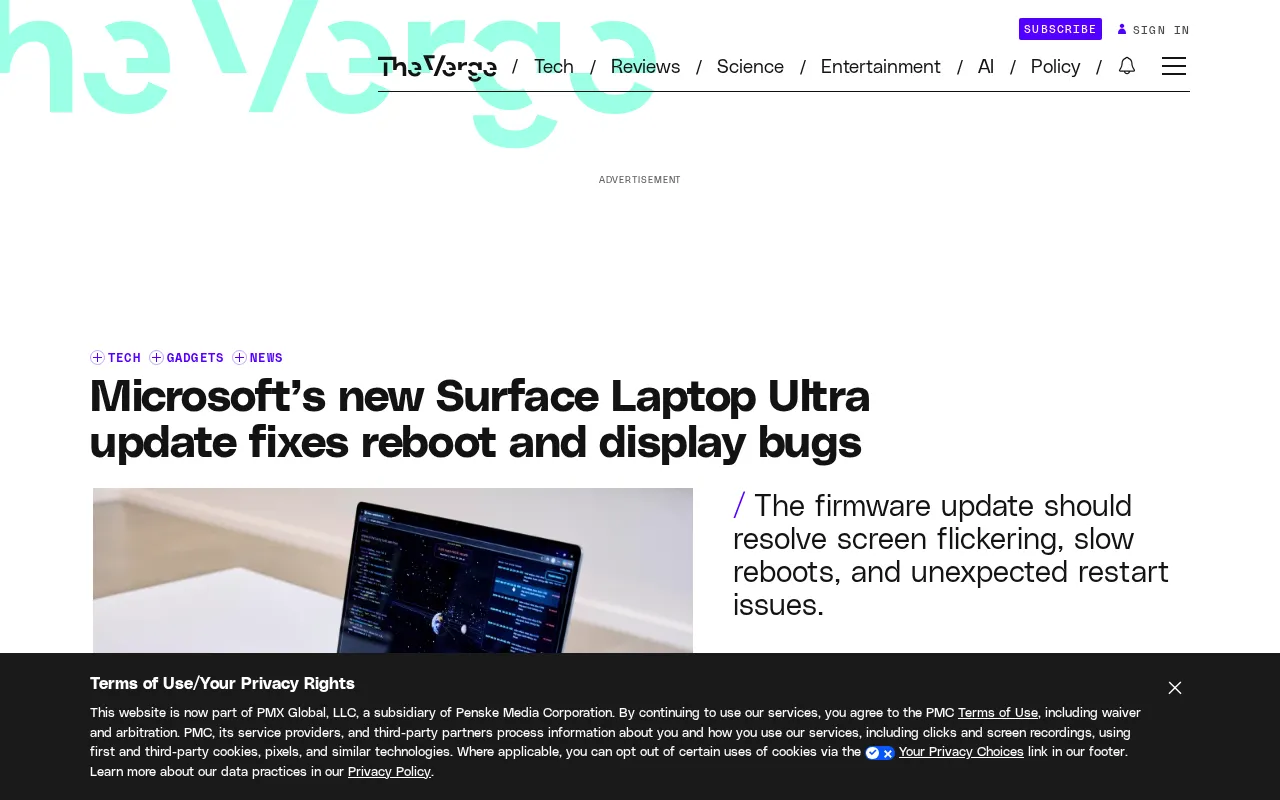
Microsoft has released a new firmware update for the Surface Laptop Ultra, addressing a series of stability issues that have plagued users since the device's launch. According to official Microsoft information, this update fixes three major problems—screen flickering, unexpected restarts, and excessively long restart times—and includes unspecified additional bug fixes and general performance improvements.
Three Core Issues Receive Targeted Fixes
Since its launch, some Surface Laptop Ultra users have encountered persistent defects affecting daily use. Microsoft's firmware update specifically targets three high-frequency issues:
- Screen flickering: Display anomalies interfere with the visual experience, particularly noticeable during extended office work or media consumption;
- Unexpected restarts: The device reboots without warning, potentially causing loss of unsaved work;
- Excessively long restart times: Slow system startup reduces overall responsiveness.
Microsoft also notes in the update description that this firmware includes other unlisted bug fixes and general performance optimizations. This means that beyond the three major issues above, some scattered pain points may also be alleviated. However, Microsoft has not disclosed the specifics of these additional fixes individually, and users may need to verify them through actual use.
Why Firmware Updates Matter
For highly integrated hardware products like Surface, firmware updates often reach deeper into low-level hardware behavior than operating system patches. Issues such as screen flickering and unexpected restarts are typically related to display drivers, power management, or boot process firmware logic, and cannot be fully resolved through system updates alone. Microsoft's choice to push fixes via firmware suggests the root causes lie in the interface layer between hardware and the operating system.
From a product lifecycle perspective, early firmware iterations are a routine step after manufacturers collect user feedback. As a new product, early Surface Laptop Ultra users effectively serve as partial testers. Whether this update completely eliminates all complaints remains to be seen through subsequent user feedback.
Firmware is low-level software embedded in non-volatile memory (such as flash memory or EEPROM) on hardware devices, sitting between the hardware and the operating system. It is responsible for initializing hardware, managing power states, controlling display timing, and other fundamental functions. Unlike ordinary applications running on top of the operating system, firmware executes first when the device powers on, and its code interacts directly with the chipset, display controller, power management unit, and other hardware. Therefore, when screen flickering stems from incorrect timing parameters of the display panel, or unexpected restarts stem from an abnormal power management state machine, Windows system patches alone cannot reach these logic layers—firmware must be reflashed to correct them. Firmware updates are typically distributed by manufacturers as standalone installation packages or through Windows Update. The flashing process is atomic; interruption can render the device unbootable, which is why updates require a stable power supply.
What Users Should Do
Surface Laptop Ultra users can check for and install the latest firmware through Windows Update or Surface official support channels. It is recommended to save work and keep the device powered before updating to avoid interruption. If problems persist after the update, contact Microsoft Support for further troubleshooting.
For potential buyers still on the fence, this update sends a positive signal: Microsoft is actively maintaining this product line. However, the ultimate effectiveness of the firmware fix will require broader user verification.
The difference between Windows Update and Surface official support channels: Windows Update is the operating system's built-in update distribution mechanism that automatically retrieves and pushes Microsoft-certified drivers and firmware. The Surface official support page (such as the Surface firmware and drivers download page) provides standalone installation packages for manual download, typically categorized by device model and Windows version. For firmware updates, Microsoft generally prioritizes distribution through Windows Update, but when an update has not yet been widely distributed or the user's system has not received the push, manually downloading from the official support page is an effective alternative. Regardless of the method, users should confirm that the device model and system version match before installation to avoid installing incompatible firmware packages.
One-line Summary
Microsoft has released a firmware update for the Surface Laptop Ultra, fixing three major issues: screen flickering, unexpected restarts, and slow startup.
Paragraph Summary
Microsoft has released a new firmware update for the Surface Laptop Ultra targeting stability issues that appeared shortly after launch. The update focuses on fixing three high-frequency defects—screen flickering, unexpected restarts, and excessively long restart times—while including unspecified additional bug fixes and general performance improvements. The article notes that firmware updates can reach deeper into low-level hardware logic such as display drivers, power management, and boot processes than operating system patches, making them essential for resolving such issues. Users can install the update through Windows Update or Surface official support channels, and should save work and maintain power before updating. This update sends a positive signal that Microsoft is actively maintaining the product line, but the effectiveness of the fix still requires broader user verification.
Related articles

Private Key Set to 4? CA's Elementary Mistake Leaves TLS Exposed
CA eMudra set private keys to tiny values like 4, making TLS certificates brute-forceable. A Computerphile video demonstrates the full process from extracting public keys to forging certificates, and explores the fragility of the PKI trust chain.

How Gen Turns Data into Decisions with ChatGPT Work
In an OpenAI user case, business leader Gen shares how ChatGPT Work turns data into decisions: within hours of launch, teams can judge whether integrations and onboarding flows work, shifting decision iteration from hundreds of trial-and-error attempts to a fast feedback loop.

ChatGPT vs. Claude In-Depth Comparison: Strong at Coding but Weak at Research — How to Bridge the Gap?
A user considers switching from ChatGPT to Claude, finding Claude stronger at coding but shallower at research. We analyze the differences and share tips to make Claude's research deeper.