Surface Laptop Ultra Review: The Other MacBook Pro

Surface Laptop Ultra takes on the top-spec MacBook Pro at $5,900 as a Windows super-flagship whose value hinges on professional workflows.
Microsoft's Surface Laptop Ultra enters the market at $5,900, clearly targeting the super-flagship tier long missing from the Windows camp and directly taking on the top-spec 16-inch MacBook Pro. Its design clearly converges with the MacBook Pro to reduce switching costs for target users; the screen is bright but not a differentiating selling point, as high-end panel quality is already commonplace. The article's core argument: this machine's value cannot be judged outside of a specific use case. It suits users with clear needs for professional Windows software, touch and stylus input, enterprise IT management, or domain control and ample budget; it does not suit ordinary consumers, students, or budget-sensitive users. The reviewer's five minutes spent pondering its purpose show the product's positioning depends heavily on workflow, not hardware specs.
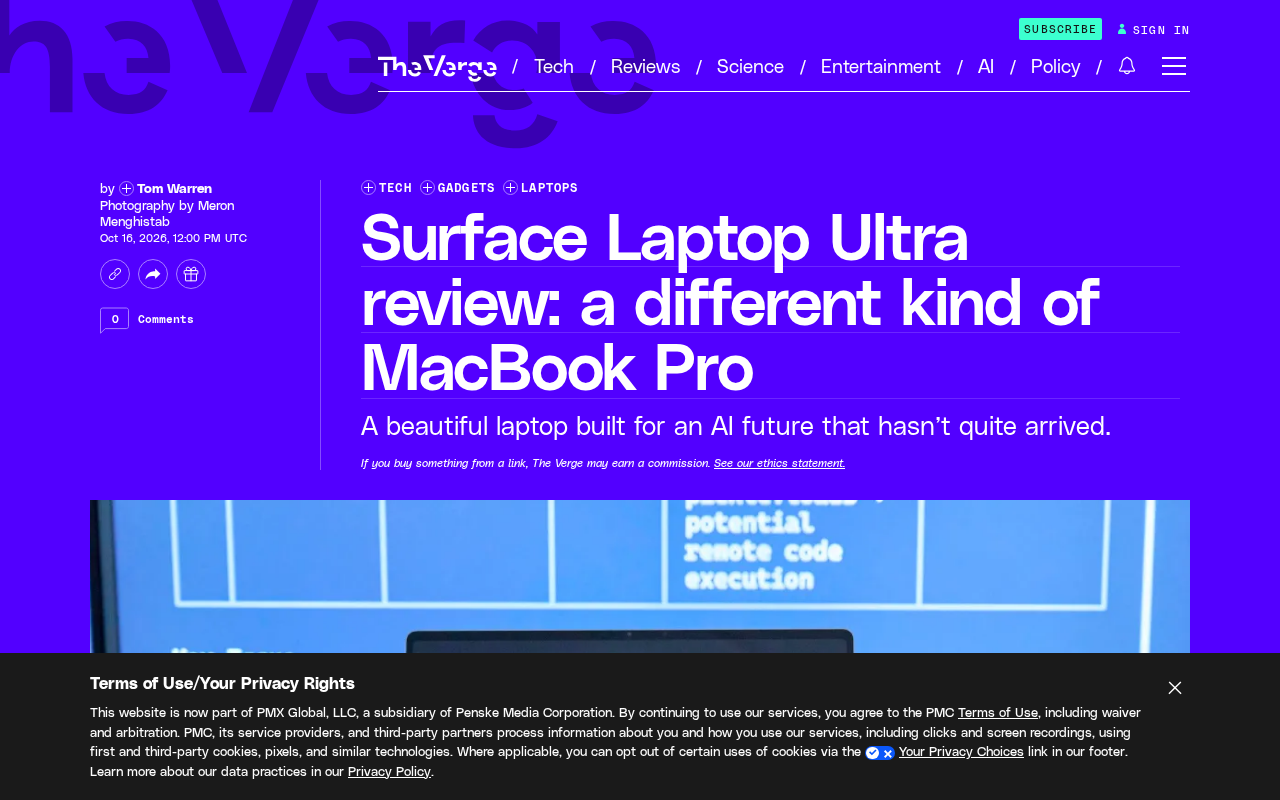
When Microsoft sent a Surface Laptop Ultra priced at $5,900 to a reviewer, his first reaction wasn't awe at the design or the screen—it was spending five minutes staring at it, seriously wondering: what exactly would I do with this machine? That question itself reveals the product's positioning—this is not a mainstream Windows laptop for the masses, but a device that requires a specific reason to justify buying.
The Product Logic Behind the Price
The $5,900 price tag pulls the Surface Laptop Ultra directly out of the mainstream consumer market. Unlike the XPS or Spectre, which try to win over budget-flexible ordinary users in the premium thin-and-light segment, it clearly targets a different group: those who would otherwise consider a top-spec MacBook Pro, but who are forced to stay in the Windows camp due to ecosystem or professional software compatibility needs.
Microsoft's decision to launch an Ultra model at this particular moment is clearly a deliberate move to fill a long-standing gap in the Windows camp—the lack of a "super-flagship." Lenovo, Dell, and HP all have premium lines, but none can compete on brand character and pricing on equal footing with the top-spec 16-inch MacBook Pro. What the Surface Laptop Ultra wants to be is the machine in the Windows world that "doesn't play the value-for-money game."
Ultra-premium flagship is a relatively niche but very high-value subsegment of the laptop market. Typical traits include: pricing usually above $3,000, far higher than the brand's main volume models; maxed-out hardware specs, though not necessarily the newest process node or highest-wattage chip; and greater emphasis on chassis materials, screen quality, port specifications, and long-term reliability rather than benchmark scores. This segment was once represented by the Dell XPS 17, top-spec HP Spectre x360, and Lenovo ThinkPad X1 Extreme—but after Apple launched the M1 Pro/Max MacBook Pro in 2021, the Windows camp displayed a clear gap in both product strength and brand appeal in the $3,000–$6,000 range. Microsoft's launch of the Surface Laptop Ultra is essentially using the Surface brand's premium perception to fill that gap, rather than competing with the XPS or Spectre for the mainstream premium market.
Design: A Familiar MacBook Pro Shadow
The reviewer explicitly noted that it has a "MacBook Pro-like design." This is no accident. Unibody aluminum chassis, squared-off edges, a large trackpad, a black keyboard area—put these elements together and it's hard not to think of Apple's flagship laptop. Microsoft has always maintained its own design language in the Surface Laptop series, but on the Ultra model, it chose a visual expression closer to a "professional tool" rather than the approachable style of early Surface—fabric keyboards and rounded corners.
This convergence has a practical reason. The target users face a MacBook Pro every day at work, and their expectations for a laptop's form factor have already been shaped by Apple. If Microsoft wants to pull these people over, a familiar exterior reduces switching costs. However, the design similarity also raises a problem: when a Windows laptop looks almost identical to a MacBook Pro, its differentiation must come from elsewhere—the screen, ports, performance tuning, or software experience.
The Screen: Bright, But Not the Only Selling Point
The original article mentions a "bright display" but doesn't elaborate on specific specs. Judging from the reviewer's tone, the screen quality is acceptable—even excellent—but it didn't become the core factor that stunned him. This actually reflects the current state of high-end laptops: OLED and Mini-LED panels are already common in products above $1,000, and brightness and color gamut are no longer scarce resources.
For the Surface Laptop Ultra, the screen is more of a "must-get-right" baseline item rather than a purchase-decision key. What truly deserves attention is its performance in professional color workflows—color accuracy, uniformity, HDR tone-mapping strategy, and whether it supports hardware calibration. These details determine whether it can be seriously considered by video editors, graphic designers, or 3D rendering users.
Hardware calibration is one of the key differences between professional monitors and ordinary wide-gamut screens. On ordinary screens, color calibration information is stored in the operating system or GPU driver, and is lost if you switch devices or reinstall the system; hardware calibration writes the calibration lookup table directly into a dedicated chip inside the display, so any input source can call the same color mapping. For video editors, graphic designers, and 3D rendering users, hardware calibration means color consistency across software and assets, and also means the ability to recalibrate periodically with tools like X-Rite or Calibrite without depending on the system. If the Surface Laptop Ultra is to be taken seriously by professional users at the $5,900 price point, whether it supports hardware calibration and whether it provides a per-unit factory calibration report is more practically meaningful than peak brightness or DCI-P3 coverage.
The Real Question: What Would You Use It For
The reviewer spent five minutes staring at this machine pondering its purpose, and that detail is worth savoring. A $5,900 Windows laptop faces an awkward reality: at the same price, the MacBook Pro has the energy-efficiency advantage of M-series chips, exclusive software like Final Cut Pro, and a more mature color management ecosystem. What the Surface Laptop Ultra needs to answer is what it can do that the MacBook Pro can't.
The possible answers cluster around a few directions. First, professional software in the Windows ecosystem—certain CAD, industrial design, financial analysis, or enterprise-grade development tools that perform poorly or simply don't exist on macOS. Second, touch and stylus support, an area where the Surface series has accumulated expertise that Apple has never taken seriously. Third, IT management and large-scale deployment scenarios, where Windows Group Policy, domain control, and enterprise security toolchains remain hard requirements.
If these scenarios happen to be your daily work, then the Surface Laptop Ultra's high price becomes reasonable. But if you just want a "premium Windows laptop" for browsing, writing documents, and watching videos, then this machine is completely mismatched.
Group Policy and Active Directory Domain Services are the core mechanisms for enterprise IT management of Windows devices. Group Policy allows administrators to centrally distribute security baselines, software restrictions, network configurations, and update policies, while Active Directory centrally manages user identities and device permissions. Although macOS has MDM and Open Directory, in large hybrid environments, Windows domain control remains the default choice for most financial, manufacturing, healthcare, and government/enterprise institutions. This means that when a laptop needs to connect to such an environment, Windows Pro or Enterprise is almost a hard requirement. The "enterprise development and financial analysis" scenarios the Surface Laptop Ultra targets are often exactly the users locked into the Windows ecosystem by these management frameworks.
Who It's For, Who It's Not For
The Surface Laptop Ultra is not a laptop that needs to be "recommended" to ordinary users. Its reason for existing is to provide a flagship option in the Windows camp for specific professional scenarios. The people it suits usually already know why they're buying it—they may come from film post-production, industrial design, financial trading, or corporate IT departments, and they need a machine that can run specific Windows software while matching the MacBook Pro in appearance and feel.
The people it doesn't suit are equally clear: budget-sensitive users, students chasing value for money, and those who just want a good-looking Windows laptop but have no professional software lock-in. For the latter, there are far too many more sensible choices at the same price—including Microsoft's own Surface Laptop Studio series.
The difficulty in reviewing this laptop is that its value depends heavily on the use case. Discussing "is $5,900 worth it" outside of a specific workflow makes it nearly impossible to reach a meaningful conclusion. Those five minutes the reviewer spent staring at it pondering its purpose are actually the question every potential buyer needs to answer first.
One-line Summary
Surface Laptop Ultra takes on the top-spec MacBook Pro at $5,900, positioned as a Windows super-flagship whose value depends heavily on professional workflows.
Paragraph Summary
Microsoft's Surface Laptop Ultra enters the market at $5,900, clearly targeting the super-flagship tier long missing from the Windows camp and directly taking on the top-spec 16-inch MacBook Pro. Its design clearly converges with the MacBook Pro to reduce switching costs for target users; the screen is bright but not a differentiating selling point, as high-end panel quality is already commonplace. The article's core argument: this machine's value cannot be judged outside of a specific use case. The users it suits usually have clear needs for professional Windows software, touch and stylus input, enterprise IT management, or domain control—and ample budget; it does not suit ordinary consumers, students, or budget-sensitive users. The detail of the reviewer spending five minutes pondering its purpose precisely shows that this product's positioning depends heavily on workflow, not hardware specs themselves.
Related articles

Chain of Thought Isn't Just for AI: How Humans Can Use CoT to Improve Thinking Quality
Chain of Thought isn't just a prompt trick for large models. Starting from a Hacker News discussion, this article analyzes why CoT works for human thinking too, breaks down actionable ways to transfer it, and highlights the key differences between human CoT and machine CoT.
Cloudflare Teams Up with OpenAI: Closi…
Cloudflare Teams Up with OpenAI: Closing the Loop from Vulnerability Discovery to Defense with AI
Cloudflare uses OpenAI Daybreak to investigate security vulnerabilities and generate reviewable remediation plans, while developers use Codex to boost coding efficiency and quality.

Orca Multi-Agent Orchestration in Practice: A Guide to Parallel Collaboration with Claude and Codex
Orca is Stable AI's free open-source agent workbench supporting 34 agents like Claude Code and Codex in parallel. Learn its Git worktree isolation, multi-model orchestration, and mobile management.