T3 Code: An Open-Source GUI That Unifies Claude Code and Codex

T3 Code is an MIT-licensed open-source unified GUI that drives multiple AI coding agents from one interface with remote access.
T3 Code is an MIT-licensed open-source desktop, web, and mobile app positioned not as a new AI editor but as a unified graphical shell that gathers command-line coding agents like Claude Code, Codex, Cursor, and OpenCode to achieve "one GUI driving multiple agents." It provides no model capabilities itself, only session management, task initiation, and result viewing, so developers don't need to switch tools when changing agents. The article notes remote access lets users view and advance long-running tasks away from their desks, but the sync mechanism isn't detailed, and agent location, credential storage, and network exposure must be verified independently. Before getting started, check agent compatibility, remote entry authentication security, and open-source project maturity—treat it as a workflow supplement rather than irreplaceable infrastructure.
T3 Code is an open-source desktop, web, and mobile application released under the MIT license. Its goal is to drive multiple AI coding agents—including Claude Code, Codex, Cursor, and OpenCode—through a single unified graphical interface.
In terms of positioning, it is not another "AI editor." Rather, it gathers coding agents scattered across different command-line tools into a remotely accessible graphical shell. For developers accustomed to writing code with Claude Code or Codex who don't want to be tied to a terminal on a single machine, this is a route worth watching.
According to the RSS source, the core value of T3 Code lies in "one GUI driving multiple agents." Below, we break it down on three levels: what it is, how remote access works, and what to check before getting started.
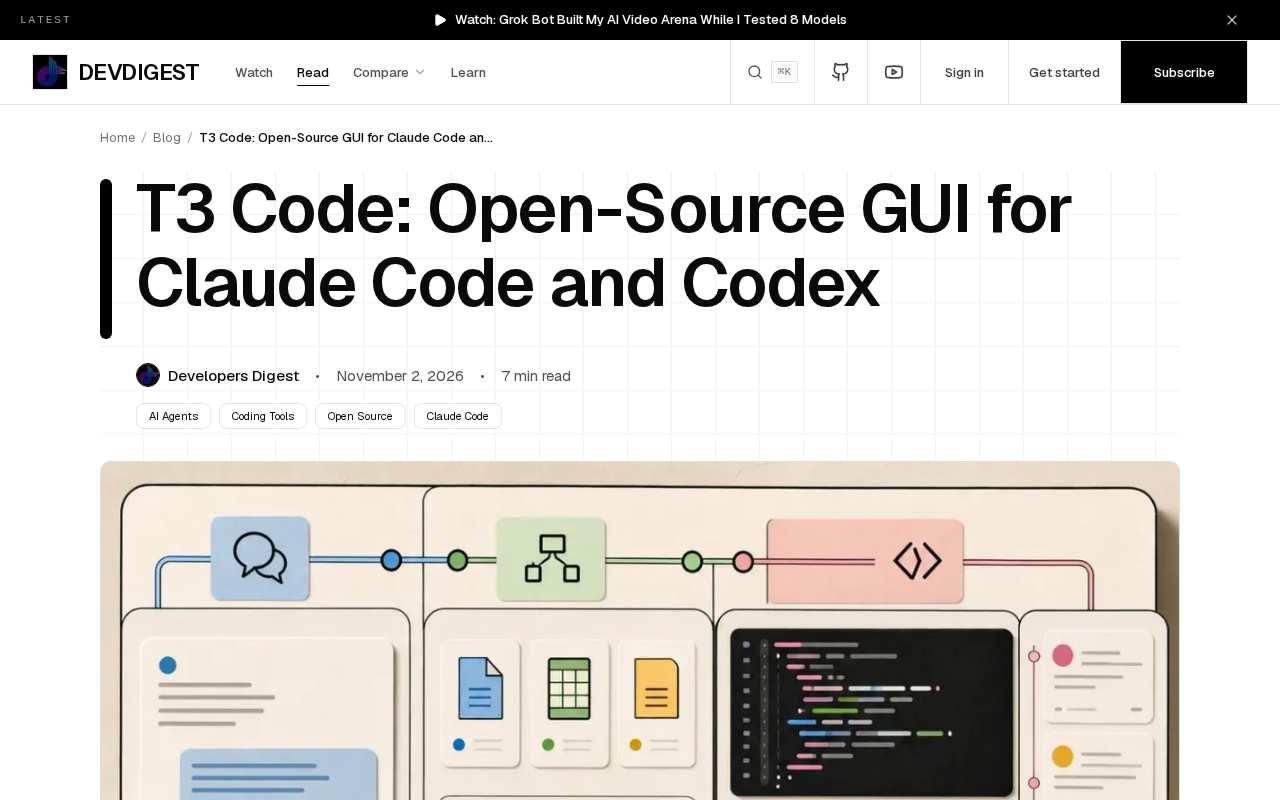
What Exactly Is T3 Code
T3 Code's official description is straightforward: free, MIT-licensed, and covering desktop, web, and mobile. It does not produce model capabilities itself; instead, it serves as a front-end shell that connects to existing coding agents such as Claude Code, Codex, Cursor, and OpenCode.
The key to this design is "decoupling." Models and agents are maintained by their respective ecosystems, while T3 Code handles the interaction layer: session management, task initiation, and result viewing. For developers, switching agents doesn't require switching tools, which spreads out the learning cost.
Another notable point is the open-source license. The MIT license means it can be freely modified, self-hosted, and even embedded into a team's internal workflows. Compared with closed-source commercial GUIs, this is more appealing to technical teams with compliance or customization needs.
Coding Agent refers to an AI program capable of autonomously executing multi-step development tasks: it not only completes code but can also read repositories, modify files, run tests, and iteratively fix issues based on error output. Claude Code, Codex CLI, and similar tools fall into this category, typically running in command-line form and maintained directly by model vendors. Unlike IDE plugin-style completion, coding agents interact through a "delegate task—wait for execution—review results" pattern, which creates stronger demand for session management, long-task status tracking, and remote viewing. This is the direct reason front-end shells like T3 Code exist.
MIT License is a permissive open-source license that allows anyone to freely use, modify, and distribute code, including for commercial closed-source products. The only hard requirement is to retain the copyright and license notice. For T3 Code, this means enterprises can self-host it on internal networks and modify the interface and authentication logic according to their own compliance requirements without open-sourcing their changes. This contrasts with copyleft licenses like GPL, and is why the article emphasizes its suitability for team customization.
How Remote Access Works
The source material explicitly mentions that T3 Code supports remote access, but does not elaborate on specific protocol details. Judging from the product form, the coexistence of desktop, web, and mobile implies that session state needs to be synchronized between a server-side or local daemon and the clients.
The impact on usage scenarios is tangible: you can start a coding task on your desktop and check progress or add instructions from your phone without having to stay at the terminal. For agent tasks that need to run for extended periods, this ability to "keep an eye on things away from your desk" matters more than interface aesthetics.
However, remote access also introduces new checkpoints: which machine the agent process runs on, how credentials are stored, and how large the network exposure surface is. The source material does not provide official answers to these questions, so you need to verify them yourself before actual use.
Self-hosting refers to users deploying and running the server on their own servers or local machines rather than relying on vendor-hosted cloud services. For an application like T3 Code, self-hosting means the agent process, session data, and credentials all remain on machines you control, avoiding compliance concerns about uploading code to third parties. The trade-off is that patching, TLS configuration, access control, and data backup all become the user's responsibility. The article's statement about "handing security responsibility back to the user" stems from this—open source and self-hosting amplify flexibility, but they also amplify the risk surface of configuration mistakes.
What to Check Before Getting Started
First, confirm whether the agents you rely on are on the supported list. The source material names Claude Code, Codex, Cursor, and OpenCode, and uses the phrase "and more," suggesting the support scope may still be expanding. Specific version compatibility should be based on the actual documentation.
Second, assess the security boundaries of remote access. Self-hosted deployment of open-source applications is flexible, but it also hands security responsibility back to the user. If an agent can read and write code repositories, authentication for the remote entry point cannot be vague.
Third, pay attention to project maturity. T3 Code currently exists as an open-source project, and its feature boundaries and stability will change with iteration. Treating it as a supplementary layer in your workflow rather than irreplaceable infrastructure is a more prudent expectation.
What This Kind of Tool Means
AI coding agents are moving from "black boxes in the terminal" to "orchestratable components." The approach T3 Code represents is this: agent capabilities are competed on by model vendors, while interaction and orchestration are filled in by the open-source community.
For individual developers, it lowers the friction of trying multiple agents at once. For teams, it provides a self-hostable, customizable unified entry point. Whether to adopt it depends on your actual need for remote access and your tolerance for the maturity of open-source projects.
At a stage when the agent ecosystem has not yet converged, this kind of "unified GUI" is more like an observation window—it makes differences between agents comparable and makes workflow portability realistic.
One-line Summary
T3 Code is an MIT-licensed open-source unified GUI that drives multiple AI coding agents from a single interface with remote access support.
Paragraph Summary
T3 Code is an MIT-licensed open-source desktop, web, and mobile application. It is not positioned as a new AI editor but rather as a unified graphical shell that gathers command-line coding agents like Claude Code, Codex, Cursor, and OpenCode to achieve "one GUI driving multiple agents." It does not provide model capabilities itself; it only handles session management, task initiation, and result viewing, so developers don't need to switch tools when changing agents. The article notes that its remote access lets users view and advance long-running tasks away from their desks, but the specific synchronization mechanism is not elaborated, and the agent's running location, credential storage, and network exposure surface must be verified independently. Before getting started, you should check agent compatibility, the authentication security of the remote entry point, and the maturity of the open-source project. It is best treated as a supplementary layer in your workflow rather than irreplaceable infrastructure.
Related articles

Claude Code in Practice: Building Your Own AI Coding Assistant from Scratch
A practical guide to Claude Code: environment setup, switching to domestic models, Git workflows, and its command system, to help developers build their own AI coding assistant.

Claude Sonnet 6 Suspected Leak: Anthropic's Internal Model Acceleration Is Astonishing
Anthropic suspected leak of Sonnet 6; Meter reports its AI R&D accelerated 1.9x; OpenAI releases GPT-6 Cyber, GPT-6.2 Astra may be coming; Google Gemini Omni 1.2 Flash tops video generation leaderboard; Meta stealth models and real-time avatars unveiled; despite market volatility, Google still invests $17 billion in data centers.

How Accurate Are Sci-Fi's Predictions About AI?
How accurate are sci-fi's predictions about AI? Drawing on a Hacker News discussion, this article analyzes sci-fi's foresight and blind spots in AI development, arguing its true value lies in inspiring thought rather than precise prediction.