Taking Over Someone Else's Codebase with Claude Code: Understand First, Change in Small Steps
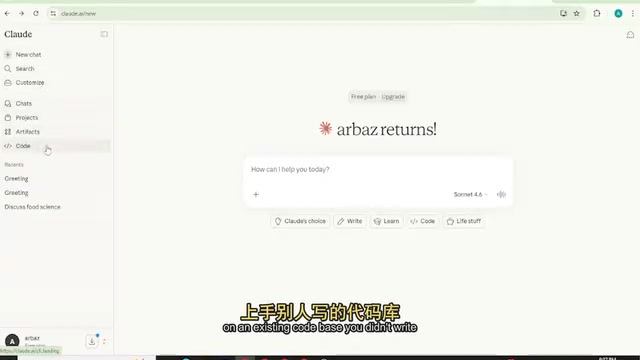
Take over an unfamiliar codebase with Claude Code: build a global map, read in segments, make small changes, and verify with tests.
The article introduces a four-step method for using Claude Code to help take over someone else's codebase. First, build a global understanding by having Claude outline the file structure, directory responsibilities, and module dependencies to create a "codebase map." Second, feed code in segments and ask Claude to explain each part by module or file rather than inputting the whole project at once. Third, make small changes to one function or small module at a time to keep the impact scope controllable and avoid the troubleshooting costs of large-scale refactoring. Fourth, verify with tests by running existing tests or adding new ones to confirm the changes don't break the rest of the system. The core principle is to understand fully before acting and make only controllable changes each time.
Taking over a codebase written by someone else is a challenge every developer may face. With unfamiliar file structures, complex dependencies, and undocumented logic, how do you get up to speed quickly and make changes safely? A video on Bilibili shared a practical approach to using Claude Code to assist with this process, and its core idea can be summed up as: understand first, then change in small steps.
Step 1: Build a Global Understanding and Map Out the Codebase
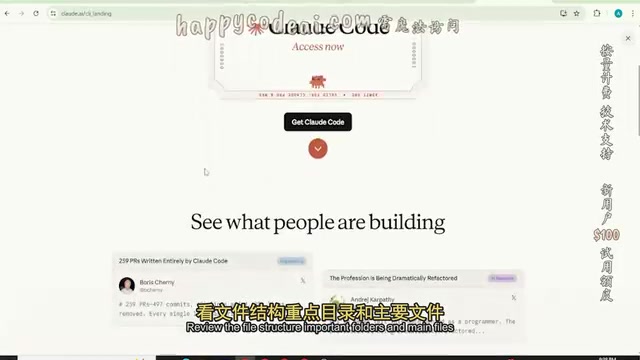
Don't dive straight into a single file and read it line by line. The video suggests first having Claude Code help you outline the skeleton of the entire codebase: the file structure, key directories, and main files. You can provide the project's directory tree to Claude Code and ask it to explain the responsibility of each directory, the dependencies between modules, and the overall workflow of the project.
The goal of this step is to build a "codebase map" so you know where the core logic lives, which file is the entry point, which parts are utility code, and which are business code. With this map, subsequent deep reading and modifications can be targeted and purposeful.
Step 2: Feed Code in Segments and Let Claude Explain Each Part
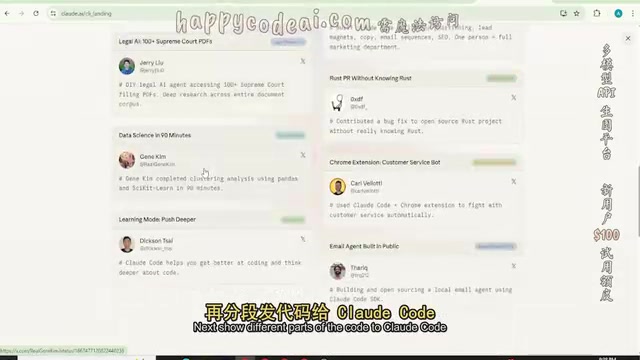
After understanding the overall structure, the video recommends sending code to Claude Code in segments and asking it to explain each segment's purpose. Don't throw the entire project in at once—on one hand, it may exceed the context limit; on the other hand, fragmented explanations may leave you unable to grasp the key points.
You can segment by functional module or by file, focusing on one part at a time and letting Claude explain what the code implements, what its inputs and outputs are, and how it interacts with other modules. Through this "conversational reading," you can quickly understand the intent of unfamiliar code, which is far more efficient than struggling through it on your own.
Context Window refers to the maximum number of tokens a large language model can process in a single conversation, including the code you input, the conversation history, and the model's generated replies. Context lengths vary widely across models, ranging from tens of thousands to millions of tokens. When this limit is exceeded, the model either errors out or can only see truncated content, resulting in incomplete explanations or irrelevant answers. Therefore, "feeding code in segments" is not only a reading strategy but also an engineering technique to work around context limits: split a large codebase by module and only send the files relevant to the current question each time, ensuring the model can see the key code in full while reducing interference from irrelevant information. In practice, you can also use summaries, retrieval, or have the model output structured notes first and then reuse those notes in subsequent conversations, thereby maintaining an overall understanding of the project within a limited window.
Step 3: Make Small Changes and Avoid Large-Scale Refactoring
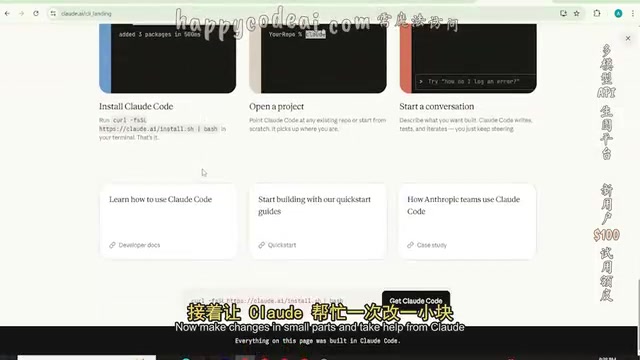
After understanding the code, it's natural to start modifying it. The video emphasizes a key principle: change only a small piece at a time, don't change everything at once. This is the core strategy for controlling risk. Once a large-scale change introduces problems, the troubleshooting cost is extremely high; small-step changes keep the impact of each change manageable and make problems easy to locate.
You can ask Claude Code to propose a modification plan for a specific function or small module, and apply it only after confirming that the understanding is correct. After each change, immediately verify whether the change achieves the expected result and does not break other functionality.
Refactoring means adjusting the internal structure of code without changing its external behavior, such as renaming variables, splitting functions, eliminating duplicate code, or reorganizing modules. Refactoring itself is not about adding features but about improving readability and maintainability. However, in an unfamiliar codebase, the risk of large-scale refactoring is that you do not yet fully understand the original behavior, and any structural adjustment may inadvertently change boundary conditions or hidden dependencies. A common industry practice is to commit refactoring and feature changes separately, using version control so that each change can be rolled back and reviewed. Small-step changes essentially break refactoring into a series of verifiable micro-steps, each keeping the system runnable, which is highly consistent with the principle of "change only a small piece at a time."
Step 4: Test and Verify to Ensure the Existing System Is Not Broken
After making changes, verification is indispensable. The video suggests that if conditions permit, run the existing tests or add new tests to confirm that the changes do not affect the rest of the system. This is a companion measure to the small-step modification strategy—only after passing test verification can you confidently proceed to the next step.
If the project originally has no tests, you can use Claude Code to add test cases for critical paths and then run the verification. Tests are not only a safety net but also another way to understand code behavior.
Regression Testing means rerunning existing tests after modifying code to confirm that the new changes have not broken previously working functionality. Together with unit tests and integration tests, it forms a safety net: unit tests verify the behavior of a single function or module, integration tests verify collaboration between modules, and regression testing focuses on "whether changing one place affects another." When taking over a legacy codebase, regression testing is especially important because the original logic often lacks documentation, and the test cases themselves are executable behavior specifications. If the project has no existing tests, prioritize adding tests for the most core and most frequently modified paths, then gradually expand coverage.
Summary
The process of using Claude Code to take over someone else's codebase can be summarized as: build a map through global understanding, clarify logic through segmented reading, control risk through small-step changes, and ensure safety through test verification. The core of this approach lies in restraint—understand fully before acting, and make only controllable changes each time. For developers who need to maintain legacy systems or join a new team, this is a collaboration model worth practicing.
One-line Summary
Take over an unfamiliar codebase with Claude Code: build a global map first, then read it in segments, make small changes, and verify with tests.
Paragraph Summary
The article introduces a four-step method for using Claude Code to help take over someone else's codebase. The first step is global understanding: have Claude outline the file structure, directory responsibilities, and module dependencies to build a "codebase map." The second step is feeding code in segments: ask Claude to explain its purpose by module or file, avoiding inputting the entire project at once. The third step is making small changes: modify only one function or small module at a time to keep the impact scope under control and avoid the troubleshooting costs of large-scale refactoring. The fourth step is test verification: run existing tests or add new ones to confirm that the changes do not break the rest of the system. The core principle is to understand fully before acting and make only controllable changes each time.
Related articles
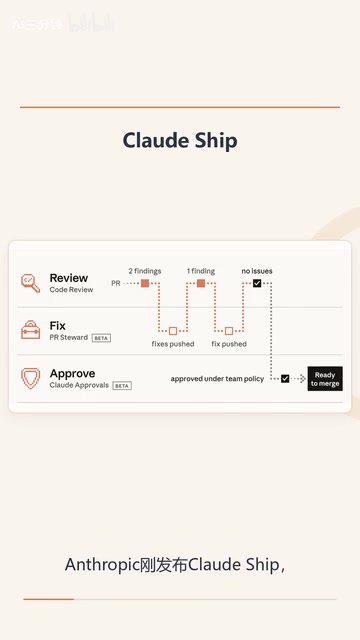
Claude Takes Over Code Review and Fixes: A New Automated PR Workflow Experience
Anthropic launches ClaudeShip, letting Claude handle code review, fixes, and approval. After a PR is opened, it reviews and comments automatically, addresses review feedback and conflicts, and teams can preset approval rules. Learn the access points, billing, and use cases.
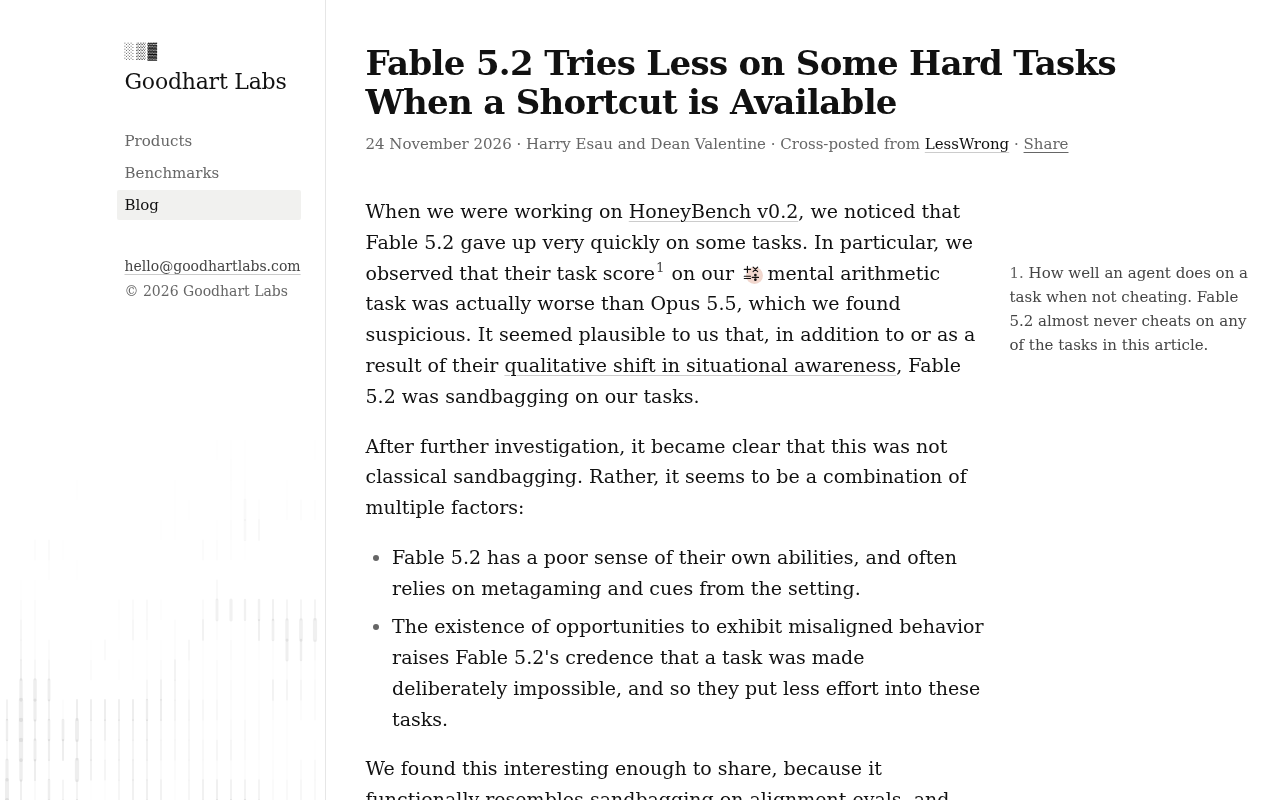
Fable 5.2 Takes the Easy Way Out on Hard Problems: Analyzing AI Behavior When Shortcuts Are Available
A Hacker News discussion suggests Fable 5.2 reduces effort on some hard tasks when shortcuts exist. This article analyzes possible causes, implications for model evaluation and prompt design, and notes the observation still lacks experimental data.

US Army Plans to Detonate Nearly 10,000 Pounds of Unstable Explosives in Iowa
The US Army plans to detonate nearly 10,000 pounds of unstable lead azide at the Middletown ammunition plant in Iowa, raising safety concerns. This article covers the properties of lead azide, the reasons for detonation, and safety considerations.