Tesla V100 Running Qwen3: How Much Life Does This 32GB Veteran GPU Have Left?
Tesla V100 32GB can still handle Qwen3 mid-size models, but watch out for cooling and missing BF16 support.
This article tackles the Reddit question of whether a Tesla V100 can run Qwen3, analyzing hardware specs, estimated performance, and deployment gotchas. The V100's 32GB HBM2 VRAM can comfortably load Qwen3-8B in FP16 or even quantized 32B models, with estimated speeds of 20–40 tokens/s for 8B models. Key limitations include no native BF16/FP8 support and passive-only cooling. The PCIe version is recommended for personal use, paired with llama.cpp or vLLM.
Introduction: The Old Soldier That Refuses to Die
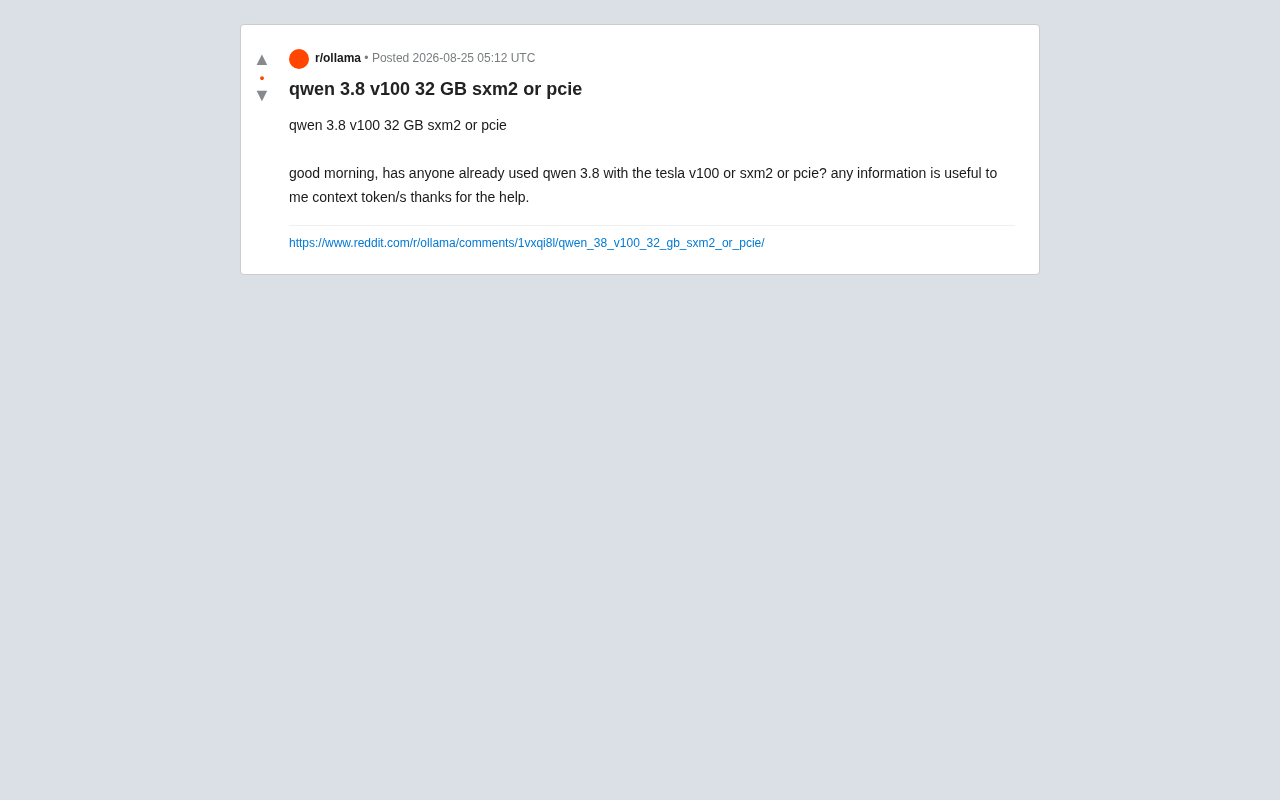
As the wave of local large language model deployment continues to surge, more and more developers and enthusiasts are facing a very real question: Can the GPU you already own handle the latest open-source models? Recently, a Reddit user posted asking whether an NVIDIA Tesla V100 (32GB version, SXM2 or PCIe) could run the Qwen 3 series, and wanted to know the actual inference speed in tokens per second.
The question sounds simple, but it cuts to the heart of a core issue in local AI deployment — hardware value and generational trade-offs. Released in 2017, the Tesla V100 was a flagship data center GPU in its time. Does it still have practical value today? This article analyzes it across three dimensions: architecture characteristics, VRAM capacity, and real-world deployment.

Tesla V100 Hardware Specs Breakdown
Volta Architecture and Compute Performance
The Tesla V100 is based on NVIDIA's Volta architecture, manufactured on a 12nm process with 5,120 CUDA cores and 640 first-generation Tensor Cores. Its FP16 compute performance is approximately 31.4 TFLOPS (up to 125 TFLOPS with Tensor Cores enabled) — an absolute flagship-tier figure when it launched.
For running models like Qwen 3, the V100's biggest advantage is its 32GB HBM2 VRAM (some variants have 16GB). Ample VRAM means you can load mid-sized model weights in full without relying on sharding or CPU offload, which is critical for inference latency.
SXM2 vs. PCIe: A Real Difference
The original poster specifically mentioned both the SXM2 and PCIe interface versions — and there are meaningful differences between the two:
- SXM2 version: Supports NVLink high-speed interconnects with bandwidth up to 300 GB/s, a higher TDP ceiling (300W), and is well-suited for multi-GPU setups. However, SXM2 requires a dedicated motherboard slot and cannot be used in standard consumer platforms.
- PCIe version: Plug-and-play compatible with standard servers and workstations, but bandwidth is limited by the PCIe bus, with a TDP ceiling of 250W.
For running Qwen 3 on a single card, the performance gap between the two is minimal. The PCIe version has a much lower barrier to entry and is far more practical for individual users. SXM2 only truly shines when NVLink multi-GPU interconnects are needed.
Real-World Performance of V100 Running Qwen3
Model Scale and VRAM Matching
It's worth noting that the original post's mention of "Qwen 3.8" may be a typo, likely referring to a specific size in the Qwen3 series (e.g., Qwen3-8B). Using that as a reference:
- Qwen3-8B (FP16): Requires roughly 16GB VRAM — easily fits in a V100 32GB with plenty of room left for KV cache.
- Qwen3-14B (INT4 quantized): Requires approximately 8–10GB VRAM — well within the V100's capacity.
- Qwen3-32B (INT4 quantized): Requires roughly 18–20GB VRAM — runnable on the 32GB V100, though context length will be constrained.
Estimated Inference Speed and Bottlenecks
While the original thread hadn't received concrete benchmark data yet, reasonable estimates can be made based on V100's architectural characteristics:
For 8B-scale models, the V100 at FP16 precision should deliver roughly 20–40 tokens/s (depending on batch size and context length). That's smooth enough for single-user interactive use, though it's noticeably behind newer cards like the RTX 4090 or A100.
A key limitation of the V100 is its lack of native BF16 and FP8 support. The Volta architecture's Tensor Cores only support FP16, which means certain inference framework optimizations targeting newer hardware are unavailable, potentially reducing efficiency in some scenarios.
Pitfalls to Avoid When Deploying a V100
Thermal Management and Power Delivery
As a data center card, the Tesla series has no active cooling fans and relies on the forced airflow of a server chassis. If you're using the PCIe version in a standard desktop case, you must add a blower-style fan or modify your cooling setup — otherwise thermal throttling or hardware damage is a real risk.
The SXM2 version is even trickier, requiring a dedicated carrier board (such as a Supermicro GPU server motherboard) to function. For personal users, getting it running on a standard platform is nearly impossible.
Software Compatibility and Inference Framework Selection
The V100 has a compute capability of 7.0, which is still supported by mainstream inference frameworks (vLLM, llama.cpp, Ollama, etc.), but keep the following in mind:
- Some newer quantization formats or FlashAttention versions may have limited compatibility with V100
- It's recommended to use CUDA 11.x or 12.x paired with stable framework versions
- llama.cpp and similar CPU/GPU hybrid solutions work well with V100 and are a safe, reliable choice
Verdict: Is the V100 Worth Buying to Run Qwen3?
All things considered, the Tesla V100 32GB remains a viable option for running mid-to-small Qwen3 series models — especially now that second-hand prices have dropped significantly, making its 32GB VRAM extremely competitive on a cost-per-GB basis.
Here's how to think about your use case:
- Local deployment of 8B–14B models for experimentation and learning: The V100 is more than capable — go with the PCIe version
- Maximizing inference speed or running larger models: Consider an RTX 4090, A6000, or a newer Ada Lovelace architecture card
- Multi-GPU training or large-scale production deployment: The SXM2 version only makes sense paired with a dedicated platform
For the original poster's question, the most practical advice is: go with the PCIe version (easier to deploy), invest in proper thermal management, and use llama.cpp or vLLM for deployment and testing. As a "retired" data center workhorse, the V100 still has plenty of life left in the hands of personal AI enthusiasts — and remains an economical entry point for running large language models locally.
Related articles

Vibe Coding Full-Stack in Practice: AI Programming from Beginner to Enterprise Deployment
From Cursor to Claude Code, this Bilibili AI programming course uses four progressive projects to cover full-stack development, open-source secondary development, and team collaboration. The article analyzes the shock to frontend roles, the efficiency shift from 50 people to 5, and the methodology required for enterprise-grade projects.

David Blaine's Global Quest for Real Magic: From South Africa to Japan and India
David Blaine travels to South Africa, Japan, and India in his Do Not Attempt special, documenting Spinning drivers, black mamba rescuers, iaijutsu masters, and ascetics—exploring the boundary between magic and real human极限 challenges.

Is a Touchscreen MacBook Coming? Vergecast Reveals Apple Executive's Response
Vergecast podcast reveals a conversation between a reporter and Apple executive John Ternus about a touchscreen MacBook and Apple Pencil support. Ternus says iPad is the best device for a stylus, while the reporter bets MacBook will eventually support Apple Pencil.