The Complete Guide to AI Mobile Testing: A Practical Breakdown for QA Teams

AI brings natural language generation, self-healing, and intelligent analysis to mobile testing, but human review and judgment remain essential.
Based on a HeadSpin technical guide, this article maps out AI's capabilities and implementation paths in mobile testing. Mobile testing faces three structural challenges—device coverage trade-offs, locator maintenance burden, and complex failure analysis—and AI supports four stages: creation, execution, maintenance, and analysis. But the article repeatedly emphasizes that self-healing can't judge whether UI changes are correct, generated tests still need human review, and physical devices remain irreplaceable. AI changes how effort is allocated—not QA's fundamental purpose of finding defects.
Mobile apps are iterating faster than ever, and the maintenance cost of traditional automated testing keeps climbing. A single change to a button's internal identifier can break an entire test script—even when the app's functionality itself is perfectly fine. AI is changing how QA teams tackle this problem: from generating tests via natural language and adapting to UI changes, to intelligently analyzing failure causes, every part of the testing workflow is being redefined.
According to a technical guide published by HeadSpin, the core value of AI mobile testing isn't about replacing automation frameworks—it's about injecting intelligence into test creation, execution, maintenance, and analysis. Drawing on that guide and real-world QA practice, this article maps out the capabilities, boundaries, implementation paths, and caveats of AI mobile testing.
What Is AI Mobile Testing
AI mobile testing uses artificial intelligence to parse natural language instructions, identify UI elements, and generate test steps. Unlike traditional automation that relies on predefined locators, AI can read the app's runtime UI DOM/XML structure and adapt to supported interface changes based on the app's current state.
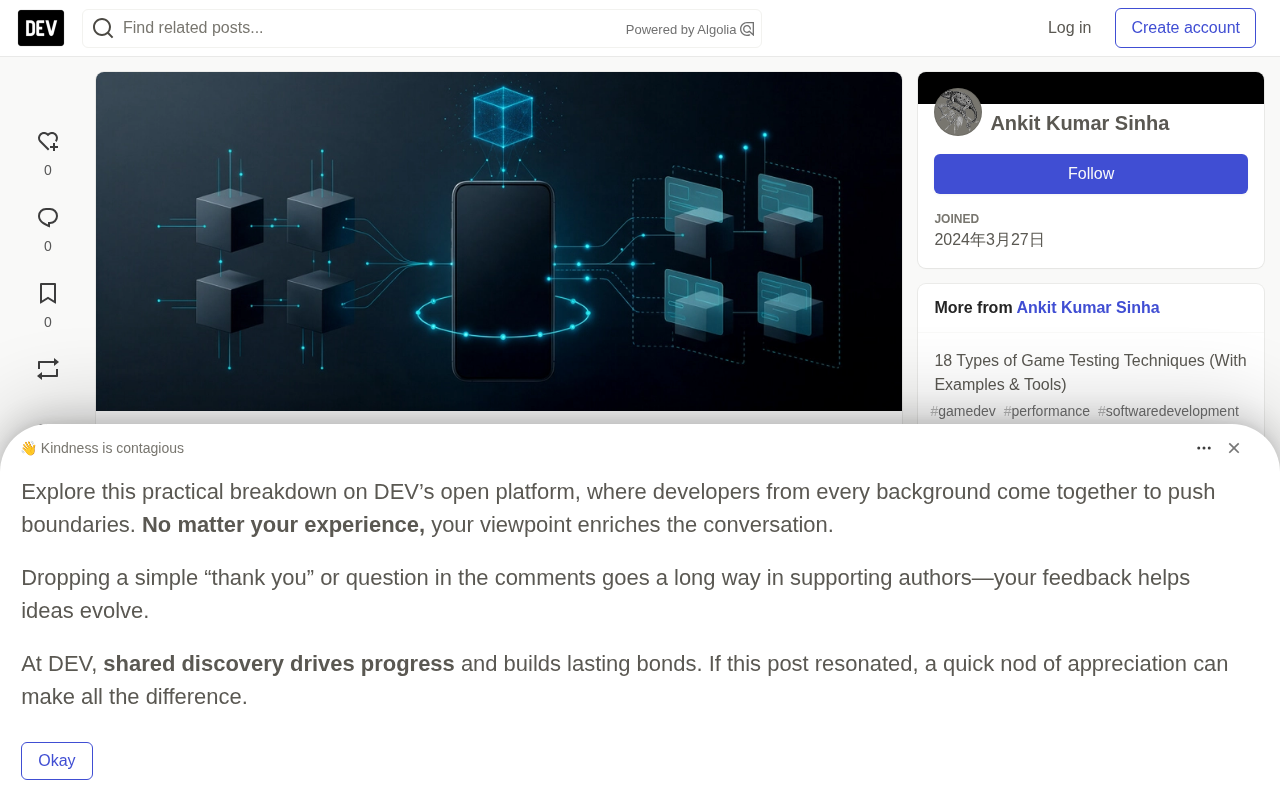
This capability spans multiple dimensions of the testing process: testers describe scenarios in natural language, AI parses the intent and generates user journeys; during execution, the system reads the live UI structure to confirm each step is correct; the generated steps can be converted into executable code for mainstream frameworks like Appium and Selenium. It's important to note that AI-generated tests still require human review—the system may misinterpret expected behavior or generate incorrect assertions.
UI DOM/XML structure refers to the interface hierarchy that an app exposes to automation tools at runtime. On Android, this manifests as a node tree readable by the Accessibility service, where each node carries attributes like resource-id, content-desc, text, and class; on iOS, it corresponds to the element hierarchy accessible via XCUITest. Traditional automation scripts rely on one of these attributes as a locator—once that attribute changes, the locator fails. AI testing tools read multiple attributes simultaneously, along with parent-child and sibling relationships between nodes, to build a multi-dimensional feature vector for each element. This allows them to still match the target element through its remaining features even when one attribute changes. This is also the technical foundation of self-healing: it doesn't guess at elements—it performs similarity judgments based on the real runtime structure.
Why Mobile Testing Needs AI
Mobile testing faces three structural challenges, which are the direct drivers for AI intervention.
Device coverage trade-offs. Teams can't test every device and OS combination—they have to prioritize based on user data and business needs. AI can help analyze device distribution and inform test matrix decisions.
The burden of test maintenance. Automated tests rely on locators to identify UI elements. When elements are renamed, moved, or modified, tests fail—even if the app is still working correctly. These "false failures" consume enormous troubleshooting time.
The complexity of failure analysis. Failures from large regression suites may stem from app defects, test flakiness, UI element changes, test data, or environment issues. Distinguishing which failures warrant deeper investigation is itself a time-consuming process.
AI provides support in adapting to UI changes, prioritizing test coverage, and analyzing failures. But device and OS fragmentation still demands careful test selection, and physical devices remain irreplaceable for validating hardware-related behavior and network conditions.
How AI Threads Through the Testing Workflow
AI's support for mobile testing spans four key stages, each addressing a different layer of the problem.
Test Creation: From Intent to Executable Scripts
Natural language authoring is AI's most intuitive capability. A tester inputs "search for running shoes, filter by size 10, add the first result to cart, confirm the cart shows one item," and the system parses the intent, identifies relevant UI elements, and generates executable steps. UI-aware test generation uses the app's current DOM/XML information to provide context, ensuring accurate element targeting.
Goal-driven testing is another area worth watching. The tester simply provides a goal (e.g., "complete a purchase as a guest"), and an AI Agent explores the app on its own, fills in generated data, records the path, and reports where it gets stuck. Successful paths can be converted into repeatable test cases, while steps where the Agent got blocked may reveal unexpected app states or usability issues.
Test Execution: Context Awareness and Step-by-Step Validation
During execution, AI injects context into each step. The system determines which UI element corresponds to each test step based on the app's current state, and validates whether the action's result meets expectations before proceeding to the next step. The same test journey can run across different physical devices and OS versions to verify consistent cross-device behavior.
Test Maintenance: The Boundaries of Self-Healing
Self-healing is the most discussed capability in AI mobile testing. When a UI element's identifier changes, the system uses other attributes and the current UI structure to identify the corresponding element, mapping the changed element to its updated counterpart and avoiding manual locator rewrites.
But self-healing isn't a silver bullet. It can't judge whether the UI change itself is correct—a test might still pass after adapting to the wrong element. Self-healed steps need review, especially after major UI changes to the app. This is a risk point that's easily overlooked in practice.
Self-healing in engineering implementation typically involves three steps: detecting a locator failure, scoring and ranking similar element candidates, and selecting the highest-scoring one while logging the change. Scoring may be based on attribute text similarity, the element's relative position in the hierarchy, visual appearance vectors, and historical interaction records. The problem is that when the app undergoes a structural redesign (e.g., switching from bottom navigation to a drawer menu), the old element no longer exists, and the tool can only pick the "closest" candidate—which may cause the test to adapt to a semantically completely different element. Mature practices therefore split self-healing into two tiers: "auto-replace" and "flag for review." Low-risk changes pass automatically, while changes involving interaction semantics require mandatory human confirmation, preventing tests from staying green on the wrong path.
Result Analysis: Extracting Signal from Noise
AI's ability to analyze execution data operates on multiple levels. Failed steps can be grouped by pattern and reviewed with context from the test, app, and execution environment. Visual analysis compares app screenshots to identify meaningful changes like misplaced or overlapping elements. Performance data can be analyzed across builds, devices, and network conditions to pinpoint performance regressions. Issue prioritization surfaces problems based on observed impact, helping teams focus investigation efforts on critical issues.
Flaky tests refer to tests that sometimes pass and sometimes fail without any code changes, with common triggers including insufficient async waits, animation timing races, test data pollution, and external dependency jitter. What distinguishes them from real defects is reproducibility: flaky failures often disappear on re-run, while real defects reproduce consistently under the same conditions. The value of AI analysis lies in clustering failures by signature—failures with the same stack trace, same failing step, and same device model are grouped together, and their historical pass rates are tracked. Teams can then prioritize high-frequency, high-impact issues instead of being drowned in low-value alerts. That said, AI only provides priority suggestions—final judgment still depends on engineers' understanding of the business logic.
Four Real-World Scenarios
These scenarios illustrate how the capabilities above take shape in day-to-day QA work.
Button rename no longer breaks tests. A release changed the login button's internal identifier. Scripts depending on that identifier failed, but the button's appearance and function were unchanged from the user's perspective. The self-healing system used the current UI context and other available attributes to identify the corresponding button, completed the test, and flagged the change for review. No manual rewrite was needed due to the identifier change.
Testers write tests in natural language. A tester inputs a shopping flow instruction, and the system parses the intent and generates executable steps. The tester reviews the generated steps and assertions before putting them into use.
An Agent explores the checkout flow from a goal. A tester gives an AI Agent the goal of "purchase an item as a guest." The Agent opens the app, navigates pages, fills in generated data, and reports the path it took and where it got stuck.
Performance degradation appears on specific devices. The same page loads fine on a flagship phone but is noticeably slower on an older mid-range device. Regression analysis compares performance across builds, pinpointing the slowdown and the devices and network conditions where it occurs. Physical device testing fills in hardware and network conditions that simulators can't fully replicate.
How to Get Started: A Six-Step Implementation Path
Introducing AI mobile testing requires restraint and measurement. The following steps provide an actionable framework.
Start with a single measurable problem. Choose the most time-consuming part of your testing workflow—locator maintenance, lengthy regression cycles, or failure triage—as your starting point, and establish a baseline for measuring whether AI truly improves the process.
Pilot on one critical flow. Choose a user journey that's important to the app and changes frequently, such as login, search, or checkout. The initial scope should be small enough for the team to carefully review generated tests, assertions, and execution results.
Establish baseline metrics. Measure your current process before introducing AI, tracking test maintenance time, the number of non-actionable failures, regression execution time, and test coverage. Use the same metrics for comparison during the pilot.
Keep human review in the loop. Treat generated tests and self-healed steps as automation artifacts that need validation, not as automatically correct output. Review generated assertions and self-healed interactions to ensure they still reflect expected app behavior.
Test on representative devices. Run the pilot on the physical devices and OS versions your users actually use. Device analytics can help prioritize coverage, and physical devices are especially important for scenarios involving hardware, sensors, battery, or network conditions.
Integrate and scale gradually. Once the pilot produces reliable results, connect the tests to your CI/CD pipeline and run them as part of the regular release process. Scale one flow at a time, using the same metrics to judge whether the approach continues to deliver value.
CI/CD pipelines refer to the set of engineering practices that automatically trigger builds, tests, and deployments after code commits. Common mobile tools include Jenkins, GitHub Actions, GitLab CI, Bitrise, and Codemagic. When connecting AI-generated tests to a pipeline, you need to distinguish two types of tasks: fast smoke tests that run on every commit, which should use the most stable and critical flows; and full regression suites that run nightly or before releases, which can accommodate more real-device and long-running cases. You also need to set failure-blocking policies—not all failures should halt a release. Combining failure clustering results with historical stability data, decide which failures are "hard gates" and which are observation-only. Get this wrong, and the efficiency gains from AI will be canceled out by pipeline noise.
Where Humans Fit
AI mobile testing doesn't change the purpose of mobile QA—it changes how effort is allocated. Writing tests, maintaining tests, choosing what to run, and triaging failure causes—these steps require significantly less manual work once appropriate AI capabilities are in place. But defining the standard for correct behavior, testing on devices users actually own, and judging experience quality remain human work.
The way teams get the most value from AI mobile testing is: start with a specific problem, keep humans in the review loop, and choose tools that can demonstrate their decision-making process and export tests in standard formats. Used this way, AI reduces the maintenance and triage work that slows down mobile QA—without obscuring why QA exists in the first place: to find defects.
One-line Summary
AI brings natural language generation, self-healing, and intelligent analysis to mobile testing, but human review and judgment remain essential.
Paragraph Summary
Based on a HeadSpin technical guide, this article maps out AI's capabilities and implementation paths in mobile testing. Mobile testing faces three structural challenges—device coverage trade-offs, locator maintenance burden, and complex failure analysis—and AI supports four stages: test creation, execution, maintenance, and analysis. This includes natural language generation of executable scripts, goal-driven Agent exploration, UI change self-healing, failure clustering, and performance regression localization. But the article repeatedly emphasizes that self-healing can't judge whether UI changes are correct, generated tests still need human review, and physical devices remain irreplaceable for validating hardware and network conditions. The recommended path: start with a single measurable problem, establish baseline metrics, pilot on one critical flow, and gradually integrate into CI/CD. AI changes how effort is allocated—not QA's fundamental purpose of finding defects.
Related articles

Python 3.15 New Feature: Is the sentinel Type Better Than None?
Python 3.15 adds the sentinel type, using named unique sentinel objects to replace None and bare object(), resolving confusion among missing values, explicit emptiness, and invalid input while avoiding type hint failures.

Deep Learning's Three Architectures and the Universal Approximation Theorem: A Complete Guide to MLPs, CNNs, and Transformers
Explaining the inductive bias differences among MLP, CNN, and Transformer, the existence meaning of the Universal Approximation Theorem (UAT), and the role of Taylor expansion in approximation analysis, while clearing up common misconceptions.

GitLab Emergency Patch Release: Analysis of Critical Security Fixes
GitLab releases critical patch 19.5.1, sparking 355 points of discussion on Hacker News. This article analyzes the background, upgrade steps for self-hosted instances, and verification points to help DevOps teams respond quickly to security updates.