The Oldest GUI Apps Still Running on Windows 11

Windows 11 can still run ancient GUI programs, reflecting backward-compatibility commitments and ecosystem trade-offs.
Starting from a Hacker News discussion about Windows 11 still running the oldest GUI applications, the article analyzes Windows' backward-compatibility design. The core is the Win32 API's long-term "add-only" stability strategy, letting early compiled programs run at the binary level without rebuilding; when behavior changes, the system applies shims to simulate the old environment, with VMs as a layered backstop. HN comments diverge: some see a moat, others worry about bloat, hindered new APIs, and extended old-vulnerability exposure. It ends with lessons for developers: choose stable platform APIs and value compatibility testing for future system evolution.
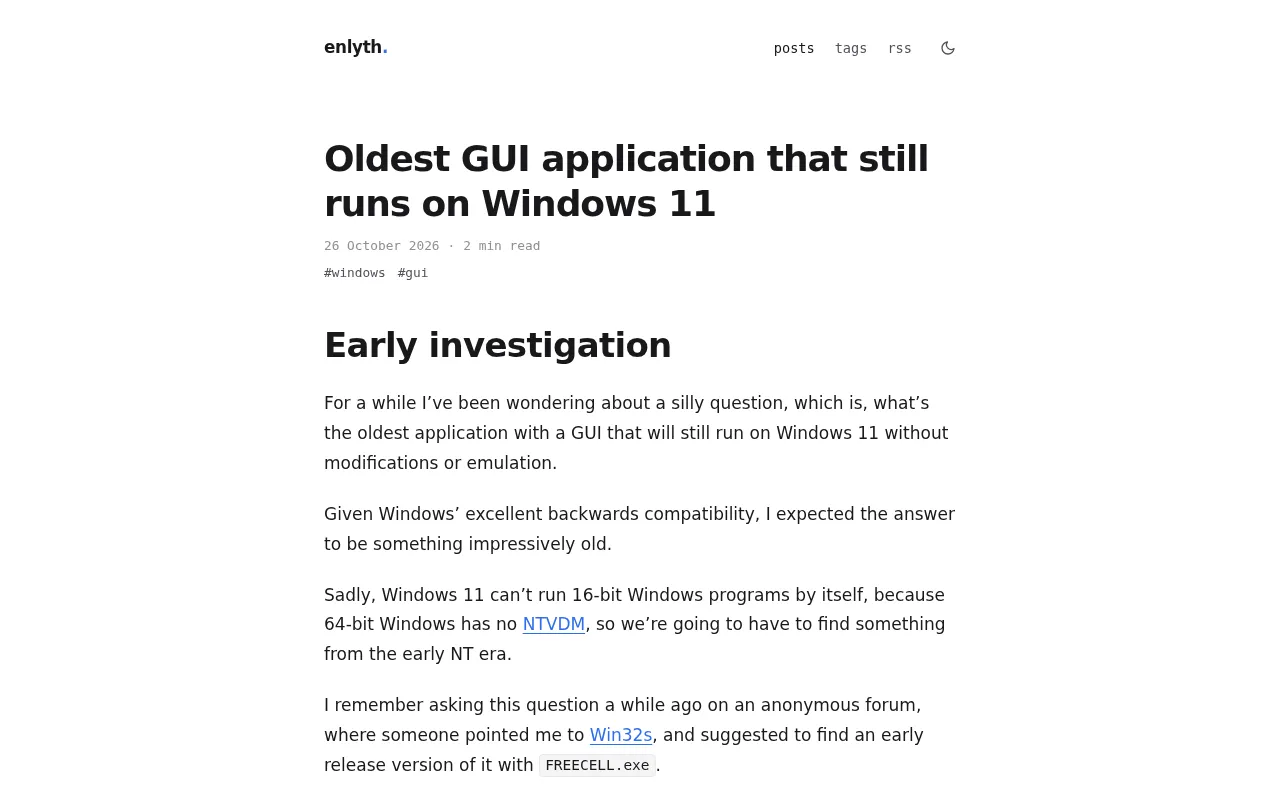
On Hacker News, a discussion thread about "the oldest GUI applications that can still run on Windows 11" gained 243 points and 152 comments (data from the original HN post). This seemingly nostalgic topic actually touches on the core proposition of Windows platform compatibility design: how deep can an operating system really go with "backward compatibility"?
Compatibility Is More Than "It Runs"
The starting point of the discussion is a blog post listing ancient graphical interface programs that can still run on Windows 11. The value of such experiments isn't "archaeology"—it's verifying an engineering commitment: Microsoft's long-maintained binary compatibility layer allows Win32 programs compiled decades ago to still create windows and respond to message loops on a brand-new system.
Judging from the feedback in the HN comments section, many developers shared their experiences running old programs. Some pointed out that what's truly surprising isn't that the programs can launch, but that certain behavioral details depending on old APIs are still preserved. Behind this is Windows' long-term maintenance of the Win32 subsystem, along with a large number of compatibility shims quietly doing their work.
Why Old GUI Programs Survive
The Stability Dividend of the Win32 API
Win32 is the foundation of the Windows graphical interface. For decades, while Microsoft has extended new APIs, it has rarely removed old interfaces. This "add-only, never-remove" strategy lets programs compiled in earlier eras run at the binary level without rebuilding. For developers, this means the certainty of writing once and having it work long-term.
The Win32 API refers to the family of 32-bit programming interfaces for desktop applications established since the Windows NT architecture, covering functions, message mechanisms, and data structures exported by core DLLs such as window management (User32), graphics drawing (GDI32), and system services (Kernel32). Its key characteristic is ABI-level stability: function signatures, calling conventions, and struct layouts remain unchanged over the long term, so PE executables compiled long ago can be loaded and run on new systems without relinking. Microsoft expands capabilities by introducing new API sets (such as extended subsets of Win32, UWP/WinRT, and modern wrappers on top of Win32), while for old interfaces it mainly takes the approach of preservation and deprecation marking rather than outright deletion. It is precisely this "add-only, never-remove" ABI contract that forms the underlying foundation of Windows backward compatibility, and explains why GUI programs from decades ago can still create windows and enter message loops.
The Compatibility Layer and Virtualization as a Backstop
When a program encounters changed system behavior, Windows applies specific shims through the compatibility database to simulate the old environment. Some comments in the discussion also mentioned that certain extremely old programs need virtual machines or compatibility mode to run fully—which precisely shows that compatibility is not unlimited, but the result of layered guarantees.
A compatibility shim is a layer of behavior-correction mechanism that Windows injects during application loading and runtime. The system maintains an application compatibility database that matches rules by characteristics such as executable name, version number, and publisher; once matched, it intercepts or rewrites specific API calls—for example, faking the old system version number, correcting file and registry path redirection, and adjusting memory allocation or time-related behavior—so that the program runs with the semantics of the old environment it expects. Compatibility mode, the AppCompat engine, and Application Verifier all belong to this system. When shims cannot bridge the differences, the further approach is virtualization: running an old system via Hyper-V or a third-party VM, or using containerization and remote app publishing. The layered backstop formed in this way—native execution, shim correction, and virtualization isolation—shows that compatibility coverage is tiered, and the older the program, the more likely it falls to an outer layer of safeguards.
Community Perspective: Technical Discussion Beyond Nostalgia
Among the 152 comments on HN, opinions are not unified. One camp holds that this compatibility is the moat of the Windows ecosystem, which is why enterprise customers dare to rely on existing software long-term; the other camp points out that the heavy compatibility burden also bloats the system and hinders the promotion of new APIs. This divergence itself is valuable—it shows that backward compatibility has never been a purely technical issue, but a trade-off between ecosystem and business.
Some comments also raised concerns from a security perspective: letting ancient programs keep running may mean the exposure surface of old vulnerabilities is extended. This view reminds us that the tension between compatibility and security is an issue that platform vendors must continually face.
The "burden" of backward compatibility has concrete costs in engineering. Preserving old code paths means the system must maintain multiple sets of behavior logic simultaneously, increasing the test matrix and regression risk; old components may prevent the tightening of secure defaults—for example, the permissive permission model of some historical APIs can weaken isolation boundaries. At the same time, the compatibility layer extends the lifecycle of deprecated interfaces, leaving developers with little incentive to migrate, thereby slowing the adoption of new APIs and security models. Platform vendors typically balance this tension with telemetry data, deprecation strategies, and phased default adjustments, but every tightening may trigger compatibility complaints from enterprise customers. Therefore, compatibility governance is essentially a continuous trade-off between cost and risk, not a one-time decision.
Implications for Developers
For today's developers, this discussion offers two practical takeaways. First, choosing stable, well-documented platform APIs often has more long-term value than chasing short-term convenience. Second, compatibility testing should not only cover "the current system" but should consider how a program can maintain consistent behavior as systems evolve in the future.
That Windows 11 can run GUI programs from decades ago is both an engineering achievement and a mirror: it reflects a platform's attitude toward historical commitments, and also reflects the long-termism developers should adopt when choosing a tech stack.
One-line Summary
Windows 11 can still run ancient GUI programs, reflecting the engineering commitment to backward compatibility and ecosystem trade-offs.
Paragraph Summary
Starting from a Hacker News discussion about Windows 11 still being able to run the oldest GUI applications, the article analyzes the design logic of Windows backward compatibility. The core lies in the long-term "add-only, never-remove" stability strategy of the Win32 API, which allows programs compiled in earlier eras to run at the binary level without rebuilding; when behavior changes, the system applies shims through the compatibility database to simulate the old environment, with virtual machines and other means as a layered backstop—showing that compatibility is not unlimited. HN comments present divergent views: one camp sees it as the moat of the Windows ecosystem, while the other worries about system bloat, hindered promotion of new APIs, and the extended exposure surface of old vulnerabilities. The article concludes with implications for developers: choose stable platform APIs and value compatibility testing oriented toward future system evolution.
Related articles

How Did Da Vinci Prove the Sun Is Hot? A Neglected Chapter in Science History
How did da Vinci use a concave mirror experiment to overturn Aristotle's cold sun theory? This article traces this neglected chapter in science history, revealing the embryo of scientific thinking in the 15th century and da Vinci's cold observations on solar heat and the nature of life.
SharpLogic: Formalizing Bug Detection for LangGraph Routing Graphs with k-CNF
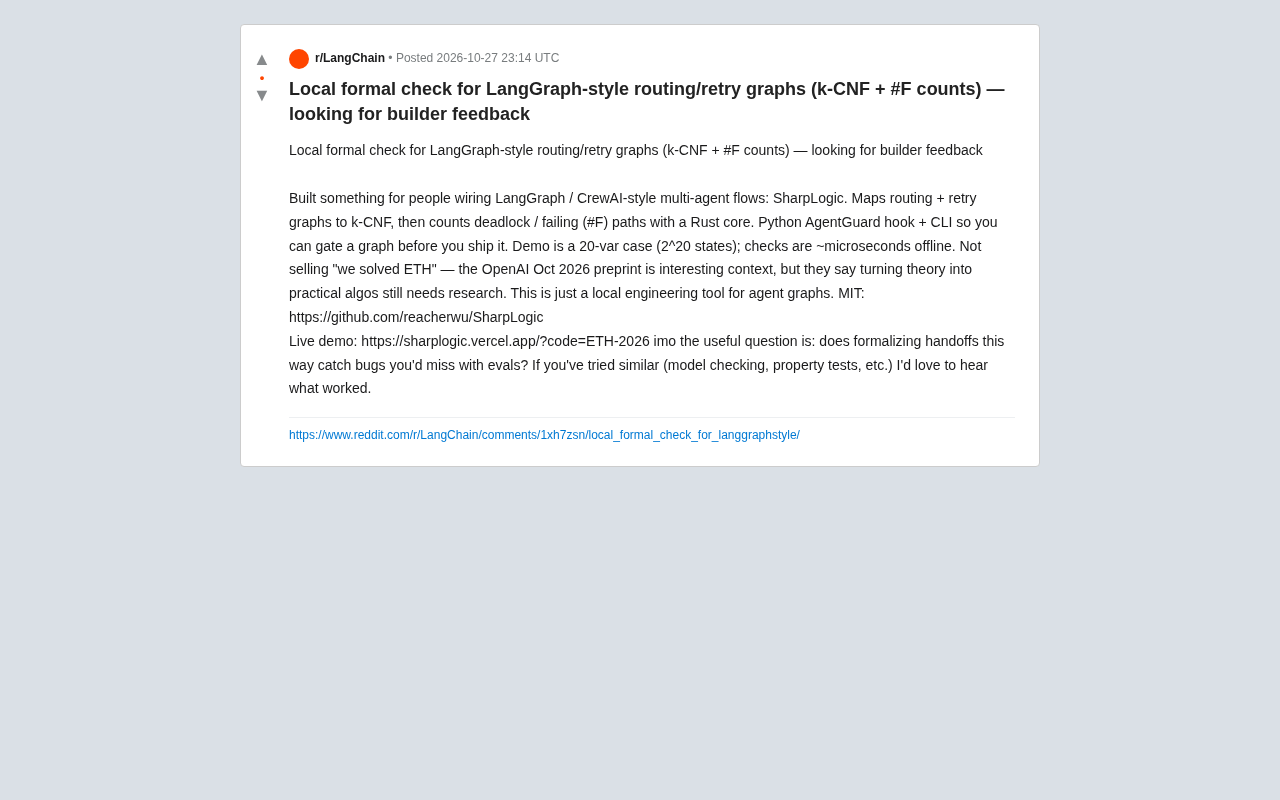
SharpLogic, an open-source project, maps LangGraph-style multi-agent routing and retry graphs to k-CNF, using a Rust kernel to count deadlocks and failing paths (#F counting), offering a Python AgentGuard hook and CLI for pre-release formal gate checks. This article analyzes its principles, its complementary relationship with evals, and the community's concern about modeling costs.
PPO Training of a Franka Robotic Arm for Pick-and-Place: A Reinforcement Learning Starter Project
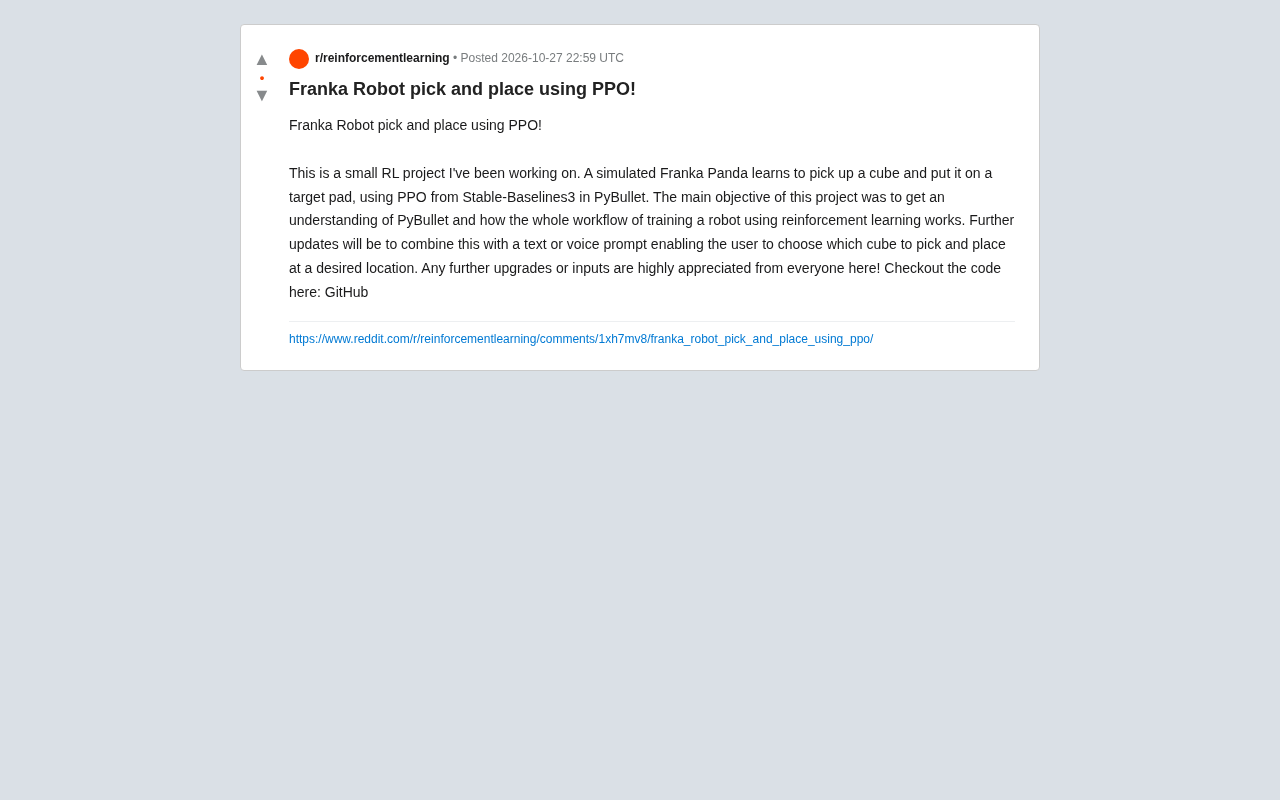
A reinforcement learning project using PPO to train a Franka Panda robotic arm for pick-and-place in PyBullet, covering tech stack choices, task design challenges, and future text/voice command interaction plans—a good reference for beginners.