The Road to Modernizing the Open-Source Desktop: Opportunities and Challenges

Open-source desktop modernization battles across Wayland, sandboxed apps, and hardware support amid a community divided on pace of change.
A recent LWN article on modernizing the open-source desktop — and its lively Hacker News discussion (301 points, 348 comments) — highlights the multi-dimensional challenges involved. Modernization spans migrating from X11 to Wayland, sandboxed app distribution via Flatpak/Snap, and native support for HiDPI scaling, hybrid GPUs, and battery management. The community is fundamentally divided: reformers argue that clinging to legacy will cost Linux new users and hardware vendor support, while conservatives maintain that customizability and backward compatibility are core Linux values. The debate reflects the classic open-source governance dilemma of balancing technical ideals with practical constraints.
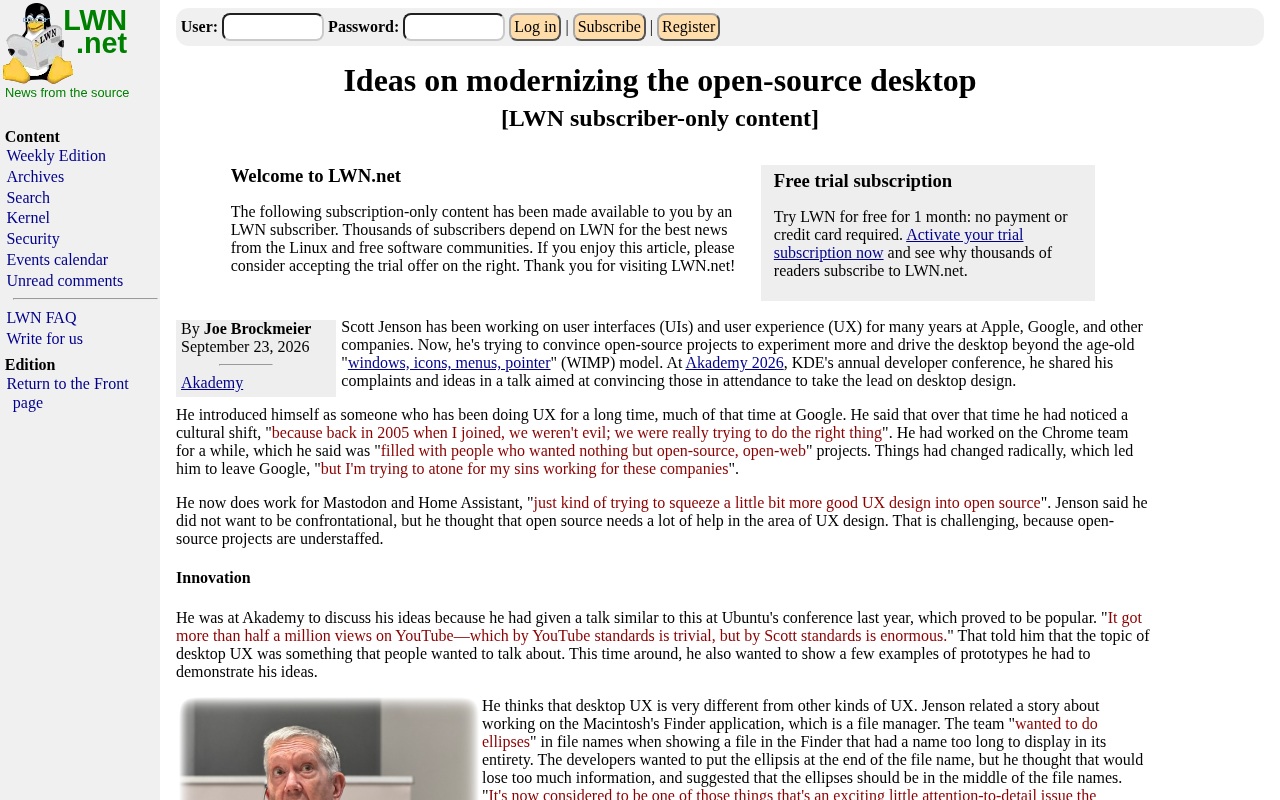
Open-source desktop environments like GNOME and KDE have long served as a flagship face of the Linux ecosystem, perpetually balancing feature richness, stability, and user experience. A recent LWN article titled Ideas on Modernizing the Open-Source Desktop sparked a wide-ranging discussion on how open-source desktops can keep pace with the times — in design philosophy, technical architecture, and user experience. The piece drew a heated response on Hacker News (301 points, 348 comments), a clear sign of how much this topic resonates with developers and users alike.
Note: This article is based on summary information from the LWN piece and community discussion activity. The original article is behind a paywall — refer to the source for complete technical details.
Why the Open-Source Desktop Needs Modernization
Over the past decade or more, mainstream commercial desktop systems (macOS, Windows) have continuously evolved in visual design, touch support, high-DPI display adaptation, and power management — while open-source desktops have lagged behind in certain areas. "Modernization" here doesn't simply mean a visual facelift. It encompasses the maturation of underlying display protocols (such as Wayland), application distribution mechanisms (sandboxed solutions like Flatpak and Snap), and native support for modern hardware.
The reason this article drew hundreds of comments on Hacker News is that it touches on a long-standing divide in the community: some developers advocate bold restructuring and embracing new paradigms, while others emphasize backward compatibility and stability, fearing that radical changes will alienate existing users.
Core Technical Issues in Modernization
Evolution of the Display Protocol and Graphics Stack
Replacing X11 with Wayland is an unavoidable topic in any discussion of open-source desktop modernization. Wayland has inherent advantages in security, compositor architecture, and input handling — but the ecosystem migration has been a slow process. Compatibility issues around screen recording, remote desktop, and accessibility features have been ongoing flashpoints in community debates. The success or failure of desktop modernization depends heavily on whether the graphics stack can transition smoothly without sacrificing functional completeness.
Background: X11 (also known as the X Window System) is a display protocol that dates back to 1984. For four decades, it has underpinned the graphics output of virtually every Linux/Unix desktop. Its network-transparent client-server architecture comes with enormous historical baggage: any client process can monitor keyboard input or capture screen content, making security boundaries nearly nonexistent. Wayland, launched in 2008 as a replacement, uses the compositor directly as the display server, eliminating the intermediate layer, dramatically reducing latency, and tightening the permission model. However, X11's network transparency (allowing graphical applications to run across hosts) and its vast XOrg compatibility layer require XWayland as a bridge under Wayland. Support for screen sharing and accessibility features through protocols like PipeWire and the portal mechanism only began to mature in recent years — which is the fundamental reason the migration has taken so long.
Application Distribution and Sandboxing
New distribution formats like Flatpak and Snap attempt to solve Linux's longstanding dependency hell and fragmented application packaging. They allow developers to distribute applications across distributions in a unified way while improving security through sandboxing. But they also bring controversies around bloated bundle sizes, startup speed, and inconsistency with system themes — a classic "pros and cons" case in the modernization discussion.
Background: Traditional Linux distributions use system-level package managers (apt, dnf, pacman, etc.) to distribute applications, with all software sharing the same set of system libraries. Version conflicts — "dependency hell" — have long plagued both developers and users. Flatpak, led by the GNOME community, uses OSTree as its underlying filesystem and Bubblewrap for sandbox isolation; apps bundle their own runtime, decoupling them from the host system. Snap, developed by Canonical, packages apps as SquashFS images managed by the snapd daemon, and mandatorily distributes through the official Snap Store — a centralized approach that has faced significant criticism. Both support fine-grained permission declarations (e.g., camera or network access), but because the bundled runtimes are large (often hundreds of MB), first launches are slow, and integration with GTK/Qt theme engines is imperfect, leading to inconsistent UI styling. These are recurring pain points in community discussions.
Hardware Adaptation and Power Efficiency
Modern laptops demand better support for high-DPI scaling, hybrid GPU switching, touchpad gestures, and battery life optimization. The degree to which open-source desktops support these natively directly affects everyday users' experience and serves as a practical yardstick for whether "modernization" has truly been achieved.
Background: HiDPI display support is one area where Linux has long lagged. macOS introduced a complete 2× scaling solution alongside Retina displays as far back as 2012, while Linux desktops have long struggled with blurry fonts and misaligned controls at fractional scaling ratios (e.g., 1.5×, 1.75×). Wayland offers a cleaner solution through per-surface scaling — having each application render at the appropriate scale — but this requires coordinated support at the application and toolkit level (GTK4, Qt6). Hybrid GPU configurations (Intel integrated + NVIDIA/AMD discrete) rely on the PRIME render offload mechanism under Linux, which is far more complex to configure than Windows' Optimus solution. On the power management front, tools like
power-profiles-daemonand TLP fill some gaps, but coordination with the firmware layer (ACPI, PSPP) remains less seamless than on Windows or macOS, and the battery life gap is especially noticeable on thin-and-light laptops.
Community Divide: Bold Restructuring vs. Gradual Evolution
The high engagement on Hacker News makes it clear that the community is sharply divided on the path to modernization. Those who favor radical change argue that unless open-source desktops break free from their historical baggage, they will struggle to attract new users and hardware vendor support. The more conservative camp emphasizes that the core Linux desktop user base highly values customizability, stability, and support for older hardware — and that blindly mimicking commercial systems risks losing what makes Linux unique.
This tension is a classic challenge in open-source project governance: how to balance innovation with compatibility, and niche aesthetic sensibilities with broad usability. The "ideas" raised in the article are inherently exploratory — they don't prescribe a single answer.
Implications for Developers and Users
For developers, engaging with the modernization debate means making trade-offs between technical ideals and practical constraints. An elegant solution that breaks compatibility isn't necessarily more valuable than a slightly compromised one that can be widely adopted. For everyday users, the ongoing modernization of the open-source desktop is a reminder: when choosing a desktop environment, look beyond aesthetics — pay attention to hardware support and long-term maintenance commitments.
The value of the open-source desktop lies not only in being free and open, but in offering the possibility for a community to collectively shape the direction of technology. Discussions like this one about modernization are themselves an expression of the open-source collaborative spirit.
Conclusion
Modernizing the open-source desktop is not a one-time technical upgrade — it's an ongoing process full of trade-offs. It requires simultaneous progress on multiple fronts: display protocols, application ecosystems, and hardware adaptation. It also requires the community to find a dynamic balance between bold change and cautious evolution. There are no definitive answers here, but it is precisely these open debates that drive the open-source desktop forward, step by step, toward maturity. Interested readers are encouraged to read the original LWN article and the full discussion on Hacker News for more detailed technical perspectives.
Related articles

Chain of Thought Isn't Just for AI: How Humans Can Use CoT to Improve Thinking Quality
Chain of Thought isn't just a prompt trick for large models. Starting from a Hacker News discussion, this article analyzes why CoT works for human thinking too, breaks down actionable ways to transfer it, and highlights the key differences between human CoT and machine CoT.
Cloudflare Teams Up with OpenAI: Closi…
Cloudflare Teams Up with OpenAI: Closing the Loop from Vulnerability Discovery to Defense with AI
Cloudflare uses OpenAI Daybreak to investigate security vulnerabilities and generate reviewable remediation plans, while developers use Codex to boost coding efficiency and quality.

Orca Multi-Agent Orchestration in Practice: A Guide to Parallel Collaboration with Claude and Codex
Orca is Stable AI's free open-source agent workbench supporting 34 agents like Claude Code and Codex in parallel. Learn its Git worktree isolation, multi-model orchestration, and mobile management.