Third-Party Camera Apps Unlock All Aperture Stops on iPhone 18 Pro's Variable Aperture

Third-party camera apps unlock iPhone 18 Pro's variable aperture beyond the native four-stop limit.
The iPhone 18 Pro introduces hardware-level variable aperture for the first time, but iOS's native Camera app restricts manual mode to just four fixed stops — f/1.48, f/1.8, f/2.8, and f/4 — leaving the hardware's full capability untapped. Since Apple exposes lower-level camera APIs to third-party developers, professional camera apps can bypass this limitation and offer finer, near-continuous aperture control alongside manual shutter, ISO, and RAW output. For casual users, four stops is plenty; for serious photographers, third-party apps are essential to fully exploiting the lens.
The variable aperture on iPhone 18 Pro's main camera is one of the biggest imaging upgrades this generation — but the way it's implemented in the native iOS Camera app leaves something to be desired. To truly squeeze every bit of potential out of this lens, users may need to look beyond Apple's own app.
The Native Camera's Aperture Limitations
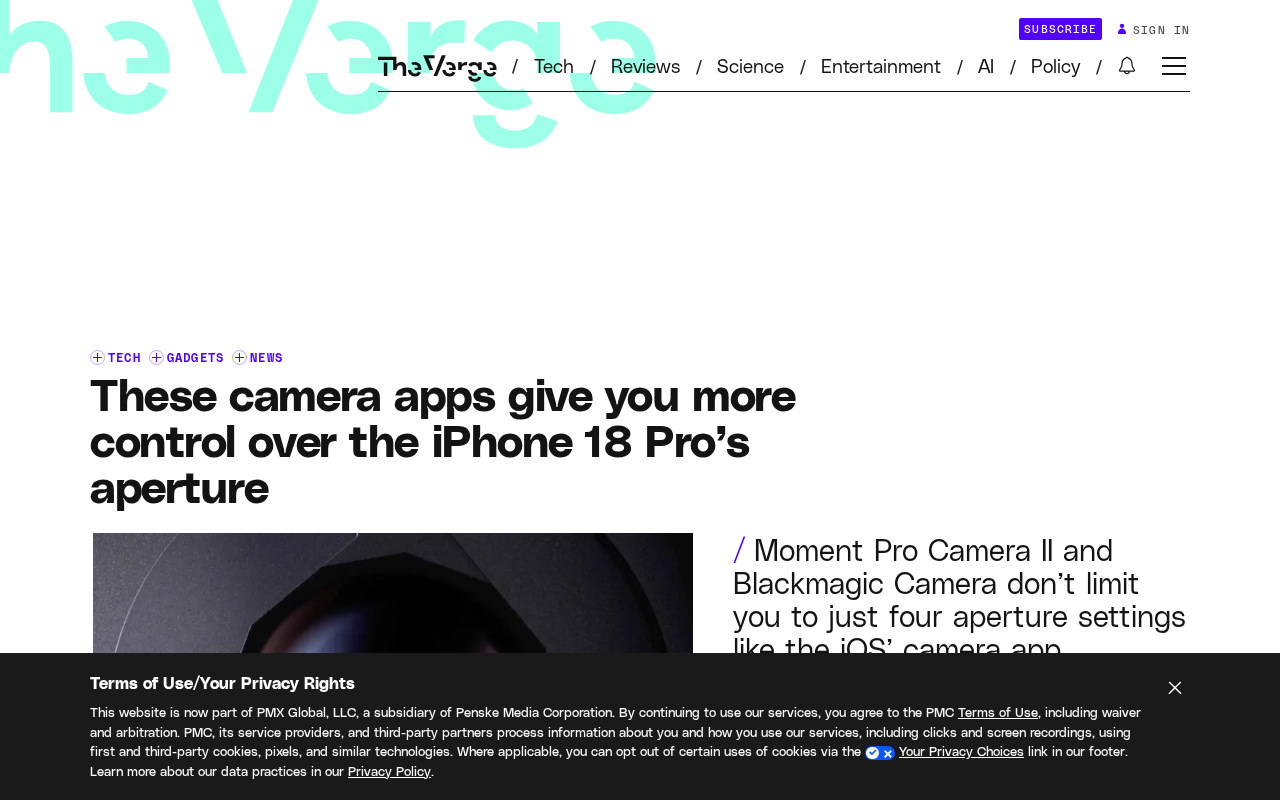
The iPhone 18 Pro's main camera introduces a variable aperture design for the first time, and at the hardware level it can theoretically adjust light intake across a continuous range. However, in the manual mode of iOS's native Camera app, users can only toggle between four fixed stops: f/1.48, f/1.8, f/2.8, and f/4.
This means that even though the hardware supports finer aperture gradations, the software narrows the choice down to four discrete options. More critically, when the Camera app automatically adjusts the iris, it's subject to the same constraints. For photography enthusiasts accustomed to the continuous aperture control of traditional DSLRs or mirrorless cameras, this feels conservative — and it doesn't fully unleash the creative potential of the lens.
Why Variable Aperture Matters
Aperture directly determines light intake and depth of field. A wide aperture (like f/1.48) produces shallower depth of field and stronger background blur, making it ideal for portraits and low-light scenes. A narrow aperture (like f/4) yields greater depth of field and sharper overall rendering, better suited for landscapes and architecture.
For smartphone photography, hardware-level variable aperture delivers more natural and controllable results compared to algorithmically simulated depth of field. That's exactly why limiting the native camera to four stops feels like a missed opportunity — the hardware is clearly capable of more, but the software becomes the bottleneck.
It's worth noting that variable aperture on smartphones differs physically from traditional cameras. Conventional cameras use an iris-style mechanism made of multiple aperture blades for continuous adjustment, while phones — constrained by body thickness — typically rely on dual-aperture or limited-blade designs. The iPhone 18 Pro reportedly uses a multi-blade variable iris mechanism similar to a DSLR, which is a relatively rare hardware investment in the smartphone space. Samsung's Galaxy S series previously introduced a dual-aperture design on select models (switching between f/1.5 and f/2.4), but that was still a two-stop fixed toggle rather than continuous adjustment. iPhone 18 Pro takes a hardware step further, making continuous adjustment theoretically possible — which makes the native software's four-stop ceiling look even more like an artificial limit rather than a hardware one.
Third-Party Apps Offer More Control
Fortunately, Apple's open developer interfaces give third-party developers room to work with. Some professional camera apps can bypass the native camera's four-stop restriction and offer finer control over the variable aperture, giving users more selectable stops between f/1.48 and f/4 — or even an experience closer to continuous adjustment.
These apps typically also include a fuller suite of manual controls, including shutter speed, ISO, white balance, and RAW output. For photographers who prioritize creative freedom, third-party apps are the key to unlocking the full potential of the iPhone 18 Pro's imaging hardware. Their existence reinforces a familiar pattern: iPhone camera hardware tends to outpace native software features, and the professional tools ecosystem fills the gap in between.
The ability of third-party camera apps to access aperture controls depends on the camera hardware interfaces Apple exposes through the AVFoundation framework. Since iOS 17, Apple has progressively expanded the exposure and optical control APIs within AVCaptureDevice, allowing developers to directly control lens parameters within system-permitted boundaries — rather than simply reading image streams already processed by the native camera. Third-party apps like Halide, Kino, and ProCamera leverage these lower-level interfaces to bypass the UI-level restrictions in Apple's own Camera app and send finer-grained aperture commands directly to the hardware. That said, the actual aperture precision a third-party app can achieve ultimately depends on the permission boundaries Apple exposes to developers at the system level — not solely on the app itself.
How to Choose
For everyday users, the native camera's four aperture stops are more than enough to cover most daily shooting scenarios, and the experience is simple and straightforward. For photography enthusiasts and content creators, investing in a third-party app that supports fine-grained aperture control is the way to truly get the most out of this variable aperture lens.
When choosing an app, look beyond just the number of available aperture stops — also consider support for RAW capture, manual focus, histograms, and other professional features, as well as the smoothness of the interface. The hardware's potential is already there. Now it's up to the software to make the most of it.
Related articles

Chain of Thought Isn't Just for AI: How Humans Can Use CoT to Improve Thinking Quality
Chain of Thought isn't just a prompt trick for large models. Starting from a Hacker News discussion, this article analyzes why CoT works for human thinking too, breaks down actionable ways to transfer it, and highlights the key differences between human CoT and machine CoT.
Cloudflare Teams Up with OpenAI: Closi…
Cloudflare Teams Up with OpenAI: Closing the Loop from Vulnerability Discovery to Defense with AI
Cloudflare uses OpenAI Daybreak to investigate security vulnerabilities and generate reviewable remediation plans, while developers use Codex to boost coding efficiency and quality.

Orca Multi-Agent Orchestration in Practice: A Guide to Parallel Collaboration with Claude and Codex
Orca is Stable AI's free open-source agent workbench supporting 34 agents like Claude Code and Codex in parallel. Learn its Git worktree isolation, multi-model orchestration, and mobile management.