Three Core Pain Points of MediaPipe Gesture Recognition: Threshold Failures, Intent Ambiguity, and Environmental Crashes

A MediaPipe gesture demo reveals three fundamental real-world failures: individual variance, intent ambiguity, and environmental fragility.
A developer built a browser-based gesture-controlled solar system demo with MediaPipe, only to find it worked perfectly on his own hands but failed with test users. This article analyzes three root failure patterns: pinch thresholds breaking down due to individual hand differences (a distribution shift problem), intentional swipes being indistinguishable from hand exits in 2D (depth information loss), and tracking confidence collapsing under poor lighting or low-quality cameras. For the calibration debate, the article recommends combining lightweight explicit calibration with conservative online adaptation.
When Gesture Recognition Only Works for the Developer
A developer shared a telling predicament on Reddit: he had built a browser-based gesture interaction app using MediaPipe's HandLandmarker — pinch to zoom the solar system, open palm to rotate, point and dwell to select. The entire demo runs entirely client-side with no video ever leaving the browser (Live Demo), and the code is open-sourced under the MIT license (GitHub Repository).
It sounds quite polished: he applied a One Euro Filter to smooth the landmark data stream and normalized pinch distance against palm size. Yet the problem was clear — it worked smoothly on his own hands, but completely broke down with test users. This is almost universally the wall that gesture interaction products hit when moving from prototype to real users.
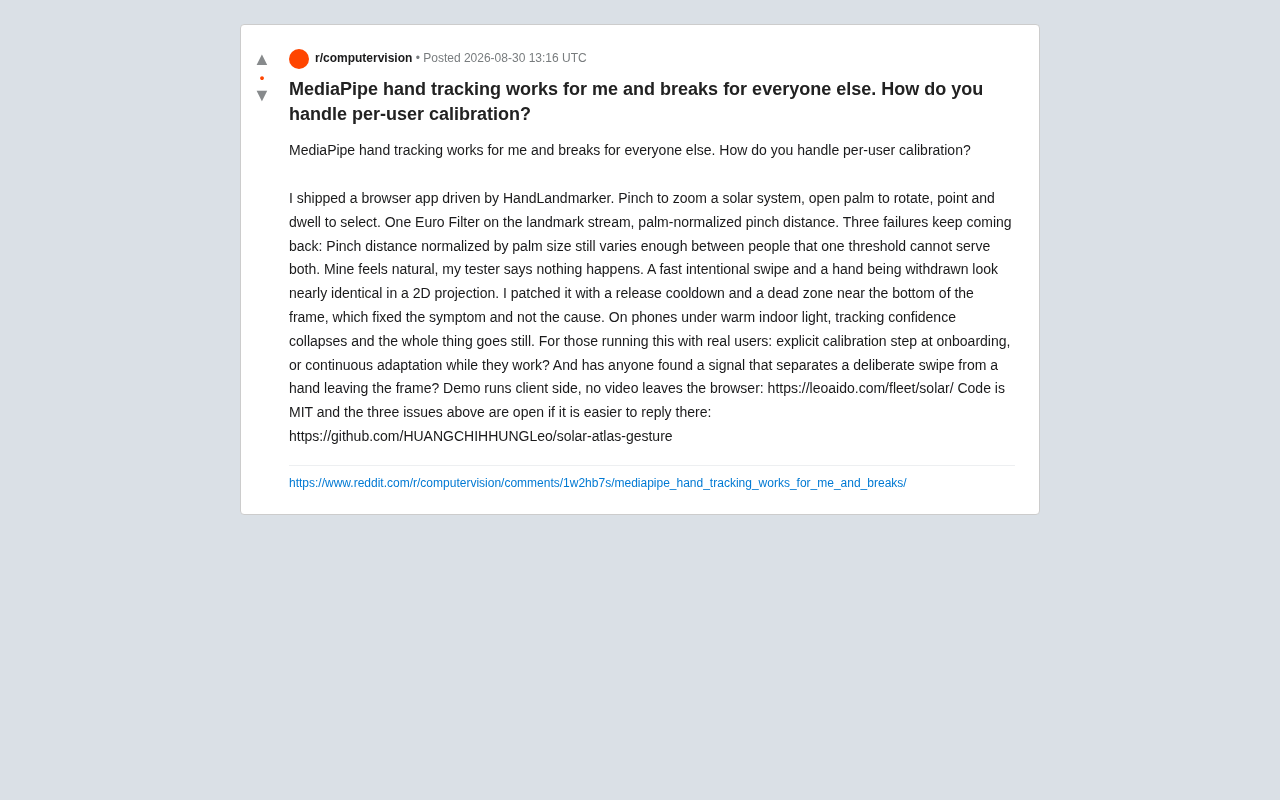
The value of this case isn't its complexity — it's that it precisely exposes three fundamental engineering challenges in shipping vision-based gesture recognition.
Three Recurring Failure Patterns
Pinch Thresholds Don't Work for Everyone
The first problem is individual variation in pinch distance. Even with palm-size normalization, differences in hand structure, pinching habits, and finger length ratios mean the same threshold can't work for two different people simultaneously. The developer described it perfectly: "What feels natural to me, the tester says nothing happened."
This is fundamentally a distribution shift problem. Normalization can eliminate differences in overall scale, but it can't remove deeper individual characteristics like range of motion or gesture amplitude. A static threshold essentially assumes all users share the same motion distribution — an assumption that simply doesn't hold in the real world.
Quick Swipes and Hand Exits Are Nearly Indistinguishable
The second problem is trickier: in a 2D projection, an intentional quick swipe and a hand exiting the frame look almost identical. This is an unavoidable consequence of compressing 3D spatial movement into a 2D image — the loss of depth information makes "intent" ambiguous.
The developer's current workaround involves adding a release cooldown and a dead zone at the bottom of the frame. He openly admits: "This fixes the symptom, not the root cause." This self-awareness speaks to the essence of the issue — patching with heuristics can temporarily relieve the pain, but it doesn't address the core challenge of recognizing user intent.
Tracking Confidence Collapses in Low-Light Environments
The third problem is environmental robustness: on mobile, under warm indoor lighting, tracking confidence crashes entirely, and the whole system freezes. This is a reminder that MediaPipe's performance is highly dependent on input image quality, while real users' environments are far more varied than a developer's test setup — different lighting conditions, different camera hardware, and different skin tones all affect model output stability.
The Core Debate: Explicit Calibration vs. Continuous Adaptation
The key question the developer raised is: when dealing with real users, should you set up an explicit calibration step during onboarding, or continuously adapt during use?
Advantages and Limitations of Explicit Calibration
The explicit calibration approach has users complete a few standard gestures during onboarding — "please pinch three times," "please open your palm" — and then fits personalized thresholds for that user.
- Pros: Clean data collection, clear user intent, relatively straightforward to implement
- Cons: Adds friction to the user experience; users may lose patience; and one-time calibration can't adapt to subsequent environmental changes (e.g., moving rooms or changing light sources)
Advantages and Risks of Continuous Adaptation
Continuous adaptation means constantly updating thresholds and decision boundaries online based on observed motion data during normal use.
- Pros: More seamless experience, handles environmental drift and changes in user behavior
- Cons: High engineering complexity, and there's a risk of "learning errors" — if false positives are treated as correct samples, the system may degrade over time
In practice, combining both approaches is often the safer path: use lightweight explicit calibration to establish an initial baseline, then apply constrained online adaptation to slowly fine-tune. The key is that the adaptation mechanism must be conservative enough to only update parameters on high-confidence gesture samples.
How to Distinguish "Swipe" from "Exit"
For the challenge of confusing swipes with hand exits, the most valuable direction in community discussions is finding a composite signal that can distinguish "intentional gesture" from "hand leaving frame." A few approaches are worth considering in engineering practice:
- Trajectory continuity and endpoint position: A hand exiting the frame typically moves in one direction toward the edge, with landmark confidence gradually decaying during the exit; intentional swipes tend to occur in the center of the frame with a clear acceleration–deceleration curve.
- Velocity profile analysis: Deliberate gestures typically show a "bell-shaped" velocity curve (accelerating then decelerating to a stop), while withdrawing a hand tends to continuously accelerate until it disappears off-frame.
- Hand orientation and pose changes: During a swipe, palm orientation stays relatively stable; during an exit, the hand may undergo sudden rotational or flip-like pose changes.
Combining these signals into a simple multi-dimensional classification criterion is far more reliable than relying solely on 2D displacement thresholds.
Lessons for Gesture Interaction Developers
This Reddit post is small, but it distills the gap between "runs" and "works" in visual gesture interaction. It offers three practical takeaways for developers building similar systems:
First, never validate a gesture system with your own hands. The developer's movements have been implicitly "trained into" the system. Real user diversity is the ultimate litmus test. Get testers with different hand sizes and habits involved early and broadly.
Second, heuristic patches are fine for now — but document the root-cause debt. Dead zones and cooldown timers are entirely reasonable in early stages, but be clear-eyed that they're stopgaps. Longer-term, more fundamental signal modeling is needed to replace them.
Third, environmental robustness and personalization deserve equal priority. If low-light crashes and cross-device inconsistencies aren't addressed, even the most elegant gesture logic will fail in the real world.
This project is open-sourced under the MIT license, with all three core issues filed as GitHub issues in the repository — for any team building gesture interaction, AR/VR, or touchless interfaces, this is a rare "real-world failure checklist" worth watching and contributing to.
Related articles

Vibe Coding Full-Stack in Practice: AI Programming from Beginner to Enterprise Deployment
From Cursor to Claude Code, this Bilibili AI programming course uses four progressive projects to cover full-stack development, open-source secondary development, and team collaboration. The article analyzes the shock to frontend roles, the efficiency shift from 50 people to 5, and the methodology required for enterprise-grade projects.

David Blaine's Global Quest for Real Magic: From South Africa to Japan and India
David Blaine travels to South Africa, Japan, and India in his Do Not Attempt special, documenting Spinning drivers, black mamba rescuers, iaijutsu masters, and ascetics—exploring the boundary between magic and real human极限 challenges.

Is a Touchscreen MacBook Coming? Vergecast Reveals Apple Executive's Response
Vergecast podcast reveals a conversation between a reporter and Apple executive John Ternus about a touchscreen MacBook and Apple Pencil support. Ternus says iPad is the best device for a stylus, while the reporter bets MacBook will eventually support Apple Pencil.