Training AI Models on Google Colab: Capability Boundaries & Practical Guide

A practical guide to Google Colab's AI training capabilities, limits, and best practices for resource-constrained developers.
This article examines Google Colab's real-world capability boundaries for AI model training, comparing free and paid tier GPU resources (T4 vs A100), explaining how LoRA/QLoRA techniques enable fine-tuning 7B+ models on limited hardware, and providing actionable advice on checkpointing, data management, and alternative platforms for developers using the laptop-as-processing-station workflow.
Introduction: Treating Your Laptop as a "Processing Station" Not a "Workstation"
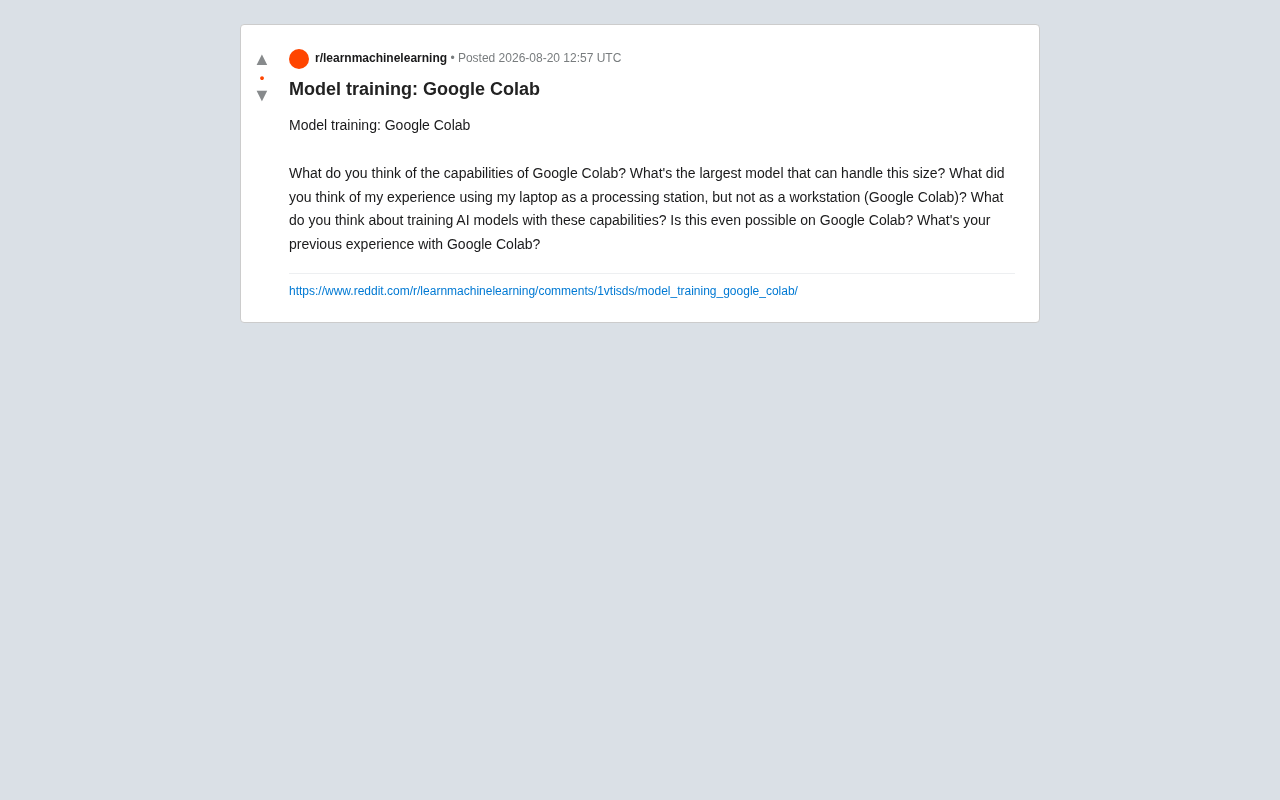
How large a model can Google Colab actually train? Is it viable to treat your local laptop as a "processing station" rather than a "workstation," offloading training tasks to cloud-based compute?
This is a real dilemma faced by countless entry-level AI developers—local hardware is insufficient, high-end GPUs are prohibitively expensive, and cloud platforms vary wildly in quality. As Google's free cloud-based Jupyter Notebook environment, Colab does provide a low-barrier path for budget-constrained developers. But where exactly are its capability boundaries? This article draws on community hands-on experience to systematically examine Colab's real-world performance and best practices for model training.
Google Colab's Core Capabilities & Resource Configuration
GPU Differences Between Free and Paid Tiers
Google Colab offers tiered resource plans, and the differences between tiers directly determine how large a model you can train.
The free tier typically allocates older GPUs (such as the T4 with 16GB VRAM), with constraints including usage time limits, random disconnections, and no guarantee of resource availability. It's sufficient for learning and small experiments, but if training runs too long or consumes too many resources, the system may reclaim your session.
To understand the performance gap between these GPUs, it helps to know their architectural background. The T4 (Tesla T4) is an inference-optimized GPU released by NVIDIA in 2018, based on the Turing architecture with 2,560 CUDA cores and 320 Tensor Cores. While its 16GB GDDR6 VRAM is limited in capacity, it supports INT8 and FP16 mixed-precision inference, making it still useful for quantized model inference and small-scale training. The A100, based on the Ampere architecture released in 2020, features 6,912 CUDA cores and 432 third-generation Tensor Cores, supporting new precision formats like TF32 and BF16. Its 40GB (or 80GB) HBM2e memory delivers bandwidth of up to 1.6TB/s, a quantum leap from the T4's 320GB/s. This bandwidth difference is particularly critical in large-batch matrix operations and directly impacts training throughput.
Colab Pro and Pro+ offer more powerful hardware (such as V100, A100), longer runtimes, and higher priority. The A100 version provides 40GB of VRAM, which is a critical differentiator for medium-scale models. Paid plans range from approximately $10 to $50 per month—still far more economical than purchasing equivalent hardware.
How Large a Model Can Colab Train?
Here we need to distinguish between two scenarios: "training from scratch" and "fine-tuning":
- Training from Scratch: Limited by VRAM and runtime duration, Colab is suitable for training models with parameters in the millions to tens of millions range, such as small CNNs or medium-scale Transformer experiments.
- Fine-tuning: With parameter-efficient fine-tuning techniques like LoRA and QLoRA, fine-tuning 7B-parameter large language models on a T4 is feasible; an A100 can handle fine-tuning of 13B or even larger models.
Colab's "ceiling" largely depends on the techniques you employ, not just raw hardware specs. Mastering quantization and low-rank adaptation techniques allows limited VRAM to support model scales far exceeding expectations.
LoRA (Low-Rank Adaptation), proposed by Microsoft Research in 2021, works by freezing the pretrained model's original weight matrix W and only training two low-rank decomposition matrices A and B (where W' = W + BA), reducing trainable parameters from billions to millions. For example, applying rank r=16 LoRA to a 4096×4096 weight matrix requires training only 4096×16×2=131,072 parameters instead of the original 16 million+. QLoRA further combines 4-bit NormalFloat quantization, loading the frozen base model into VRAM at 4-bit precision while using paged optimizers to handle VRAM overflow, making it possible to fine-tune 65B parameter models on a single 16GB VRAM GPU. The combination of these two techniques is the de facto standard for fine-tuning large models in resource-constrained environments.
Feasibility Analysis of the "Processing Station" Model
Lightweight Local Development, Heavy Cloud GPU Training
The "laptop as processing station" workflow has been widely validated in practice. The typical setup involves handling code writing, data preprocessing, and result visualization locally, while offloading compute-intensive training to Colab's cloud GPUs.
The advantages of this division of labor include:
- Lower hardware barriers: No need to purchase expensive GPUs for occasional training tasks.
- Elastic compute: GPU resources are invoked only when needed, avoiding idle waste.
- Environment isolation: Cloud environments are decoupled from local setups, facilitating reproducibility and team collaboration.
Pain Points in Actual Usage
However, this model is not without costs. The most common issues reported by the community include:
- Session interruptions: Long training runs on the free tier are prone to disconnection, causing loss of training progress. You must frequently save checkpoints to Google Drive.
- Data transfer bottlenecks: Transferring large datasets between local machines and Colab is inefficient. Data typically needs to be pre-uploaded to Google Drive or cloud storage. Data transfer between Colab instances and Google Drive relies on FUSE filesystem mounting, which performs poorly for random reads of many small files (latency can reach hundreds of milliseconds per read). It's recommended to package datasets into tar or zip format and copy them in one batch to the local temporary disk (
/content/), or use HuggingFace Datasets' streaming mode (streaming=True) to read data batch-by-batch directly from remote sources, avoiding loading the entire dataset into memory at once. Another efficient approach is to preprocess datasets into Arrow or TFRecord format—these columnar storage formats support memory mapping (mmap), enabling efficient random access without loading all data into RAM. - Disk and memory limitations: Temporary disk space is limited, and processing large datasets can easily hit the ceiling.
Practical Recommendations: How to Efficiently Use Colab for Model Training
Leverage Checkpoint Mechanisms to Prevent Progress Loss
To address session interruption issues, the most important practice is regularly saving model weights and optimizer states to Google Drive. This way, even if the connection drops, you can resume training from the most recent checkpoint rather than starting from scratch. It's recommended to auto-save at fixed epoch or step intervals.
It's worth emphasizing that checkpoints in model training aren't just about saving model weights (model state_dict). A complete checkpoint should also include optimizer state (such as Adam's first and second moment estimates), learning rate scheduler state, current epoch/step number, and random number generator state. Missing the optimizer state will cause discontinuities in learning rate and momentum after resuming training, potentially leading to training instability. In PyTorch, torch.save() can package all this information into a dictionary; in HuggingFace Transformers' Trainer API, the save_steps parameter automates this process. For Colab scenarios, it's recommended to write checkpoints directly to the mounted Google Drive path, avoiding storage on temporary disks that are destroyed when the session ends.
Adopt LoRA/QLoRA Parameter-Efficient Fine-Tuning
If your goal is fine-tuning large language models, full-parameter training on Colab is nearly impossible. LoRA or QLoRA techniques are recommended, which dramatically reduce VRAM usage through quantization and low-rank adaptation. This is currently the mainstream approach for running large model fine-tuning on consumer-grade or free cloud hardware—a T4 with 16GB VRAM can fine-tune a 7B model.
Monitor Resource Usage & Consider Alternatives
Free-tier users should develop the habit of monitoring GPU VRAM and runtime duration to avoid forced disconnections due to exceeding limits. For serious training projects, consider the following alternative or supplementary options:
- Upgrade to Colab Pro for more stable resources
- Use Kaggle Kernels (30 hours of free GPU per week)
- Try Paperspace or cloud provider Spot instances for better cost-efficiency
Each of these alternatives has distinct characteristics. Kaggle Kernels (now called Kaggle Notebooks) provides 30 hours of free GPU quota per week, with options for T4 or P100 (16GB VRAM). Single sessions can last up to 12 hours without random disconnections—more stable than Colab's free tier. Paperspace Gradient offers a free M4000 GPU (8GB VRAM) and paid A100 instances, with persistent storage mechanisms that avoid Colab's data loss issues. For scenarios requiring larger-scale training, AWS Spot Instances, Google Cloud Preemptible VMs, and Lambda Cloud provide hourly-billed A100/H100 instances at approximately 60-90% discount compared to on-demand pricing, though they may be reclaimed at any time—thus equally requiring a robust checkpoint strategy.
Conclusion: Colab Is an Excellent Starting Point, Not the Final Solution
Is training AI models on Colab viable? The answer is a clear yes, but you need to realistically understand its positioning. Colab is an excellent learning platform and prototyping tool, especially suitable for beginners and budget-constrained developers. The model of using your laptop as a processing station and the cloud as a compute engine is entirely viable in practice.
However, when project scale grows, requiring long-duration stable training or handling very large models, Colab's free tier will feel inadequate. At that point, investing in paid plans or migrating to more professional cloud platforms becomes the sustainable choice. Understanding a tool's capability boundaries is what allows you to maximize its value.
Key Takeaways
Related articles
Local AI Agent Deployment Too Slow? A Lightweight Optimization Practical Guide
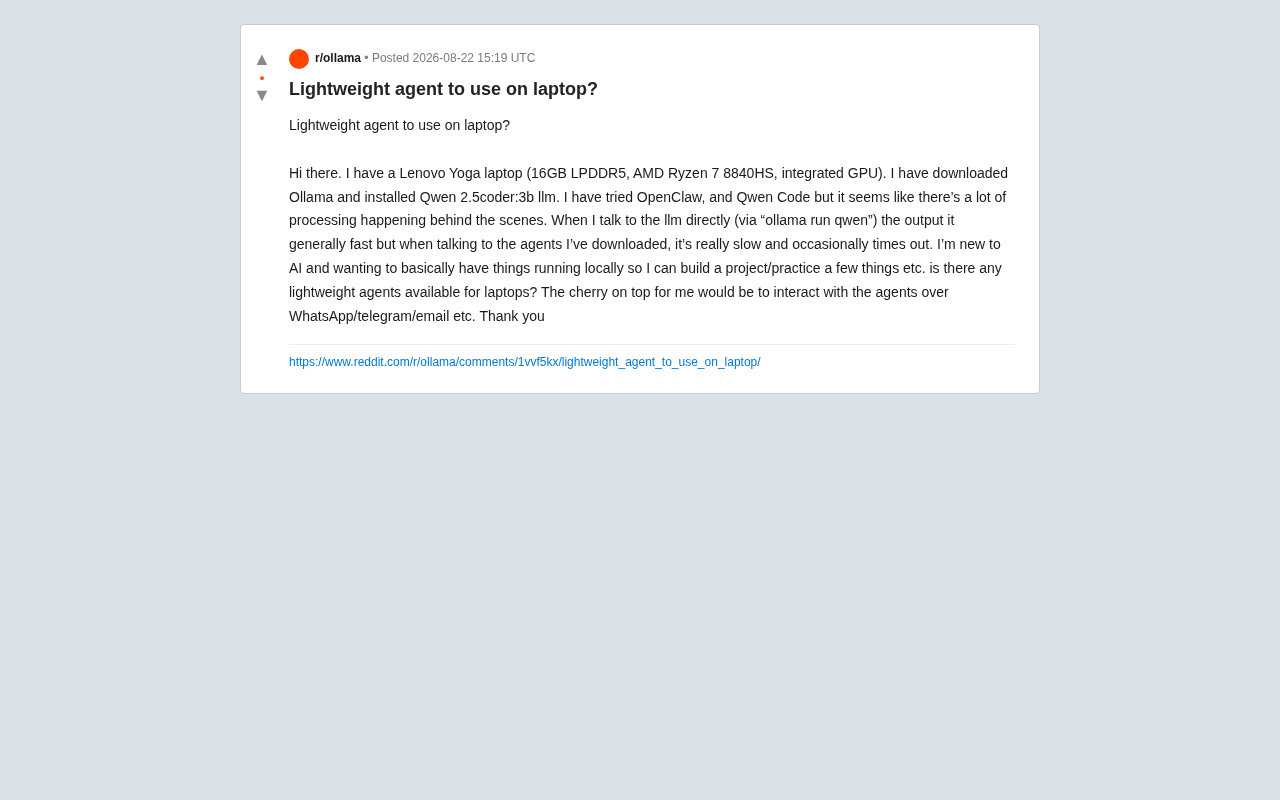
Local AI Agent deployment slow and timing out? This guide covers Agent framework overhead, hardware bottlenecks, and practical optimizations including context trimming, quantization, and Telegram Bot integration.

Choosing a Laptop for AI Studies: MacBook vs NVIDIA Laptop — An In-Depth Comparison Guide
In-depth analysis for AI students choosing laptops: MacBook Air M5 with remote GPU vs NVIDIA laptop, comparing CUDA support, portability, battery life, and value.

Self-Hosted LLM Tech Stack: A Complete Guide to Managing Your Local AI Cluster from the Terminal
A deep dive into self-hosting LLM tech stacks: inference engines, model management, vector databases, and how to manage your local AI cluster from the terminal.