Turning SQLite into a Vector Database: A Hands-On Comparison of Two Extensions
A hands-on comparison of sqlite-vec and sqlite-vector for adding vector search to SQLite.
This article demonstrates how to add vector storage and similarity search to SQLite using sqlite-vec and sqlite-vector, enabling RAG applications without a dedicated vector database. sqlite-vec prioritizes simplicity with virtual tables and lightweight deployment; sqlite-vector targets production use with BLOB-based storage, explicit initialization, quantization, and configurable distance metrics. Benchmarks show sqlite-vector is ~10ms faster at 150K vectors and uses ~1/7 the search memory, but at the cost of larger disk usage due to storing both raw and quantized vectors.
SQLite is one of the most widely deployed databases in the world: lightweight, portable, simple, and capable of running entirely in memory. In the age of large language models, we increasingly need to store embeddings (vectors) in databases for similarity search and RAG (Retrieval-Augmented Generation). Beyond dedicated vector stores like FAISS, another approach is to bolt vector capabilities onto an existing database — Postgres has the well-known pgVector, and this article explores how to turn SQLite into a vector database using two different extensions.
How the Two Extensions Differ
This article covers two extensions: sqlite-vec and sqlite-vector. Both add vector capabilities to SQLite, but with very different philosophies.
- sqlite-vec: Prioritizes being lightweight, portable, and simple — fast enough for most use cases, following a "get started quickly, keep it straightforward" approach.
- sqlite-vector: Leans toward a production-grade, enterprise-ready solution with more aggressive performance optimization and additional tuning options (such as quantization and configurable distance metrics).
In a nutshell: if you just need something that "gets the job done" with minimal overhead, go with sqlite-vec. If you need production-level performance and tunability, choose sqlite-vector.
This article has two goals: demonstrate a minimal working example for each extension, and benchmark them across three dimensions — speed, simplicity, and memory efficiency.
Background: Vector Databases vs. Vector Extensions
The core RAG pipeline works like this: documents are chunked and converted into high-dimensional vectors via an embedding model, then stored in a database. At query time, the question is also vectorized, and a similarity search retrieves the most relevant document chunks, which are passed along with the original question to an LLM to generate a response. Dedicated vector databases (like Pinecone, Weaviate, and Qdrant) are deeply optimized for this, but they introduce additional infrastructure overhead. FAISS is Meta's open-source in-memory vector search library — extremely fast, but without persistence, metadata management, or other database features. Adding vector extensions to an existing relational database is a middle-ground approach: you sacrifice some peak performance in exchange for operational simplicity and the convenience of keeping vector data alongside your business data in the same database.
sqlite-vec: Lightweight Solution in Practice
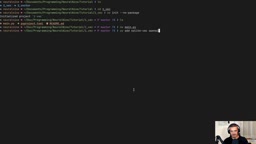
The project uses uv as the package manager, initialized with uv init --no-package, then uv add sqlite-vec openai python-dotenv. Embeddings can be generated using a real model (such as OpenAI's text-embedding-3-small) or substituted with random NumPy arrays — at their core, vectors are just arrays of numbers.
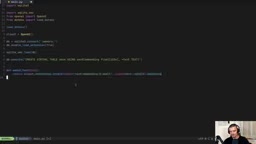
The key steps to load the extension are: connect to an in-memory database, enable extension loading, and load sqlite-vec:
db = sqlite3.connect(":memory:")
db.enable_load_extension(True)
sqlite_vec.load(db)
Virtual Tables and Column Types
sqlite-vec uses virtual tables to store vectors. They look and behave just like regular tables, but the extension takes over their management under the hood:
CREATE VIRTUAL TABLE data USING vec0(
  embedding float[1536],
  +text text,
  category text
)
There are three distinct column concepts to understand here:
- embedding: The vector column. You must specify the dimensionality, which must match your model's output (
text-embedding-3-smallproduces 1536 dimensions). - Auxiliary columns: Defined with a
+prefix, e.g.,+text text. Used to store additional data (like the original text), but cannot be used for filtering or search. - Metadata columns: No
+prefix, e.g.,category text. These can be used in WHERE clauses for filtering.
If you try to apply a WHERE constraint to an auxiliary column, you'll get an "illegal WHERE constraint on an auxiliary column" error.
SQLite's Virtual Table mechanism is one of the core design pillars of its extensibility, triggered by the CREATE VIRTUAL TABLE ... USING <module_name> syntax. Virtual tables are syntactically identical to regular tables and support standard SQL operations like SELECT and INSERT, but all actual storage and retrieval logic is handled by the registered C extension module — SQLite's core simply parses the SQL and forwards the request. This mechanism is what allows advanced features like FTS5 full-text search and R*Tree spatial indexing to embed themselves into SQLite as if they were ordinary tables, without any changes to the database engine itself. sqlite-vec leverages this mechanism to encapsulate ANN (Approximate Nearest Neighbor) search logic inside a virtual table module, allowing vector retrieval to be triggered with familiar SQL syntax.
Inserting Data and Performing Similarity Search
When inserting, you need to use sqlite_vec.serialize_float32() to serialize vectors into the correct data type. Searching uses MATCH with a k parameter to control the number of results returned:
SELECT text, distance FROM data
WHERE embedding MATCH ?
AND k = 2
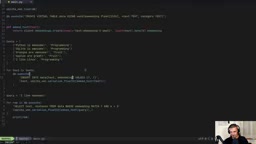
In practice, querying with "I like bananas" returns "oranges are awesome" and "apples are great" as the most similar results — confirming that the embeddings correctly captured the "fruit" semantic concept. Adding a metadata filter AND category = 'programming' excludes fruit-related results and returns only the most similar programming-related entries.
sqlite-vector: Production-Grade Solution in Practice
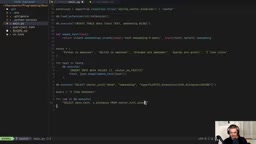
Using sqlite-vector differs in a few notable ways. First, rather than being loaded directly as a Python package, you access the binary files bundled within the package:
extension = importlib.resources.files('sqlite_vector.binaries') / 'vector'
db.load_extension(str(extension))
One common gotcha: the pip/uv install name is sqlite-ai-vector, not sqlite-vector, but the extension itself is still called vector. Installing the wrong package will result in a "no module named sqlite_vector" error.
Regular Tables with BLOB Storage
Unlike sqlite-vec's virtual tables, sqlite-vector uses regular tables and stores vectors as BLOBs (Binary Large Objects):
CREATE TABLE data (text text, embedding blob)
On insertion, vector('float32', ?) handles serialization, accepting the embedding as a JSON string via json.dumps(embedding).
Explicit Initialization and Full-Scan Search
sqlite-vector requires an explicit initialization step that sqlite-vec does not, specifying the table, column, data type, dimensionality, and distance metric:
SELECT vector_init('data', 'embedding',
  'type=float32,dimension=1536,distance=cosine')
Supported distance metrics include cosine, Manhattan, Euclidean, and others — choose based on your task. Search is performed via the vector_full_scan function combined with a JOIN, and returns the most similar results in the same way.
Benchmarks: Speed, Memory, and Disk Usage
The author ran four sets of comparisons between the two extensions using identically named scripts: speed, memory efficiency, raw disk size, and quantized disk size.
Speed: At 50,000 vectors, sqlite-vec clocked in at ~84ms/query while sqlite-vector came in at ~78ms/query. Scaling up to 150,000 vectors, the figures were 241ms vs. 231ms respectively. The author notes that the gap wasn't dramatic during testing (possibly due to GPU contention at the time), but sqlite-vector was consistently faster overall.
Memory efficiency: sqlite-vec performs searches using full-precision vector representations, requiring ~150MB for 50,000 vectors. sqlite-vector applies quantization (turbo4) before searching, bringing the same scale down to just ~19.8MB.
Raw disk size: sqlite-vec ~63.3MB, sqlite-vector ~82MB.
Quantized disk size: This is where the two philosophies diverge. If sqlite-vec only stores quantized vectors, the database shrinks to ~2.2MB. sqlite-vector, on the other hand, retains the original vectors alongside the quantized ones, so the total database is actually larger. In other words, sqlite-vector's quantization is designed to accelerate search and improve memory efficiency — not to reduce disk footprint.
A Note on Quantization
Quantization is a compression technique that represents high-precision vectors using lower-precision numerics. A raw float32 vector uses 4 bytes per dimension — a 1536-dimensional vector takes roughly 6KB per entry. Quantization (such as 4-bit quantization, or "turbo4") compresses each dimension to 4 bits, reducing memory usage to about 1/8 of the original. During search, quantized vectors can be loaded entirely into memory, reducing I/O and speeding up distance computations. The trade-off is a small loss in precision, resulting in slightly lower recall compared to full-precision search. sqlite-vector's strategy is to store both the original and quantized vectors simultaneously: the originals are used for precise storage and re-ranking, while the quantized versions handle fast initial filtering. This explains why its disk usage is larger, but its in-memory search efficiency is dramatically better.
Which One Should You Choose?
Overall, the two extensions represent two different engineering trade-offs:
- sqlite-vec is simpler and more straightforward, with a smaller disk footprint. It's well-suited for prototypes, edge deployments, or size-sensitive environments.
- sqlite-vector offers production-grade features like quantization and configurable distance metrics, with superior memory efficiency and query speed during search. It's the right choice for performance-sensitive production environments.
For developers who want to quickly add RAG capabilities to an application without spinning up a dedicated vector database, SQLite with a vector extension is a pragmatic and practical path forward.
Related articles
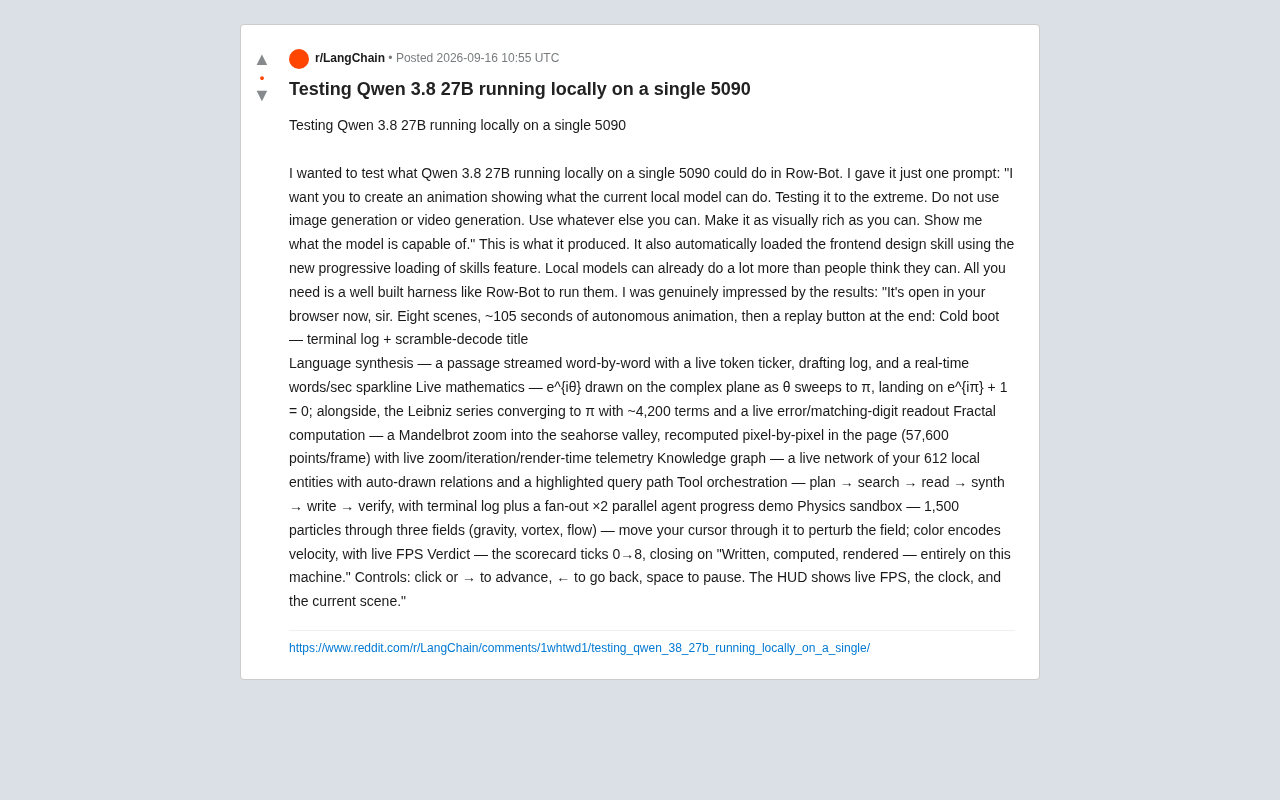
Running Qwen3 27B Locally on a Single RTX 5090: What Can It Actually Do?
A developer runs Qwen3 27B locally on a single RTX 5090 via the Row-Bot Agent framework, generating an 8-scene, 105-second interactive animation from one prompt — including real-time math, fractals, and physics.
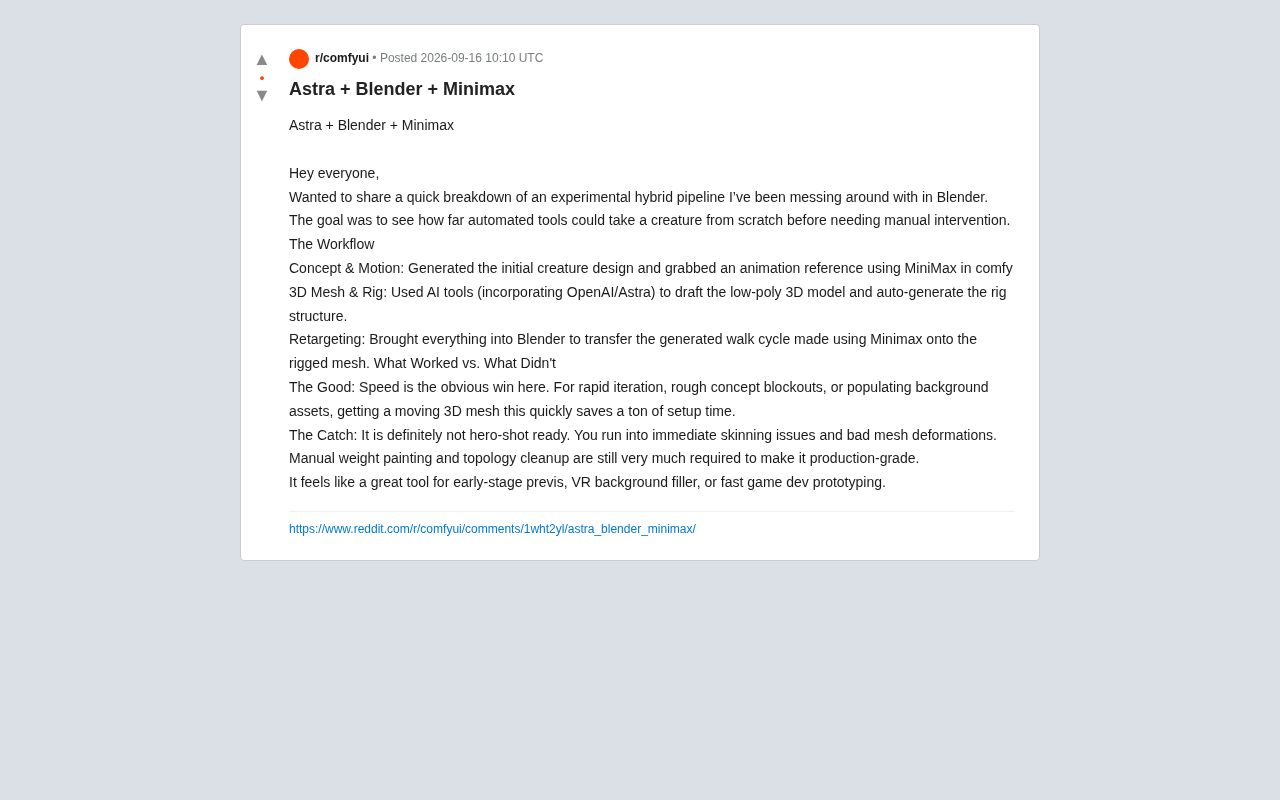
AI Hybrid Workflow in Practice: Auto-Generating 3D Creatures with Astra + Blender + MiniMax
A Reddit creator tests an Astra+Blender+MiniMax hybrid AI workflow for 3D creature animation — from concept to rigging to retargeting. Here's what works and what doesn't.
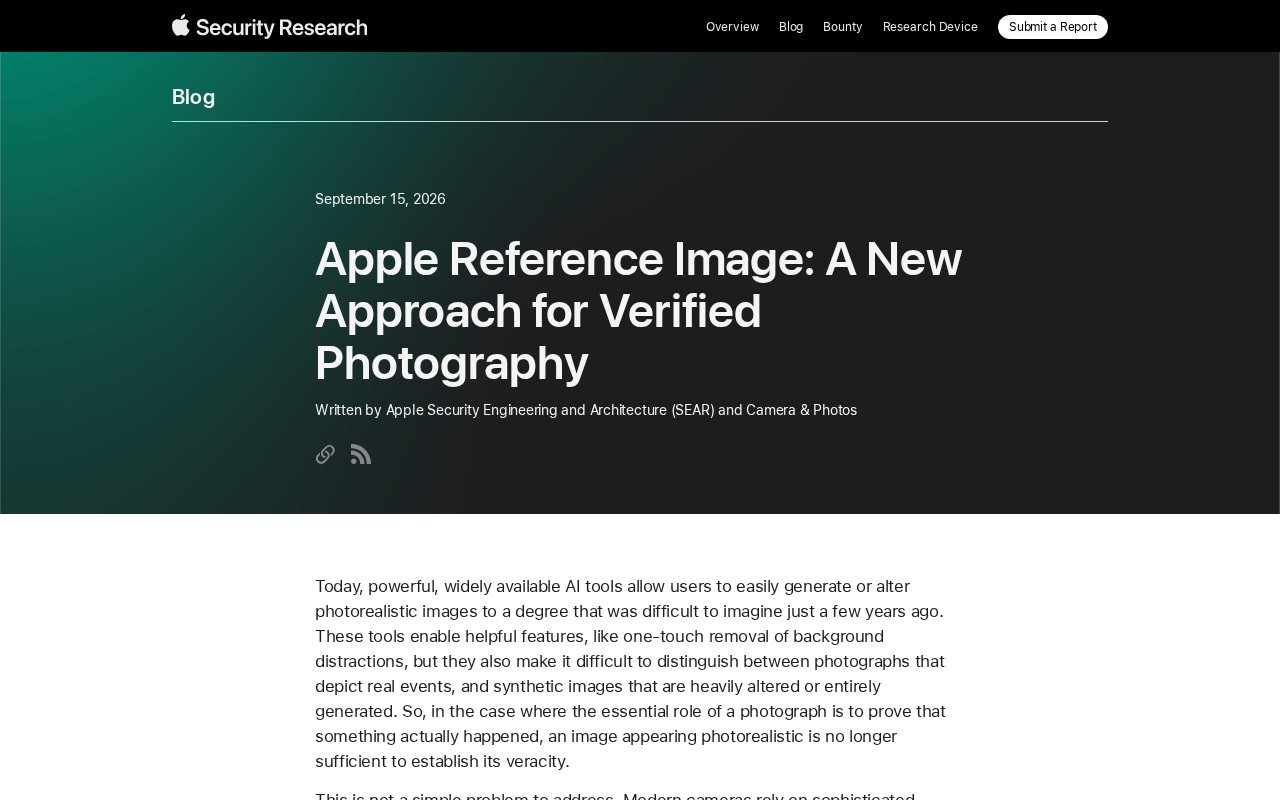
Apple Reference Image: A New Paradigm for Verifiable Photography
Apple's Reference Image proposal uses on-device cryptographic signing to establish verifiable baselines for real photos, tackling AI-generated image authenticity at the hardware level.