Using Claude to Generate Pixel Animations and Convert Them to Video: An AI Workflow for Closing a Talk

Simon Willison built a full pixel-animation-to-video pipeline for a conference talk using just two Claude prompts.
Developer Simon Willison demonstrated a Claude-driven creative pipeline for a conference keynote closing: he gave Claude reference photos and a single prompt to generate an HTML5 Canvas pixel animation featuring 20 kākāpō characters with confetti effects, then used Claude Code to write a Playwright script — guided only by natural language descriptions of timing and click placement — to auto-record a 15-second video for import into Keynote. No manual coordinate writing or timeline editing required. The case illustrates a "model for creative generation, tools for automated execution" workflow with direct value for developers needing to quickly produce demo assets or one-off utilities.
Developer and independent tool author Simon Willison shared an inspiring AI workflow practice: creating a closing slide for a keynote at a major tech conference. Instead of reaching for professional animation software, he used Claude to handle everything from pixel animation generation to video export. The case is small in scope, but it clearly demonstrates how today's large language models can combine creative production with automation tasks.
One Prompt, One Pixel Animation
For his closing keynote at WeAreDevelopers World Congress North America, Simon wanted to use the record-breaking breeding season of New Zealand's kākāpō as an emotional closing moment — what he called his talk's "STAR moment." To create a celebratory visual, he'd seen community discussions about Claude Opus 3.5's ability to generate pixel animations and decided to try it himself.
His approach was refreshingly direct: he grabbed three kākāpō photos from Google Images, dropped them into Claude, and gave the prompt — "Here are some photos of kākāpō to remind you what they look like" — then asked it to "make an HTML5 canvas animation that is obviously pixel art style kākāpō having a party and jumping around with confetti, at least 20 of them."
Claude produced an interactive web animation directly, which the author described as "pretty good." The value here is clear: hand the model some reference images and explicit visual requirements, and you get a working frontend artifact — no need to write canvas animation logic from scratch.
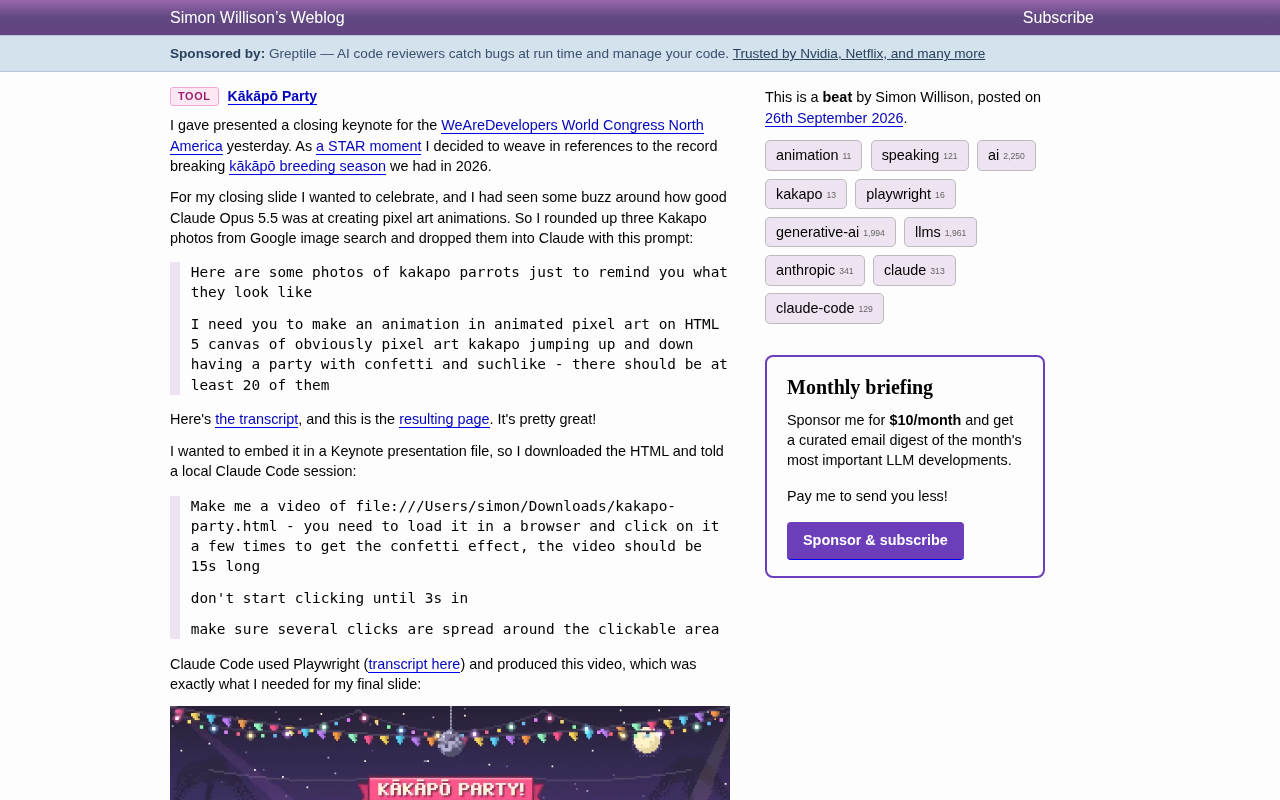
HTML5 Canvas is a browser-native 2D graphics API that lets you draw graphics and animate them frame by frame using JavaScript, with no plugins required. Pixel-style animations on canvas typically involve rendering low-resolution sprites scaled up (using imageSmoothingEnabled = false to disable anti-aliasing) and a frame loop driven by requestAnimationFrame. Managing position, velocity, and animation frame state for 20 individual characters, while layering a particle system for confetti, involves a significant amount of boilerplate code when written by hand. This is exactly where the efficiency of handing reference images to a model pays off: the model has extensive training coverage of these common animation patterns and can generate a complete, runnable implementation in one shot — no need to look up Canvas API docs or debug particle motion logic yourself.
Using Claude Code to Turn a Webpage into a Video
The real ingenuity of the workflow comes in the second step. Simon wanted to embed the animation in a Keynote presentation, but web animations can't go directly into slides — he needed a video clip. So he handed the task to a locally running Claude Code session.
His instruction was equally conversational: load the local kakapo-party.html file, click a few times in the browser to trigger the confetti effect, and record a 15-second video. He added two specific details — "wait 3 seconds before starting to click" and "make sure the clicks are spread across different parts of the clickable area."
Claude Code chose to use Playwright for the automation task, and the resulting video was exactly what he needed for the final slide of his talk. The key here: the author simply described his intentions around timing and click distribution in natural language, and the model translated that into an executable browser automation script.
Claude Code is Anthropic's command-line AI coding assistant that can execute code, read and write files, and invoke system tools directly in a local terminal environment. Unlike generating code snippets in a web chat interface, Claude Code can actually run scripts in your local environment and complete full tasks end-to-end — making it capable of playing the role of "generate a script and immediately execute it." Playwright, developed by Microsoft, is a browser automation framework that supports controlling Chromium, Firefox, and WebKit browsers via Python, JavaScript, and other languages to perform clicks, screenshots, screen recordings, and more. In this case, Claude Code acts as the "task orchestration layer" — understanding intent and deciding to use Playwright — while Playwright serves as the execution layer, actually controlling the browser to record the animation. Together, they reduce what would have been a manual process of installing screen recording software and configuring timelines into a single natural language instruction.
The Script Itself: Short and Precise
Simon specifically noted that the Playwright script was "pleasingly short." It sets a 1280×720 viewport, pre-defines a list of timestamped click coordinates spread across the center, corners, and edges of the screen:
# /// script
# dependencies = ["playwright"]
# ///
import time
from playwright.sync_api import sync_playwright
W, H = 1280, 720
clicks = [
    (3.0, 640, 360),   # centre
    (4.2, 160, 120),   # top-left
    (5.4, 1120, 120),  # top-right
    (6.6, 180, 600),   # bottom-left
    (7.8, 1100, 600),  # bottom-right
    (9.0, 640, 100),   # top-centre
    (10.0, 380, 380),  # mid-left
    (11.0, 900, 380),  # mid-right
    (12.2, 640, 620),  # bottom-centre
    (13.2, 640, 300),  # finale centre
]
The script then launches Chromium, opens a video recording context, executes mouse.click at each coordinate according to the preset timing, and waits until second 16 before closing. The logic is clean with almost no redundancy. This script is a direct translation of the author's natural language requirements — "start after 3 seconds, spread the clicks around" — with the model converting vague intent into a precise sequence of coordinates and timestamps.
What This Small Case Reveals
On the surface, this is just a fun kākāpō party animation. But it reflects several emerging practical trends.
First, models are becoming end-to-end creative and engineering pipelines. From generating a frontend animation to writing an automation script and recording a video, both stages were handled by the Claude family of models — the human only needed to express intent and review the results.
Second, natural language is replacing precise parameter configuration. The author didn't hand-write coordinates or configure a timeline. Descriptions like "spread out the clicks" and "start after 3 seconds" were enough to produce something engineering-ready.
Third, combinatorial use is more valuable than any single capability. Claude handles creative generation; Claude Code paired with Playwright handles automated execution. It's this "model + tools" pairing that closes the loop on the entire task.
For developers who need to quickly produce demo assets, prototype animations, or one-off utilities, the reference value of this kind of lightweight workflow far exceeds the complexity of the example itself. It's a reminder that many tasks which once required dedicated software and manual operation can now be strung together with just a few prompts.
Related articles

Python 3.15 New Feature: Is the sentinel Type Better Than None?
Python 3.15 adds the sentinel type, using named unique sentinel objects to replace None and bare object(), resolving confusion among missing values, explicit emptiness, and invalid input while avoiding type hint failures.

Deep Learning's Three Architectures and the Universal Approximation Theorem: A Complete Guide to MLPs, CNNs, and Transformers
Explaining the inductive bias differences among MLP, CNN, and Transformer, the existence meaning of the Universal Approximation Theorem (UAT), and the role of Taylor expansion in approximation analysis, while clearing up common misconceptions.

GitLab Emergency Patch Release: Analysis of Critical Security Fixes
GitLab releases critical patch 19.5.1, sparking 355 points of discussion on Hacker News. This article analyzes the background, upgrade steps for self-hosted instances, and verification points to help DevOps teams respond quickly to security updates.