VB Notes: Local Markdown Notes with Semantic Search

VB Notes: an open-source cross-platform note app with local Markdown storage and offline semantic search.
VB Notes is a free, open-source cross-platform note app for iOS, Android, macOS, Windows, and Linux, built around a "files first, accounts aside" design: each note is a plain Markdown file in a user-specified folder, no registration required, and you can sync via Git or cloud drives yourself. Its most notable technical point is that semantic search runs entirely offline on-device, keeping note content off the cloud while ensuring privacy and offline usability. The editor is Bear-style with nested tag support, forming a dual-track organization of folders and tags. Still early-stage (Product Hunt rank #16, 67 votes), it suits users who value file ownership and privacy without paying subscription fees.
In today's crowded note-taking app market, most products are piling on cloud sync and AI features, yet often overlook two fundamental questions: who actually owns your note files, and whether search can truly understand your intent. VB Notes, which just appeared on Product Hunt (ranked #16, 67 votes), tries to offer a different answer: notes are stored as plain Markdown files in a folder you choose, semantic search runs entirely offline on-device, and no account registration is required.
Core Design: Files First, Accounts Aside
VB Notes has a clear positioning—a free, open-source, cross-platform note-taking app covering iPhone, Android, Mac, Windows, and Linux. Developer Lavneet Sharma's description on the Product Hunt page is brief but informative: each note is a plain .md file in a folder you select, edited with a Bear-style editor, with support for nested tags.
This means no proprietary database, no hidden sync black box. Your notes are just files—you can open them with any text editor, version-control them with Git, or put them in an iCloud or Dropbox folder to sync yourself. For users long plagued by "incompatible export formats," this design is itself a promise: apps can change, but notes won't be lost.
In an era where "everything is a subscription," the combination of free, open-source, and account-free also places VB Notes on the side of privacy-conscious users and minimalists.
Semantic Search: Offline, No Cloud Dependency
The most notable technical point of VB Notes is that "search by meaning" is completed locally and offline on the device.
Traditional note app search relies on keyword matching—search for "travel" and you'll only find notes containing the word "travel." Semantic search, on the other hand, attempts to understand the intent of the query: even if a note says "Kyoto itinerary," searching for "Japan trip plan" might still hit it. Typically such capability requires uploading text to the cloud and calling a large model, but VB Notes chooses to perform inference on the device—the Product Hunt description explicitly states "runs on the device, offline."
The benefits of this choice are direct: search works without a network, and note content never leaves the device. The cost may be that the speed and accuracy of building the semantic index are limited by local compute, but for a lightweight note tool built around Markdown files, this trade-off is quite reasonable.
The essential difference between semantic search and keyword search lies in the underlying representation. Keyword search relies on literal matching (e.g., inverted indexes), while semantic search typically first encodes text into high-dimensional vectors via an embedding model, so that semantically similar texts are closer in vector space. At query time, the search term is also encoded into a vector, and the closest note fragments are found using metrics such as cosine similarity. The traditional approach calls a cloud-based large model to generate embeddings, while on-device solutions generally use smaller local embedding models (e.g., quantized lightweight Transformers) combined with a local vector index (such as approximate nearest neighbor search based on HNSW) to complete the query. This means that building the index for the first time requires some CPU/GPU/neural engine compute, and model size and accuracy are limited by the device—but in exchange, it's fully offline and data never leaves the device.
Editor and Nested Tags: Following Bear's Lead
VB Notes' editor is described as "Bear-style," i.e., a Markdown editing experience similar to Bear—live preview, clean typography, rather than a side-by-side source/preview mode.
The accompanying nested tag system is another practical design. Beyond the plain folder structure, nested tags provide a more flexible organizational dimension: a note can belong to both "Work/Project A" and "Reading/To-Organize" without having to choose one in the folder hierarchy. For users whose note count gradually grows, this dual-track organization is more resistant to bloat than a single directory tree.
The so-called Bear-style editor is essentially a "what you see is what you get" Markdown experience: while writing, users see rendered headings, lists, and bold text rather than markers like asterisks and hashes; markers only appear near the cursor or in specific modes. This belongs to the same category of approach as Typora and Obsidian's live preview mode, distinct from the side-by-side source/preview comparison mode. Its implementation typically relies on incremental parsing and a rich-text rendering layer, parsing Markdown syntax as you type while keeping the cursor position stable. Nested tags are hierarchical tags separated by slashes (e.g., #Work/ProjectA), essentially attaching multi-dimensional classification paths to notes; a note can carry multiple tags, thus complementing a folder's single belonging and preventing the directory tree from over-expanding as notes grow.
Cross-Platform and Open Source: A Pragmatic Combination
Full coverage of five platforms (iOS, Android, macOS, Windows, Linux) is uncommon among note apps from independent developers, especially covering both mobile and desktop. Combined with its open-source nature, VB Notes feels more like an infrastructure-type tool than yet another commercial product trying to lock in users.
The data of 67 votes and 2 comments indicates it is still in an early stage with limited recognition. But from a product positioning perspective, it targets a relatively clear niche need: users who want Bear's editing experience, Obsidian's file freedom, and the privacy assurance of offline semantic search, without paying subscription fees or registering accounts.
Why is it rare for cross-platform note apps to cover both mobile and desktop? Mainly because UI frameworks, file system access permissions, and background execution policies differ greatly across platforms. A common approach is to use cross-platform frameworks like Flutter, React Native, or Tauri to share most business logic, then write platform-native plugins for capabilities such as file system access, biometrics, and background indexing. Being open source means the code is auditable, the data format is transparent, and the community can build and distribute it themselves, reducing dependence on a single developer's continued existence. However, the sustainability of open-source projects usually depends on maintainer energy and community contributions; early-stage projects especially warrant attention to commit frequency and issue response.
Who Should Use It
If you meet any of the following, VB Notes is worth watching:
- You insist that your notes belong to you as plain text/Markdown;
- You have privacy concerns about cloud AI processing your note content;
- You need a consistent note experience on Linux or Windows desktop and your phone;
- You want to manage notes with nested tags without the learning curve of heavyweight knowledge base software.
As an open-source project, its long-term direction depends on developer community participation. But in terms of current product logic, VB Notes offers a clean answer: a note app can be both smart and restrained.
Related articles

FBI and USDA Hit by Cyberattacks: Critical Infrastructure Security Alarms Sound Again
FBI and USDA reportedly hit by cyberattacks; the FBI was breached for the second time in recent months, this time targeting the National Crime Information Center (NCIC). This article analyzes the incident details, NCIC's strategic value, and common security challenges facing government agencies.
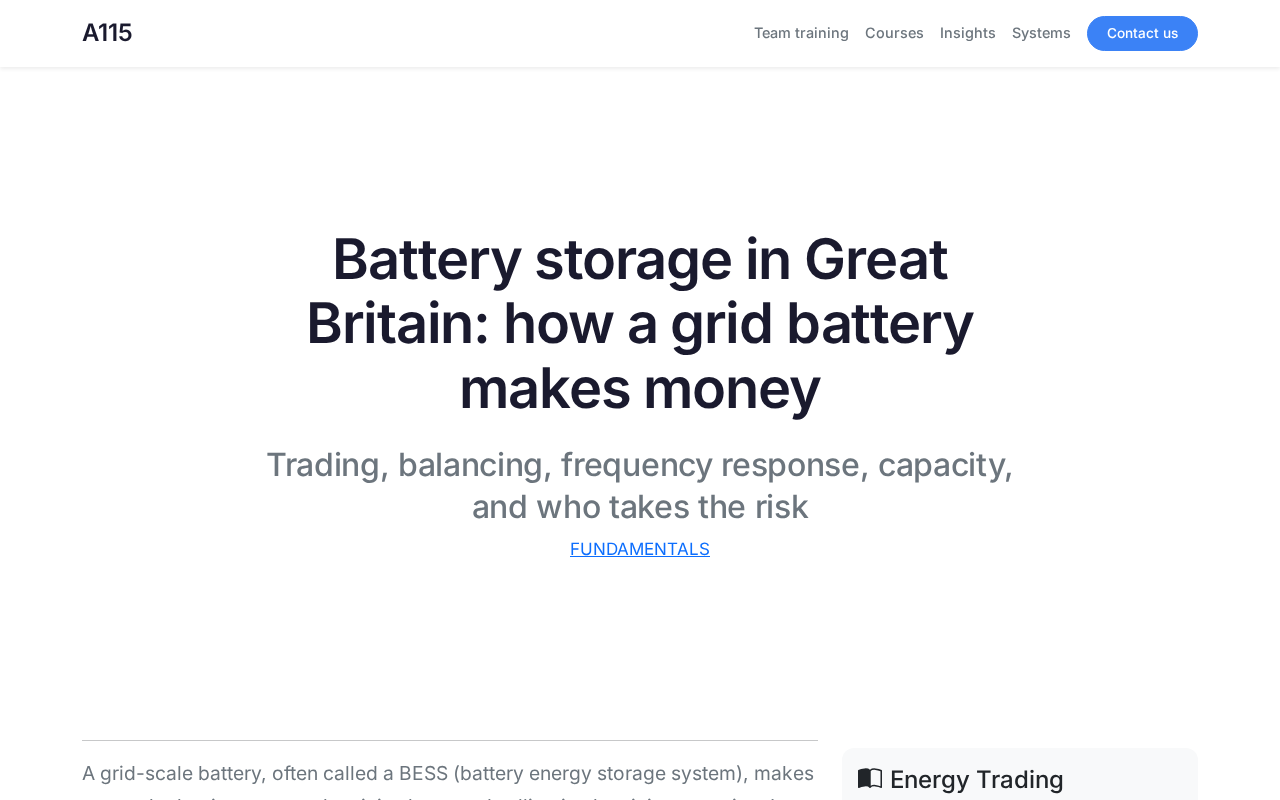
How Do UK Grid Battery Storage Systems Make Money?
How UK grid battery storage makes money: stacking frequency response, capacity market, and wholesale arbitrage revenue, plus operational trade-offs and market risks.
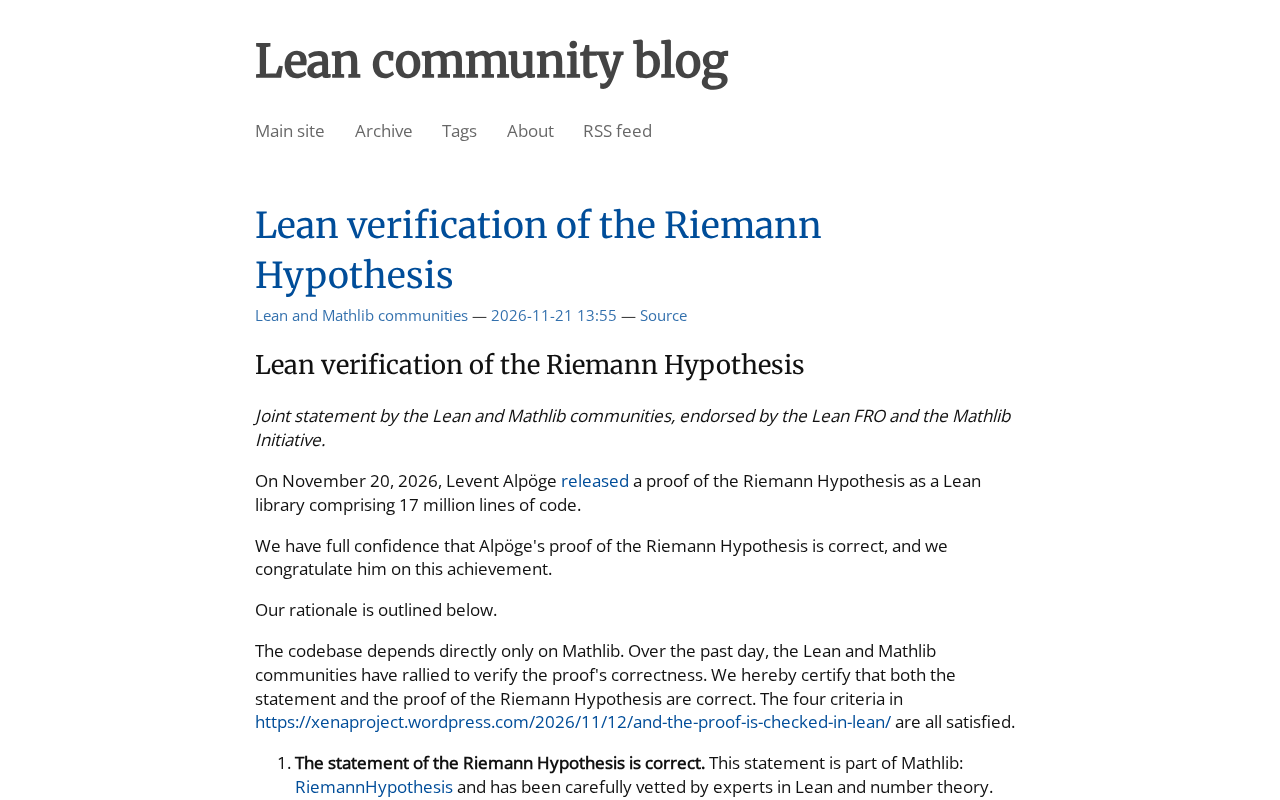
Riemann Hypothesis Formally Verified in Lean? Joint Statement Sparks Heated Debate
The Lean community blog published a joint statement on formal verification of the Riemann Hypothesis, sparking heated discussion on Hacker News with 359 points and 263 comments. This article analyzes the background of Lean and mathlib formal verification, polarized community reactions, and why one should not conclude the Riemann Hypothesis has been proven before reading the original text.