Vercel Adds Build Cache Size Display to Deployments, Making Performance Optimization More Transparent
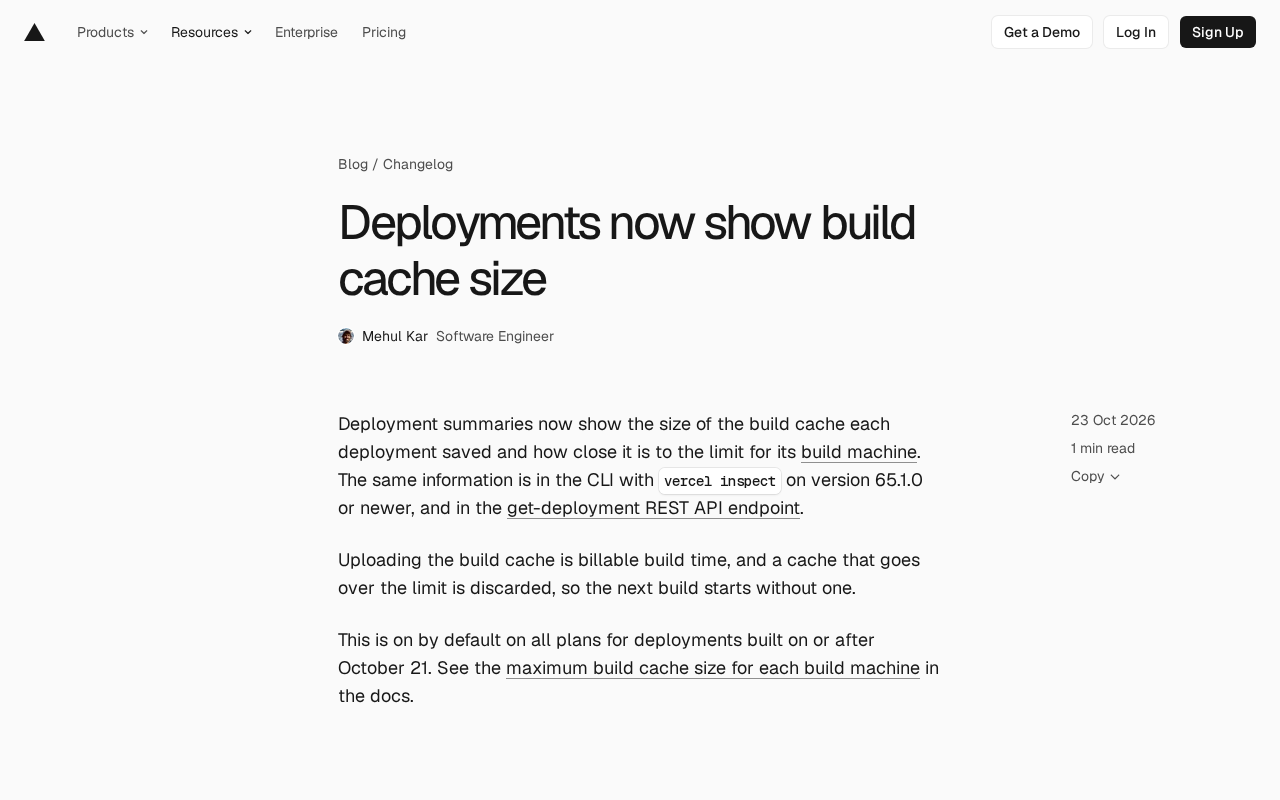
Vercel's deployment summary now displays build cache size and capacity limits, helping developers optimize build performance and cost.
Vercel has added a build cache size display to its deployment summary, showing the cache size saved by each build and how close it is to the build machine's capacity limit. Previously, developers could only infer cache effectiveness from build logs. The data is also available via the Vercel CLI's vercel inspect command (65.1.0+) and the get-deployment REST API for automated monitoring. Since cache uploads count toward billed build time and over-limit caches are discarded, making cache metrics explicit helps balance performance and cost. The feature is enabled by default for deployments built after October 21.
Vercel has recently added a new feature to its deployment summary: every deployment now shows the build cache size saved by that build, along with how close that cache is to the limit of the build machine it runs on. This change lets developers more intuitively assess the real impact of build caching and avoid the risk of caches being discarded for exceeding limits.
Build Cache Size: From Hidden Metric to Explicit Display
Build caching is a key optimization in continuous integration and deployment pipelines, allowing previously built artifacts to be reused and significantly shortening build times. However, until now, Vercel users could only indirectly infer whether caching was working through build logs, lacking clear visibility into cache size and capacity limits.
According to the official announcement, the deployment summary now explicitly shows two key data points: the build cache size saved by this deployment, and how close that cache is to the current build machine's limit. This means developers can quickly determine whether their caching strategy is effective and whether build configuration needs adjustment to avoid caches being discarded.
Multiple Access Points, Consistent Information
In addition to viewing it in the deployment summary interface, the same information can be obtained in two other ways: via the Vercel CLI's vercel inspect command (version 65.1.0 or higher), or by calling the get-deployment REST API endpoint. This makes it convenient for automation scripts and CI pipelines, allowing developers to incorporate cache size data into monitoring or alerting systems.
Build Cache is a collection of intermediate artifacts that CI/CD platforms persistently store during the build process, typically including dependency packages (such as node_modules), compiled output (such as the .next and dist directories), framework-generated static assets, and intermediate files from the toolchain. Its core principle is content addressing: the platform computes a hash of the inputs (source code, lock files, environment variables, etc.), and when the same hash is matched, it directly reuses previously saved artifacts, skipping time-consuming installation and compilation steps. Different platforms design cache storage locations, invalidation policies, and capacity limits differently. Vercel ties its cache to the specifications of a specific build machine, so the relationship between cache size and machine limits directly determines whether a cache can be retained for the next build.
vercel inspect is a deployment diagnostic command provided by the Vercel CLI for viewing metadata about a specified deployment, including build status, region, function configuration, and the newly added cache size information. You can pass a deployment URL or deployment ID when using it, for example vercel inspect <deployment-url>, and attach build logs via parameters such as --logs. The corresponding get-deployment REST API endpoint returns structured JSON data, suitable for programmatic consumption in CI pipelines or monitoring systems. Both share the same data source as the deployment summary interface, so the cache values shown in all three places remain consistent, making it easy for developers to choose an access method for different scenarios.
Why Cache Size Matters
While build caching speeds up builds, its upload process counts toward billed build time. In other words, the larger the cache, the longer the upload may take, which in turn affects build costs. More importantly, once a cache exceeds the build machine's capacity limit, it is simply discarded, and the next build has to start from scratch, causing build times to spike.
Therefore, real-time awareness of cache size and its distance from the limit helps developers strike a balance between performance and cost. For example, when the cache approaches the limit, you can proactively clean up unnecessary cache entries or consider upgrading the build machine specification.
Enabled by Default, No Configuration Needed
This feature is enabled by default for all plans and applies to deployments built on or after October 21. Users need no additional action to see cache size information in the deployment summary. The official documentation provides detailed information on the maximum cache capacity for each build machine.
Billed Build Time refers to the duration the platform counts toward billing during the actual build process, typically covering dependency installation, compilation and bundling, cache upload and download, and other steps—not just CPU execution time. This means the larger the cache volume, the longer the serialization and upload to remote storage takes, and that time is billed as well. For teams, a bigger cache isn't always better: an oversized cache may improve hit rates but drives up the cost and total duration of each build, while an undersized cache is prone to frequent invalidation. Understanding this billing scope helps make more reasonable trade-offs among cache hit rate, build duration, and cost.
Impact on Development Workflows
For teams relying on Vercel for frontend or full-stack deployments, this change improves build process transparency. In the past, slower builds caused by cache overruns were often hard to pinpoint; now signs can be spotted in advance in the deployment summary. Combined with CLI and API access, teams can treat cache size as a build health metric and incorporate it into daily monitoring.
In addition, this feature indirectly reminds developers to focus on optimizing the size of build artifacts. By analyzing cache composition, you can identify which dependencies or resources consume large amounts of cache space and optimize them in a targeted way.
Summary
Although this Vercel update is small, it hits a pain point in build cache management. Making cache size and capacity limits explicit not only helps developers avoid the surprise of discarded caches but also provides a data foundation for continuous build performance optimization. For teams using Vercel, it's worth paying attention to this new metric on your next deployment.
One-line Summary
Vercel's deployment summary now displays build cache size and capacity limit, helping developers optimize build performance and cost.
Paragraph Summary
Vercel has added a build cache size display to its deployment summary. Each deployment now shows the cache size saved by that build and how close that cache is to the capacity limit of its build machine. Previously, developers could only indirectly judge whether caching was working through build logs, lacking clear visibility into cache volume and capacity limits. The information is also available via the Vercel CLI's vercel inspect command (65.1.0 and above) and the get-deployment REST API, making it easy to incorporate into automated monitoring. The article notes that cache uploads count toward billed build time, and that caches exceeding limits are discarded outright, causing the next build to start from scratch and take much longer. Making cache metrics explicit therefore helps developers balance performance and cost. The feature is enabled by default and applies to deployments built after October 21.
Related articles

Advertisers Pull Meta Ads: AI "Glow-Up" Backfires and Sparks a Trust Crisis
Meta's AI ad tool added unwanted beautifying effects to ad creatives without consent, prompting advertisers to pull ads. This article analyzes the brand control, compliance risks, and platform AI design dilemmas behind the incident, and offers three lessons for improving AI content tools.

Alan Stillman Interview: The Business Legend of a Street Cocktail Party
Based on a 2010 interview with Alan Stillman, this article reviews T.G.I. Friday's journey from a street party to a chain brand, analyzing its social-space positioning, experience standardization, and era dividends to distill reusable business philosophy.

CowAgent: Open-Source Super AI Assistant Unveiled
CowAgent is an open-source super AI assistant unveiled on Hacker News. This article covers its positioning, the value and challenges of open-source AI assistants, and community reaction.