Vercel Officially Supports Python: A First-Class Citizen from Backend APIs to AI Agents

Vercel elevates Python to a first-class language and runtime, supporting frameworks, Agent SDKs, and full-stack same-project deployment.
Vercel officially makes Python a first-class language and runtime, with FastAPI, Flask, and Django apps automatically detected and configured, and static assets served via Vercel CDN. The runtime is CPython on Linux with uv and pyproject.toml support; compute splits into request-driven Fluid compute and Vercel Daemons for long-running pull workloads. A native Python SDK covers Sandbox, AI SDK, Workflow SDK, Queues, Connect, and Blob for production-grade agents. Vercel Services lets frontend and backend share a project via vercel.toml with services and rewrites, unified previews, and atomic deployments. Python now sits on equal footing with JavaScript on Vercel, with Agent primitives as the key differentiator.
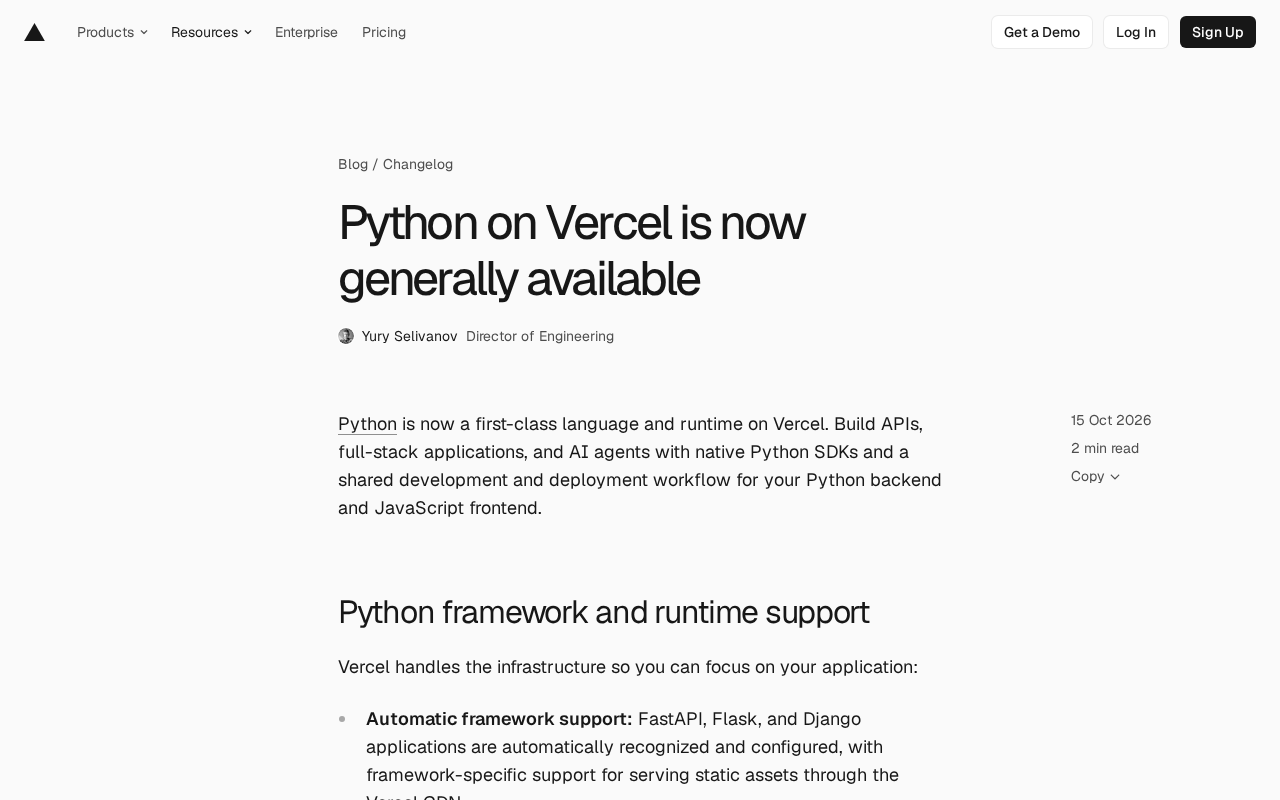
Vercel has long been seen as a deployment platform for the frontend and JavaScript ecosystem, but that positioning is being rewritten. The company has officially announced that Python is now a first-class language and runtime on Vercel, allowing developers to build APIs, full-stack applications, and even AI agents with FastAPI, Flask, or Django—all while sharing the same development and deployment workflow as their JavaScript frontend.
Frameworks and Runtime: Let Vercel Handle the Infrastructure
This time, Vercel didn't take a "plugin-style support" approach—it treats Python as a native runtime. FastAPI, Flask, and Django applications are automatically detected and configured, and framework-specific static asset serving goes straight through the Vercel CDN without requiring any extra adapter layer.
At the runtime level, Vercel runs CPython on Linux, with dependency management supporting uv and pyproject.toml. For teams already using uv to manage their projects, the migration cost is close to zero; for teams used to requirements.txt, a lightweight adjustment is needed.
Compute comes in two forms: request-driven applications scale elastically through Fluid compute, while long-running pull-based workloads are handled by Vercel Daemons. This distinction is crucial—it means Vercel no longer only serves "short request" scenarios, and background worker-type tasks now have a corresponding approach.
The Difference Between Fluid Compute and Pull-Based Workloads
Fluid compute is Vercel's improvement on the traditional Serverless execution model: it allows instances to remain alive to some extent between requests, reducing cold start frequency and scaling elastically during traffic spikes, but it doesn't guarantee long-term instance residency. In contrast, "pull-based workloads" refer to processes that need to run continuously and actively consume queues or poll external systems, such as background workers, scheduled tasks, or message consumers. If such workloads were placed in ordinary Serverless functions, they would be interrupted due to execution time limits and instance recycling—which is why Vercel provides Vercel Daemons separately. Understanding this dividing line is important: it determines whether you should put your code into a request-driven function or a long-running process, and the scaling strategies, billing models, and failure recovery models differ between the two.
Native Python SDK: Infrastructure for Agents and Workflows
What's more noteworthy in this release is the composability of the native Python SDK. Developers can pick and choose these components within the same Python application:
- Sandbox: Provides isolated Linux VMs on demand for applications or agents, suitable for executing untrusted code
- AI SDK for Python (Beta): Generates or streams model responses and calls tools—introduce it with
uv add ai - Workflow SDK for Python (Beta): Persists execution state, with failed steps retryable
- Queues (Beta): Message sending and receiving for background work
- Connect: Obtains credentials needed to call external APIs
- Blob: File upload and retrieval in object storage
This SDK suite can be used individually or combined within the same application. One detail worth mentioning is the pairing of Sandbox and AI SDK—running model-generated code in an isolated environment is an unavoidable security topic for today's agent products, and Vercel chose to make it a platform primitive rather than leaving developers to assemble it themselves.
Sandbox and "Executing Untrusted Code"
In agent scenarios, models are often asked to generate and run code—such as data analysis scripts, web scraping snippets, or tool-calling logic. Executing such code directly in the main application process is extremely risky: a malicious or buggy piece of code could read environment variables, access the internal network, or corrupt the file system. Sandbox provides on-demand, disposable isolated Linux VMs that let such code run in a restricted environment, limiting the blast radius to a single sandbox. Vercel making this a platform primitive means developers don't have to maintain container orchestration or security boundaries themselves—they just call the SDK to string together the chain of "model generates code → isolated execution → retrieve results," which is foundational for building production-grade agents.
Frontend and Backend in the Same Project: Services and Shared Previews
For full-stack applications, Vercel Services allows the frontend and backend to be deployed in the same project, sharing a preview environment, with deployment and rollback remaining atomic. Within a project, you can view logs per service, and backends connect privately through service bindings.
The configuration approach is to place a vercel.toml at the repository root. The official example puts the frontend in frontend/ and the FastAPI app defined in backend/main.py:
[services.web]
root = "frontend/"

[services.api]
root = "backend/"
entrypoint = "main:app"

[[rewrites]]
source = "/(.*)"
destination = { service = "web" }

[[rewrites]]
source = "/api/(.*)"
destination = { service = "api" }
Requests under /api/ arrive at the matching FastAPI route with their original path, while all other requests go to the frontend. Locally, use vercel dev to run both services simultaneously, then deploy them together from the same repository.
services and rewrites in vercel.toml
vercel.toml is a declarative project-level configuration file for Vercel, and placing it at the repository root makes it take effect. The [services.*] section defines multiple sub-applications within the same project; each service specifies its code directory via root and the Python application entry point via entrypoint (e.g., main:app means the app object in main.py). The [[rewrites]] section contains routing rules: source matches the request path, and destination determines the forwarding target. In the example, the first rule sends all paths to the web service, and the second sends paths starting with /api/ to the api service, with the original path preserved—so routes defined in FastAPI don't need their prefixes changed. This configuration lets the frontend and backend share a single deployment description, and preview environments, rollbacks, and logs are unified along with it.
What This Means
Vercel's Python support isn't simply "it can also run Python"—it places Python on equal footing with JavaScript: the same previews, the same atomic deployments, the same logging system. For teams already running Next.js on Vercel, the backend no longer needs to migrate elsewhere; for Python-centric teams, the frontend and agent layers can be brought into the same project.
What may truly set it apart is the Agent-related SDK combination. The primitives of Sandbox, Workflow, Queues, and AI SDK cover the main challenges of building production-grade agents, and they're now all available in Python.
If you're evaluating backend hosting options, start by validating how vercel.toml and Services work with a small FastAPI service, then decide whether to migrate your existing backend entirely. For more complete documentation, refer to Vercel's official Python docs.
Why uv and pyproject.toml Are Worth Noting
uv is a package management and environment tool that has spread rapidly in the Python community over the past two years. It's known for extremely fast resolution and installation, and uses pyproject.toml as a unified project and dependency declaration file. It is gradually replacing the traditional combination of requirements.txt plus virtualenv. Vercel's direct support for uv and pyproject.toml at the runtime level means projects already adopting modern Python engineering practices can migrate with near-zero changes, without writing extra dependency descriptions or build scripts for the platform. For teams still using requirements.txt, the migration cost is also low, but dependencies need to be migrated to the pyproject.toml format—a step that is equally beneficial in local development and CI, since dependency locking and version resolution become more reproducible.
One-line Summary
Vercel elevates Python to a first-class language and runtime, supporting frameworks, Agent SDKs, and same-project frontend-backend deployment.
Paragraph Summary
Vercel has officially elevated Python to a first-class language and runtime. FastAPI, Flask, and Django applications are automatically detected and configured, with static assets served directly through the Vercel CDN. The runtime is based on CPython on Linux, with dependency management supporting uv and pyproject.toml. The compute layer is divided into request-driven Fluid compute and Vercel Daemons for long-running pull-based workloads. More notably, the native Python SDK combination covers Sandbox, AI SDK, Workflow SDK, Queues, Connect, and Blob, enabling production-grade agents and persistent workflows. For full-stack, Vercel Services allows frontend and backend to be deployed in the same project, with services and rewrites configured via vercel.toml, sharing previews, atomic deployments, and rollbacks. This puts Python on par with JavaScript on Vercel, with Agent-related primitives as the key differentiator.
Related articles

Chain of Thought Isn't Just for AI: How Humans Can Use CoT to Improve Thinking Quality
Chain of Thought isn't just a prompt trick for large models. Starting from a Hacker News discussion, this article analyzes why CoT works for human thinking too, breaks down actionable ways to transfer it, and highlights the key differences between human CoT and machine CoT.
Cloudflare Teams Up with OpenAI: Closi…
Cloudflare Teams Up with OpenAI: Closing the Loop from Vulnerability Discovery to Defense with AI
Cloudflare uses OpenAI Daybreak to investigate security vulnerabilities and generate reviewable remediation plans, while developers use Codex to boost coding efficiency and quality.

Orca Multi-Agent Orchestration in Practice: A Guide to Parallel Collaboration with Claude and Codex
Orca is Stable AI's free open-source agent workbench supporting 34 agents like Claude Code and Codex in parallel. Learn its Git worktree isolation, multi-model orchestration, and mobile management.