Vercel Sandbox Upgrades Across the Board: All Runtimes Switch to Managed Images

All Vercel Sandbox runtimes move to VMI; default images roll nightly, and reproducibility requires pinning digests.
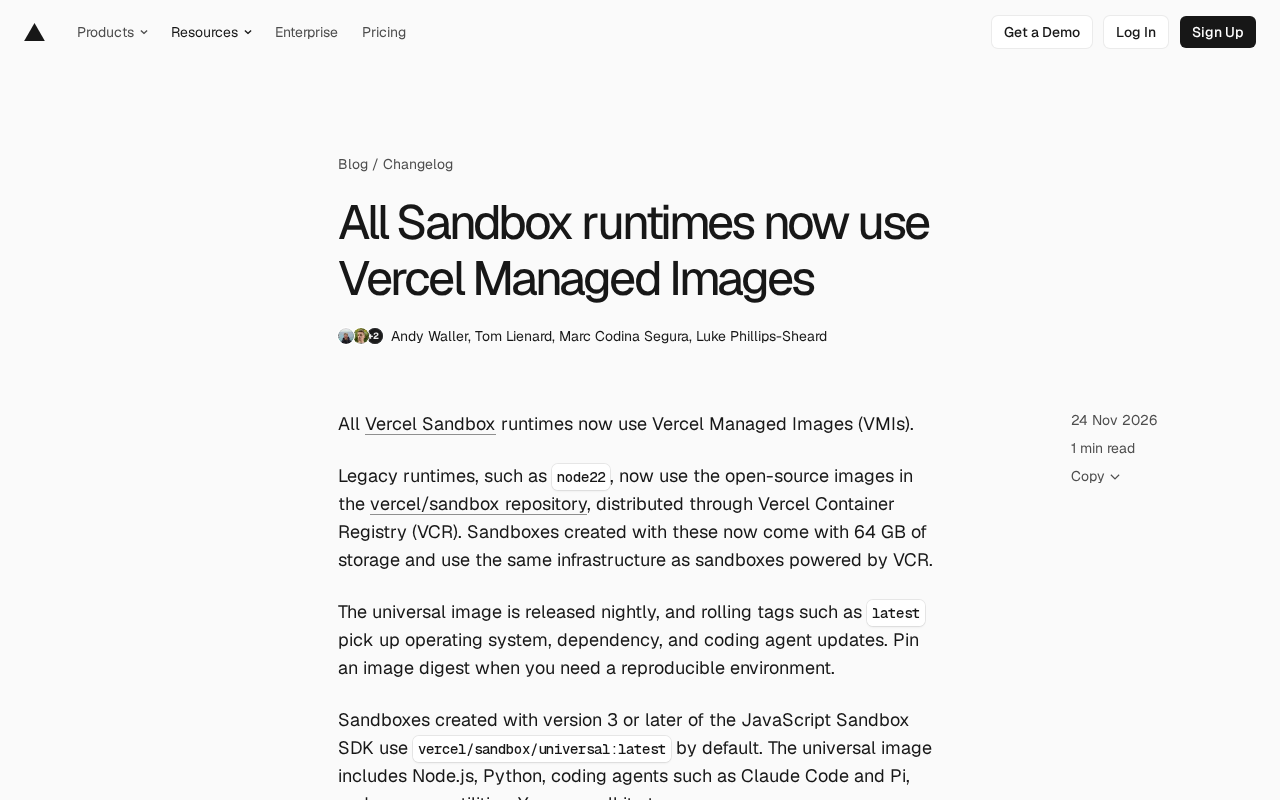
Vercel unified all Sandbox runtimes under Vercel Managed Images (VMI). Legacy runtimes like node22 now use open-source vercel/sandbox images distributed via VCR, and sandboxes come with 64 GB storage by default. The default universal image is released nightly, with rolling tags like latest absorbing OS, dependency, and coding-agent updates—great for experimentation but causing drift; pin the digest for reproducibility. JavaScript Sandbox SDK v3 defaults to universal:latest, so watch for implicit behavior changes when upgrading. Unified images reduce environment inconsistency, but CI and long-term demo environments should pin digests explicitly.
Vercel recently announced that all runtimes for its Sandbox product have been unified under Vercel Managed Images (VMI). This change may look like a mere adjustment to the underlying image source, but it actually affects the default experience developers have when using sandbox environments, their reproducibility strategies, and their storage configuration.
From legacy runtimes to a unified image system
Previously, legacy runtimes like node22 relied on their own separate image sources. Now they use images from the open-source vercel/sandbox repository, distributed through the Vercel Container Registry (VCR). This means that no matter which runtime developers choose, the sandbox runs on the same set of infrastructure, significantly improving behavioral consistency.
A related change is the storage specification: sandboxes created with these runtimes now come with 64 GB of storage built in. For scenarios that require installing dependencies, pulling code repositories, or running build tasks inside the sandbox, this capacity provides considerably more headroom.
The difference between Vercel Managed Images (VMI) and Vercel Container Registry (VCR): VMI is the managed image system provided by Vercel, responsible for building, maintaining, and updating images, so developers don't need to manage base images themselves. VCR is the distribution layer, providing an OCI-compliant container image registry that developers can pull images from directly via the vcr.vercel.com domain. You can think of it as VMI defining "what the image is" and VCR solving "how the image is obtained." This separation allows images to be maintained centrally by the platform while also being reusable in standard container form by external environments such as CI and local development.
Legacy runtime: Refers to runtimes that Vercel Sandbox previously provided separately for different languages or versions, such as node22. They each relied on independent image sources, leading to infrastructure fragmentation and making behavioral consistency difficult to guarantee. After migrating to the unified image system, these runtime names remain unchanged, but the underlying image sources have been replaced, so they now share the same infrastructure as newly added runtimes.
The universal image and the rolling tag mechanism
The default image vercel/sandbox/universal follows a nightly release cadence, and rolling tags such as latest automatically absorb updates to the operating system, dependencies, and coding agents. According to official documentation, the universal image comes with Node.js, Python, coding agents such as Claude Code and Pi, and a set of common tools built in, and can be pulled directly via vcr.vercel.com/vercel/sandbox/universal:latest.
This design makes "staying up to date" the default behavior, which suits rapid experimentation and everyday development. The cost is that the environment drifts over time—code that runs today may behave differently tomorrow because of a base image update.
What to do for reproducible environments
The official answer is straightforward: when you need a reproducible environment, pin the image digest rather than relying on rolling tags. This recommendation is worth writing into your team's sandbox usage guidelines. Rolling tags provide convenience; digests provide determinism. The division of labor is clear.
Rolling tags vs. image digests: Container images are usually identified by tags (such as latest), but tags are mutable—the same tag may point to different images at different times. A digest is a cryptographic hash of the image content (such as sha256:...) and is immutable. Pinning a digest means that no matter when you pull, you get exactly the same image layers, which is a key technique for achieving reproducible builds. Rolling tags are the opposite: their pointer is updated with each release, which suits scenarios that want the latest features but introduces environment drift.
Coding agent: Refers to AI agents that can understand natural-language instructions and autonomously complete tasks such as writing, modifying, and debugging code, such as Claude Code and Pi. They typically need access to the file system, the ability to execute commands, and the ability to call tools, so they place high demands on the completeness of the toolchain and the isolation of the sandbox environment. The universal image preinstalls these agents precisely to lower the barrier to running AI coding tasks in a sandbox.
Default value changes at the SDK level
Starting with version 3, the JavaScript Sandbox SDK defaults to vercel/sandbox/universal:latest. For developers upgrading to this version or higher, the change is implicit—no code changes are needed, and the sandbox switches to the new image system. Before upgrading, you should confirm whether existing scripts depend on specific tools or versions in the old image, to avoid unexpected behavior caused by the default value change.
JavaScript Sandbox SDK: A JavaScript library provided by Vercel for programmatically creating and managing sandboxes. Developers call the API through the SDK to specify parameters such as runtime and storage, and the SDK handles interaction with the backend. A change to the SDK's default value is an implicit behavior change, meaning developers don't modify their code but the runtime behavior is different. In semantic versioning, such changes usually appear with a major version bump (such as v2 to v3). Before upgrading, you should read the changelog and test critical flows, especially scripts that depend on specific tool versions.
Impact on development workflows
The direct benefit of the unified image system is a reduction in "environment inconsistency" issues: legacy runtimes and new runtimes share the same infrastructure, so when troubleshooting you no longer need to distinguish between image sources. The 64 GB of storage also allows sandboxes to handle heavier tasks.
What needs attention is the hidden risk brought by rolling updates. For CI pipelines, teaching examples, or demo environments that need long-term stability, it is advisable to explicitly pin the digest; for exploratory development, the automatic updates of latest actually save you the trouble of manually maintaining images.
For more details, see the official Vercel Sandbox documentation.
One-line Summary
All Vercel Sandbox runtimes are unified under VMI; the default image updates on a rolling basis, and reproducibility requires pinning the digest.
Paragraph Summary
Vercel announced that all Sandbox runtimes have been unified under Vercel Managed Images (VMI). Legacy runtimes such as node22 now use open-source vercel/sandbox images distributed via VCR, and sandboxes come with 64 GB of storage by default. The default universal image is released nightly, and rolling tags such as latest automatically absorb OS, dependency, and coding agent updates—suitable for rapid experimentation but causing environment drift; when a reproducible environment is needed, pin the image digest. Starting with JavaScript Sandbox SDK v3, universal:latest is used by default, so watch for implicit behavior changes when upgrading. The unified images reduce environment inconsistency issues, but CI and long-term demo environments should explicitly pin digests.
Related articles

AI Assistant Misleads Tenant Into Eviction: Where Does Liability Lie for a Landlord's AI?
A landlord's AI assistant told a tenant they could delay rent—then she was evicted. This case reveals a liability vacuum for AI output involving contracts and legal obligations, and the responsibility deployers bear.

Best Black Friday Buys Under $100: 60+精选科技好物推荐
Black Friday on a budget? Here are 60+精选 tech deals under $100, covering accessories and practical gadgets to help you spend smart and avoid impulse buys.
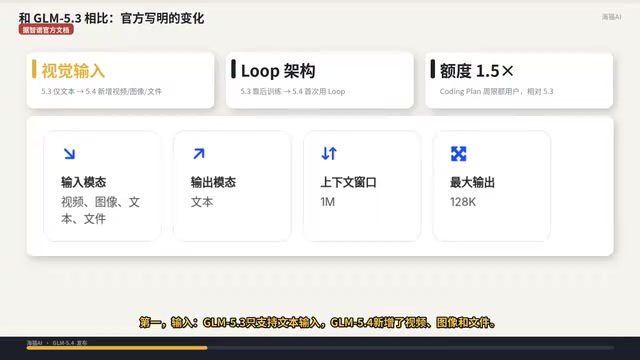
Zhipu GLM-5.4 Released: Loop Transformer Runs 28 Layers Twice
Zhipu releases GLM-5.4, the first Loop Transformer flagship: 28 layers run twice for 2-3T-equivalent intelligence, plus video and image input. API and open weights not yet released.