Vercel Speed Insights Adds Soft Navigation Performance Monitoring
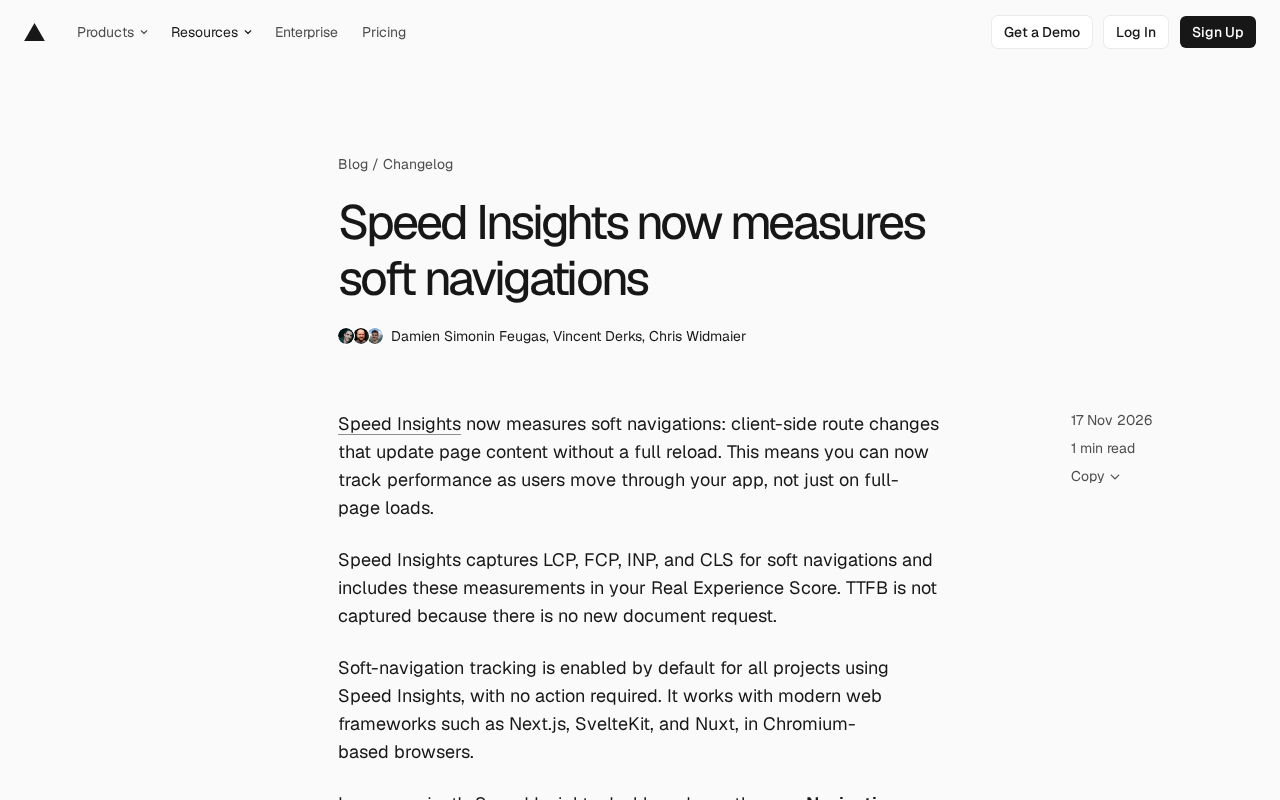
Vercel Speed Insights adds soft navigation monitoring, closing the observability blind spot for client-side routing performance.
Vercel Speed Insights now measures soft navigations—client-side route changes that don't trigger a full document refresh—filling the long-standing gap in performance data for the most frequent interactions in single-page applications. Soft navigations collect four core metrics (LCP, FCP, INP, CLS) and incorporate them into the Real Experience Score, but do not collect TTFB due to the absence of a new document request. The feature is enabled by default for all projects, supports Next.js, SvelteKit, Nuxt, and Chromium browsers; the dashboard adds a Navigation Type filter to split views by All, Hard, and Soft. Soft navigation events count toward Plus usage, and developers can disable them via softNavs={false} (requires @vercel/speed-insights 2.1.0+). This marks a shift in performance monitoring from a document-load paradigm to a user-journey paradigm.
Why soft navigation monitoring is a critical gap in frontend performance observability
Modern frontend frameworks widely adopt client-side routing, so page transitions no longer trigger a full document load. This means that when users navigate from the homepage to a detail page, or from a list page into an edit page, traditional performance monitoring systems often "can't see" these interactions—because no new document request occurs.
Vercel's Speed Insights now fills this gap. It has started measuring soft navigations, i.e., client-side route changes that update page content without triggering a full refresh. In the official words, you can now track performance as users "move around within your app," not just at the moment of a full page load.
The significance of this change is that the boundary between single-page and multi-page applications is increasingly blurred, and the "page" users perceive is often just a route transition. If performance metrics only cover the initial load, then the most frequent interactions become a monitoring blind spot.
Which metrics are collected for soft navigations
Speed Insights collects four Core Web Vitals for soft navigations: LCP, FCP, INP, and CLS. These measurements are incorporated into the Real Experience Score, participating in scoring alongside full page load data.
The only one missing is TTFB. The reason is straightforward: soft navigations have no new document request, so naturally there is no "time to first byte." This reminds us that TTFB remains a document-centric concept in the current performance metrics system, and a different interpretive framework is needed when facing client-side routing.
For developers, the value of INP and CLS in soft navigation scenarios is especially prominent. Interaction responsiveness and layout stability after route transitions are precisely where single-page applications are most prone to problems.
INP (Interaction to Next Paint) is the Core Web Vitals metric measuring interaction responsiveness, which officially replaced FID in March 2024. It records the latency of all click, keypress, and touch interactions throughout the page lifecycle, taking a value near the worst (98th percentile) as the final score, reflecting the overall responsiveness from receiving input to completing the next frame paint. Unlike FID, which only looks at the first input, INP covers the entire visit, making it particularly suitable for evaluating interaction experience after frequent route transitions in single-page applications—component mounting, data fetching, and rendering pressure after soft navigations are directly reflected in INP.
CLS (Cumulative Layout Shift) measures the cumulative extent of unexpected layout shifts during page loading, with scores based on the viewport area affected by shifts and the shift distance. In soft navigation scenarios, route transitions are often accompanied by skeleton screen replacement, asynchronous image loading, font switching, and other operations, which easily trigger new layout jitter. Since CLS aggregates by "session window," shifts from soft navigations are counted into the cumulative value of the same visit, which is also why it more easily exposes problems than full page loads.
Enabled by default, plug-and-play with frameworks
Soft navigation tracking is enabled by default for all projects using Speed Insights, requiring no additional configuration. It supports modern web frameworks such as Next.js, SvelteKit, and Nuxt, running in Chromium-based browsers.
Note that the framework and browser combination is limited: outside Chromium-based browsers, and for projects not using modern frameworks, this data is not available for now. If your user base has a high proportion of older browsers or non-Chromium engines, soft navigation data may not fully represent the overall experience.
"Modern web frameworks" here typically refer to meta-frameworks with built-in client-side routing and build-time integration capabilities. Next.js (App Router / Pages Router), SvelteKit, and Nuxt all provide file-system-based routing, code splitting, and client navigation, and expose route change events, enabling Speed Insights to detect every soft navigation through framework adapter layers. In contrast, projects with hand-written routing in plain React/Vue need to trigger instrumentation themselves to obtain equivalent data.
As for the browser limitation, soft navigation detection relies on the Navigation API and PerformanceObserver support for the soft-navigation entry type, currently implemented only in Chromium engines (Chrome, Edge, etc.). Firefox and Safari do not yet provide the corresponding capability, so soft navigation performance for these users will not enter the statistics, and sample bias should be noted when interpreting data.
Splitting data with the Navigation Type filter
In the project's Speed Insights dashboard, a new Navigation Type filter has been added, allowing switching between All, Hard, and Soft views.
This means you can view the Real Experience Score for soft navigations separately, determining whether problems lie in the initial load or in-app transitions. For performance optimization, this splitting capability is more actionable than a blended total score—it tells you whether to optimize first-screen resources or route transition logic.
Billing impact for Plus users
Soft navigation events count toward Speed Insights Plus usage. Existing Plus customers will receive an email explaining when billing for these events begins; for newly enabled Plus projects, these events are billed from the start.
If your project's traffic is concentrated in in-app interactions rather than first-screen loads, the number of soft navigation events may be considerable. Before enabling or continuing to use Plus, it's advisable to assess the cost impact of this usage.
Speed Insights billing is based on the number of events, with each collected performance data point—including every full page load and every soft navigation—counted as one event. This means that in interaction-intensive applications, soft navigations may multiply the total event volume: in a single session, a user may complete a dozen or so route transitions but only one hard load. Plus plans are tiered by monthly event quota, with overage billed by usage. When assessing costs, you can use the Navigation Type filter in the dashboard to see the proportion of Soft events, then multiply by current MAU and average transitions per user to estimate the incremental scale; if cost-sensitive, consider enabling only for key routes or simply disabling soft navigation tracking.
How to disable soft navigation tracking
If you don't need this capability, you can set softNavs to false in your application code and redeploy. This option requires @vercel/speed-insights version 2.1.0 or higher.
<SpeedInsights softNavs={false} />
// or
injectSpeedInsights({ softNavs: false });
After disabling, Speed Insights will fall back to monitoring only full page loads.
Industry signal of soft navigation monitoring
Speed Insights supporting soft navigations reflects that performance monitoring is shifting from a "document load" paradigm to a "user journey" paradigm. As frameworks like Next.js, SvelteKit, and Nuxt make client-side routing the default form, monitoring tools must keep up with this change.
For teams, this brings a practical benefit: soft navigation data and full page load data are compared under the same Real Experience Score system, directly answering questions like "are in-app transitions slower than the first screen?" But it's also important to recognize that the absence of TTFB and the Chromium limitation mean this metric set still has boundaries and cannot replace a complete performance observability solution.
Related articles

FBI and USDA Hit by Cyberattacks: Critical Infrastructure Security Alarms Sound Again
FBI and USDA reportedly hit by cyberattacks; the FBI was breached for the second time in recent months, this time targeting the National Crime Information Center (NCIC). This article analyzes the incident details, NCIC's strategic value, and common security challenges facing government agencies.

How Do UK Grid Battery Storage Systems Make Money?
How UK grid battery storage makes money: stacking frequency response, capacity market, and wholesale arbitrage revenue, plus operational trade-offs and market risks.

Riemann Hypothesis Formally Verified in Lean? Joint Statement Sparks Heated Debate
The Lean community blog published a joint statement on formal verification of the Riemann Hypothesis, sparking heated discussion on Hacker News with 359 points and 263 comments. This article analyzes the background of Lean and mathlib formal verification, polarized community reactions, and why one should not conclude the Riemann Hypothesis has been proven before reading the original text.