WAS Node Suite v3: A Comprehensive ComfyUI Node Pack Upgrade That Eliminates Dependency Hell
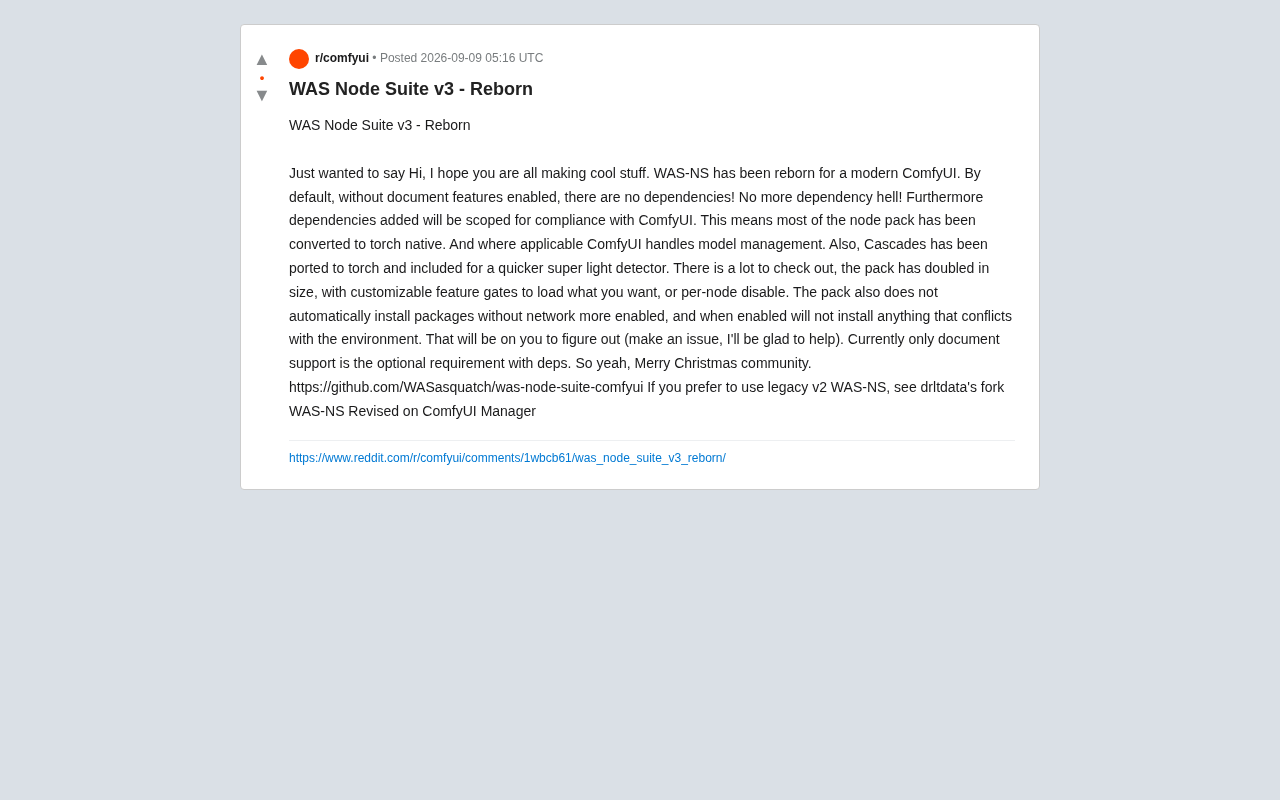
WAS Node Suite v3 eliminates dependency hell in ComfyUI with native PyTorch conversion and modular design.
WAS Node Suite v3 is a major refactoring of one of ComfyUI's most popular node packs. It achieves zero external dependencies by default through native PyTorch implementations, doubles the node count, and introduces a flexible feature gate system. The update also includes automatic conflict detection and GPU-accelerated cascade detectors, setting a new standard for plugin stability in the ComfyUI ecosystem.
A Major Update for the ComfyUI Ecosystem
WAS Node Suite (WAS-NS) is one of the most popular node extension packs in the ComfyUI ecosystem. ComfyUI is a node-based graphical user interface for Stable Diffusion that abstracts every step of image generation—from model loading and prompt encoding to sampler configuration and image post-processing—into visual nodes. Users connect these nodes to build complete AI image generation workflows. The advantage of this modular architecture lies in its extreme flexibility and extensibility, but it also means that the quality and compatibility of community-developed third-party node packs vary widely, directly impacting the stability of entire workflows. It's against this backdrop that developer WASasquatch's release of WAS Node Suite v3 is particularly significant—a thorough refactoring and modernization effort aimed at solving the dependency management problems that have long plagued users.
The core philosophy behind this update is "no dependency hell"—under the default configuration, WAS-NS v3 requires absolutely no external dependencies. For ComfyUI users who frequently encounter Python environment conflicts, this is a genuinely impactful improvement. By converting most functionality to native PyTorch implementations and letting ComfyUI handle model management, the new version achieves a qualitative leap in both compatibility and stability.
A Complete Overhaul of the Technical Architecture
A Paradigm Shift in Dependency Management
The most significant improvement in WAS-NS v3 is the fundamental change in dependency management strategy. In its default state (with document features disabled), the entire node pack requires zero external dependencies. Users can install and use it immediately without worrying about conflicts with their existing ComfyUI environment.
To understand the importance of this improvement, it helps to know how "Dependency Hell" manifests in the Python ecosystem. Python uses pip as its package manager, and pip employs a global (or virtual-environment-level) flat installation strategy—all packages share the same namespace. When node pack A requires numpy==1.24.0 while node pack B requires numpy>=1.26.0, the two cannot coexist in the same environment. Even trickier are transitive dependency issues: an explicitly required library may implicitly depend on a specific version of another library, creating complex version constraint chains. ComfyUI's plugin ecosystem is especially prone to these problems because users often install a dozen or even dozens of node packs simultaneously, each potentially introducing its own dependency tree, making version conflicts virtually inevitable.
When dependencies are genuinely needed, all WAS-NS v3 dependencies are scoped to specific contexts, ensuring compliance with ComfyUI. This design fundamentally avoids the classic "dependency hell" common in traditional ComfyUI plugin systems—where different node packs demand different versions of the same library, leading to environment conflicts and installation failures.
Native PyTorch Conversion
The developer converted most nodes to native PyTorch implementations, yielding two direct benefits:
- Reduced third-party library dependencies: No longer requiring additional installations of common conflict sources like OpenCV or Pillow
- Full GPU acceleration: Native PyTorch operations can directly leverage CUDA for faster processing speeds
The technical core of this conversion lies in the following: traditional image processing nodes typically rely on OpenCV (cv2) or Pillow (PIL) for operations like filtering, color space conversion, and geometric transformations. These libraries run on the CPU and each has an extensive dependency tree (OpenCV especially so, with its full version depending on over 20 C/C++ libraries). PyTorch's tensor operations, however, natively support a wide range of mathematical operations needed for image processing—convolution, matrix transformations, interpolation, and more can all be implemented using native torch functions. More critically, PyTorch tensors can be stored directly in GPU memory and accelerated via CUDA (NVIDIA's parallel computing platform). For scenarios like batch image processing, GPU parallel computation can be one to two orders of magnitude faster than CPU. Since ComfyUI itself already depends on PyTorch to run Stable Diffusion models, using native PyTorch implementations means no additional underlying libraries need to be introduced, truly achieving zero extra dependencies.
At the same time, model management is delegated to ComfyUI's unified handling, ensuring deep integration with the main program. Cascade detectors have also been ported to PyTorch and built into the node pack. The full name of a Cascade detector is "Cascade Classifier"—its classic implementation is a multi-stage cascaded detection algorithm based on Haar features or LBP (Local Binary Pattern) features, first proposed by Viola and Jones in 2001, and widely used for face detection, object localization, and similar tasks. Traditionally, this detector's implementation was deeply tied to the OpenCV library, using OpenCV's CascadeClassifier class. Porting it to PyTorch means the detector's feature extraction and classification inference processes are completely rewritten using PyTorch tensor operations, not only eliminating the OpenCV dependency but also enabling GPU-accelerated detection. As a lightweight yet efficient detector, it delivers faster processing speeds for users.
Feature Expansion and Flexible Configuration
Double the Number of Nodes
WAS-NS v3 doubles the number of nodes compared to v2, covering multiple domains including image manipulation, text processing, and data conversion. More ComfyUI nodes mean creators have a richer set of options when building their workflows.
Customizable Feature Gate System
The new version introduces a flexible Feature Gate system—a design pattern widely adopted in software engineering. The core idea of feature gating is to decouple the enablement of software features from code deployment—feature code exists in the codebase but is disabled by default, only activating when explicitly enabled by the user. This pattern is extensively used in large SaaS products (such as GitHub and Netflix) for canary releases and A/B testing. WAS-NS v3 brings this concept to the ComfyUI plugin system, allowing users to fine-tune configurations based on their needs and find the optimal balance between feature richness and system lightness:
- Load by feature module: Only load the feature modules you need, reducing memory usage and startup time. For example, users who only do image post-processing don't need to load text-processing-related node modules
- Disable by individual node: Precisely control the enabled state of each node, preventing the node list from becoming bloated. Having too many nodes in ComfyUI's node search menu significantly impacts the user experience, and this feature directly addresses that pain point
- Network mode control: Packages are only auto-installed when network mode is enabled, and packages that conflict with the existing environment won't be installed. This means WAS-NS v3 works just as well in offline environments (such as corporate intranets or workstations without network access)
This design returns control to users rather than letting plugins forcibly take over environment configuration.
Installation and Compatibility Notes
Zero Configuration Required
Currently, only the documentation support feature requires optional dependencies. The vast majority of users can use WAS-NS v3's core functionality directly with zero configuration. For advanced users who need document processing capabilities, the relevant dependencies can be installed selectively.
Automatic Environment Conflict Detection
When network mode is enabled and dependencies need to be installed, the system automatically detects environment conflicts. If incompatible packages are found, the installation process proactively stops and prompts the user to resolve the issue manually. This "fail-fast" design strategy ensures the system won't break the user's existing ComfyUI environment by forcibly installing incompatible dependencies—in the plugin ecosystem, a single improper dependency installation can prevent the entire ComfyUI from starting, with extremely high recovery costs. The developer provides technical support through GitHub Issues to help users troubleshoot environment configuration problems.
Migration Notes from v2
Users who wish to continue using v2 can opt for the "WAS-NS Revised" branch maintained by drltdata, which can be installed directly through ComfyUI Manager. ComfyUI Manager is a community-developed plugin manager that provides graphical node pack installation, update, and uninstall functionality, and is currently the de facto standard tool for ComfyUI users to manage plugins. This provides users with a smooth migration path, ensuring they won't be forced to disrupt existing workflows due to the version upgrade.
Significance for the ComfyUI Community
The release of WAS Node Suite v3 not only resolves long-standing dependency management challenges but also sets a best-practice example for other ComfyUI node pack developers. Through its native-first, modular, and user-controllable design philosophy, WAS-NS v3 proves that feature richness and system stability can coexist. From a broader perspective, this design philosophy reflects the AI tooling ecosystem's transition from the early "good enough to work" stage to the mature "engineered and maintainable" stage—as the user base expands from tech enthusiasts to professional creators and enterprise users, the priority of stability and maintainability inevitably rises.
For users currently using ComfyUI for AI image generation, WAS-NS v3 is worth trying—especially for those who have been tormented by dependency conflicts in the past.
Project Link: https://github.com/WASasquatch/was-node-suite-comfyui
Related articles

LangChain Retry Middleware Configuration: Practices and Selection Guide
Based on Reddit community discussion, this article analyzes LangChain ModelRetryMiddleware retry parameter configuration practices, covering the selection logic and alternatives for key options like max_retries, backoff_factor, and jitter.

Texas Senate Race in Trouble: Why Are Republicans Nervous?
Texas Senate race stirs Republican anxiety. Based on street interviews, this article analyzes the Democratic offensive in funding, organization, and running everywhere, and how Republicans are defending "Texas, Texas" amid the political pendulum effect.

Gemini Chat Now Generates and Edits Google Docs Directly, a New Breakthrough in Office Productivity
Google Gemini's chat interface now generates and edits PDF, Google Docs, Sheets, Slides, Markdown, TXT, and code files. Available to all users; web supports all formats, mobile only PDF for now.