When You Hit a Dependency Error, Delete uv.lock: Lessons from a Python 3.15 Migration
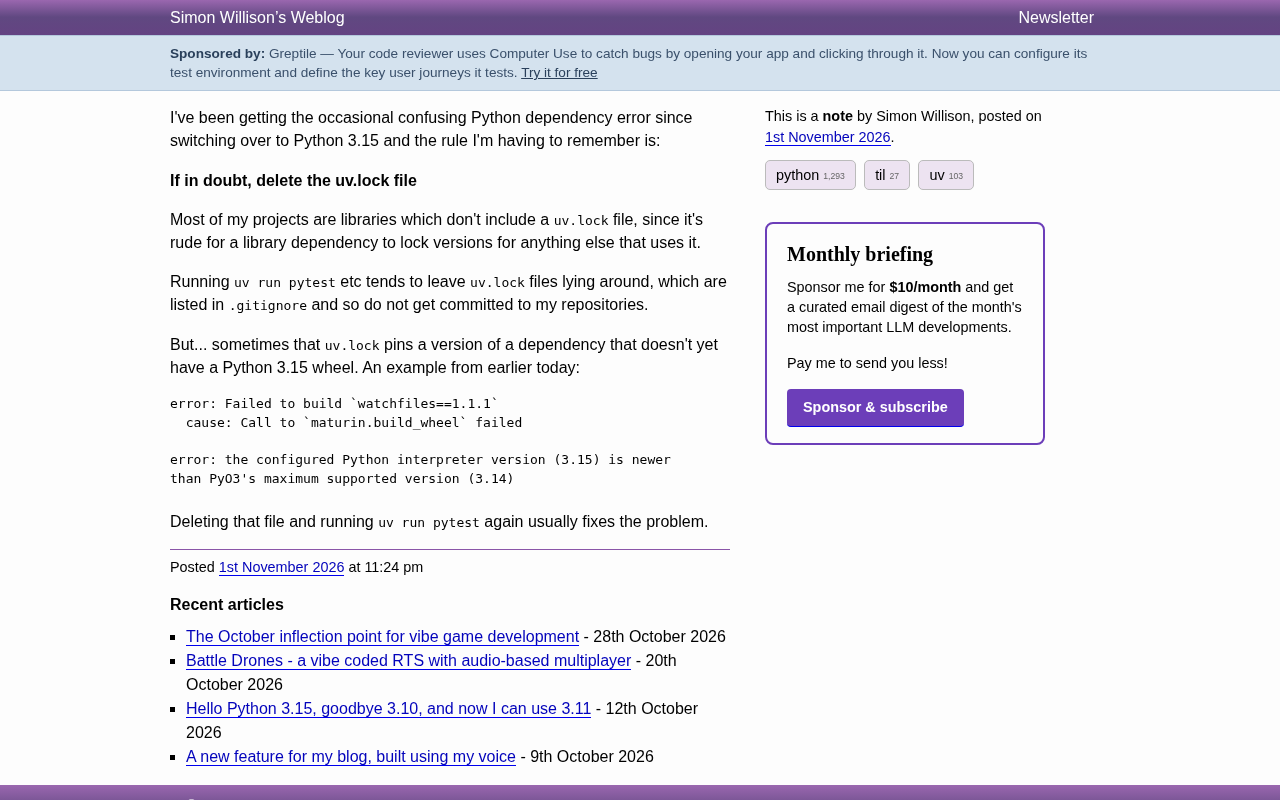
When library projects hit dependency build errors, deleting uv.lock to force re-resolution often fixes Python 3.15 compatibility issues.
The article addresses dependency build errors encountered during Python 3.15 migration and proposes a simple, effective diagnostic rule: when in doubt, delete uv.lock. Using a watchfiles build failure as an example—where the error showed PyO3 supports only up to Python 3.14—the author explains that the old version pinned in uv.lock falls right in the compatibility timing gap. After deleting the lock file, uv re-resolves dependencies and typically selects a newer version that supports 3.15, making the problem disappear. The author emphasizes this method suits library projects and local development, not production environments requiring precise reproducibility, and recommends adding uv.lock to .gitignore.
Why I Recommend Deleting uv.lock First When Problems Arise
After switching to Python 3.15, I started occasionally running into confusing dependency errors. After repeated troubleshooting, I distilled a simple but extremely effective rule: when in doubt, delete the uv.lock file.
This lesson comes from a real predicament. Most of the projects I maintain are libraries, and by convention, libraries shouldn't ship a uv.lock file—because if a library pins versions, it bluntly affects every downstream project that uses it. So these projects typically list uv.lock in .gitignore and never commit it to the repository.
But here's the catch: when running commands like uv run pytest, the tool often leaves behind a uv.lock file. Normally that's harmless, but once this file pins a dependency version that doesn't yet provide a Python 3.15 wheel, trouble begins.
A Typical Error Scenario
Earlier today, I ran into a very illustrative error. While running tests, uv tried to build watchfiles==1.1.1 and failed outright with the following message:
error: Failed to build `watchfiles==1.1.1`
  cause: Call to `maturin.build_wheel` failed

error: the configured Python interpreter version (3.15) is newer
than PyO3's maximum supported version (3.14)
The key information is in the second half: the currently configured Python interpreter version is 3.15, while PyO3's maximum supported version is 3.14. In other words, the watchfiles version pinned in uv.lock relies on a PyO3 version that hasn't yet caught up with Python 3.15, so the build naturally fails.
The Mechanism Behind It
uv.lock exists to pin dependency versions precisely, ensuring identical installations across environments. That's a good thing for application projects, but it becomes a burden for library projects: the lock file doesn't automatically refresh as dependencies update, so an old version stays firmly pinned—even if a newer version has already fixed the compatibility issue, you can't use it.
When the Python interpreter upgrades to 3.15, this lag is immediately amplified. Many packages written in Rust that expose Python interfaces through PyO3 need to wait for PyO3 to support 3.15 before they can publish corresponding wheels. And the old version locked in uv.lock happens to fall right in this timing gap.
uv.lock and Semantic Version Resolution
uv.lock is a lock file generated by the uv tool. Its core mechanism is to precisely record the versions, source hashes, and platform markers of all direct and transitive dependencies of a project, thereby enabling reproducible installations across machines and over time. When resolving dependencies, uv typically follows a "highest available version" strategy, but once a lock file exists, it prioritizes the locked versions unless you explicitly run uv lock --upgrade or delete the lock file.
This design is an advantage in application projects, but in library projects it creates a "version freeze" effect: when an upstream dependency releases a new version that fixes Python 3.15 compatibility, the lock file still points to the old version, and uv won't automatically detect and update it. Therefore, deleting the lock file is equivalent to forcing uv to go through the dependency resolution process again, selecting the latest compatible version based on the current environment (including Python version and platform markers).
PyO3 and Python Version Compatibility
PyO3 is the bridge library in the Rust ecosystem for writing Python extension modules. It uses pyo3-build-config to detect the target Python interpreter version at compile time and enforce a maximum supported version (such as 3.14 in the error above). Many high-performance Python packages (such as watchfiles, pydantic-core, tokenizers) are implemented in Rust with PyO3 under the hood, so whenever Python releases a new version (like 3.15), these packages must wait for PyO3 to support the new version first, then re-release package versions containing the corresponding wheels.
There's an inherent time lag in this process: after Python 3.15 is released, PyO3 needs weeks to months to adapt, and then packages depending on PyO3 release new versions one by one. If uv.lock happens to pin an old version from before the adaptation, the build will fail due to PyO3's version ceiling. Understanding this chain helps you judge: the problem isn't in your code, but in the time window between version pinning and ecosystem adaptation.
Why Deleting the File Works
After deleting uv.lock and running uv run pytest again, uv re-resolves dependencies and typically selects a newer version that already supports Python 3.15. The problem disappears. This method works because it bypasses the outdated version constraint in the lock file.
I'm not saying lock files are worthless. When deploying production applications, pinning dependency versions is an important means of ensuring reproducibility. But for library projects, and for lock files temporarily generated during local development, the side effects often outweigh the benefits. Especially when you're chasing a bizarre build error, deleting the lock file is the fastest way to rule out interference.
Scope and Caveats
This rule doesn't apply to every scenario. If you're maintaining a production environment that requires precise reproducibility, or if the issue you're troubleshooting is unrelated to the lock file (e.g., it's actually a code logic bug), deleting the lock file may actually mask the problem. My advice is to treat it as a diagnostic step: delete it first and see if the problem goes away; if it does, there was an outdated version in the lock file; if not, continue investigating other directions.
Also, for library projects, it's best to confirm that uv.lock is in .gitignore to avoid accidental commits. This respects the conventions of downstream users and reduces environment discrepancies among team members.
Conventions for Library Projects and Lock Files
Python library projects typically don't commit lock files, because a library's dependency declarations (such as version ranges in pyproject.toml) should remain loose so that downstream projects can freely resolve dependency combinations compatible with their own environments. If a library ships a lock file, downstream tools might mistakenly use the pinned version, leading to dependency conflicts or version lag.
Therefore, a library project's uv.lock should be listed in .gitignore, serving only as a temporary cache during local development. However, commands like uv run and uv sync automatically generate one when no lock file exists, which can easily leave behind a "local lock file." When the Python interpreter is upgraded, this local lock file may pin old versions and become an invisible source of build failures. Periodically deleting or ignoring local lock files is a low-cost hygiene habit in library project development.
Summary
During the Python 3.15 migration, the version lag caused by uv.lock is worth watching out for. Deleting it and re-running often resolves those seemingly inexplicable dependency build errors. This lesson is simple but very useful in practice.
Related articles

Anthropic's IPO Crisis: Why $16.8B in Revenue Can't Buy a High Valuation
Anthropic posted $16.8B in Q3 revenue with 85% gross margin yet faces a cut to its IPO valuation. A deep dive into halved growth, the token price war, circular financing, and the clash between safety ideals and capital reality.

Anthropic Races Toward the Largest IPO in History: Can a $100 Billion Raise Ignite the AI Investment Boom?
Anthropic may file its prospectus as early as October 23, aiming to raise up to $100 billion at a valuation of up to $2 trillion, potentially the largest IPO ever. Q3 revenue hit $16.8 billion, up nearly 50% quarter over quarter, with adjusted profitability, but slowing growth has led some investors to cut valuation to $1.5 trillion. The IPO is a key test of whether the AI investment boom can continue.

Bessemer Partner on Anthropic IPO: The Public's First Direct Investment in AI Software
Bessemer partner Byron Theta on the Anthropic IPO: why it's called the moment everyone's been waiting for, the $650M four-round investment, the LP liquidity bind, and expectations of a 2027 IPO wave—plus open-source model pricing pressure, existential risk disclosures, and what the founders' 50.1% voting structure means for ordinary investors.