Why Is the Linux Terminal Faster Than the GUI? DT Responds to AI Clone Software Controversy

DT responds to viewer questions on terminal vs. GUI, AI clone software, file management, and open-source politics.
This article summarizes Linux creator DT's responses to several viewer questions on his Q&A show. He explains that the terminal vs. GUI efficiency debate depends on proficiency, with modern shell completion making terminal users faster; he is cautiously skeptical of AI-generated Adobe/Office clones but endorses mature open-source alternatives like LibreOffice and GIMP; he clarifies that his view on distros not pre-configuring desktops was misread; he recommends a separate home partition rather than symlinks to solve file management woes; he admits he has never rolled back a Btrfs snapshot due to failure but values the recoverability it provides; he stresses that open source belongs to no political camp and anyone can contribute; finally, he discusses the value of making mistakes publicly and accepting correction. The editorial view notes that what runs throughout is a pragmatic attitude toward efficiency and correctness.
The Terminal vs. GUI Debate: Efficiency Depends on Proficiency
In the latest HeyDT Q&A, Linux content creator DT responded to a classic challenge: why do Linux users prefer the terminal even when the GUI seems simpler? The questioner gave the example of adding executable permissions to a downloaded program—right-clicking, opening properties, and checking a box seems more intuitive.
DT's response was direct: it depends on how proficient you are. He acknowledged that for users unfamiliar with the command line, the GUI is indeed faster, because even he has to go through the menu search, click the icon, and navigate into the Downloads folder, which takes a few seconds. But for someone like him who lives in the terminal, a command like cd ~/Downloads takes less than a second.
The key argument is that modern shells (like bash and fish) offer powerful completion capabilities. DT described the fish shell as "almost prescient"—it auto-completes as you type. chmod +x plus a filename is likewise completed in seconds. His conclusion: if you spend all day in the terminal, terminal operations are faster in the vast majority of scenarios—this isn't showing off, it's simply a different way of working.

Shell completion mechanisms: Modern shells like bash and fish offer completion capabilities that go far beyond completing command names. Take chmod +x followed by a filename—the shell matches candidate files in the current directory; fish also predicts the entire command based on command history and context, displaying suggestions in gray text after the prompt that can be accepted with the right arrow key. Bash, meanwhile, uses the complete builtin and the bash-completion package to register argument-level completion rules for different programs. This mechanism compresses a large amount of keyboard input into a few Tab presses, and is one of the key reasons proficient terminal users operate significantly faster than with a GUI.
AI-Generated Adobe/Office Clones: Runs Doesn't Mean Usable
A viewer asked whether DT had looked into AI-generated open-source clones of Adobe Creative Cloud and Microsoft Office. DT's answer was quite cautious. He hasn't actually tested these projects, but based on his judgment, AI-generated clone software is likely to have incomplete features, bugs, and poor performance due to a lack of targeted optimization.
His advice was practical: people who really need Photoshop should buy Photoshop, and people who need Microsoft Office should just use Microsoft Office—there's no need to use half-finished clones in pursuit of open source. But he emphasized that mature open-source alternatives are a different matter—LibreOffice's word processing, spreadsheet, and presentation programs are all "excellent" in his view, and he himself uses GIMP for art and Kdenlive for video editing. He acknowledged that Adobe's software may be technically stronger, but saving hundreds of dollars a year in subscription fees lets him "sleep better at night."

Should Distros Pre-Configure the Desktop? A Misread Opinion
A viewer accused DT of being hypocritical, arguing that he had criticized customized desktops yet "riced" his own desktop. DT clarified the original intent of that video: he argued that Linux distributions should not make desktop customization decisions for users out of the box, and should simply ship the native desktop environment (GNOME, KDE, XFCE, etc.), because users will customize it themselves anyway. Distros should focus their efforts on low-level optimization, drivers, and the kernel.
He particularly pointed out that this view is not at all contradictory to users customizing their own desktops. As for being accused of "avoiding" the Omarchy distribution, he was baffled—he uses CachyOS and Arch Linux, and there are hundreds of other distributions he doesn't use, so he didn't understand why the person singled out this one. His judgment is that such commenters just want to argue first and work backward to find reasons afterward.
Keep File Management Simple: A Separate Home Partition Is the Most Practical Solution
A viewer described their Linux file management as "like hell," with configs, personal files, and game data scattered everywhere and no way to start backing up, and asked whether they should use symlinks to gather everything into a unified directory. DT explicitly opposed this approach: hundreds or thousands of symlinks would turn the backup plan itself into a new source of pain.
He pointed out that Linux is actually quite standardized in where it stores configuration files—the vast majority of configs are in the ~/.config directory, with only a few exceptions like bashrc and zshrc. The real difficulty is data files, which have no standard location to begin with. His core advice: if you have multiple drives, put your home directory on a separate partition or even a separate drive. That way, whether you reinstall the system or switch distributions, most of your data survives. He mentioned that he additionally backs up system-level directories like /usr/share/fonts, but there are only five or six such exceptions—everything else is in the home directory.
Separate home partition: During Linux installation, you can partition /home separately or mount it on a separate drive. Since user configuration (~/.config) and personal data are stored in the home directory by default, when reinstalling the system or changing distributions, as long as you don't touch that partition during formatting and mount it as /home in the new system, the vast majority of data is preserved as-is. Two things to note: first, different distributions or desktop environments may write incompatible configurations, so back up ~/.config first if necessary; second, if the home partition is planned too small, expanding it later is more troublesome than for an ordinary directory.
Btrfs Snapshots: Never Used, But Better Safe Than Sorry
A viewer thanked DT's Arch installation tutorial for introducing them to Btrfs and helping them make an informed filesystem choice. DT responded that his current CachyOS machine uses Btrfs, while his Arch machine at home uses Ext4—he can confirm this because that machine doesn't automatically create snapshots on updates like this one does.
He admitted that he has never needed to roll back to a previous snapshot due to a serious failure, but the peace of mind that snapshots provide is real. This is a noteworthy detail: he recommends Btrfs not because of firefighting experience, but because he values system recoverability.
How Btrfs snapshots work: Btrfs is a copy-on-write (CoW) filesystem. When creating a snapshot, it doesn't copy data blocks but creates a new reference pointing to the current data tree root, so snapshots are nearly instant and initially take no extra space. Subsequent modifications to files are written to new blocks, and the old blocks remain referenced by the snapshot, so space grows gradually. Distributions like CachyOS typically pair it with Snapper or Timeshift to automatically create snapshots before and after system updates, and you can roll back directly from the GRUB menu. This is also why the same user can tell whether a given machine uses Btrfs or Ext4 by "whether it automatically creates snapshots on updates"—the latter doesn't provide snapshot functionality itself.
Open Source and the Left-Right Debate: Anyone Can Contribute
On the question of whether "Linux and open source are left-wing or right-wing," DT's answer was "both and neither." He believes the free software and open-source software movements are neither traditional left-wing social movements nor right-wing movements, but rather issues centered on digital freedom, privacy, and software control. People on both the left and the right contribute to open source.
As for the question of whether "right-wingers can contribute to open source," his answer was unequivocal: anyone can, regardless of political stance, race, gender, religion, or economic status. Write a piece of software, release it under a free license, and it becomes open-source software.

Free software vs. open-source software: The two are often used interchangeably, but their origins and emphases differ. The free software movement was launched by Richard Stallman in the 1980s, emphasizing the four freedoms to run, study, modify, and distribute software, with a clear ethical stance, legally guaranteed by copyleft licenses like the GNU GPL. The term open-source software was coined in 1998, focusing more on the engineering and commercial value of collaborative development, with a broader range of licenses including permissive ones like MIT and Apache 2.0. When DT says "write a piece of software, release it under a free license, and it becomes open-source software," he means that the license is the formal requirement for this identity, regardless of the contributor's political stance.
Facing "Your Opinions Suck": Mistakes and Growth
The last viewer comment was blunt: "Nobody wants to hear your opinions, almost everything you say is wrong, just talk about Linux." DT didn't avoid it—instead he used it as a springboard for a discussion about admitting mistakes.
He noted that such criticism never specifies what exactly is wrong, only vaguely saying "you're wrong." He admitted that he often makes mistakes on camera, but his logic is: "Would you rather be right in the dark, or wrong in the light?" Speaking publicly means someone can correct him, which is exactly what he wants. He also observed that many people equate "making a mistake" with "personal failure," and therefore cannot apologize. In his view, people who can admit they're wrong and say sorry are actually psychologically strong—because apologizing not only acknowledges the mistake but also takes the risk that the other person may not accept it.

Editorial View
The most valuable part of this Q&A isn't any single answer, but DT's consistent attitude toward "efficiency" and "correctness": tool choice depends on proficiency rather than ideology, and the value of a mistake depends on whether you can be corrected rather than on saving face. As for his criticism of AI-generated software clones, although it lacks empirical support, his distinction between "AI-generated clones" and "mature open-source alternatives" still has reference value for the current discussion around AI programming—fast generation doesn't equal a usable product, and lines of code don't equal engineering quality.
Related articles
 Tech Frontiers
MuJoCo: An Analysis of DeepMind's Open-Source General-Purpose Physics Simulator
An in-depth analysis of Google DeepMind's open-source physics simulator MuJoCo: high-performance C++ kernel, MJCF modeling format, contact solving principles, MJX GPU acceleration, and robot reinforcement learning use cases.
 Tech Frontiers
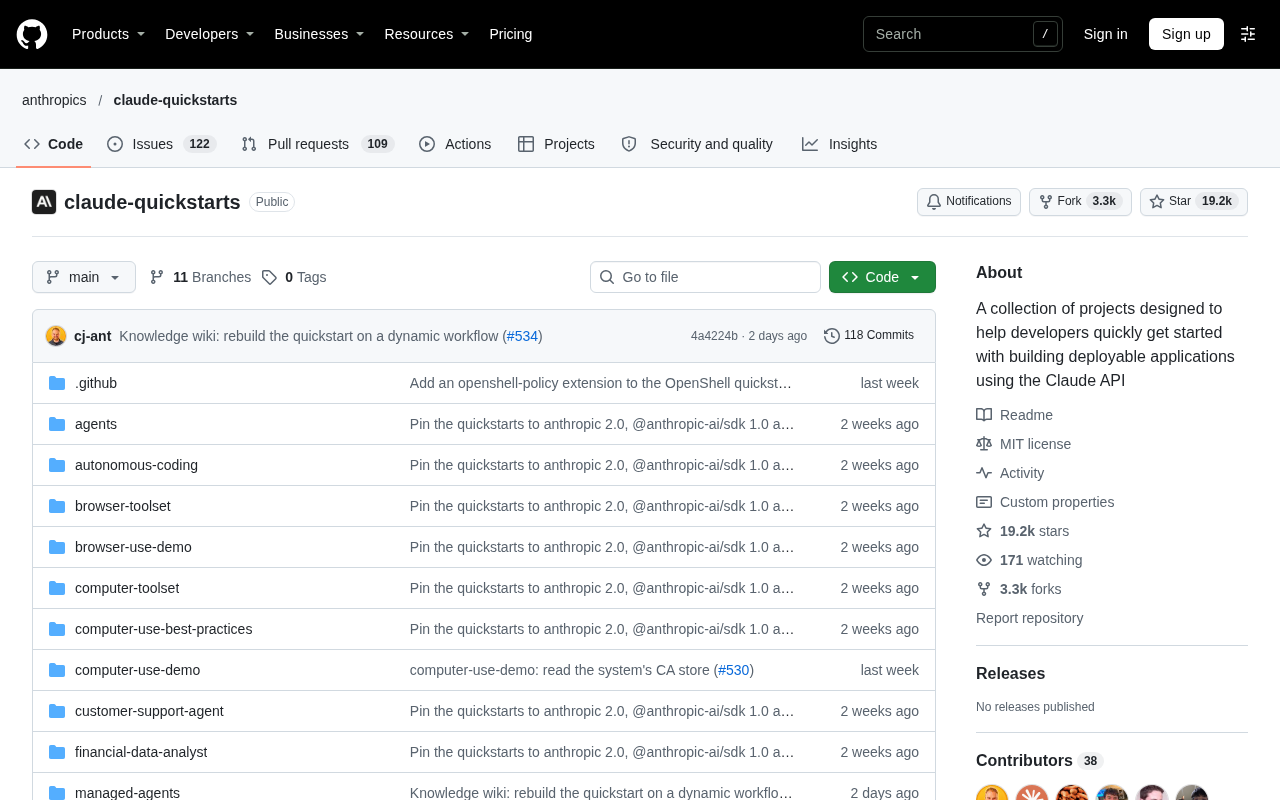
Claude API Quick Start: The Official Quickstarts Project Collection
Anthropic's official claude-quickstarts project collection helps developers quickly build deployable apps with the Claude API. Nearly 20k stars, Python-based, great for beginners and prototyping.
 Tech Frontiers
AI Agents Connecting Directly to APIs: Which Calls Can Be Safely Allowed?
AI agents can call any API, but the real challenge is deciding which calls can be safely allowed. This article analyzes allowance decisions from three dimensions—intent matching, least privilege, and controllable impact—and argues that the control layer should sit outside the agent, combined with audit traceability to build a trustworthy API call governance mechanism.