WorkBuddy's Six Must-Have Skills Tested: How an AI Workbench Turns Capabilities into Productivity
A free AI Skill resold for $55K proves that chaining tools into workflows is the real moat.
A free AI Skill being resold for ¥400,000 exposes the massive information asymmetry premium in the AI era. The article introduces WorkBuddy and its six core Skills: Coding Principles, Remotion video generation, PPT Master, Article Illustration, HyperFrames, and UI Design. The central argument is that individual Skills aren't the value — chaining them into complete workflows, for personal productivity or client deliverables, is what truly matters.
How a Free, Open-Source Skill Got Resold for $55,000
Something deeply ironic happened recently in the AI community: a Skill that was always meant to be free and open-source was being sold online at ¥199 a copy, racking up over ¥400,000 in total sales. Even more absurd — the original creator was left bewildered. How did something they built and gave away for free become someone else's cash cow?
This incident lays bare one of the harshest realities of the AI era: information asymmetry is itself a form of productivity. Given the exact same tools, some people grab them for free from an open-source repo, while others happily pay a premium for a "pre-packaged, ready-to-use" version. The gap isn't the tool — it's who knows it exists and who knows how to use it.
That said, a Skill is ultimately just a capability module. Simply installing one doesn't generate value. What's truly worth something is the ability to chain these scattered capabilities together into a complete, deliverable workflow. That's the core value proposition of AI workbenches like WorkBuddy (also referred to in the original video as WalkBody or WorkBody).
Skills Aren't Plugins — They're Six Deliverable Capabilities
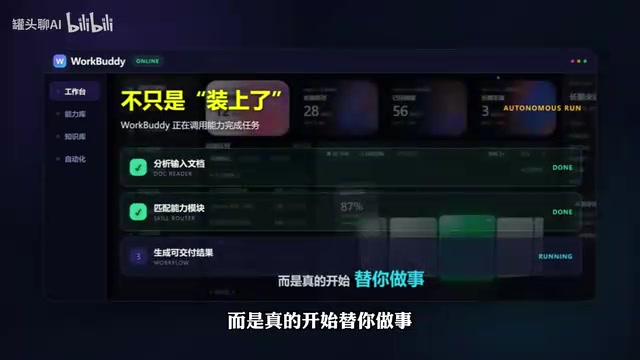
WorkBuddy's approach is to load different Skills into a single workbench and connect them with documents, knowledge bases, and workflows. That way, a Skill isn't just "installed" — it actually starts doing work for you. Here are the six core Skills the author has used consistently.
Coding Principles Skill: Stop AI from Rewriting Code at Random
The biggest pain point with AI-assisted coding is that it guesses at requirements and makes sweeping, unpredictable changes. With the Coding Principles Skill installed, the AI first articulates its assumptions, makes only the necessary changes, and verifies its work afterward. For anyone who relies on AI for coding assistance, this constraint mechanism dramatically reduces rework and keeps changes traceable and controlled.
Remotion: Generate Video with Code
Anyone who makes videos should pay attention to Remotion. It lets you control visuals, subtitles, animations, and timing through code, then renders the result directly into a video file. The repetitive drag-and-drop work on a traditional timeline can now be batch-generated through code logic — making it especially well-suited for templated, data-driven video content.
Remotion is an open-source video production framework built on React that lets developers describe every frame of a video using JavaScript/TypeScript. Its core principle abstracts the timeline into a function: given the current frame number, render the corresponding visual state. Chromium then captures each frame as a screenshot and composes them into an MP4 file. This "code as video" paradigm makes data-driven batch production possible — just swap out the data source and the video updates automatically, no manual frame-by-frame editing required. It already has a wide range of commercial use cases in data journalism, product demos, and programmatic short-form social media content. With over 20,000 GitHub stars, it's one of the leading tools in its niche.
PPT Master: Generate Truly Editable PowerPoint Files
Many AI tools claim to make PowerPoints but actually output images or web pages. PPT Master is different — it generates real .pptx files on your own machine that you can continue editing in PowerPoint. Feed it a document and it produces a finished presentation that's fully editable, solving the most frustrating part of making slides from scratch.
From Illustration to Design: Making Content Look Like a Finished Product

Article Illustration Skill: Images That Actually Match the Text
One of the most frustrating parts of writing articles is finding images that actually fit the content. This Skill first understands the ideas and metaphors in your article, then generates corresponding illustrations. It doesn't just stuff in a random image — it makes the visuals genuinely contribute to the content, serving an explanatory and supplementary role.

HyperFrames: Web-Based Knowledge and Data Animation
This is the first Skill that creates a qualitative leap in what WorkBuddy can do. Give it content and requirements, and it generates video-like animations using web technologies — making it especially suited for knowledge explainers, data animations, and product demos that need dynamic presentation. Compared to traditional video production, it slashes the cost of "explaining a concept clearly" to nearly nothing.
The underlying logic of HyperFrames is to use HTML/CSS/JavaScript rendering output as video frames — essentially treating the browser as an animation rendering engine. The key difference from traditional video software (like After Effects or Premiere) is that web technologies natively support data binding and dynamic layouts. This means you only need to change the data source for the animation to reflow automatically, dramatically reducing the production cost of data visualization videos. For users who are comfortable with web development but unfamiliar with video editing, this approach has a far lower learning curve than professional video software. The output can be exported as video or used directly as an interactive web page, offering meaningful format flexibility.
UI Design Skill: Banish the "AI Plastic" Look

The key to the UI Design Skill is what it gives the AI: not a template, but a complete set of design rules — layout, whitespace, typographic hierarchy, and color palette, all defined upfront. Ask for "help me make a webpage" before installing this Skill and you get that generic AI-plastic aesthetic. Ask the same thing after, and the result is something that actually looks ready to deliver. This leap from "functional" to "deliverable" is precisely the line between professional and amateur work.
When AI-generated content is described as having a "plastic" or "AI" look, it typically refers to visuals or text that feel overly smooth, lack depth, and exhibit a homogenized style. In UI and graphic design, this usually happens because large models default to outputting statistically "most common" layouts and color schemes rather than design decisions tailored to a specific brand or context. By pre-loading the model with explicit design system rules — grids, spacing, type scales, color tokens — you're essentially applying a style constraint framework that steers the AI's output toward a specific aesthetic standard. This approach mirrors the logic professional design teams use with Design Tokens and component spec libraries; it's fundamentally about front-loading human aesthetic judgment into the model's operating context.
The Real Value: Chaining Capabilities into a Workflow
Loading these six Skills into WorkBuddy isn't really about installing six plugins. It's about gaining six capabilities: writing code, producing video, building presentations, illustrating articles, creating animations, and designing web UIs.
The more important step is chaining them into a workflow. You can have WorkBuddy decompose a task on its own, call the relevant Skills, and run the entire process end to end. Use it for yourself and it's a productivity multiplier. Use it for clients and it becomes the ability to take on projects and deliver results — which brings us back to that ¥400,000 story at the start: integrating capabilities and shipping them is the truly scarce thing.
Final Thoughts
The farce of a "free Skill selling for ¥400,000" is less a joke and more a mirror. It reflects the enormous premium that information asymmetry commands in the AI era, and it's a reminder: tools are available to everyone; the ability to turn tools into productivity is the moat. Instead of debating whether any given Skill is worth the price, the better question is how to take the capability modules you already have and organize them into a workflow that actually earns its keep.
Note: The tool referenced in this article appears under multiple names in the original video — WalkBody, WorkBody, and WorkBuddy. Please refer to the official name for accuracy. For installation instructions and use cases, consult the official documentation.
Related articles
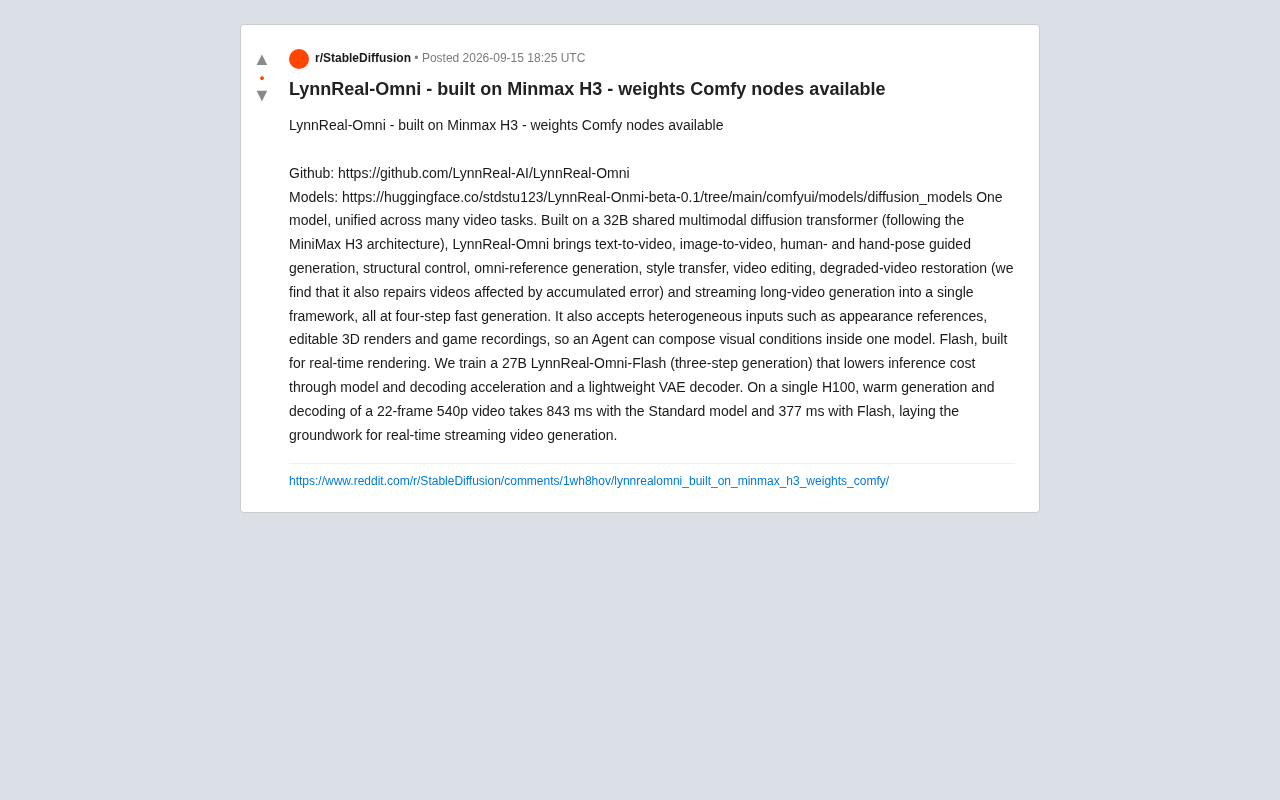
LynnReal-Omni: 32B Unified Video Diffusion Model Goes Open Source with Multi-Task Coverage in Four Steps
LynnReal-Omni is a 32B unified video diffusion model on MiniMax H3, covering text-to-video, pose guidance, style transfer, restoration in 4 steps. Flash version generates 540p video in 377ms on one H100.

Anthropic Co-Founder: AI 'Kill Switch' May Need to Be Mandatory by Law
Anthropic's co-founder tells the BBC that AI 'kill switches' may need to be legally mandated. We analyze the industry logic, technical challenges, and the tension between regulation and innovation.

The AI Data Center Boom Is Colliding With Cities Scarred by Heavy Industry
The AI data center boom is clashing with post-industrial communities. Philadelphia's case reveals structural conflicts between AI growth, energy use, water, and environmental justice.