Your Frame Rate Cap Is Slowing Down Playable Ad Load Times

Removing the 30fps cap during preload cuts playable ad load time by ~58%.
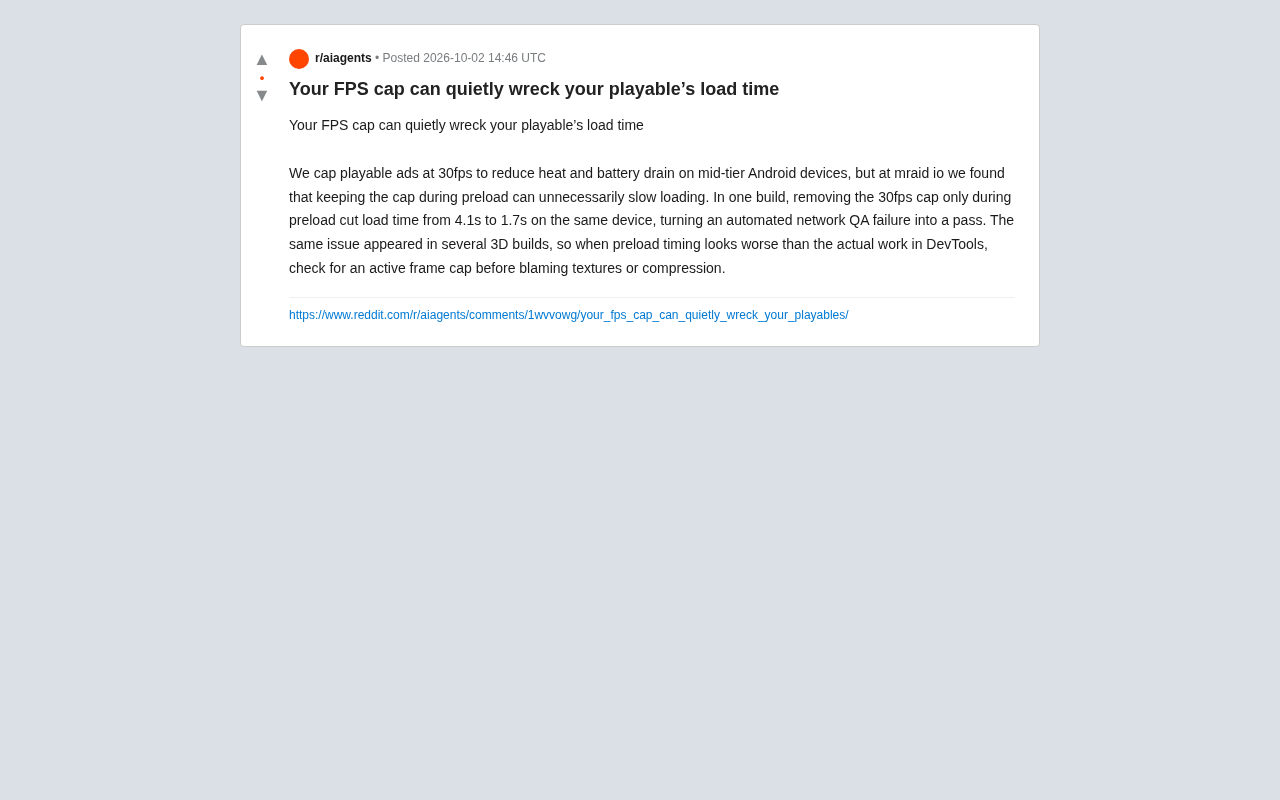
A 30fps frame rate cap common in playable ads to reduce heat on mid-range Android devices can unintentionally become a preload bottleneck. The mraid.io team found that removing the cap only during preloading dropped load time from 4.1s to 1.7s — a 58% reduction — turning a failing QA build into a passing one. The root cause is that WebGL texture uploads and shader compilation are frame-driven operations; fewer frames per second means slower initialization. The fix isn't removing the cap entirely, but applying it in phases: run uncapped during preload, then restore 30fps for playback.
An Overlooked Load Performance Trap
When developing playable ads, capping the frame rate at 30fps to control heat and battery consumption on mid-range Android devices is pretty much standard practice. It effectively reduces the power burden on devices while the ad is running. But a finding from the mraid.io team reveals a subtle problem that's easy to miss: keeping that frame rate cap active during the preload phase actually slows down loading for no good reason.
This finding is worth paying attention to because it exposes a performance bottleneck that's easy to misdiagnose. When developers see slow load times, their first instinct is usually to blame texture sizes, asset compression, or network transfer — rarely a frame rate setting that was originally put there to save power.
Playable Ads are an interactive ad format, typically distributed as HTML5/WebGL, that let users experience a core gameplay snippet before downloading the full game. They're common in mobile game user acquisition. Because ad platforms have strict load time requirements (some require time-to-interactive under 3 seconds), any performance loss during loading can cause ads to fail review or lead to user drop-off. MRAID (Mobile Rich Media Ad Interface Definitions) is the IAB's standard interface for mobile rich media ads; mraid.io is a team building tooling and testing infrastructure around that standard, and their QA test results carry meaningful weight in the industry.
What the Data Shows
According to real-world results shared by the team, on the same device, simply removing the 30fps frame rate cap during the preload phase brought load time down from 4.1 seconds to 1.7 seconds. This isn't just a numerical improvement — in their automated web QA testing, this single change turned a previously failing build into a passing one.
Going from 4.1 seconds to 1.7 seconds represents roughly a 58% reduction in load time. For playable ads, where initial load time is absolutely critical, that gap is enough to determine whether a user bounces. What makes it even more significant is that this change didn't touch any assets at all — it only adjusted the frame rate strategy during preloading.
Why a Frame Rate Cap Affects Loading
A frame rate cap, at its core, limits how many times the render loop executes per second. During normal playback, this prevents the GPU and CPU from overworking, which reduces heat. But during the preload phase, a lot of initialization and asset preparation work needs to advance frame by frame through the render loop. Once the frame rate is artificially throttled to 30fps, work that could have completed quickly gets artificially stretched out — the system inserts waiting between each frame, and that waiting is completely unnecessary during loading.
In other words, the 30fps cap is "power-saving" during playback, but becomes "speed-limiting" during preloading.
To be more precise: many game engines (such as Unity, Cocos, Three.js, etc.) don't handle asset initialization entirely asynchronously — certain operations must execute within the main thread's render frame callback. This includes WebGL texture uploads (gl.texImage2D), shader compilation, and render pipeline state initialization. These operations are inherently "frame-driven": each frame processes a batch of tasks, and the lower the frame rate, the fewer batches get processed per unit of time, and the slower loading becomes. This is fundamentally different from network downloads — bandwidth limits data transfer rate, whereas frame rate limits the processing frequency of the GPU command queue. When the frame rate is locked at 30fps, the system actively inserts roughly 33ms of inter-frame waiting, and even if the CPU and GPU aren't busy, that waiting still counts toward total load time.
This Isn't an Isolated Case
The team noted that the same issue has appeared repeatedly across multiple 3D builds. 3D content typically involves more complex initialization — model loading, material compilation, scene setup — all of which depend more heavily on the render loop's pace. So the drag that a frame rate cap puts on load time is especially pronounced in 3D projects.
This suggests it's not an anomaly specific to one particular build, but a broadly applicable performance pitfall — one that 3D playable ad developers should be especially wary of.
Practical Debugging Advice
Based on this experience, the most valuable takeaway is: when DevTools shows preload time significantly exceeding the actual amount of work, check whether an active frame rate cap exists before suspecting texture or compression issues.
This is a classic "rule out systemic factors before investigating asset details" debugging approach. In practice:
- In DevTools' Performance panel, observe the timeline during the preload phase and look for large amounts of regular idle waiting
- Compare the actual computational workload during preloading against total elapsed time to identify disproportionate delays
- Try temporarily removing the frame rate cap only during the preload phase, then restoring 30fps once playback begins
- Use load time metrics from automated QA to validate the change
The Core Strategy: Apply Frame Rate Caps in Phases
The real solution this case points to isn't eliminating the frame rate cap — it's making it apply only when it's actually needed. The sensible approach is: lift the cap during preloading so initialization completes at full speed, then enable the 30fps limit once playback starts to resume its power-saving and thermal management duties.
This preserves all the original value of the frame rate cap while preventing it from causing performance harm at the wrong moment. For mid-range Android scenarios that need to balance load speed with device compatibility, this phased strategy offers a practical middle ground.
On the implementation side, the way to control frame rate in phases varies by engine. In Unity WebGL builds, you can dynamically modify Application.targetFrameRate inside the load completion callback. In Three.js or custom WebGL projects, it's typically done by controlling the cadence of requestAnimationFrame calls — letting RAF run freely during preloading, then throttling to 30fps using setTimeout once in playback mode. The key is to tie the frame rate switch to the loading state machine rather than using a fixed delay, ensuring correct behavior across varying network conditions. Also note that some ad SDKs will automatically reduce frame rate when the host app backgrounds the ad's page — developers need to distinguish between "SDK-controlled frame rate" and "frame rate caps set by their own code" to avoid interference.
Summary
The hardest performance problems to find are often well-intentioned settings that produce side effects at the wrong stage. The 30fps frame rate cap exists to save power, yet it quietly becomes a loading bottleneck during the preload phase. A simple phased adjustment can yield more than 50% improvement in load time and turn a failing QA test into a passing one.
For developers of playable ads and 3D builds, the value of this lesson goes beyond any specific number. It's a reminder that when diagnosing performance issues, don't assume the bottleneck is always in the assets themselves — system-level rendering strategies can just as easily be the culprit.
Related articles

Felix Rieseberg Personal Homepage
Felix Rieseberg's personal homepage sparks attention on Hacker News. This article covers the Slack engineer's technical background, the rise and fall of nativefier, and the value of a developer homepage as a tech calling card.

@ai-sdk/vue 3.0.306 Patch Release Syncs with [email protected] Update
@ai-sdk/vue 3.0.306 released, synced with [email protected]. A routine patch release for the Vercel AI SDK ecosystem with no public API changes; the Vue adapter layer stays version-aligned with the core package.

Gemini 4 Argon API Launches: The Era of Million-Token Output Begins
Google launches Gemini 4 Argon with sparse MoE architecture, up to 1M output tokens, and a 68.90% Vals Index score, available across API, AI Studio, and the Gemini app.