#SSH headless development
11 related articles

·2 min
Cogpit: A Self-Hosted Web Monitoring Console for Remote AI Coding Agents
Cogpit is an open-source self-hosted Web UI for remote Claude Code and Codex AI coding agents. Monitor in real time, manage multiple machines, and respond to permissions without SSH.
Read more →

·3 min
Agent-Manager: Unified Management of Multiple AI Coding Assistants with Tmux
Agent-Manager is an open-source Tmux-based terminal tool for managing multiple AI coding agents like Claude Code, Codex, and OpenCode in a unified interface with quick switching and session persistence.
Read more →

·3 min
Agent-Manager: Unified Management of Multiple AI Coding Assistants with Tmux
Agent-Manager is an open-source Tmux-based TUI for managing multiple AI coding agents like Claude Code, Codex, and OpenCode in a unified terminal interface with quick switching and session persistence.
Read more →

·3 min
Herder: The Open-Source Terminal Tool for Unified Management of Multiple AI Coding Agents
Herder is an open-source terminal multiplexer for macOS and Windows that unifies management of Claude Code, Codex, OpenCode, and other AI coding agents—with persistence and remote reconnection.
Read more →

·3 min
Jetson Edge AI Development: Setting Up a VS Code + Claude Code Workstation
Set up an AI coding workstation on NVIDIA Jetson using VS Code + Claude Code. Covers JetPack NVIDIA Skills, token budget management, headless SSH dev, and coding agent best practices.
Read more →
·3 min
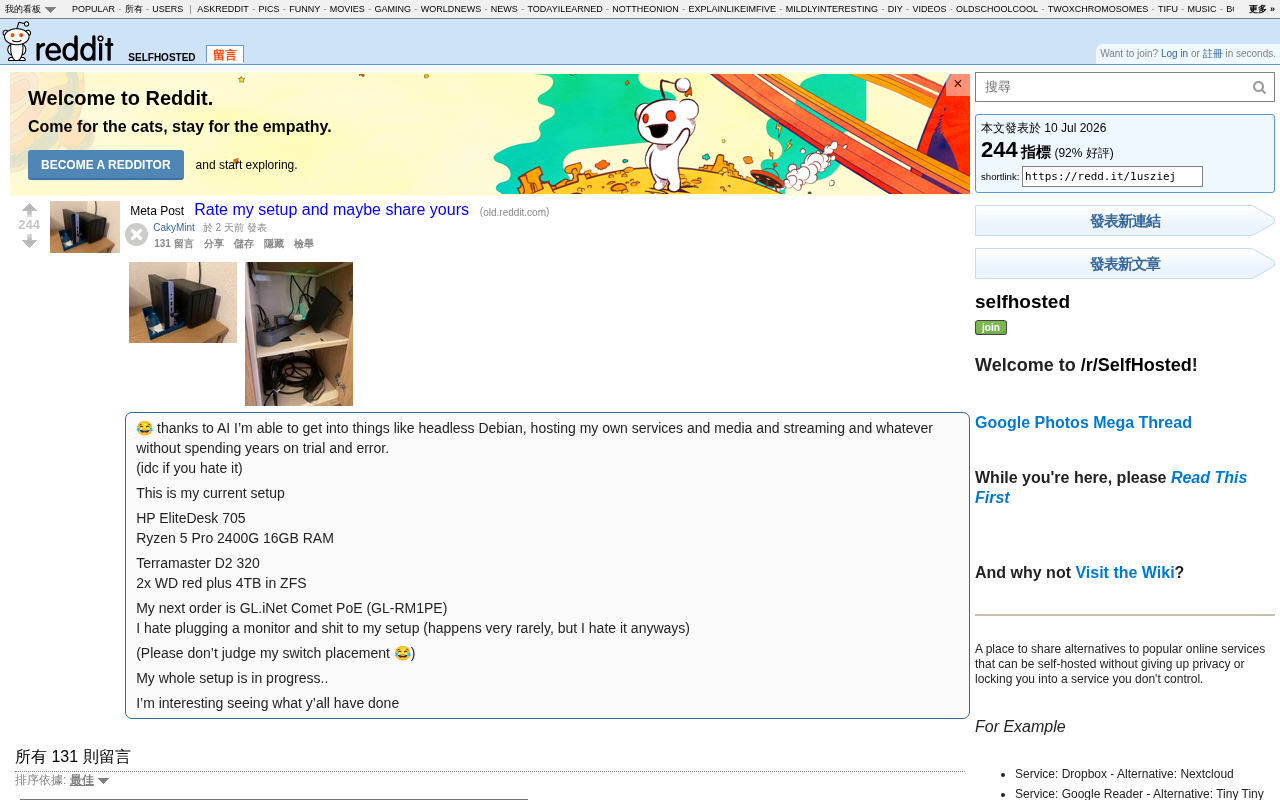
AI-Powered Home Server Setup from Scratch: Hardware Selection to Remote Management
With AI tools, beginners can build a home self-hosting server without years of experience. This guide covers hardware selection (HP EliteDesk, ZFS, IP-KVM), Docker deployment, and how AI compresses the technical learning curve.
Read more →

·5 min
The Complete Guide to Building an AI-Powered Second Brain with Obsidian + Hermes Agent
An in-depth guide to building an AI-driven second brain with Obsidian + Hermes Agent. Covers living files, VPS deployment, core memory mechanisms, and skill visualization.
Read more →

·5 min
A Deep Dive into Cloud Coding Agents: How Users in China Can Choose Wisely
What exactly is the Cloud Coding Agent Silicon Valley is hyping? This article breaks down the core concept across three axes—where it runs, who watches, where tasks start—and gives users in China practical advice on local alternatives.
Read more →

·4 min
Cursor's Three Major Announcements: Mobile App, Git Platform, and In-House Frontier Model
Cursor unveils three major updates: Cursor Mobile, Origin platform challenging GitHub, and a frontier in-house LLM trained from scratch. A deep dive into Cursor's strategy.
Read more →
Tutorials
n8n + Claude Code: Build a Fully Autom…
·3 min
n8n + Claude Code: Build a Fully Automated AI Coding Assistant — Send a Slack Message, Get a PR Automatically
Learn how to build an automated workflow with n8n and Claude Code that turns Slack messages into GitHub Pull Requests — from setup to scripts to live demo.
Read more →
 Product Reviews
·3 min
DeepSeek TUI: A Terminal AI Coding Agent with Million-Token Context, Ready to Use with One Command
DeepSeek TUI brings DeepSeek V4 Pro into your terminal with a million-token context window, one-command setup. Learn installation, usage, and ideal scenarios for AI-assisted coding in the command line.
Read more →