#Unreal Engine 5.8 MCP
10 related articles

·2 分钟
Unreal Engine 5.8 MCP Server Setup Tutorial: AI Agent-Driven Game Development in Practice
A detailed guide to configuring Unreal Engine 5.8's built-in MCP server for AI agent-driven game development, covering DeepSeek API setup, plugin activation, and natural language scene building.
阅读全文 →
·6 分钟
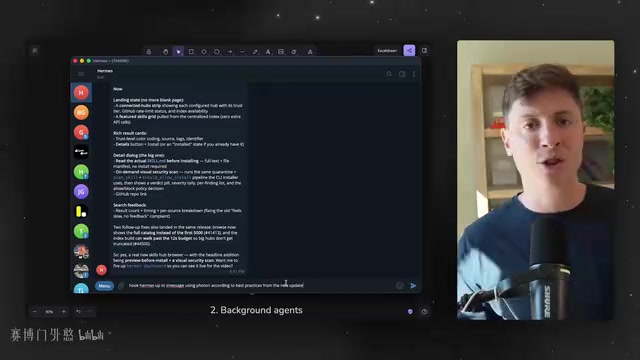
Hands-On With Hermes Agent's Eight Major Updates: A Complete Guide to AI Automation and Self-Evolution
The Hermes Agent gets a major upgrade with eight new features: native iMessage, parallel background sub-agents, Unreal Engine MCP support, a self-evolving Skill Hub, and more. A hands-on breakdown of the core changes and their real impact on personal AI automation workflows.
阅读全文 →

·5 分钟
UE5.8 + Claude Code: A Complete Guide to AI Agents Directly Controlling Unreal Engine
UE5.8's official MCP plugin enables Claude Code and other AI Agents to directly control Blueprints, PCG graphs, materials, and level design. Complete setup and testing guide included.
阅读全文 →

·3 分钟
UE5.8 + Claude Code: MCP Plugin Configuration and Hands-On Tutorial
Complete guide to configuring UE5.8's native MCP plugin: enable core plugins, install Claude Code, set environment variables, generate config files, and connect AI agents to Blueprints, PCG, and materials.
阅读全文 →

·3 分钟
UE5.8 AI MCP Plugin Hands-On Review: Can Claude Code Reliably Write Blueprints?
Hands-on review of UE5.8's AI MCP plugin across five real-world tests — door Blueprints, pickup systems, physics collisions — analyzing Claude Code's strengths, limits, and prompt tips.
阅读全文 →

·3 分钟
UE5.8 PCG City Generator Deep Dive: How AI Automatically Builds an Entire City
Deep dive into UE5.8's PCG city generator: six-layer progressive architecture, Shape Grammar modular buildings, MCP plugin AI collaboration, and how to access the sample project.
阅读全文 →

·4 分钟
UE5.8 AI Blueprint Assistant Real-World Test: 5 Challenges Reveal Claude's Actual Performance
Smart Poly tests UE5.8's MCP plugin with 5 blueprint challenges—from toggle doors to ragdoll physics. Detailed scoring reveals Claude's real strengths and limitations in UE5 blueprint development.
阅读全文 →

·3 分钟
Complete Guide to Connecting UE 5.8 with MCP Server: Codex Plugin Configuration Explained
Complete guide to connecting Unreal Engine 5.8 with MCP Server, covering UE 5.8 installation tips, VS Code Codex plugin setup, API key configuration, and MCP Server launch.
阅读全文 →

·1 分钟
UE5.8 MCP Plugin Tutorial: Generate Materials and VFX with a Single AI Prompt
Complete guide to UE5.8's built-in MCP plugin: enable plugins, configure services, connect Cursor AI Agent, and auto-generate materials, blueprints, and Niagara VFX with natural language.
阅读全文 →
 教程攻略
教程攻略·3 分钟
DeepSeek Multi-Agent Matrix + UE5.8 Official MCP: A Collaborative Development Workflow in Practice
A complete workflow for collaborative UE5 development using DeepSeek multi-Agent matrix and UE5.8 official MCP, covering pure C++ architecture, agent roles, cache optimization, and automated code review.
阅读全文 →