3 Ways to Ask ChatGPT, Claude, and Gemini the Same Question at Once and Compare the Answers
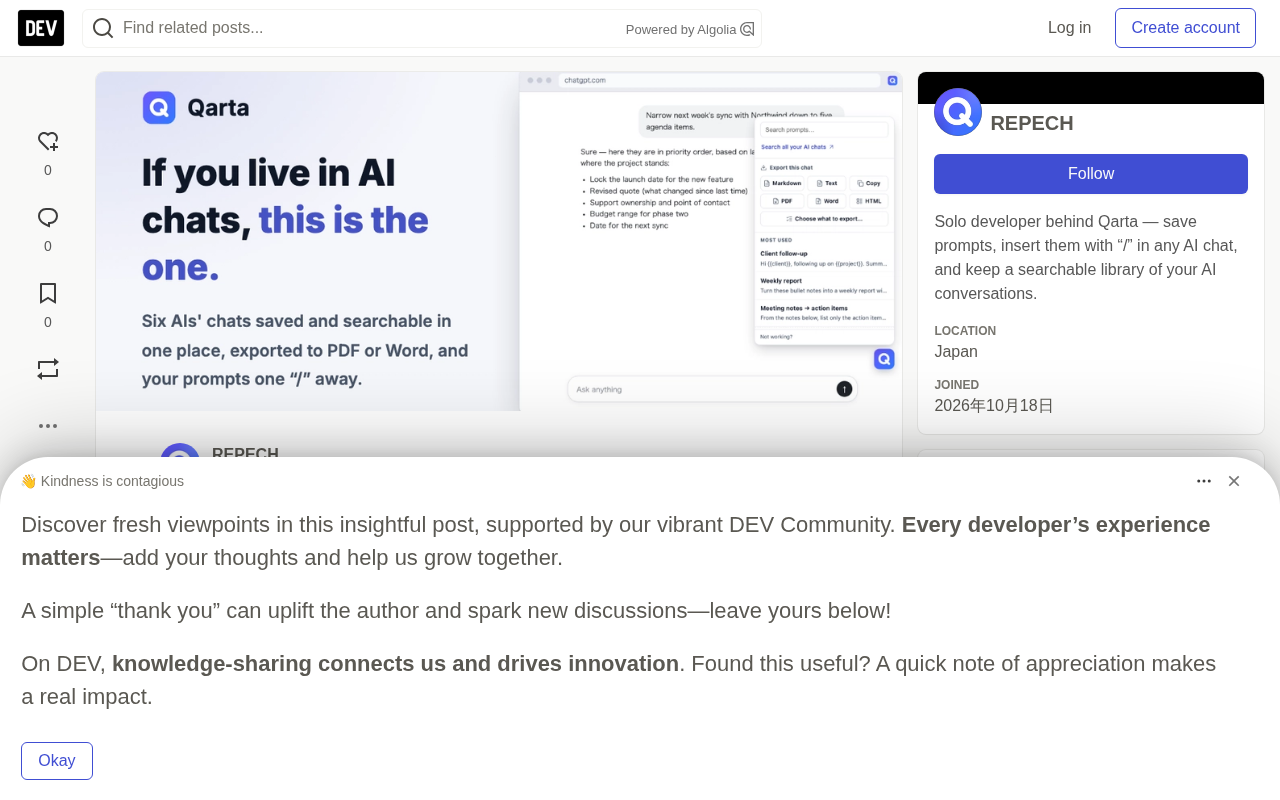
Three methods for asking multiple AIs at once and comparing answers to spot blind spots and confident errors.
The article explains that asking multiple AIs the same question is an efficient way to spot model blind spots and confident errors, useful for contract review, technical trade-offs, wording choices, and fact-checking—as long as the question is identical. It covers three methods: manual copy-paste, side-by-side playgrounds like LMArena, and the author's Qarta Chrome extension, which sends one prompt to multiple logged-in AI accounts and displays answers side by side.
Asking multiple AIs the same question at the same time is the fastest way to spot model blind spots and confident errors. This article covers three practical methods, from manual copying to tool automation, and explains when each one fits.
Why It's Worth Asking Multiple AIs at Once
ChatGPT, Claude, and Gemini each have their own strengths and blind spots. When an AI answer sounds overly confident, comparing multiple models' responses side by side quickly reveals where one model has missed or gotten something wrong. The original article notes that comparison is especially valuable in these scenarios:
- Reviewing contracts, proposals, or plans to find gaps
- Technical design choices and their trade-offs
- Wording options for important emails, sales pitches, or headlines
- Fact-checking—when one AI confidently states something, see whether the other models agree
Key principle: the question must be word-for-word identical. If the wording changes, you can't tell whether a difference comes from the model itself or from how you asked.
"Model blind spots" and "confident errors" point to a common trait of large language models: the fluency of a model's output is not strongly correlated with the correctness of its answer. Even when the content is wrong, the wording can sound just as assured. This kind of error is sometimes called hallucination, and it tends to show up more often in factual details, cited sources, and numbers. Different vendors differ in training data, alignment methods, and retrieval capabilities, so their error distributions don't overlap—which is exactly where the value of parallel questioning lies: a single model's error may not be exposed by that model itself, but it often surfaces as disagreement in another model's answer.
Method 1: Manual Copy-Paste
The most direct approach is to copy the question and paste it into each AI's tab. For two assistants, this is perfectly sufficient.
But with three or four models it becomes tedious, the answers are scattered across multiple tabs, and cross-reading itself is a chore. This method suits occasional comparisons between two models.
Method 2: Side-by-Side Model Playgrounds
Sites like LMArena offer a side-by-side mode that sends one prompt to two models and displays both replies. It's a great way to get a feel for the differences between models.
The trade-off: it's independent of your own ChatGPT, Claude, or Gemini accounts, so the conversation doesn't go into your usual history, and you can't use the settings and context you normally work with. It's suited to exploratory comparison, not deep comparison in day-to-day work.
LMArena (formerly Chatbot Arena) is a research project from UC Berkeley and other institutions, originally created to crowdsource evaluations of the relative capabilities of large language models. Users enter a prompt, two anonymous models answer simultaneously, and users vote for the better reply; these votes are aggregated into a model leaderboard (Elo ratings). The side-by-side mode evolved from this mechanism and is essentially a neutral third-party evaluation environment, so it isn't tied to any particular vendor's subscription account and can't access your personal system prompts, file context, or custom instructions.
Method 3: Send Once to Your Own AI Accounts, Then Read Side by Side
The original author developed a Chrome extension called Qarta (disclosure of interest) that sends the same prompt to multiple AIs at once: select the sites, send, and each AI opens in its own tab showing exactly the same text. Because it uses your normal accounts, each conversation is also kept in that AI's own history.
Once the answers come back, Qarta's chat library arranges them on a single screen so you can see at a glance which reply is strongest. It supports ChatGPT, Claude, Gemini, Copilot (personal edition), Perplexity, and Grok.
Sending to multiple AIs at once and the side-by-side view are Pro features ($10 per month). On the free plan, every chat across the six AIs is still saved automatically and searchable in one place for the last 30 days.
Browser extensions read the input box on your current page via a content script and then submit through each AI site's own web interface, so no API keys are needed and no extra API quota is consumed. Because submissions go through your already-logged-in sessions, the generated conversations naturally land in each platform's history and project spaces. Note that such extensions need to read and modify the page content of the target sites, so you should verify their permission scope before installing; also, each AI platform's terms of service may place different restrictions on automated actions, which is worth keeping in mind before large-scale or high-frequency use.
How to Choose
- Two AIs, occasional comparison → do it manually, keeping the question exactly identical
- Exploring model differences → use a side-by-side playground
- Regularly comparing your own AI accounts → use a tool like Qarta to send once and read side by side
It should be noted that Method 3 involves a tool developed by the author, so there is a promotional element. Readers can assess for themselves whether it's worth paying for based on their needs.
One-line Summary
Three methods for asking multiple AIs the same question at once and comparing their answers to spot model blind spots and confident errors.
Paragraph Summary
The article points out that asking multiple AIs the same question at once is an efficient way to spot model blind spots and confident errors, especially for contract and proposal review, technical trade-off analysis, wording choices, and fact-checking—situations with no single correct answer—provided the question is word-for-word identical. It presents three practical paths: manual copy-paste, suited to occasional comparison of two models; side-by-side playgrounds like LMArena, suited to exploring model differences but independent of personal accounts; and the author's Chrome extension Qarta, which sends once to multiple logged-in AI accounts and lets you read side by side while preserving each account's history, with the Pro version at $10 per month. The article closes with recommendations based on usage frequency and scenario, and discloses the author's interest in Qarta, reminding readers to evaluate it themselves.
Related articles

Linux Kernel's AI Civil War: Anti-AI Activist Elected to TAB, Torvalds Scraps AI Disclosure
Anti-AI activist Laurent Pinchart elected to the Linux kernel TAB as Linus Torvalds scraps AI code disclosure. A rundown of the kernel community's AI civil war, both sides' positions, and the impact on open source.

When Did Paid Childcare Become the Norm? Working Mothers and the Evolution of Childcare
When did paid childcare become the norm? This article traces the evolution from the rise of childcare centers in the 1970s–80s and the 1990s linking of federal subsidies to work requirements, to declining stigma and rising costs, and explores advocates' 25-year effort to catch up with other countries on childcare and paid parental leave.

Red Flags for Product-Market Fit: A Practical Guide from Top VCs and the Superhuman Founder
Investors from Iconiq and Sapphire Ventures and Superhuman founder Rahul Vohra share PMF red flags and practical methods, including the 40% disappointment rule, retention curves, and acquisition costs.