3D-Printed Rack + 3-Node Proxmox: A Deep Dive into a Second-Hand Homelab

A two-year second-hand homelab build: 3-node Proxmox cluster with a fully declarative GitOps Kubernetes stack.
A Reddit user spent two years building a complete homelab starting from a Raspberry Pi and second-hand mini PCs. Three nodes form a Proxmox VE cluster with ZFS storage, paired with a QNAP NAS and a 3D-printed rack — all sourced second-hand except the networking gear. The network uses UniFi with three VLANs for logical isolation. The software stack is the technical highlight: a Kubernetes cluster on immutable Talos Linux, fully provisioned via Terraform, managed with ArgoCD app-of-apps GitOps, and secured by OpenBao running outside the cluster to survive rebuilds. The entire design centers on being "rebuildable at any time."
A Two-Year Homelab Journey Starting with a Raspberry Pi
Many homelab enthusiasts start with a single small machine and gradually snowball from there. This Reddit user's story is a textbook example: a few years ago, he kicked things off with a Raspberry Pi 4 and an HP G3 Mini picked up from the second-hand platform Vinted. Whenever a good deal appeared online, he'd add another piece of hardware. Two years later, he feels he's finally reached what might be the "final form" of this setup.
The standout detail: everything except the switch and router was sourced from the second-hand market. This is not only a masterclass in cost control, but also a testament to how much headroom consumer and enterprise hand-me-down hardware still has for home virtualization.
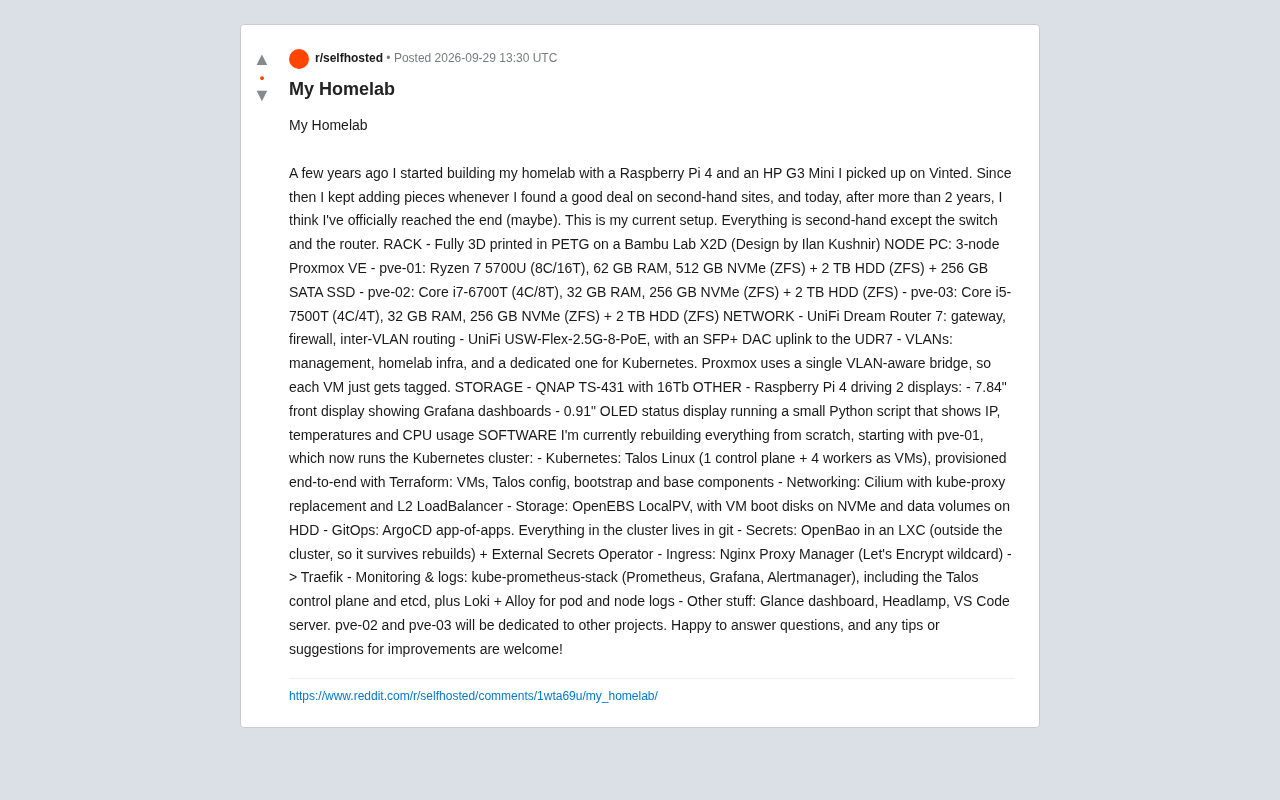
Hardware: 3D-Printed Rack and a Three-Node Cluster
The visual centerpiece of this build is a rack printed entirely in PETG filament on a Bambu Lab X2D printer, using a design by Ilan Kushnir. For hobbyists short on space who don't want to spend on a commercial rack cabinet, a 3D-printed rack is a low-cost option that doesn't sacrifice aesthetics.
Three-Node Proxmox Compute Cluster
The core compute power comes from three nodes running Proxmox VE, each with a slightly different hardware profile:
- pve-01: Ryzen 7 5700U (8c/16t), 62 GB RAM, 512 GB NVMe (ZFS) + 2 TB HDD (ZFS) + 256 GB SATA SSD
- pve-02: Core i7-6700T (4c/8t), 32 GB RAM, 256 GB NVMe (ZFS) + 2 TB HDD (ZFS)
- pve-03: Core i5-7500T (4c/4t), 32 GB RAM, 256 GB NVMe (ZFS) + 2 TB HDD (ZFS)
Notably, all three machines make heavy use of ZFS at the storage layer, providing a solid foundation for snapshots, data integrity checks, and flexible pool management. pve-01 serves as the workhorse hosting the Kubernetes cluster and carries the beefiest specs; pve-02 and pve-03 are earmarked for other standalone projects.
Proxmox VE (Virtual Environment) is a Debian-based open-source server virtualization management platform that supports both KVM full virtualization and LXC containers, with a built-in web UI, cluster management, high availability (HA), and backup features. It's one of the most popular hypervisors in the homelab community — free to use (subscriptions only unlock stable update repositories), low on resource overhead, and well-compatible with second-hand consumer hardware. ZFS (Zettabyte File System) is a storage solution that combines a file system with a volume manager. Its key features include copy-on-write (CoW) for data consistency, built-in checksums to prevent silent data corruption (bit rot), near-zero-cost snapshots and clones, and RAID-Z redundancy modes. Using ZFS as a VM storage pool on Proxmox lets you leverage snapshots for backups and automatically detect and repair silent disk errors — a cost-effective data protection choice for home virtualization.
Storage and Peripherals
A QNAP TS-431 provides 16 TB of network storage. A Raspberry Pi 4 handles dashboard duties, driving two displays: a 7.84-inch screen showing Grafana dashboards, and a 0.91-inch OLED running a small Python script that displays IP address, temperature, and CPU usage in real time. Adding a status screen to the rack is a beloved ritual in the homelab community.
Networking: VLAN Segmentation and 2.5G Switching
The network runs entirely on the UniFi ecosystem — one of the few areas where new hardware was purchased.
- UniFi Dream Router 7: Handles gateway, firewall, and inter-VLAN routing
- UniFi USW-Flex-2.5G-8-PoE: 2.5G switch, uplinked to the UDR7 via SFP+ DAC
The network is divided into three VLANs: a management network, a homelab infrastructure network, and a dedicated segment for Kubernetes. Proxmox uses a single VLAN-aware bridge — each VM just needs the appropriate VLAN tag to land in the right segment. This design simplifies configuration while achieving logical isolation, a sensible step up from a flat home network.
Software Stack: A Fully GitOps Kubernetes Rebuild
The most technically sophisticated part of this homelab is the software layer. The author is currently rebuilding the entire environment from scratch, starting with the Kubernetes cluster running on pve-01.
Declarative Infrastructure
The cluster is built on Talos Linux, using a topology of 1 control plane + 4 worker VMs, fully provisioned end-to-end with Terraform — from VMs and Talos configuration to bootstrapping and base components, all codified. As an immutable, API-driven OS purpose-built for Kubernetes, Talos is a natural fit for the "rebuild at any time" philosophy.
Talos Linux is an immutable operating system designed exclusively to run Kubernetes: no SSH, no interactive shell — all configuration is applied declaratively via API (talosctl), and the filesystem is mounted read-only. The core advantage of this design is reproducibility — if any node is lost, simply reapplying the same config file fully restores it, with no configuration drift from accumulated manual changes. Terraform is HashiCorp's Infrastructure as Code (IaC) tool that describes the desired state of resources (VMs, networks, DNS records, etc.) using HCL, then automatically computes diffs and handles creation, modification, and destruction. Combining Terraform with Talos means the entire Kubernetes cluster lifecycle — from VM creation in Proxmox, to Talos node configuration, to cluster bootstrapping — can be completed with a single command, making "infrastructure as code" a reality.
Networking, Storage, and GitOps
- Networking: Cilium with kube-proxy replacement and L2 LoadBalancer
- Storage: OpenEBS LocalPV, with VM boot disks on NVMe and data volumes on HDD
- GitOps: ArgoCD app-of-apps pattern, with everything in the cluster stored in Git
- Secret Management: OpenBao running in an LXC container outside the cluster so it survives cluster rebuilds, used alongside External Secrets Operator
Keeping OpenBao outside the cluster is a detail worth studying — it avoids the chicken-and-egg problem of losing secrets when you rebuild the very cluster that holds them.
GitOps is an operational paradigm that uses a Git repository as the single source of truth for a system: all infrastructure and application configuration lives in Git, changes are reviewed via Pull Request, and automated tooling (like ArgoCD) continuously syncs the repo state to the cluster. ArgoCD's app-of-apps pattern is a hierarchical way of organizing applications: a top-level "parent Application" declares all other "child Applications" in its manifests; ArgoCD recursively syncs this tree, allowing every component in the cluster to be managed and rolled back through a single entry point. OpenBao is the open-source community fork of HashiCorp Vault, providing secret storage, dynamic credential generation, and encryption-as-a-service; External Secrets Operator automatically syncs secrets from OpenBao into Kubernetes Secret objects, letting Pods consume secrets transparently without ever storing sensitive data in plaintext in a Git repository.
Ingress and Observability
The ingress chain runs Nginx Proxy Manager (with Let's Encrypt wildcard certificates) forwarding to Traefik. Monitoring and logging use the kube-prometheus-stack (Prometheus, Grafana, Alertmanager), covering the Talos control plane and etcd, plus Loki + Alloy for collecting Pod and node logs. Additional tools deployed include a Glance dashboard, Headlamp, and a VS Code server.
What This Setup Teaches Us
The value of this homelab isn't in the raw hardware — it's in the conceptual completeness: second-hand hardware lowers the barrier to entry, ZFS protects data, VLANs enforce isolation, and Terraform + Talos + ArgoCD form a fully declarative, rebuild-at-any-time infrastructure.
For anyone looking to build their own lab, a few key takeaways stand out: prioritize second-hand enterprise mini PCs (think Tiny/Mini form factors) for the best value; decouple stateful services like secret managers from the cluster you intend to rebuild; and use GitOps to turn your entire environment into versioned, auditable code. This isn't just a toy — it's a private cloud learning platform that mirrors real production practices.
Related articles

CSS Anchor Positioning: A New UI Positioning Approach Without JavaScript
A deep dive into CSS Anchor Positioning: from anchor-name and position-anchor to the anchor() function, position-area shorthand, position-try-fallbacks, anchor-size, and upcoming anchor queries.

New AI Chart Interaction: Continuous Follow-up Questions and Visualization in Conversation
Explore a new AI interaction method for continuously generating charts in conversation. Use the /visualize command to ask follow-up questions and visualize answers in the same chat window, improving data analysis efficiency.

Cursor Merges Into X Subscription: Paid Plans Share Unified Usage Pool, Grok Model Coding Usage Doubled
Cursor joins The X Subscription with a unified usage pool and doubled Grok coding quota. Third-party models shift to API pricing. Existing users can keep or migrate plans.