6 Free GitHub Security Settings Every Maintainer Should Enable
6 Free GitHub Security Settings Every …
Six free GitHub security settings every open source maintainer should enable to protect their project.
Open source projects face growing threats from supply chain attacks and credential leaks. GitHub provides six free, easy-to-configure security features — 2FA, Dependabot alerts, secret scanning, branch protection, permission reviews, and code scanning — that collectively cover authentication, dependency safety, and code integrity, helping maintainers significantly raise the cost of attacks with minimal effort.
Why Every Maintainer Should Care About These Settings
Open source project security is facing unprecedented challenges. In recent years, attacks targeting open source supply chains have surged — from NPM packages injected with malicious code to repository hijackings carried out through stolen credentials. Attackers have long set their sights on seemingly obscure open source projects that are widely depended upon.
Open source supply chain attacks are nothing new, but their scale and sophistication are escalating rapidly. As far back as 2016, the left-pad incident exposed the fragility of the open source ecosystem — when the author unpublished an 11-line NPM package, thousands of projects failed to build. Attackers quickly realized that infiltrating a dependency chain is far cheaper and more rewarding than directly attacking a hardened target system. Industry frameworks like SLSA (Supply-chain Levels for Software Artifacts) and SSDF (Secure Software Development Framework) emerged as systematic responses to this growing threat.
What makes open source supply chain attacks so dangerous is their asymmetric nature: rather than breaching a well-defended large system head-on, an attacker only needs to compromise one widely-used upstream component to multiply their attack surface dramatically. The examples are plentiful: in 2021, the ua-parser-js incident saw an NPM package with over 8 million weekly downloads hijacked and laced with cryptomining and credential-stealing code, affecting millions of downstream projects. In 2022, the node-ipc incident involved a maintainer deliberately embedding destructive code into their own package. And the 2020 SolarWinds supply chain attack elevated this threat model to the level of nation-state conflict. These events share a common lesson: your project, regardless of size, could be an attacker's stepping stone to a much larger target.
As GitHub's official blog emphasizes: these six free settings won't make your project bulletproof — nothing can. But they will do one thing: close the doors that are easiest to kick open. Once enabled, your project becomes meaningfully harder to attack than it was before.
Security isn't a binary state of "secure" or "insecure" — it's a continuous process of raising the cost for attackers. For open source maintainers with limited time and resources, these out-of-the-box free features offer the highest return on investment of any protective measure available.
The Six Core Security Settings Explained
1. Enable Two-Factor Authentication (2FA)
Compromised account credentials are the leading cause of repository hijacking. Once an attacker obtains a maintainer's password, they can push malicious code, tamper with releases, or even delete the repository outright. With two-factor authentication enabled, a stolen password alone is no longer enough to log in.
GitHub has already made 2FA mandatory for code contributors at the platform level — which itself speaks to its importance. It's recommended to use a TOTP (Time-based One-Time Password)-based authenticator app (such as Google Authenticator or Authy) or a hardware security key (such as a YubiKey) rather than SMS verification. TOTP is based on the RFC 6238 standard: the authenticator app shares a secret key with the server and generates a 6-digit dynamic code every 30 seconds based on the current timestamp. Even if intercepted, the code expires almost immediately (typically with a ±30-second tolerance window). Hardware security keys go a step further, using a cryptographic chip on a physical device to perform challenge-response authentication, fundamentally defeating phishing attacks.
Worth noting is Passkey, the next-generation passwordless authentication standard based on the FIDO2/WebAuthn protocol, which is gradually becoming a more secure alternative to TOTP. It stores the private key in the device's secure chip, where it never leaves the device, fundamentally eliminating the possibility of phishing attacks. GitHub began supporting Passkey login in 2023, representing an important evolution in account security technology.
By contrast, SMS verification codes are vulnerable to SIM Swapping — where attackers use social engineering to convince a carrier to transfer a victim's phone number to a SIM card they control, allowing them to intercept all SMS codes.
2. Enable Dependabot Alerts
Modern software projects often depend on hundreds or thousands of third-party libraries, and a vulnerability in any one of them can become the weak link for the entire project. Dependabot Alerts automatically scans your dependency tree and notifies you whenever a known vulnerability (CVE) is discovered.
CVE (Common Vulnerabilities and Exposures) is a globally unified vulnerability numbering system created by MITRE in 1999, now containing over 200,000 vulnerability records. Every publicly disclosed security vulnerability receives a unique CVE identifier (e.g., CVE-2021-44228, the infamous Log4Shell vulnerability). The companion CVSS (Common Vulnerability Scoring System) provides a quantitative score from 0 to 10, helping maintainers prioritize high-severity vulnerabilities — turning "which one do I fix first" from a gut-feel decision into a data-driven one.
Dependabot works by continuously monitoring the GitHub Advisory Database (which aggregates vulnerability data from NVD, npm, PyPI, and other ecosystems) and comparing it against your project's dependency lock files (such as package-lock.json or requirements.txt). It's worth noting that not all vulnerabilities receive a CVE — some ecosystems (like Go and Rust) maintain independent vulnerability databases (such as the Go Vulnerability Database), which Dependabot has also integrated to ensure broader coverage. When a match is found, it not only raises an alert but can automatically create a Pull Request to upgrade the affected dependency to a safe version. This transforms what was once a tedious manual audit into an almost zero-cost automated workflow.
3. Enable Secret Scanning
Developers accidentally committing API keys, access tokens, or database passwords to a repository is an extremely common mistake. Once these leaked credentials are captured by an attacker's automated tools, the consequences can be severe.
The damage from credential leaks is often underestimated, and their irreversibility is frequently overlooked. Git's content-addressable storage means history is persistent: even if you delete a commit containing a secret, the object still exists in the .git directory until garbage collection runs. More dangerously, once a repository has been cloned or forked, the leaked credentials exist permanently in all copies. Tools like git-filter-repo can rewrite history, but doing so changes the hash of every subsequent commit, causing serious disruption to collaborative projects. Therefore, the only reliable remedy after a credential leak is to immediately revoke and rotate the credentials — not to attempt erasing them from history.
The internet is full of automated bots that crawl public repositories and can discover and attempt to exploit leaked credentials within seconds of a commit being pushed. GitHub's secret scanning feature has built-in recognition patterns for over 200 known credential formats, covering API key formats from AWS, Google Cloud, Stripe, Slack, and other major services. Combined with Push Protection, it can even intercept secrets before they're pushed to the repository, issuing a warning directly in the developer's terminal and blocking the push — preventing credential leaks at the source rather than cleaning up afterward. This is the fundamental difference between prevention and damage control.
4. Configure Branch Protection Rules
Setting protection rules for your main branch (e.g., main) effectively prevents unreviewed code from being merged directly. Common measures include: requiring at least one reviewer to approve a Pull Request, requiring CI status checks to pass, and disabling force pushes.
Force push is an operation that deserves particular attention — it allows a user to overwrite a remote repository's commit history with their local history, erasing any audit trail. Disabling force pushes combined with Require Linear History ensures that every change to the main branch has a complete, tamper-proof record. For projects with higher security requirements, you can also enable Require Signed Commits, which uses GPG or SSH keys to cryptographically sign each commit, proving the committer's identity at a cryptographic level and preventing identity spoofing. For collaborative projects, branch protection rules serve as both a security barrier and a code quality safeguard, ensuring every change merged into the main branch has gone through the necessary review process.
5. Review Collaborators and Access Permissions
Permission management follows the Principle of Least Privilege (PoLP) — every account should have only the minimum level of access required to perform its responsibilities, and no more. Maintainers should regularly review the project's collaborator list, remove members who are no longer active, and ensure each person's permission level matches their actual responsibilities. A dormant account with admin privileges is a potential attack vector.
The Principle of Least Privilege is one of the foundational principles of information security, and its core logic is: the attack surface is proportional to the total permissions granted. In GitHub's permission hierarchy, from lowest to highest: Read, Triage (managing Issues/PRs), Write (pushing code), Maintain (managing repository settings without sensitive operations), and Admin (full control). In practice, most contributors only need Write access, while Admin access should be strictly limited to core maintainers.
For organization-level projects, make good use of the Teams feature to manage permissions in groups, avoiding the confusion and oversights that come with granting access repository by repository. Permission audits shouldn't be a one-time exercise — a quarterly review of the collaborator list is recommended, promptly removing access for departed members or long-inactive accounts. A forgotten former maintainer's account could become an attacker's entry point years later.
6. Enable Code Scanning
Unlike Dependabot, which detects known vulnerabilities in dependencies, code scanning (powered by tools like CodeQL) targets security flaws in your own code — such as SQL injection, cross-site scripting (XSS), and more. It performs static analysis at the Pull Request stage, surfacing vulnerabilities before they're merged.
CodeQL is a code analysis engine open-sourced by GitHub following its acquisition of Semmle, and its approach is fundamentally different from traditional rule-based static scanning tools. CodeQL transforms code into a queryable relational database containing the AST (Abstract Syntax Tree), data flow graph, and call graph, then uses a SQL-like query language to perform deep analysis of data flow, control flow, and call relationships. This enables it to trace complex vulnerability paths spanning multiple functions and files — for example, tracking whether a variable originating from user input ultimately flows into a database query without sanitization (SQL injection), or into HTML output (XSS).
This type of analysis falls under SAST (Static Application Security Testing), which complements DAST (Dynamic Application Security Testing) that detects vulnerabilities at runtime. The SAST space has long been dominated by commercial tools like Checkmarx and Veracode, whose high costs put them out of reach for most small and medium open source projects. CodeQL's open-sourcing changed this landscape — GitHub's security research team continuously maintains and publicly releases query rule sets targeting various CWE (Common Weakness Enumeration) categories, enabling ordinary maintainers to benefit from professional-grade vulnerability detection without needing a deep security background. For public repositories, GitHub's code scanning is completely free. Integrating it into your CI pipeline is the equivalent of having a round-the-clock security auditor on your project.
The Right Mindset for Security
These six settings share a common trait: free, out-of-the-box, and configured once for long-term benefit. Together they cover six dimensions — authentication, dependency security, credential protection, process control, permission governance, and code quality — forming a relatively complete baseline defense.
The true purpose of security is to raise the cost of attack — when the effort required to compromise your project exceeds the potential reward, the vast majority of opportunistic attackers will move on. There's a classic model in security called Defense in Depth: a concept borrowed from military strategy and introduced to information security by the NSA in the early 2000s. Its core assumption is that any single defensive measure will eventually fail, so you must build multiple independent layers of defense.
In the context of open source project security, these six settings each address different attack vectors and attack stages: 2FA defends against account takeover, secret scanning defends against credential leaks, Dependabot defends against supply chain poisoning, code scanning defends against code injection, branch protection defends against unauthorized changes, and permission reviews defend against insider threats. The failure of any one layer doesn't cause the entire defense to collapse — an attacker must simultaneously overcome multiple independent barriers to succeed. This is precisely the value of locking each of those "easy to push open" doors, one by one.
For open source maintainers whose time and energy are precious, rather than spending hours researching complex security solutions, start by spending a week turning on all six of these free switches. It may be the single most efficient step you can take to protect your project, your users, and the entire downstream ecosystem.
Closing Thoughts
Open source software is the foundation of the modern digital world, and every maintainer is a guardian of that foundation. Security shouldn't be a burden addressed only after something goes wrong — it should be a routine part of ongoing maintenance.
The free tools GitHub provides have dramatically lowered the barrier to solid baseline security. Take some time this week to enable them one by one — your project will become meaningfully harder to attack, and that is the most tangible value security work can deliver.
Related articles
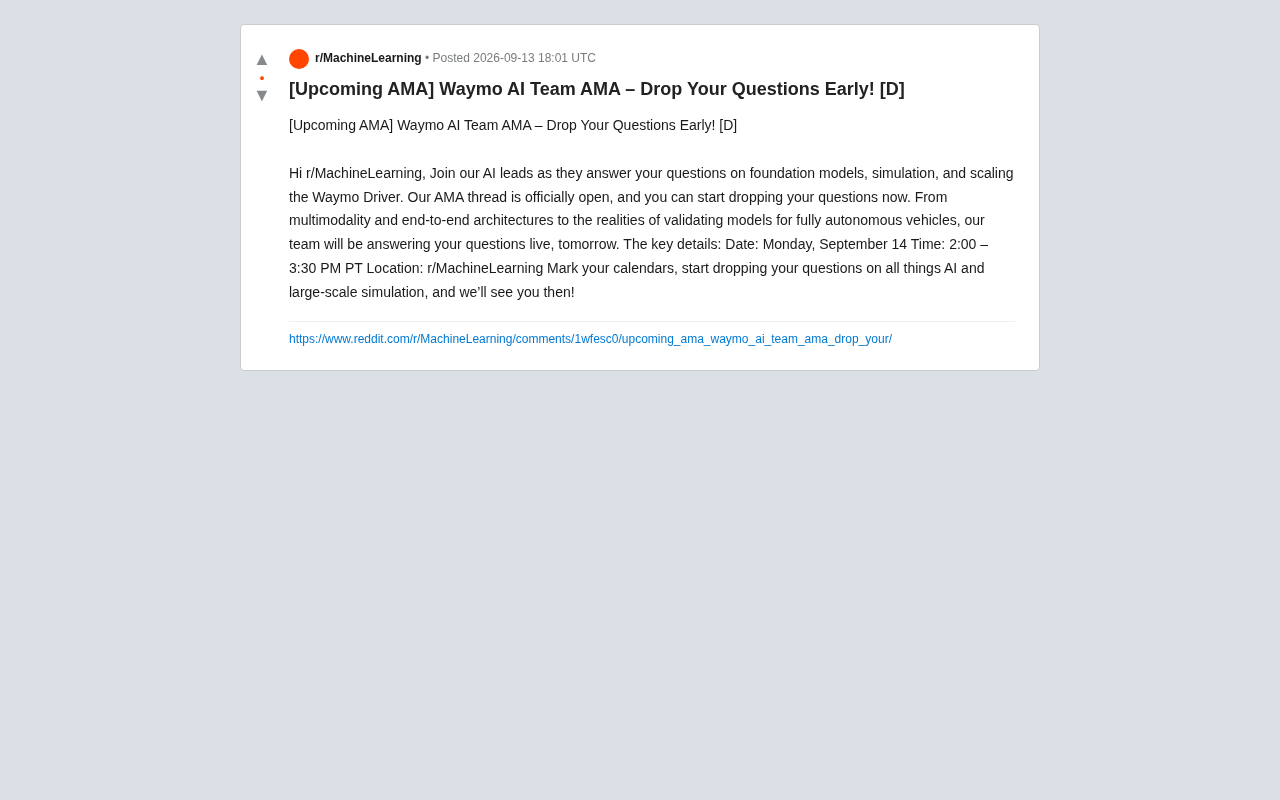
Waymo AI Team to Host AMA: Focusing on Foundation Models and Autonomous Driving Simulation
Waymo's AI technical leads are hosting an AMA on Reddit's r/MachineLearning, covering foundation models, large-scale simulation, multimodality, and end-to-end autonomous driving architectures.
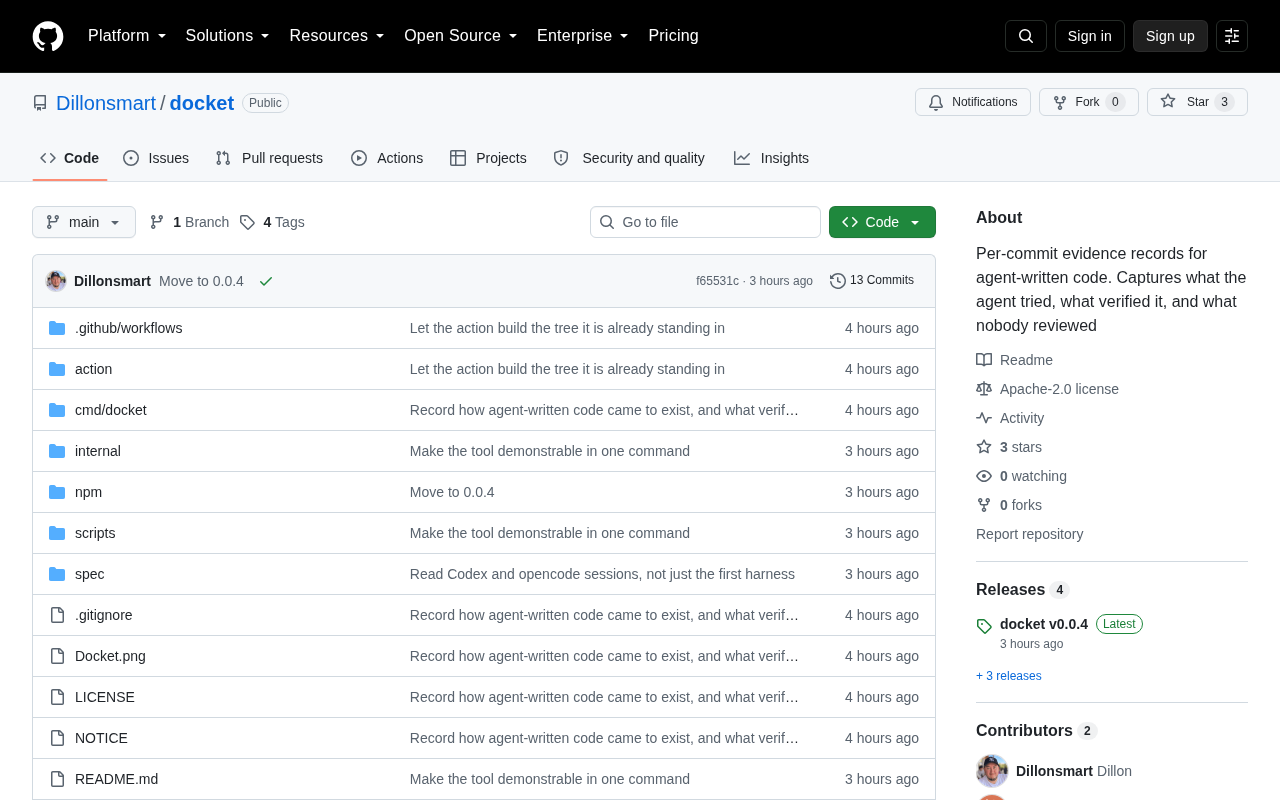
Docket: Building Per-Commit Evidence Trails for AI Agent-Generated Code
Docket builds per-commit evidence trails for AI agent-generated code, making every AI commit traceable, auditable, and verifiable — a pragmatic step in AI coding governance.
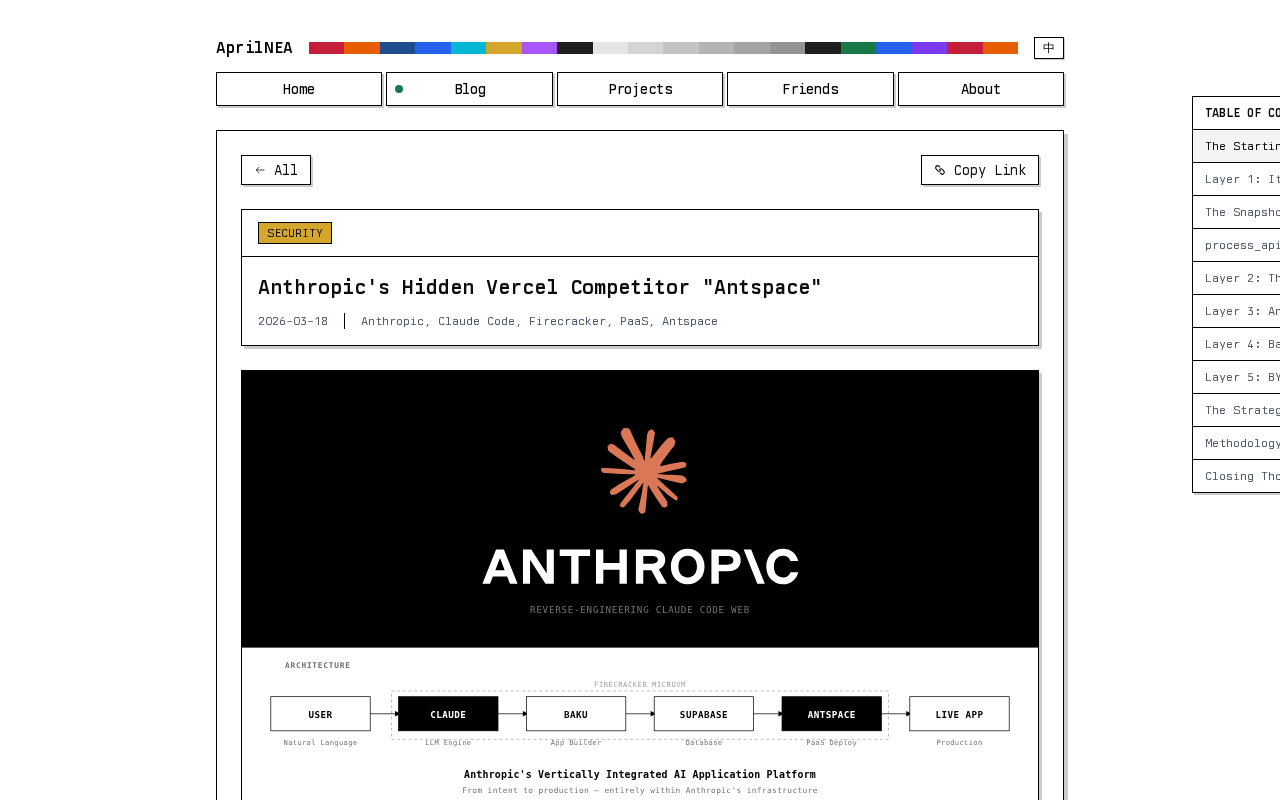
Reverse-Engineering Claude Web's Sandbox: Uncovering Anthropic's Hidden MicroVM
A reverse-engineering analysis of Claude Web's code sandbox reveals Anthropic's likely MicroVM architecture and internal "Antspace" environment, with insights for AI product security.