6 Genuinely Free AI Coding Tools Tested: Free Tiers and Hidden Limits Explained
Six free AI coding tools tested, revealing real free-tier quotas and hidden traps, with a combined-use strategy.
Based on YouTube creator Byte's review, this article cross-validates six supposedly free AI coding tools as of October 2026. GitHub Copilot's free tier offers about 2,000 completions per month and is the safest default, though chat and Agent features now use metered credits. Cursor and Devon Desktop don't publish quotas; online numbers are estimates. Google closed Code Assist's free individual requests in June 2026, with Antigravity as the replacement; Amazon Q Developer's free tier is closed to new users, with Kiro as successor. Replit offers public projects with a 30-day lifespan but requires spending limits. The article recommends combining free tools and sticking to "AI writes, you review"; daily Agent users should just pay.
GitHub Copilot: The Safest Default Choice
Copilot plugs into the editor you already use — VS Code, JetBrains, Visual Studio, NeoVim, even Xcode. It completes lines, functions, and sometimes entire code blocks as you type. The free tier offers roughly 2,000 completions per month, a figure derived from multiple sources aggregated as of October 2026.
A detail worth noting: in June 2026, GitHub migrated chat and Agent features to a metered AI credits system, so that "50 chats per month" figure should be treated as approximate. Pro costs $10 per month, and verified students, teachers, and open-source maintainers can get Pro for free.
The core limitation of the free tier is "burn rate" — use chat all day or run Agent sessions on a large codebase, and credits drain quickly. Free users also can't choose their model; GitHub assigns one automatically. For light everyday use, the free version is genuinely sufficient.
Metered AI credits is a billing model GitHub introduced in June 2026, replacing the previous simple "chat count" quota. The core logic: different operations consume different amounts of credits — a simple inline completion costs very little, while an Agent session involving multi-file context or a long conversation can consume a large number. This means the "50 chats per month" claim is no longer accurate, because the same chat can deduct several times as many credits depending on context length and model choice. For free users, credits may run out mid-month or even early in the month, depending on usage intensity. Understanding this mechanism helps judge whether the free tier is enough: light completions are nearly imperceptible, but heavy Agent users will hit the ceiling fast.
Cursor: An Agent Editor Worth Experiencing Yourself
Cursor is built on VS Code, and most extensions migrate over, but AI is the product itself rather than a plugin. Its Agent can plan changes and edit multiple files simultaneously.
The free Hobby plan offers "limited urgent requests and limited Tab completions" — precision matters here, because information online isn't accurate: Cursor has not published specific numbers. The "about 2,000 completions and 50 slow requests" circulating on blogs are estimates, not official data.
The catch: there's a one-week Pro trial at signup, after which limits arrive quickly for everyday coders. Frontier models, cloud Agents, and the full multi-file Composer feature are all paid-tier. Pro is $20 per month, or $16 with annual billing.
My advice: first use the free version on your own code to experience Agent editing. If the Agent becomes a daily dependency, that's your signal to pay.
Agentic editors are fundamentally different from traditional AI completion plugins. A completion plugin only predicts the next piece of code at your cursor, whereas an Agent editor can accept a high-level task description (e.g., "add a caching layer to this module"), autonomously plan steps, read multiple files, propose and apply cross-file edits, and even run tests. Cursor's Composer feature is a typical example: it maintains a task context and coordinates multiple model calls to complete complex edits. This capability places higher demands on the free tier — each Agent session may consume dozens of model requests, so free quotas are often limited in the form of "slow requests" or "urgent requests." Understanding the difference between Agents and completions explains why free tiers hit the ceiling more easily in Agent scenarios.
Google Antigravity: The Current Entry Point Replacing Code Assist
This section needs a "plot twist" warning: skip it, and you might waste an afternoon on a tutorial that no longer works.
Code Assist was once the most generous free tier in aggregated reviews when it launched — up to 6,000 requests per day, roughly 180,000 per month. Later reports cited about 1,000 requests per day using a Google account through the command-line tool. Both numbers were valid at different times.
What actually changed the recommendation: Google stopped offering free individual requests in the Code Assist extension and command-line tool on June 18, 2026, directing users to Antigravity. Don't install the old free tier and expect it to work — that door has closed.
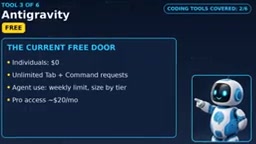
The current free alternative for individuals is Google Antigravity, at $0. It offers unlimited Tab completions and command requests, with Agent usage subject to a weekly rate limit. Google describes this limit by tier rather than publishing specific numbers, so don't make them up. Pro access is about $20 per month.
Google Code Assist is Google's AI coding assistant for individual developers, once known for its generous free tier (thousands of requests per day). It was offered through IDE extensions and a command-line tool, powered by Gemini models under the hood. On June 18, 2026, Google stopped offering free requests to individual users, redirecting traffic to its new product Antigravity. This migration isn't a simple rebrand: Antigravity is a separate Agent-first platform offering unlimited Tab completions but with Agent usage subject to a weekly rate limit. The old Code Assist extension can still be installed, but free requests will be rejected, so the many tutorials from 2025 through early 2026 online are now obsolete. Recognizing this timeline saves you from wasting time on outdated information.
Amazon Q Developer: A Valuable Warning
Amazon Q is Amazon's AI assistant for IDEs and the command line. It can chat about code, run Agent tasks, and is particularly strong at one job: upgrading legacy Java and .NET code — migration work nobody volunteers for.
The published free tier offered 50 Agent requests per month plus up to 1,000 lines of code transformation per month. Pro is $19 per user per month.
But here's the warning: Amazon blocked new Q Developer free-tier accounts and new subscriptions on May 15, 2026, and IDE plugin support ends April 30, 2027. The successor is Kiro. New users can no longer sign up for the Q Developer free tier.
If you already have an account, use it while planning your migration to Kiro; new users should skip it entirely — Copilot, Cursor, or Antigravity are better choices.
Kiro is Amazon's next-generation AI development environment, positioned as the successor to Q Developer. Unlike Q Developer, which focuses on IDE plugins and a command-line assistant, Kiro emphasizes end-to-end Agent workflows from requirements to code, with deep AWS integration. Amazon has made clear that Q Developer's IDE plugin support ends April 30, 2027, and new users can no longer sign up for the free tier. For teams with existing Q Developer accounts, I recommend evaluating a migration path to Kiro while continuing to use it; for new users, choosing Kiro or another active tool directly is wiser. This transition reminds us: free tiers are limited not only by quotas but also by product lifecycle, so watch the vendor's roadmap when choosing tools.
Devon Desktop (formerly Windsurf): Agent-First Editor
Windsurf came from Codium, and after being acquired by Cognition, it was relaunched as Devon Desktop in June 2026. People still search for Windsurf, but the official name is now Devon Desktop.
The free tier looks generous: unlimited Tab completions and inline edits, plus lightweight daily and weekly quotas for Agent work. How light? The vendor hasn't published that quota, and we shouldn't pretend to know. An earlier "about 25 cascade operations per month" figure came from the credit system before March 2026 and serves only as approximate historical reference.
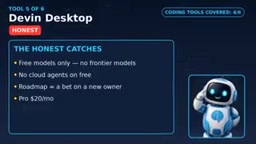
The catch: free users get limited models, with no access to advanced frontier models. The roadmap now belongs to Cognition's Devon initiative — a bet on a new owner, not just a new name. Pro is $20 per month.
If you mainly write code by hand and occasionally experiment with Agents, Devon Desktop is worth a try; all-day Agent work will blow through the lightweight quota quickly.
Replit: Your First App in the Browser
Replit runs entirely in the browser with no installation required. Describe an app in natural language, and the Replit Agent builds it, configures the environment, and gives you a shareable live app. It supports multiplayer collaboration and is great for learning.
The free Starter tier offers a daily Agent allowance (with a monthly cap) and one published app. That app goes offline after 30 days, and Starter-tier projects are public — a genuinely usable real app, with an expiration date and an audience.
The money-related catch deserves more attention: large builds burn Agent credits fast, and Replit will keep billing after your monthly credits run out unless you set a usage cap. Always set a spending limit before publishing. Core is $20 per month, or $18 with annual billing.
Replit suits a first app, learning, and an afternoon of prototyping — not running a business. A public project that expires in 30 days is a demo, not a company.
Combining Strategy: How to Use Free Tiers Correctly
Six tools, six use cases, total spend still $0. The real advanced strategy is combining them: prototype in Replit in the afternoon, refine real code in Cursor or Copilot, let Agents draft the boring parts, then review line by line. Each free tier rations its quota differently, so combining beats any single tool.
The golden rule: AI writes, you review. Run tests, double-check security-sensitive code, and never hand over secrets.

Who Should Still Pay
Developers who use chat or Agent mode daily — if the Agent is part of your morning routine, free limits will block you by Wednesday. The same goes for teams handling sensitive code or customer data: code goes to someone else's servers, so read the privacy terms or use local tools. Team collaboration, shared projects, and admin controls are also all paid-tier.
Who Shouldn't Switch
People expecting free tools to replace paid Agents for large multi-file projects. A free 50-file refactor will stall halfway through — and "halfway" is dangerous, because the code looks finished when it isn't.
Also, don't build a business on deprecated tools (like Q Developer) or closed free entry points (like the old Code Assist). The blogger also deliberately excluded one tool, Continue.dev: some October 2026 sources say its repository has turned read-only and is no longer actively maintained, while other roundups still list it as free — that conflict failed the fact-checking threshold, so it's excluded for now.
Use free tiers for learning and light work, and pay when a tool earns its salary.
One-line Summary
Six free AI coding tools tested, revealing the real quotas and hidden traps of free tiers, plus a combined-use strategy.
Paragraph Summary
Based on YouTube creator Byte's review, this article cross-validates the real-world availability of six supposedly free AI coding tools as of October 2026. GitHub Copilot's free tier offers about 2,000 completions per month and is the safest default, though chat and Agent features have shifted to a metered credit system. Cursor and Devon Desktop don't publish specific quotas, and online numbers are only estimates. Google closed free individual requests for Code Assist in June 2026, with Antigravity becoming the replacement entry point; Amazon Q Developer's free tier is closed to new users, with Kiro as its successor. Replit offers public projects with a 30-day lifespan, but you need to set spending limits. The article recommends combining multiple free tools and sticking to the "AI writes, you review" golden rule; developers using Agents daily should just pay.
Related articles
AWS Launches Official Agent Toolkit: Letting AI Agents Directly Build and Manage AWS Applications
AWS launches the official Agent Toolkit, letting AI coding agents directly build and manage AWS apps across CDK, CloudFormation, Serverless, Bedrock Agents, and DevSecOps.
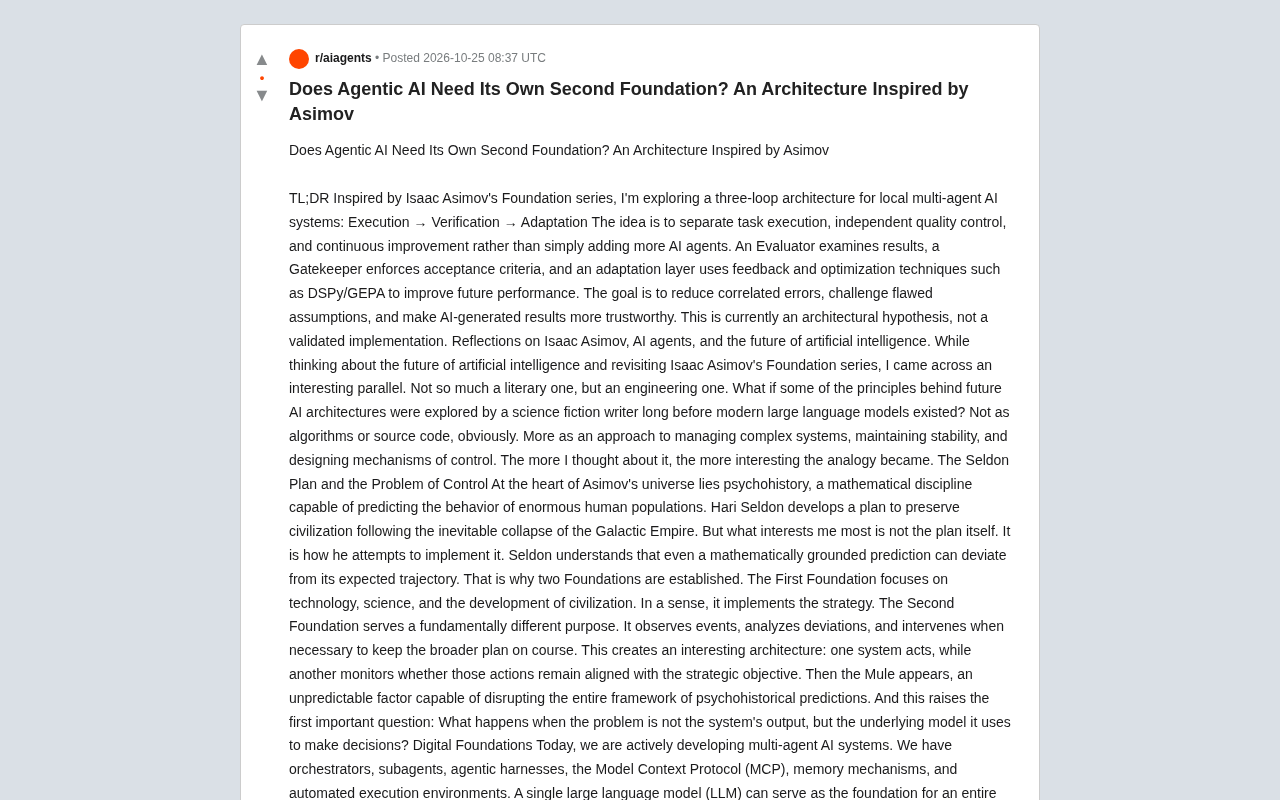
Does Agentic AI Need Its Own "Second Foundation"? A Three-Loop Architecture Explored
Inspired by Asimov's Foundation series, a multi-agent AI architecture hypothesis proposes execute, verify, and adapt control loops to reduce correlated errors and improve trust in AI results.
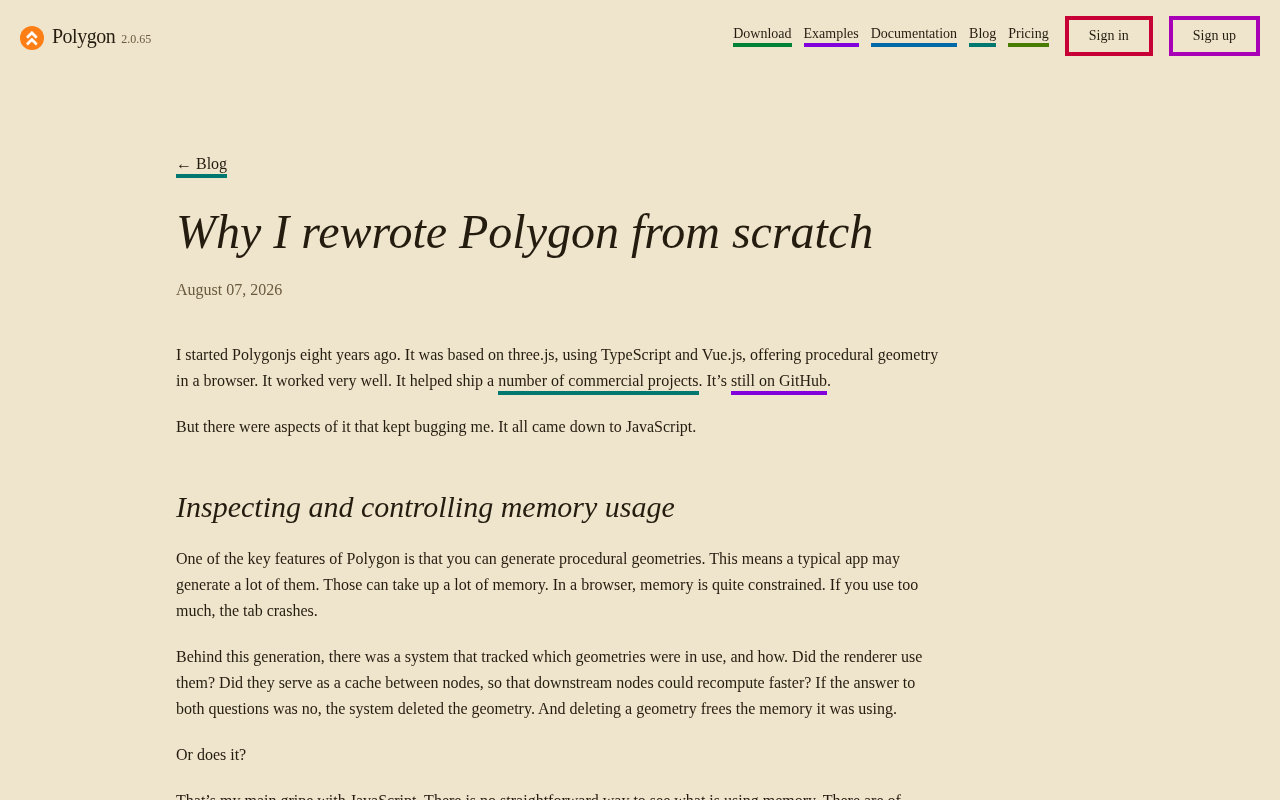
Rewriting a Commercial Engine in Jai: The Trade-off Between Performance and Productivity
Exploring the engineering practice of rewriting a commercial game engine in Jai: compile-time metaprogramming and data-oriented design advantages, plus ecosystem maturity and learning curve challenges.