AWS Launches Official Agent Toolkit: Letting AI Agents Directly Build and Manage AWS Applications
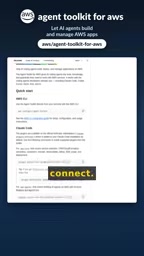
AWS launches the official Agent Toolkit, letting AI coding agents directly build and manage AWS apps.
AWS has launched the officially supported Agent Toolkit for AWS, which provides AI coding agents with a toolbox for operating AWS resources via installable Cloud Code plugins. It covers core scenarios such as CDK, CloudFormation, Serverless, containers, observability, and billing management, plus specialized plugins for Bedrock Agents, Glue/Athena data analytics, and DevSecOps vulnerability scanning. Startup Advisor offers architecture, cost, and security advice in a single session. The toolkit's core value is reducing context switching between IDE, console, and terminal, enabling agents to complete the loop from code generation to deployment. The article also warns that an outdated local marketplace index can cause installation failures, and that each plugin's maturity and permission model still need real-world validation, so try it in non-critical environments first.
AWS Launches Official Agent Toolkit: Letting AI Agents Directly Build and Manage AWS Applications
If you use an AI coding assistant to develop AWS applications, you've likely been through this scenario: jumping back and forth between the IDE, the AWS console, and the terminal, manually stitching together commands and configurations, and praying they connect correctly. AWS now has an official solution—Agent Toolkit for AWS, an officially supported toolkit that gives AI coding agents the ability to directly build and manage AWS applications.
What It Is: An Officially Produced Suite of AI Agent Plugins
The positioning of Agent Toolkit for AWS is clear: it's not another standalone tool, but rather an installable plugin that provides AI coding agents with a "toolbox" for operating AWS resources. It is currently released as a Cloud Code plugin, covering the AWS capabilities developers use most in their daily work—CDK, CloudFormation, Serverless, containers, observability, and billing management. This means AI agents are no longer "writing code blind," but can directly call AWS service interfaces to complete real operations such as deployment, monitoring, and cost queries.
For developers already using AI coding assistants, the value of this toolkit lies in reducing context switching. Agents can autonomously complete the loop from code generation to resource deployment, without a human ferrying configurations in between.
Cloud Code is an IDE plugin system launched by Google (supporting VS Code, the JetBrains family, and more), originally designed to simplify development workflows for Kubernetes and Google Cloud. Here, AWS borrows the same kind of plugin host form to distribute its own tools, so the "Cloud Code plugin" mentioned in this article is closer to a general-purpose IDE plugin runtime container rather than an AWS product. Understanding this is key: whether Agent Toolkit's capabilities can be triggered depends on the level of support from the host IDE and the plugin protocol, and the available plugin set and invocation methods may differ across editors.
CDK (Cloud Development Kit) and CloudFormation are the two main paths for AWS infrastructure as code: CloudFormation uses declarative YAML/JSON templates to describe resources, while CDK allows you to write in general-purpose languages such as TypeScript and Python, then synthesize CloudFormation templates before deployment. Both share the same underlying resource model and state management mechanism. Once AI agents are connected to these plugins, what they generate is not scattered CLI commands but reproducible, versionable templates or construct code—which is also the main difference in reliability between official plugins and unofficial CLI wrappers.
What It Covers: From CDK to DevSecOps
According to the official description, the toolkit's plugin system is split by scenario, and developers can install what they need.
Infrastructure and Deployment
The core plugins cover CDK, CloudFormation, Serverless, and container-related workflows. AI agents can use these plugins to generate infrastructure code, perform deployment operations, and manage containerized applications.
Data, AI, and Security
Beyond infrastructure, there are also specialized plugins for specific scenarios:
- Amazon Bedrock Agents: for building and managing AI agent applications based on Bedrock;
- Data Analytics: through Glue and Athena plugins, agents can directly handle data query and analysis tasks;
- DevSecOps: including security tasks such as vulnerability scanning, embedding security checks into the development workflow.
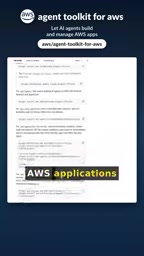
This scenario-based plugin design avoids the bloat of "one big all-encompassing toolkit," letting developers install only the parts they need.
Amazon Bedrock Agents is a feature on the Bedrock platform for orchestrating AI agents: developers define agent goals with natural language instructions, attach knowledge bases (typically based on vector retrieval) and Action Groups (mapped to Lambda functions or APIs), and the model autonomously decides which action to invoke and in what order. It sits at a different layer from the Agent Toolkit in this article—the former is a business agent running in the AWS cloud, while the latter is a coding agent running in the developer's IDE for operating AWS resources. The two are easy to confuse, but one is the object being built, and the other is the tool used when building.
Glue is a serverless data integration service responsible for crawling data sources, maintaining the Data Catalog, and running ETL jobs; Athena is an interactive query engine that runs standard SQL directly against data on S3 based on that catalog, billed by the amount of data scanned. The two are usually used together: Glue handles structured registration of data, while Athena handles ad-hoc analysis. Once these two plugins are handed to a coding agent, the agent can discover table structures, write, and execute queries on its own—but query costs and data permissions still require human constraints.
Startup Advisor: Architecture, Cost, and Security Advice in a Single Session
One plugin in the toolkit deserves special mention—Startup Advisor. Aimed at AWS developers using AI coding agents, its role is to simultaneously provide guidance on architecture design, cost optimization, and security in a single session.
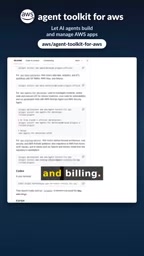
For startup teams, this solves a real pain point: assessments of architecture, cost, and security usually require participation from different roles, with information scattered across them. Consolidating these three types of advice into a single AI agent interaction can significantly shorten the decision path. Of course, the quality of such advice ultimately still depends on the agent's understanding of the business context, and developers need to retain their own judgment.
A Reminder Before Installing: The Marketplace Index May Be Outdated
The official documentation gives a clear technical warning: if the local marketplace index is outdated, installation of the Cloud Code plugin may fail. This is the pitfall most easily hit in practice. If you encounter installation issues, first check and update the local index, then retry the installation.
As for how to get it, you can search for "Agent Toolkit for AWS" on GitHub to find the project.
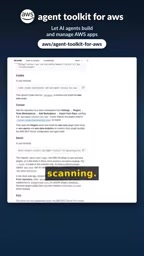
The marketplace index here refers to the plugin manifest cache maintained locally by the IDE plugin marketplace, containing metadata such as plugin names, version numbers, publishers, and download addresses. IDEs typically refresh this cache periodically or at startup to reduce network requests on each lookup. When the cache is stale, the index may still point to old version packages that have been replaced or to invalid download links, causing the installation process to fail directly at the dependency resolution or download stage—and the error messages often don't point to the real cause.
The troubleshooting approach is: first manually trigger a refresh or re-pull of the index in the plugin marketplace UI, confirm the target plugin is visible and the version number matches expectations, then proceed with installation; if it still fails, clear the local plugin cache directory and restart the IDE. The universality of this issue lies in the fact that it is not specific to the AWS toolkit but a common problem of plugin distribution mechanisms, so "update the index first, then retry" should be the standard first step for such installation anomalies.
What This Means
The emergence of Agent Toolkit for AWS marks that cloud vendors are beginning to formally treat "AI agents" as first-class citizens. In the past, AI coding agents' operations on AWS relied more on unofficial CLI wrappers or manual fallbacks; now, with an official plugin layer, the operational boundaries and reliability of agents have a clear foundation.
The direct impact on developers is a restructuring of workflows: AI agents handle the execution-layer AWS operations, while developers focus more on architectural decisions and result acceptance. However, we should also see clearly that the current information disclosure about the plugins is concentrated at the capability-list level, and the maturity, permission model, and error-handling mechanism of each plugin still need to be verified in actual projects. It is recommended to try it in non-critical environments first and introduce it into production workflows only after confirming stability.
One-line Summary
AWS launches the official Agent Toolkit, letting AI coding agents directly build and manage AWS applications.
Paragraph Summary
AWS has launched the officially supported Agent Toolkit for AWS, which, in the form of installable Cloud Code plugins, provides AI coding agents with a toolbox for operating AWS resources. It covers core scenarios such as CDK, CloudFormation, Serverless, containers, observability, and billing management, and includes specialized plugins for DevSecOps such as Bedrock Agents, Glue/Athena data analytics, and vulnerability scanning. Among them, Startup Advisor can provide architecture, cost, and security advice simultaneously in a single session. The article points out that the toolkit's core value lies in reducing context switching for developers between the IDE, console, and terminal, enabling agents to complete the loop from code generation to resource deployment. It also warns that an outdated local marketplace index will cause installation failures, and that the maturity, permission model, and error handling of each plugin still need to be verified in actual projects, with a recommendation to try them in non-critical environments first.
Related articles

64GB Laptop Running LLMs: Only 46.7GB Actually Usable
ASUS ProArt 16 test: only 46.7GB of a nominal 64GB is usable for models; the 128GB model is officially capped at 120B parameters. We break down the 9,000 yuan gap.
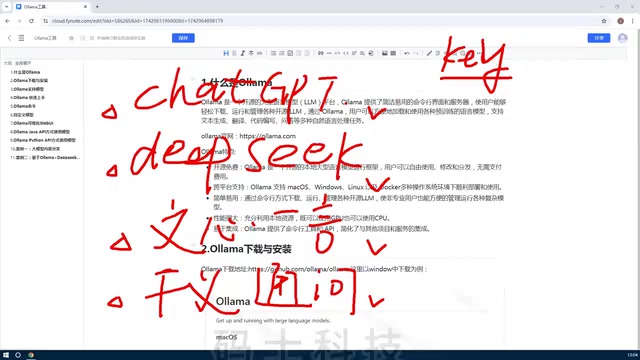
Ollama Beginner's Tutorial: A Getting Started Guide to Local LLM Deployment
Ollama beginner's tutorial: Learn what Ollama is, its core features, and the value of local LLM deployment. Covers open-source and free, cross-platform, CPU/GPU scheduling, API integration, and more to help you quickly get started with local LLM management.
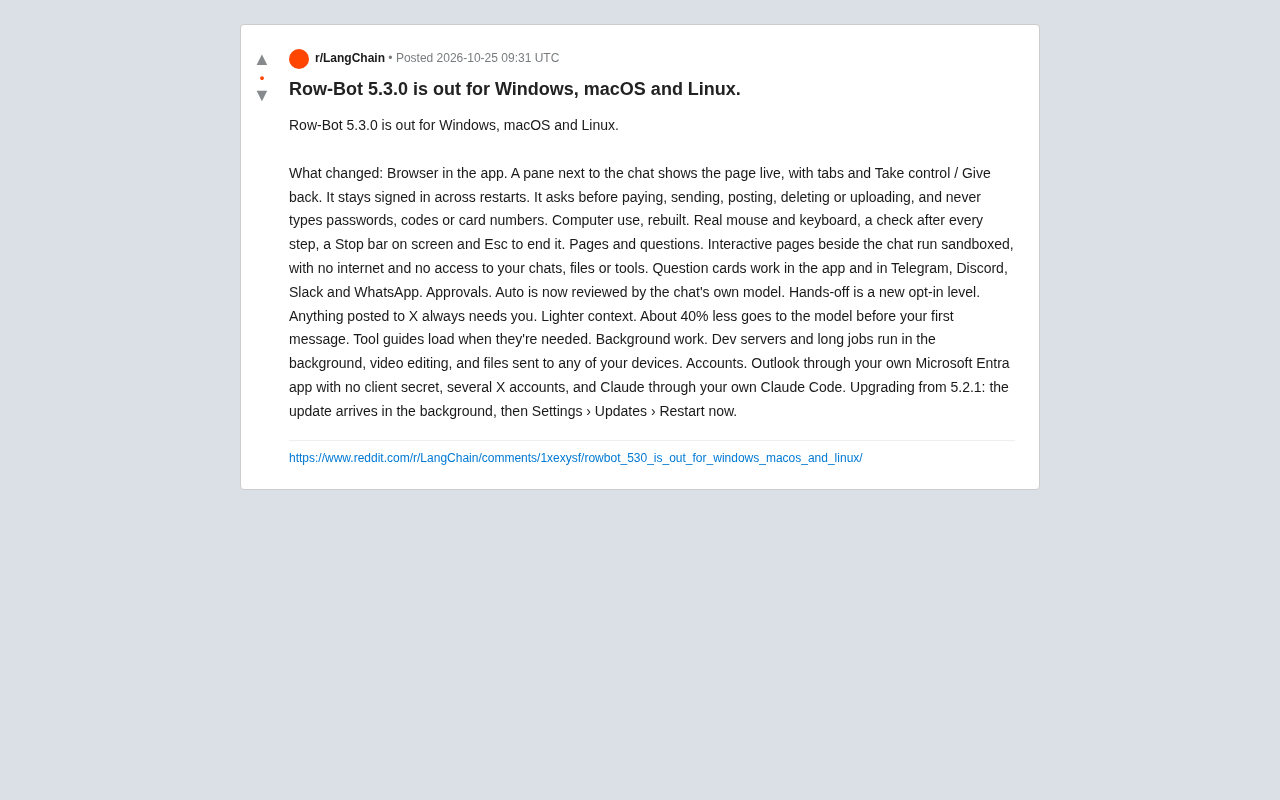
Row-Bot 5.3.0 Released: Built-in Browser and Security Approval Redefine AI Agents
Row-Bot 5.3.0 arrives on Windows, macOS, and Linux with an in-app browser, real-input computer control, tiered approvals, sandboxed pages, ~40% less context, and background tasks.