A Stable AI Coding Workflow: A Practical Guide That Works Across 4 Major Editors

An editor-agnostic AI coding workflow to make AI coding stable and controllable.
A practical, reusable AI coding workflow that works across VS Code, Cursor, Windsurf, and JetBrains. Learn to keep your workspace clean, have the AI understand before acting, make small changes, review actual diffs instead of summaries, and analyze root causes of test failures.
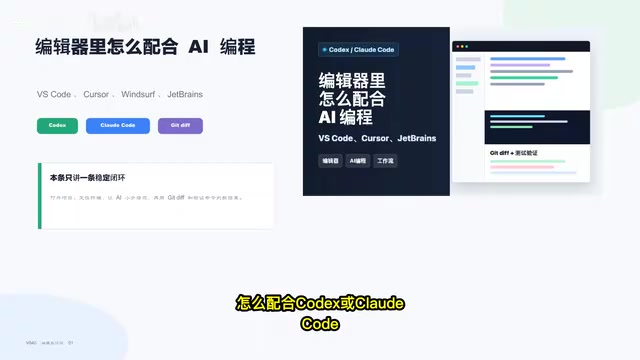
In an era of exploding AI coding tools, VS Code, Cursor, Windsurf, and JetBrains are all integrating AI capabilities like Codex and Claude Code. But for developers, agonizing over "which editor is more powerful" is largely pointless—what truly determines the stability of AI coding is a reusable workflow.
Based on the hands-on insights shared by a Bilibili creator, this article outlines an AI coding process that doesn't depend on any specific editor. Its core philosophy is simple: the editor is just a workbench; what's truly stable is the process itself.
Why Workflow Matters More Than Editor Choice
Many people run into trouble with AI coding, and the problem usually isn't the tool—it's the process. For example, launching the AI in the wrong directory, having a workspace with uncommitted changes, only listening to the AI's summary without reviewing the actual diff, ignoring the reasons behind failed tests... These problems will crop up in any editor.
In other words, the stability of AI coding doesn't depend on whether you use Cursor or JetBrains, but on whether you follow a rigorous set of operating practices. Different editors have their buttons in different places, but the underlying logic is exactly the same: open the project → confirm the workspace → have the AI make small changes → review the diff → run verification → roll back when necessary.
Before You Start: Put the AI at the Right Starting Point
Step 1: Open the Right Project
This step seems simple but is often overlooked: make sure the editor can fully see the directory tree, code, terminal, and Git panel. These four elements form the foundation of the AI coding environment. If the AI can't even read the project structure completely, all subsequent judgments will be built on flawed information.
Step 2: Check the Workspace Status Before Making Changes
This is the step most likely to be skipped and also the most critical. If the workspace already contains uncommitted changes before the AI starts modifying, then once the AI finishes, the two sets of diffs will be mixed together, and you'll have no way to tell which changes came from this AI session and which were left over from before.
Therefore, keeping the workspace clean is a prerequisite for AI coding. Before letting the AI get to work, commit or stash existing changes so the workspace is at a clear baseline state.
Step 3: Confirm the Terminal's Working Directory
Don't just casually open a terminal on your desktop and have the AI read the code of another project. The terminal's working directory must match the target project, otherwise the context the AI reads will be completely wrong. This problem is especially common when developing multiple projects in parallel.
Putting the AI to Work: Understand First, Then Make Small Changes
First Interaction: Read Only, Don't Modify
A counterintuitive but extremely effective practice is this: in the first interaction, don't let the AI modify any code—instead, have it first understand the project. Specifically, ask the AI to describe the project structure, the entry file, relevant test commands, and which files this task might affect.

The value of this step lies in verifying whether the AI truly understands your project. If it can't even clearly identify the entry file and the scope of impact, then letting it modify code directly is almost certain to go wrong. Confirm that it "read correctly" first, then let it "get to work."
Control Task Granularity: The Smaller, the Better
After confirming the AI understands the project, assign it a specific, small task. The smaller the task granularity, the smaller and easier-to-review the resulting diff, and the easier it is for accompanying tests to pinpoint problems. Compared to having the AI complete a large feature all at once, breaking it into multiple small steps significantly reduces the risk of losing control and makes it easier to quickly locate and roll back when problems arise.
Verification: Trust the Diff, Not the Verbal Summary
Review the Git Diff First, Then Listen to the AI's Summary
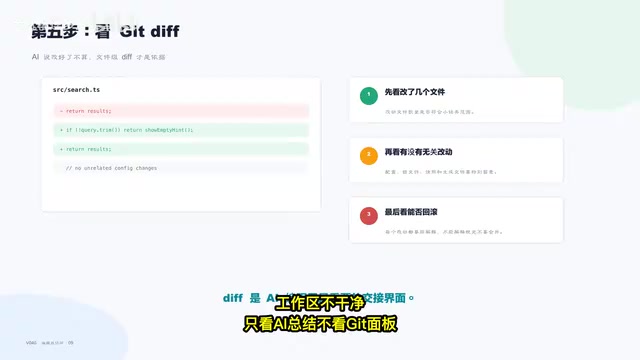
After the AI says "it's fixed," many people directly trust its textual description. This is a high-risk habit. The correct approach is to immediately open the Git panel and see what it actually changed. The AI's summary may deviate from the actual changes—it may not even realize it modified additional files. Judge everything by the diff; treat the textual summary only as a reference.
Run Verification Commands, but Passing ≠ Done
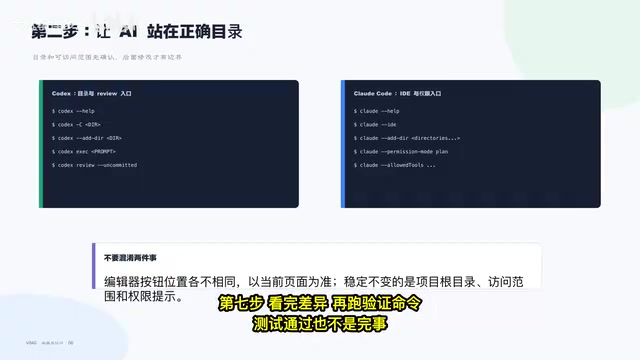
After reviewing the diff, run verification commands (tests, builds, etc.). But note that passing tests does not mean everything is fine—you also need to check the coverage of the tests and whether the logic of the changes themselves is sound. Some changes may pass existing tests by luck, but still have problems in edge cases.
Test Failures: You Must Analyze the Root Cause
Conversely, if a test fails, you must never ignore it or simply tell the AI to "try fixing it again." You need to analyze the specific cause of the failure: did the AI's change introduce a bug, or does the test itself need to be updated accordingly? Blindly having the AI retry repeatedly often makes things messier and messier, eventually leading to an unmanageable situation.
The Complete AI Coding Workflow: An 8-Step Checklist
Stringing together the steps above gives you a standard AI coding process that can be reused in any editor:
- Open the right project, making sure you can see the directory, code, terminal, and Git panel
- Confirm the workspace is clean, committing or stashing existing changes to avoid diff confusion
- Put the AI in the right directory so it reads the correct project context
- Understand first, then act—have the AI explain the structure and the scope of impact of this change
- Make small changes, controlling the granularity of each diff
- Review the diff, not the summary, using the actual changes as the final basis
- Run verification and check the coverage, confirming the effectiveness of the tests
- Always analyze the root cause of test failures, and roll back decisively when necessary
At the same time, there are four common mistakes worth guarding against repeatedly: launching the AI in the wrong directory, letting the AI work on an unclean workspace, only looking at the AI's summary instead of the Git panel, and not investigating the reasons behind test failures.
Conclusion: Get the Process Right First, Then Talk About Tools
As AI coding tools grow more powerful, the developer's role is shifting from "writing code" to "reviewing code and controlling the process." The turnover of tools will continue to accelerate, but a rigorous workflow can serve you for the long term.
No matter which editor you switch to in the future, as long as you stick to the principles of "get the directory right, keep the workspace clean, keep tasks small, review the diff after changes, and run verification at the end," the stability of AI coding will have a fundamental guarantee. Get the process right first, then talk about tool choices—this is the correct order for using AI-assisted development efficiently.
Related articles
Insufficient Source Material: A Tweet With No Substantive Content
A single tweet reading 'Available until the goblins notice.' with two unexpanded links provides no substantive content to write an article from.
Google Jules AI Coding Assistant: A Quick Look at an Open-Source Practice Repo
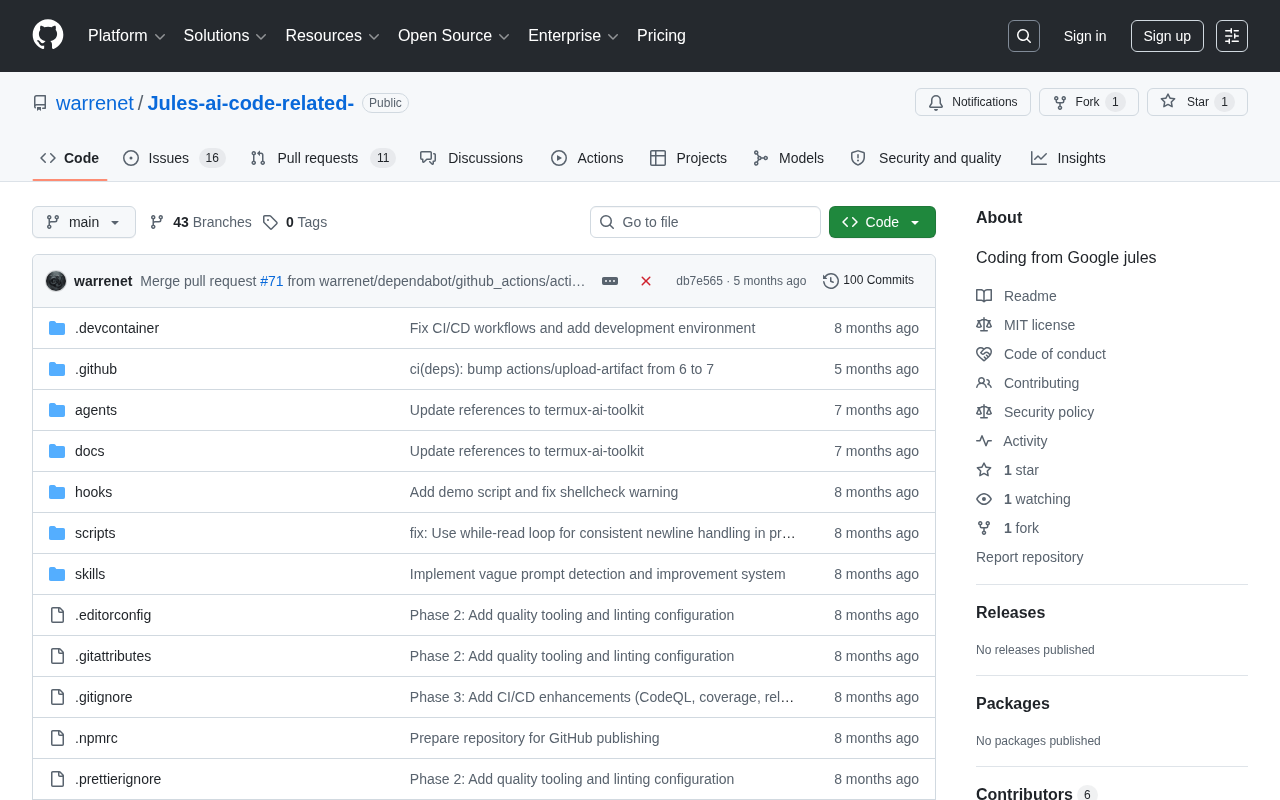
A look at a small GitHub repo centered on Google Jules, an autonomous AI coding agent. Explores what Jules does, the repo's practical value, and how to evaluate early-stage AI tool projects.
GitHub Project Overview: prateek0221/jules — Critically Lacking Information
The GitHub repo prateek0221/jules has only 1 star, no code, and no README. We review available info and provide background on Google's Jules AI coding agent.